Home / Restaurant Menu Templates
Templates

Restaurant Menu Templates for Digital and Print Menus

Create Once. Use Everywhere. Digital + Print-Ready.

Explore restaurant menu designs for different cuisines and dining styles. Customize a template with your dishes, prices, descriptions and branding instead of starting from a blank page, then share it as a QR menu or export a print-ready PDF.

No sign-up needed to try it: the menu maker opens a sample menu you can edit right away.

The gallery

Restaurant Menu Template Examples

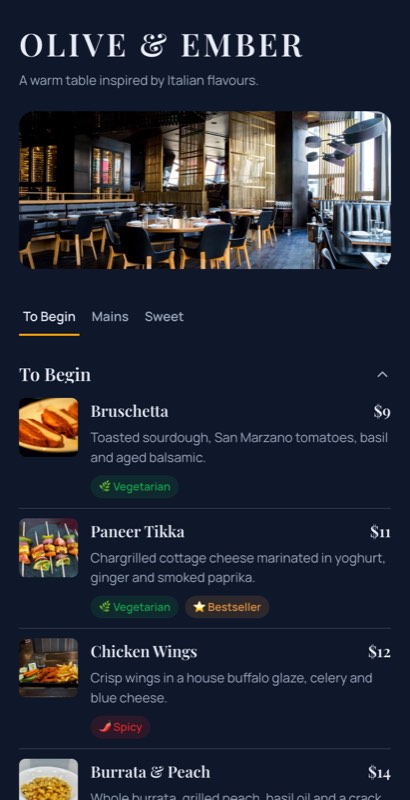
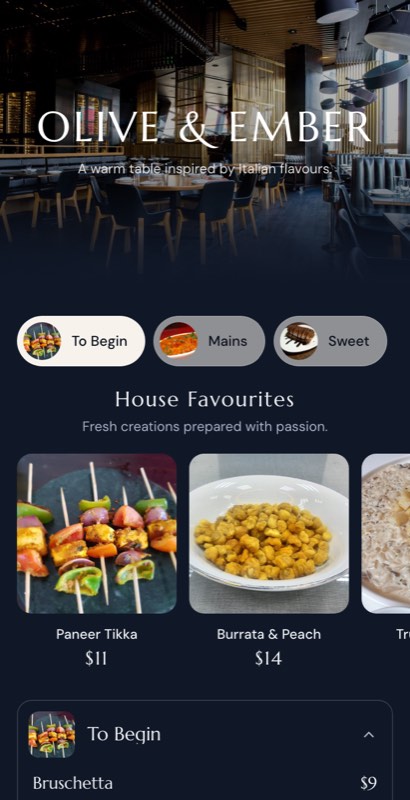
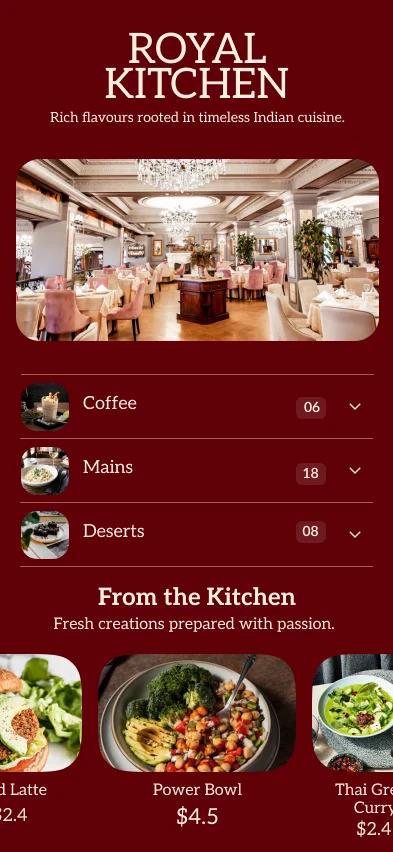
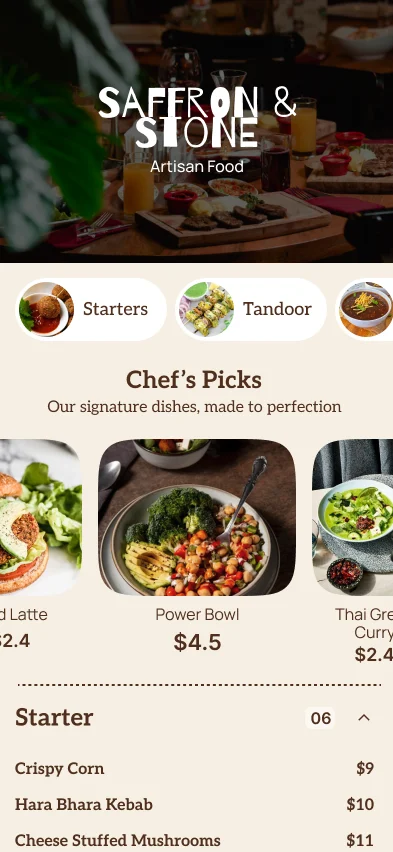
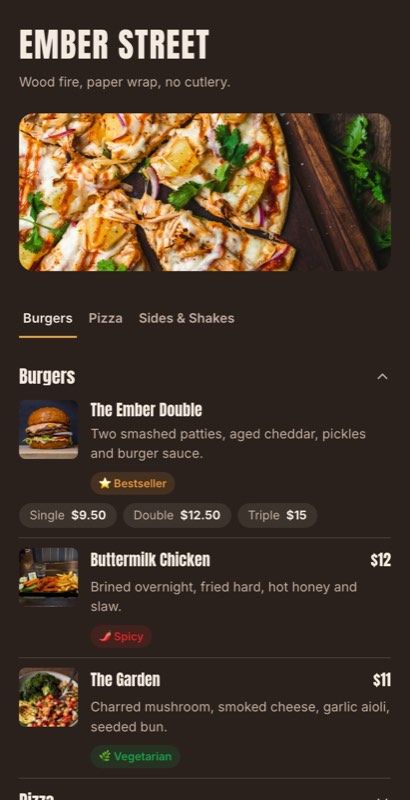
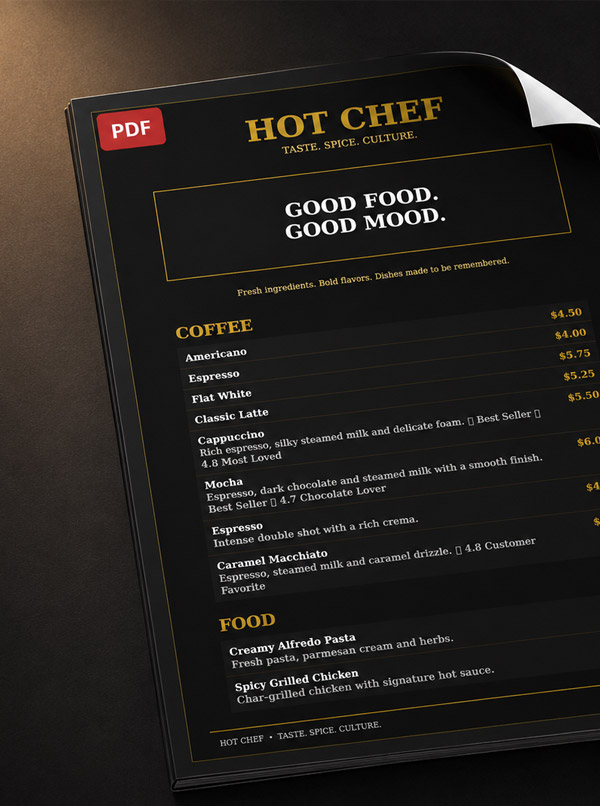
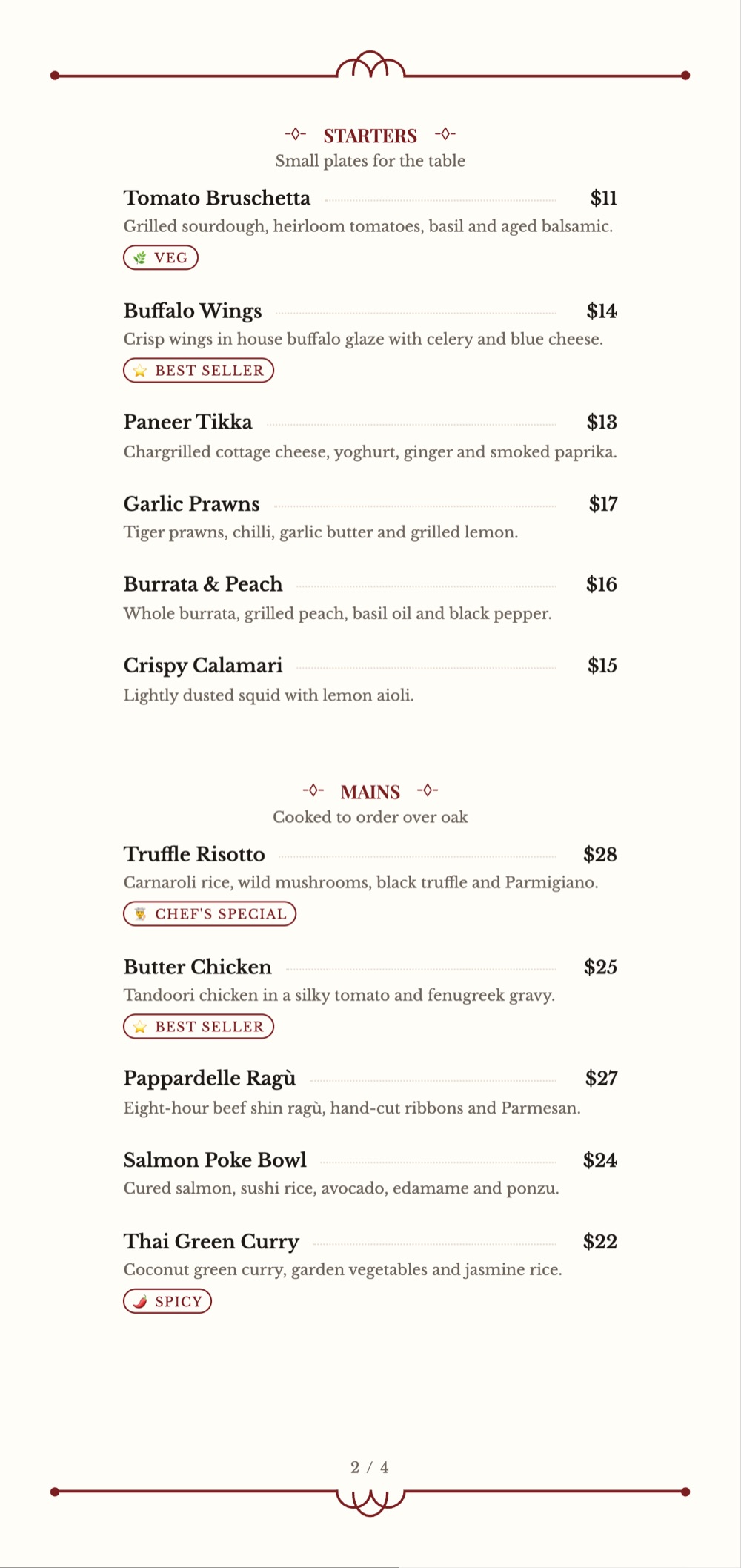
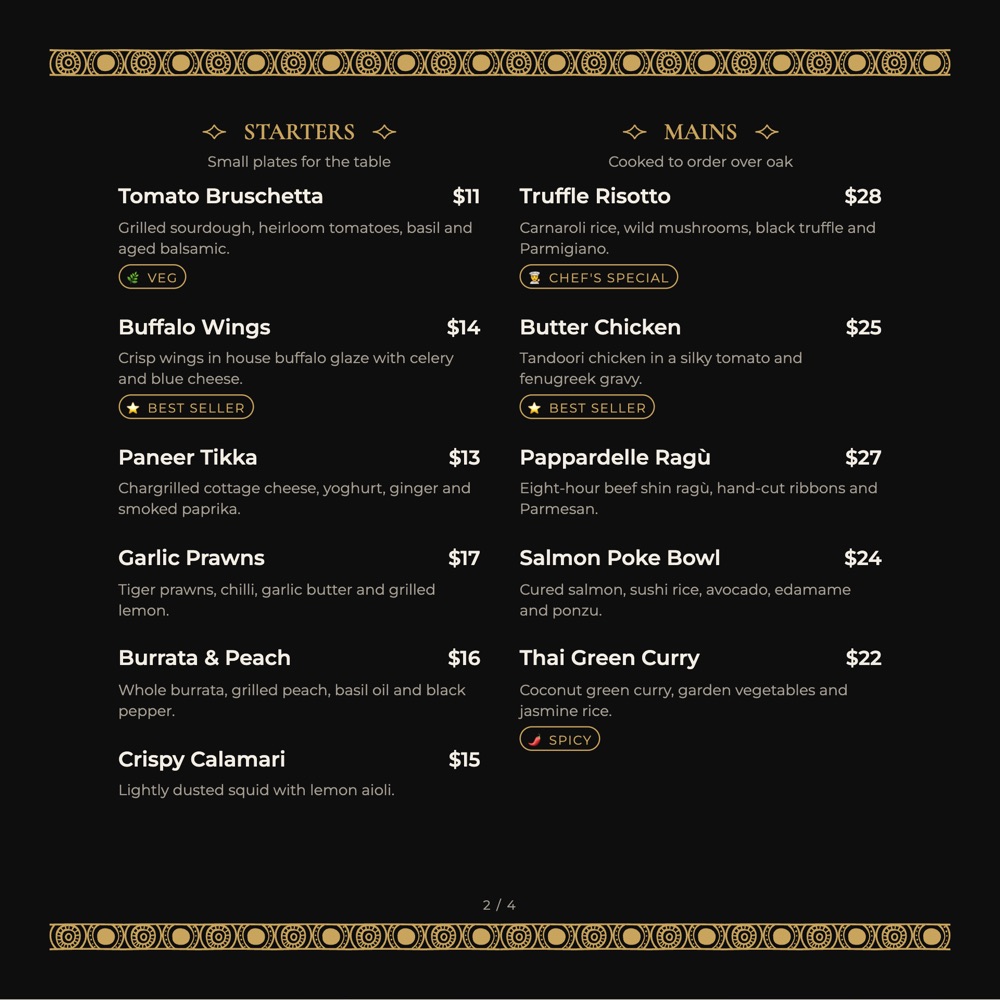
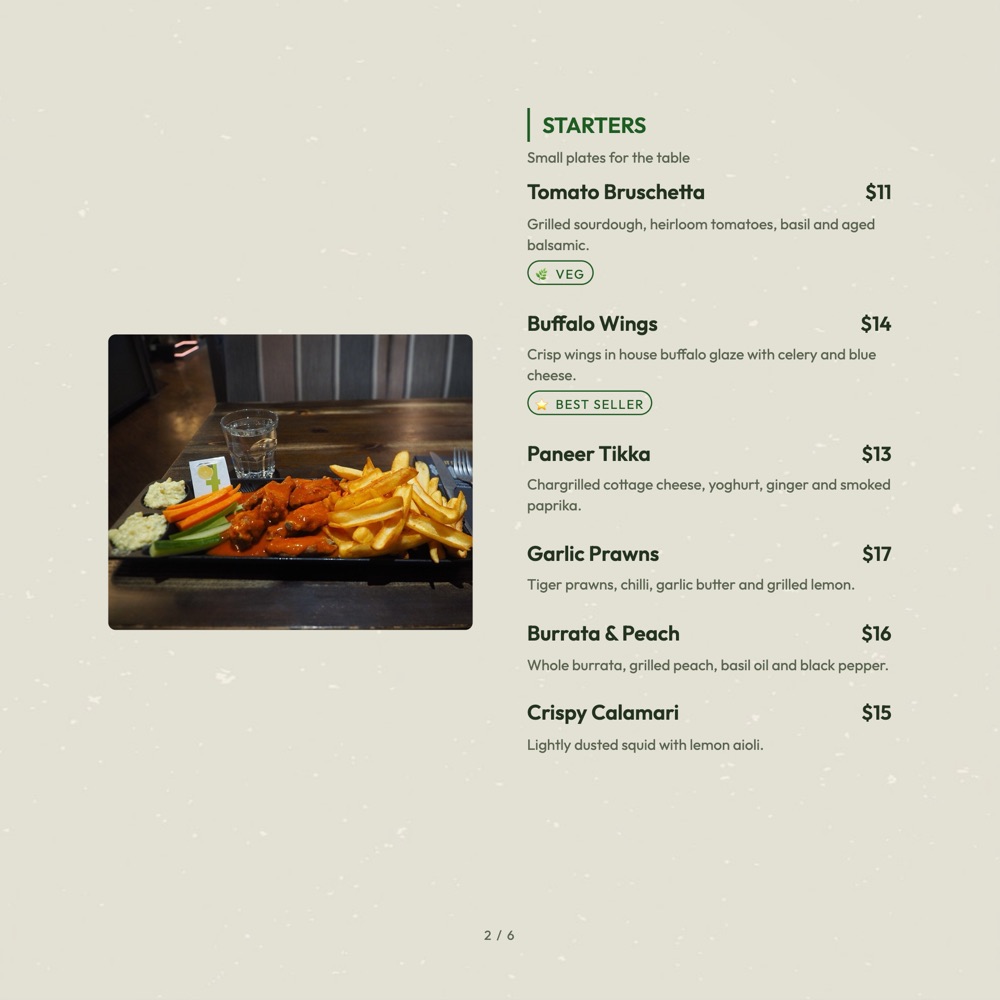
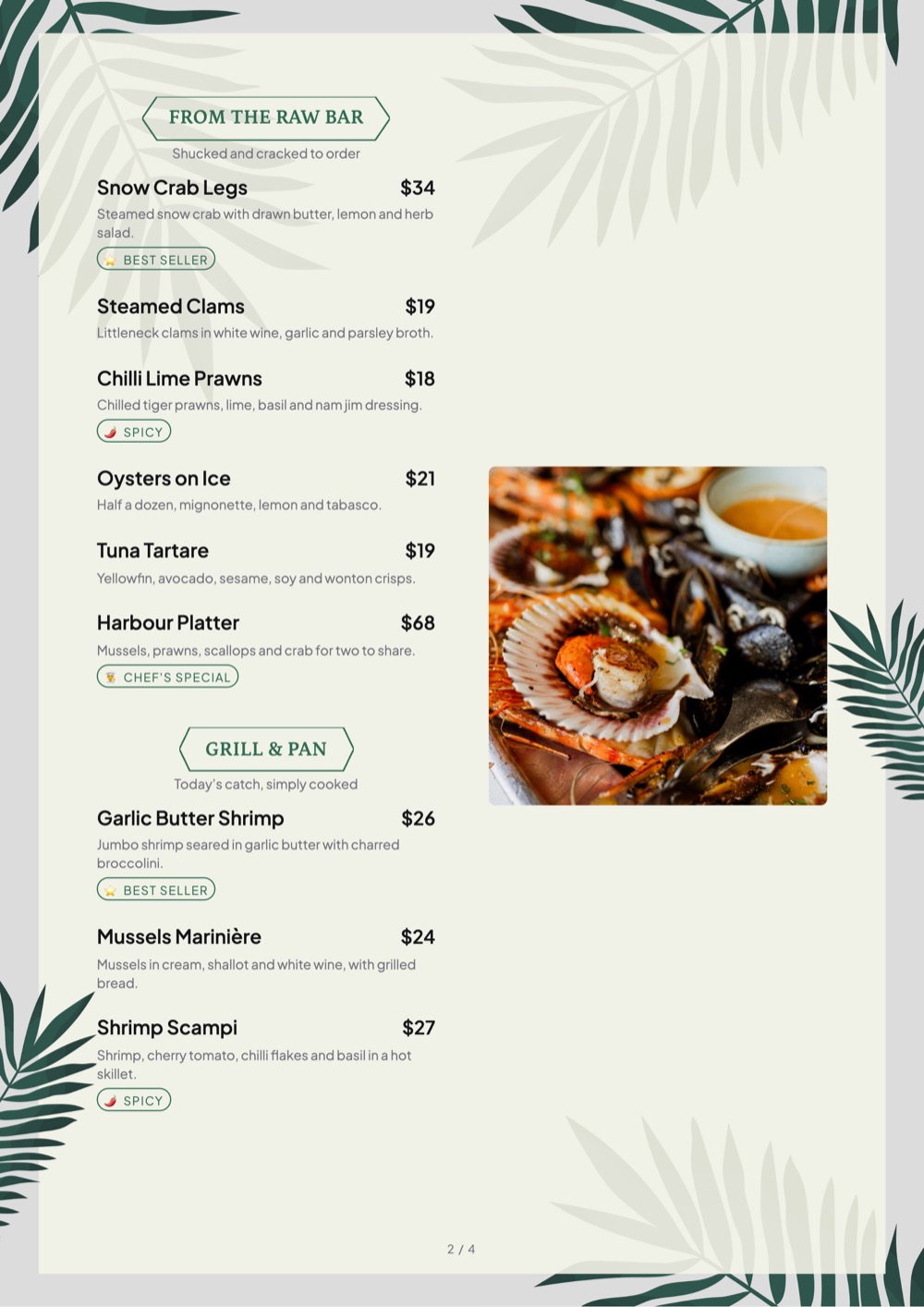
Sixteen digital restaurant menu templates, grouped by the kind of restaurant they suit, plus print-ready designs below. Each one is a real layout from the MenuFly menu maker that you fill with your own dishes, prices, photos and colours.

How it works: digital designs open the menu maker with a sample menu, and print templates open its Print view directly, no sign-up needed. Switch designs under Design › Templates (digital) or Print › Design › Template; both use the same menu content.

Fine dining & modern restaurants

More fine dining menu templates
Casual, family & fast-casual restaurants

More fast food menu templates
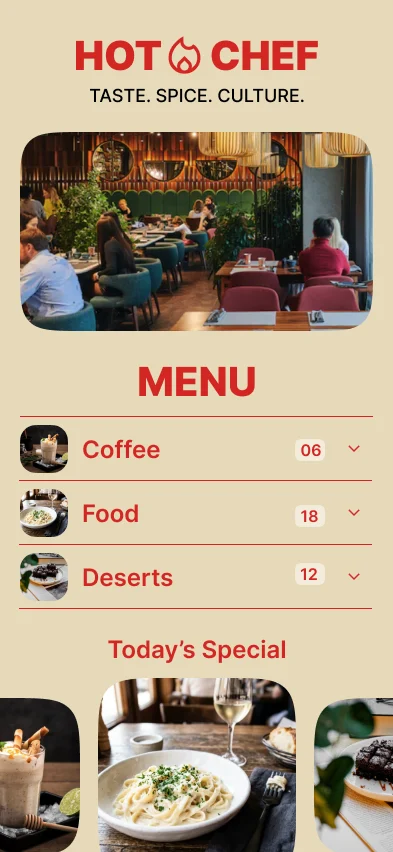
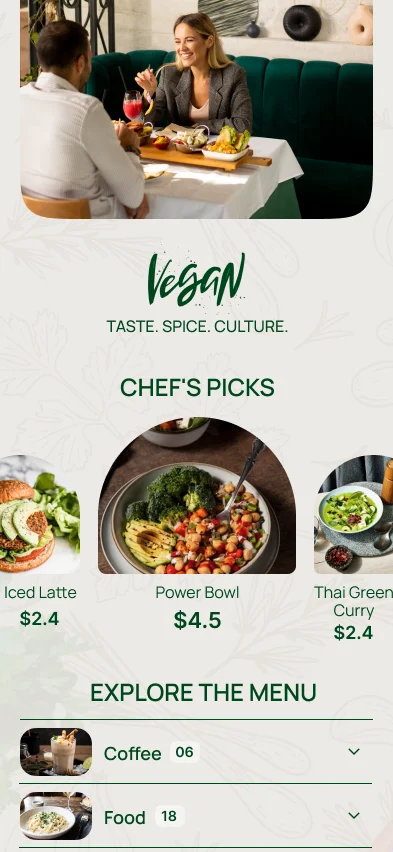
Cafes, brunch & plant-based menus

More cafe menu templates
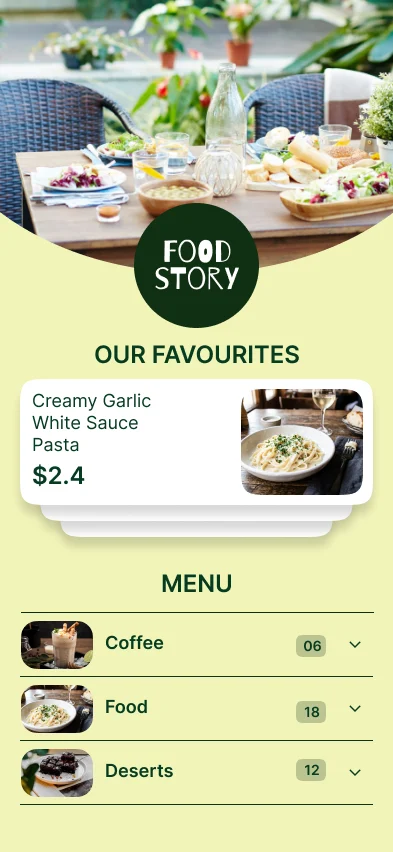
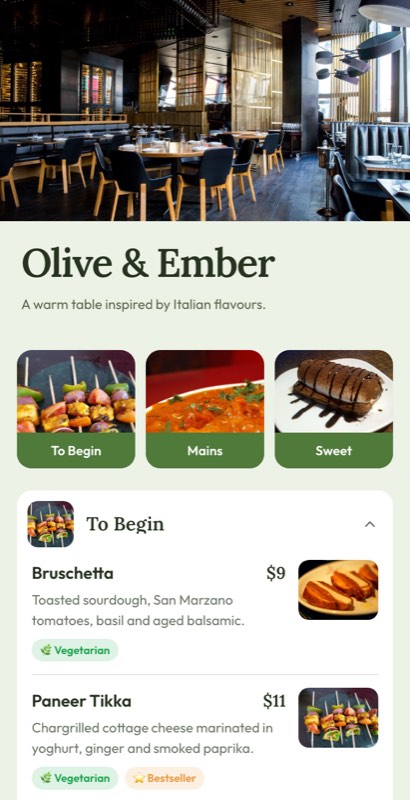
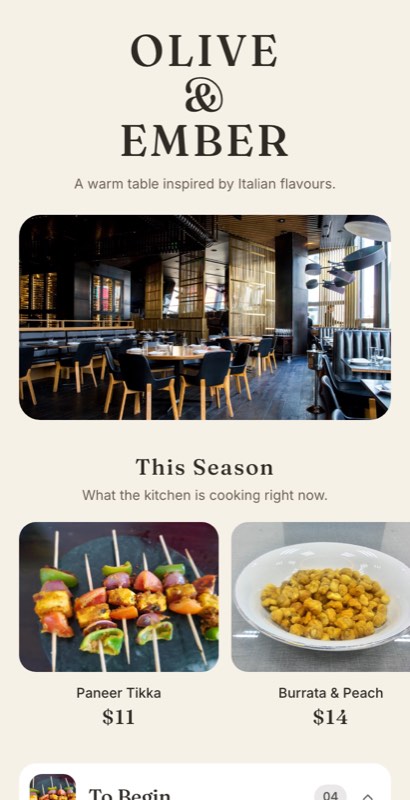
Italian, seafood & seasonal menus

More pizza menu templates
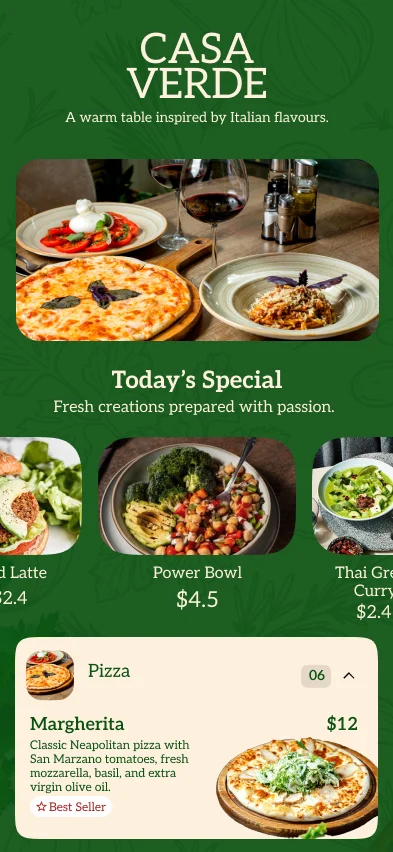
Digital + print

One Menu for Digital and Print

Create your restaurant menu once and use it everywhere. Your dishes, prices and categories live in one menu; a digital template turns it into a QR menu and a print template turns it into a PDF.

✎ One menu — edit dishes, prices, descriptions and categories in one place. Both formats below are built from it.

One Menu. Every Format. Always in Sync.

Menu management

Update Once. Change Everywhere.

Restaurants regularly change prices, add new dishes, remove sold-out items and introduce seasonal specials. Maintaining separate digital and printed menus can mean making the same change multiple times.

MenuFly is designed around one central menu, so you can manage your menu content in one place and use it across digital and print formats.

➕

Add a New Dish

Truffle Pasta — ₹499

Add it once. It appears on your digital menu straight away and in the next print-ready version you export.

₹

Change a Price

₹299 → ₹349

Update the price once. Guests see it on the digital menu immediately, and the print-ready PDF picks it up when you regenerate it.

🗂

Add a New Category

Weekend Specials

Create the category once and use it across your menu formats, without rebuilding the layout.

By restaurant style

Menu Card Design for Different Restaurants

Good menu card design depends on how your guests order. Here is what we change for each kind of restaurant, and which templates from the gallery to start with.

Casual dining

Guests decide quickly. Use clear section headers, one photo per section at most and prices set in the same size as dish names.

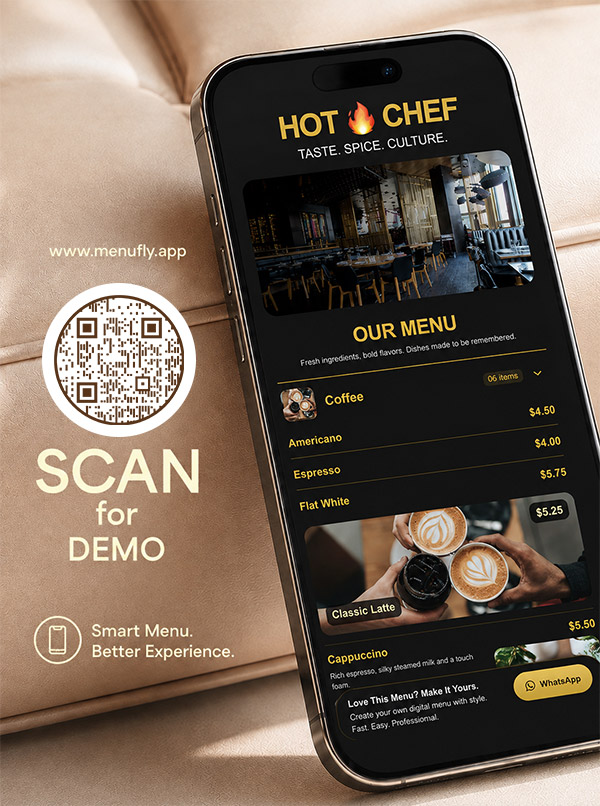
Try: Hot Chef, Saffron & Stone

Fine dining

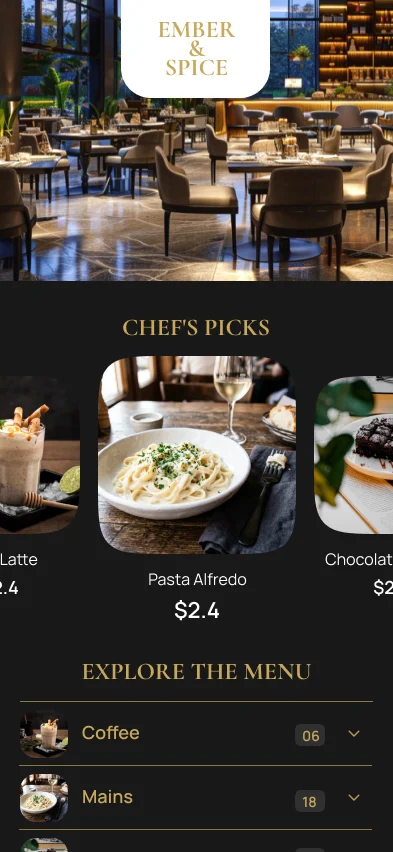
Fewer dishes per page, generous spacing, one or two typefaces and descriptions that name the technique. Skip busy photo grids.

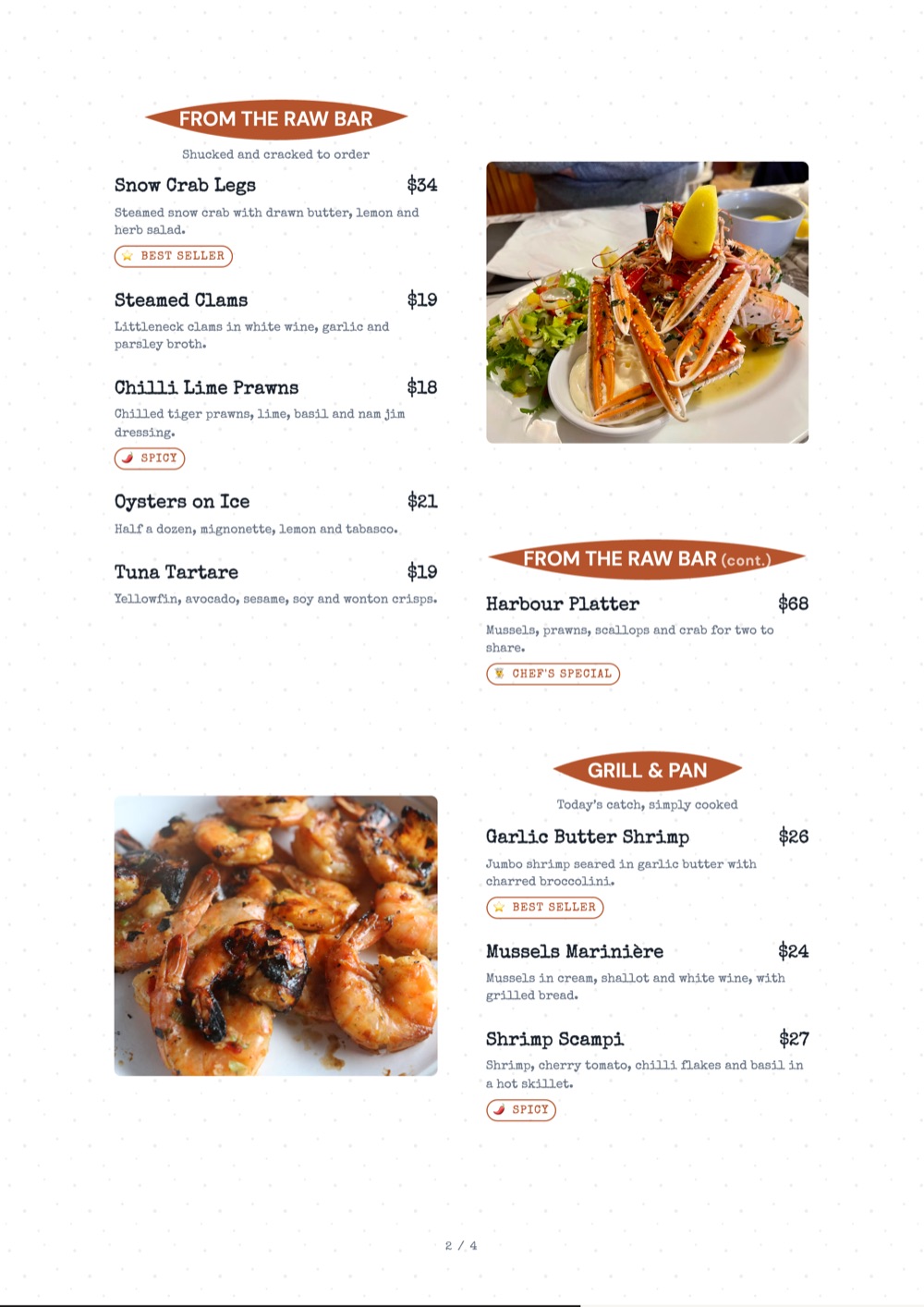
Try: Ember & Spice, Slate Supper, Signature (print)

Cafes and coffee shops

Give drinks and food equal weight, state cup sizes once in the section header and keep bakes and specials near the top.

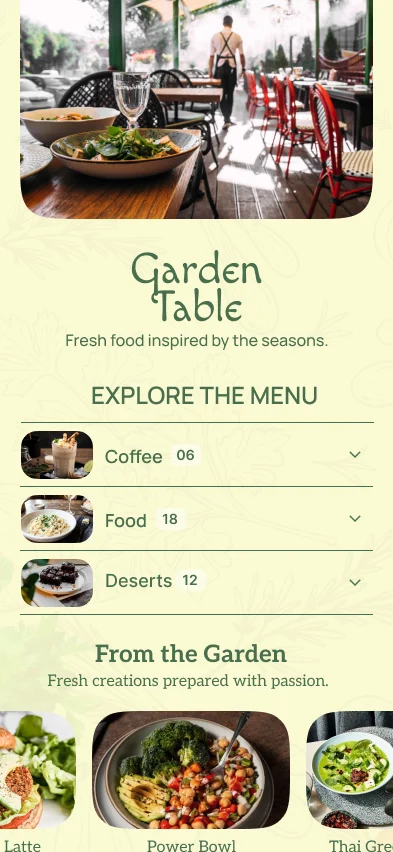
Try: Food Story, Garden Table

Fast food and takeaway

Here guests do order by picture. Lead with combos and meal deals, use large prices and keep add-ons on one line.

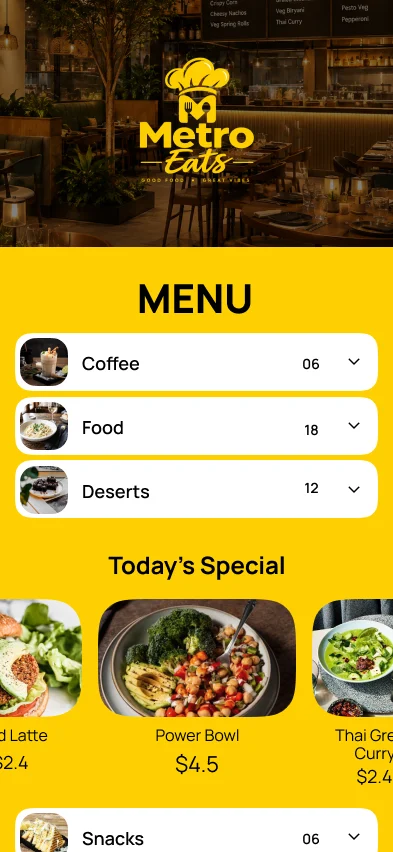
Try: Metro Eats, Smoke & Grill

Indian restaurants

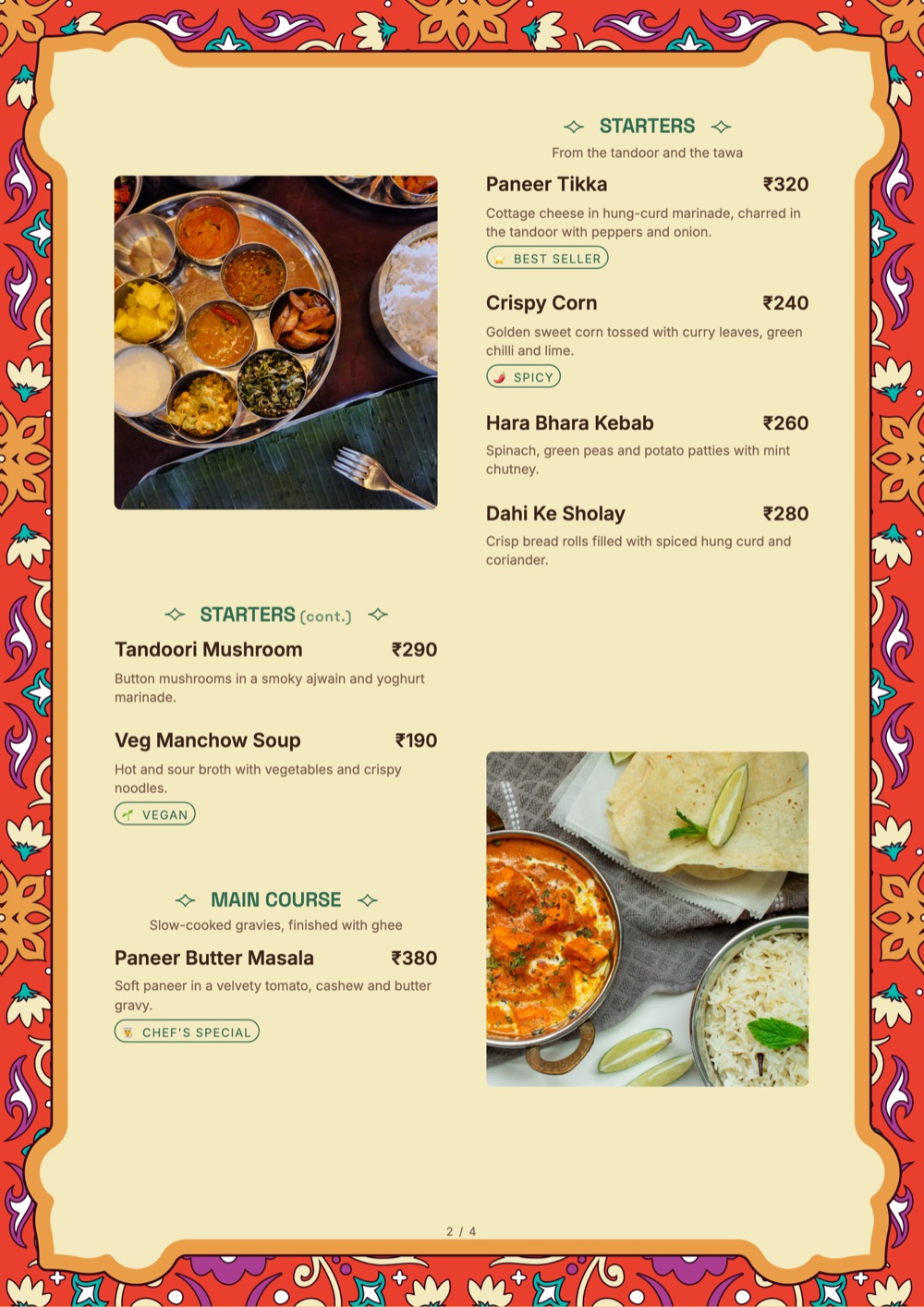
Long menus need structure: follow the order guests eat in, mark veg and non-veg on every dish and show half and full prices side by side.

Try: Royal Kitchen, Folk Blossom (print)

Bars and lounges

Group drinks by spirit or style, show pour sizes as columns and keep bar snacks short. Dark designs read well in low light.

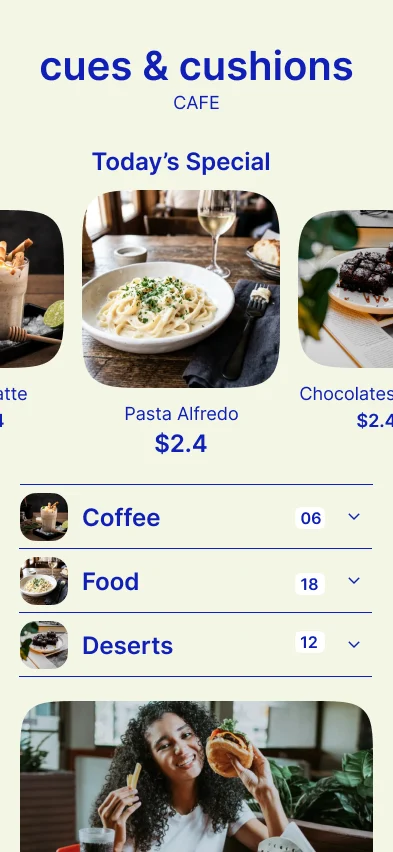
Try: Cues & Cushions, Luxury Black (print)

Italian and pizza

Name sizes and crusts once, list toppings as add-ons and keep pasta, antipasti and pizza as separate sections.

Try: Casa Verde

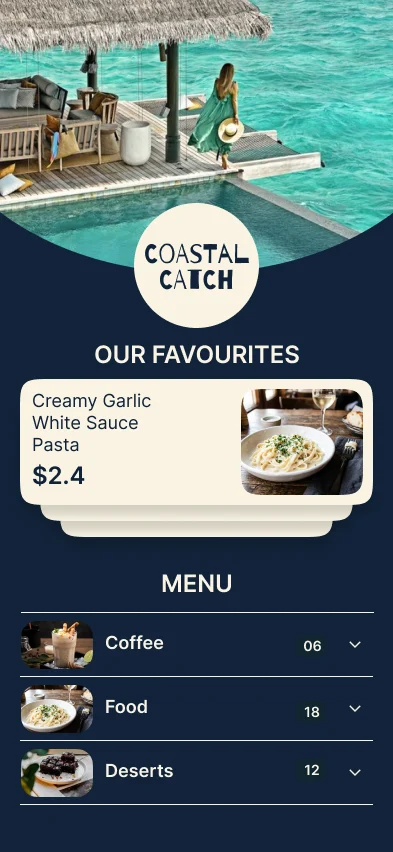
Seafood and Mediterranean

Let one strong photo set the mood, keep market-price items clearly marked and group by preparation: raw, grilled, mains.

Try: Coastal Catch, Olive Grove, Palm Frame (print)

Running a hotel? See hotel menu card templates and our hotel menu card guide. Also see cloud kitchen and food truck menu templates.

What you can change

Editable Restaurant Menu Templates

A restaurant menu template should be a starting point, not a fixed design. Customize the template with your restaurant name, logo, colors, fonts, dishes, descriptions, prices, photos and menu categories.

🎨

Colours

Set a primary and an accent colour. Every heading, badge and price rule follows them.

🖊

Fonts

Choose from font pairings that already work together. Custom brand fonts are available on Growth and Pro.

🗂

Sections & order

Add, rename and drag sections. Put drinks first if that is how your room orders.

📷

Photo density

Photos on everything, on chef’s picks only, or nowhere — each looks intentional.

📄

Print sizes

Pick A4, A5, A3, US Letter, 8 × 8 in or slim 5.2 × 11 in in the Print view. Export sizes depend on your plan.

🏷

Badges

Chef’s pick, new, bestseller, spicy, vegan — styled to match the template, not bolted on.

You can customize:

Restaurant logoBrand colorsFontsMenu categoriesDish namesDescriptionsPricesFood photosDietary labelsBestseller labelsChef’s specialsAdd-onsSection orderMenu layout
🎁

Free Restaurant Menu Templates

Looking for a free restaurant menu template? Start with a professionally designed MenuFly template instead of creating your menu from scratch.

Choose a design, add your restaurant’s dishes and prices, customize your branding and create your menu online. Start creating your restaurant menu with MenuFly’s free plan — no credit card needed. Starter unlocks 50+ menu and print templates, and Growth and Pro unlock all 100+.

🖨

Printable Restaurant Menu Templates

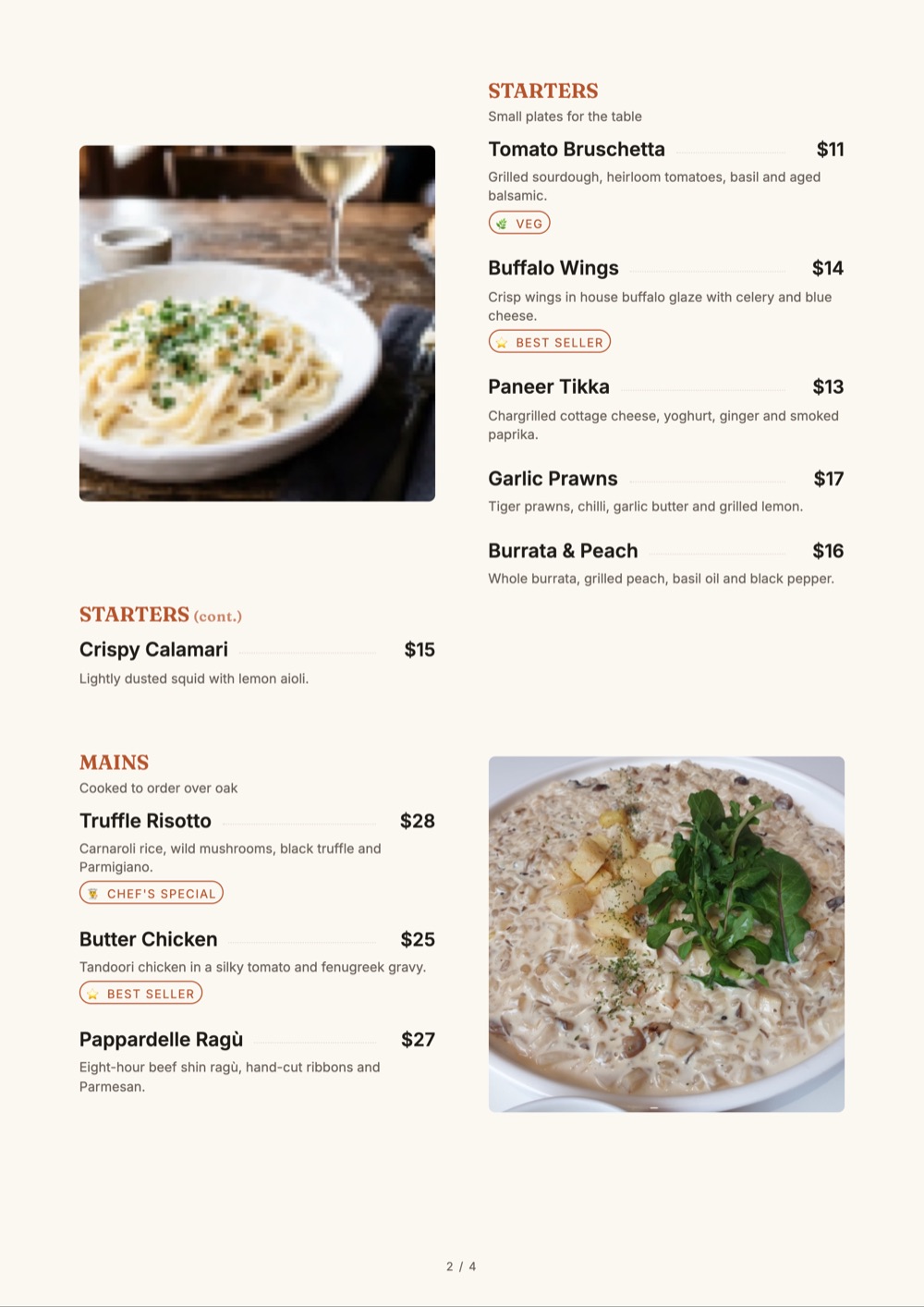
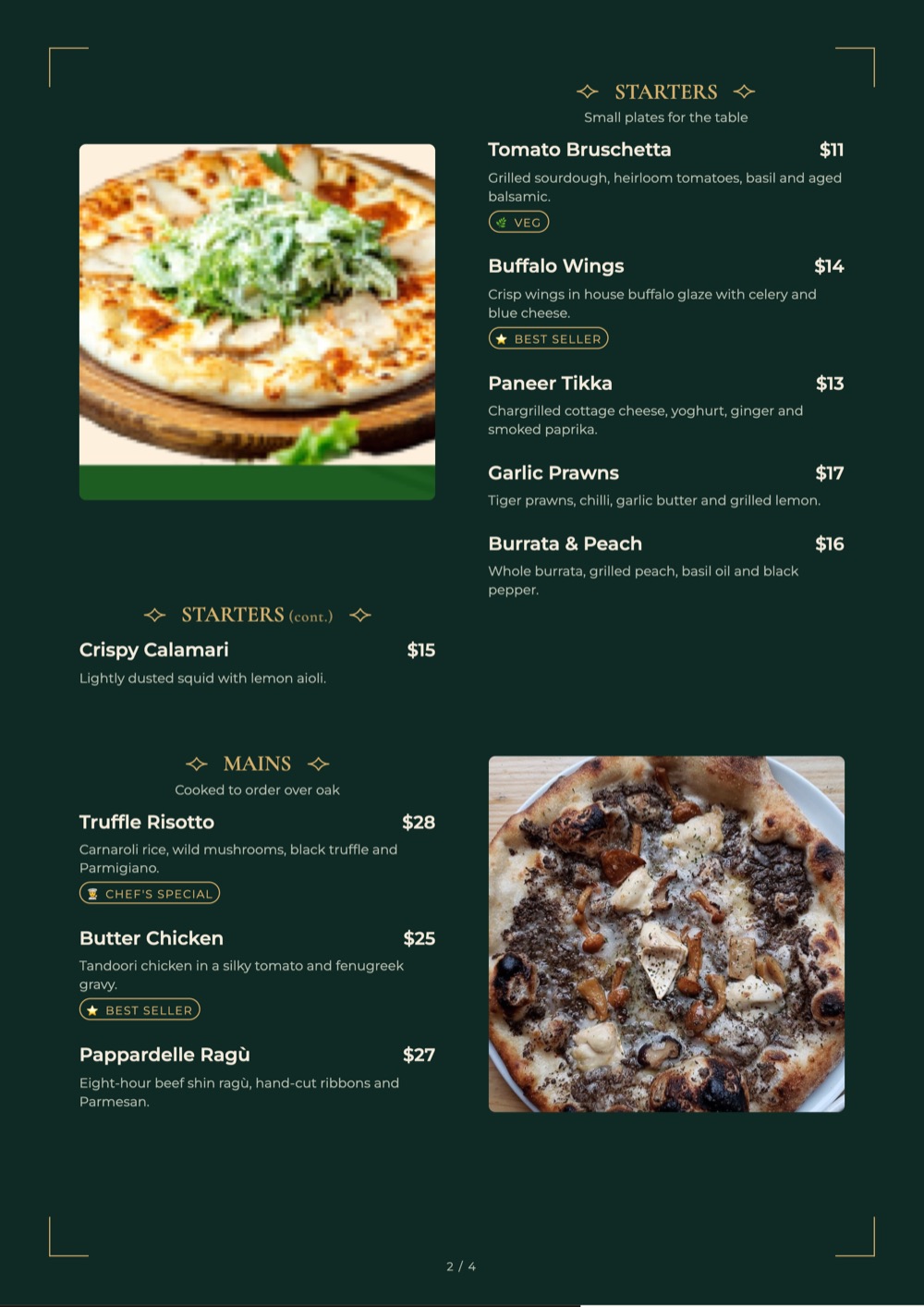
Need physical menus for your restaurant tables? Choose a template that works for print as well as digital, and create a print-ready restaurant menu with your dishes, prices, branding and layout.

A4A5A3US Letter8 × 8 in5.2 × 11 in

Create your menu once and use the same content for your digital menu and print-ready version. See plans for which print formats each includes.

📱

Digital Restaurant Menu Templates

A digital restaurant menu makes it easy for guests to browse your dishes from their phones through a QR code or menu link. Use a template to organize:

CategoriesDishesPricesDescriptionsFood photosDietary labelsSpecialsRecommended dishesAdd-ons

The same menu content can also be used for your print-ready restaurant menu.

Printing

How to Prepare a Printable Restaurant Menu

A printable menu template only looks good on the table if the size, layout and file are right. Work through these before you send anything to your printer. For more detail, read our guide to restaurant menu sizes.

1. Choose a page size

  • A4 (210 × 297 mm): most table menus
  • A5 (148 × 210 mm): short menus, cafes, desserts
  • US Letter (8.5 × 11 in): the North American standard
  • A3 (297 × 420 mm): large menus and wall displays
  • 8 × 8 in: square cards for bars and lounges
  • 5.2 × 11 in: slim menus for standard menu folders

2. Pick a layout

  • Single page: 20–30 dishes on one card, for focused menus
  • Folded or two-page: food on one side, drinks on the other
  • Multi-page or booklet: a page per course for long food and drinks lists; add pages in the Print view
  • Digital only: a phone-first QR menu, with no printing at all

3. Check before you print

  • Use sharp, well-lit food photos; blurry phone shots look worse on paper
  • Keep body text at 10–11 pt or larger and avoid light grey on cream
  • Proofread dish names, descriptions and every price
  • Ask your printer about margins, bleed and finishing such as lamination or binding
  • Export the PDF and print one test copy before the full run

Not sure what it will cost? Use the menu card cost calculator to compare printing prices.

Step by step

How to Customize a Restaurant Menu Template

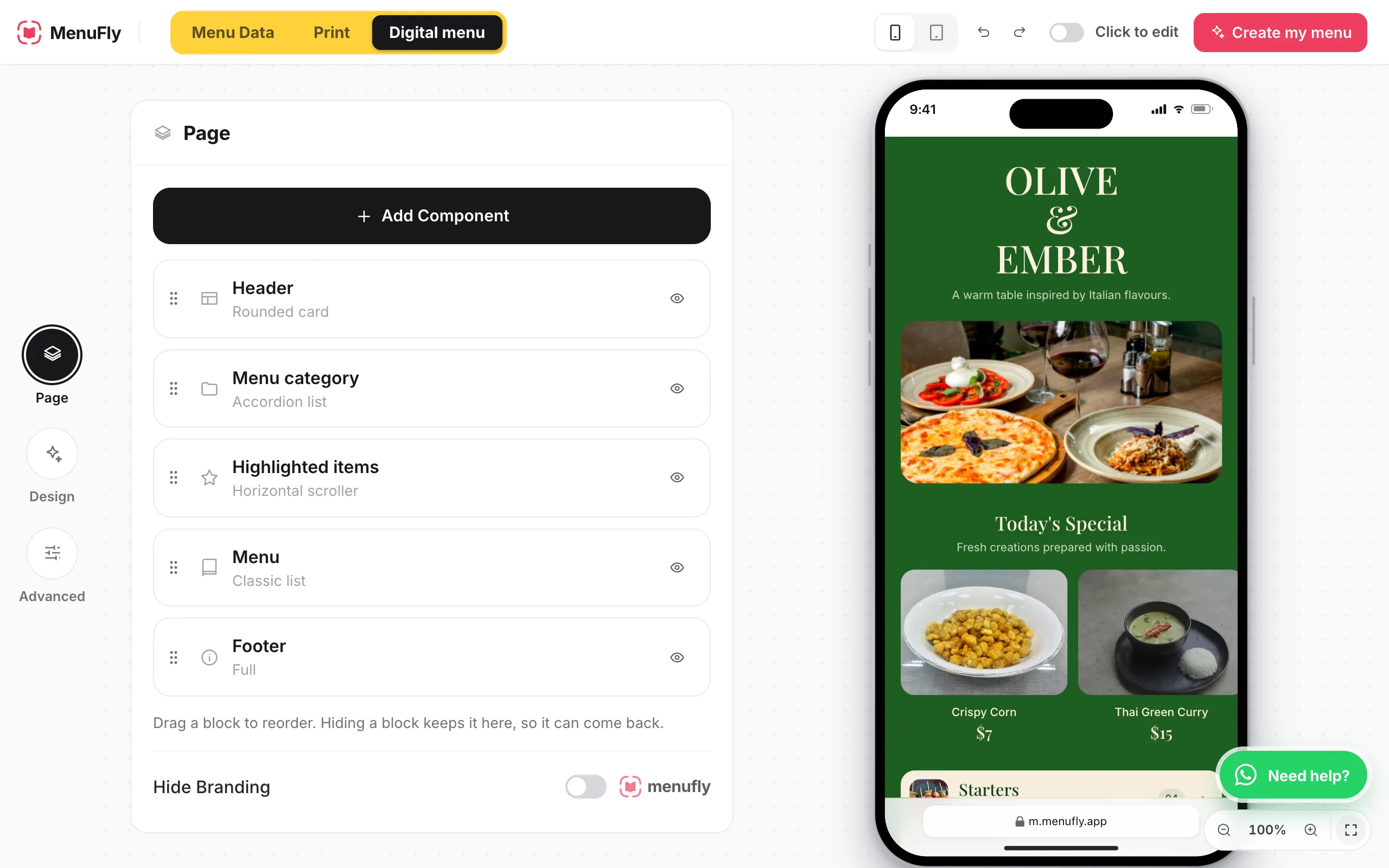
This is the real workflow in the MenuFly menu maker. You can do steps 1 to 6 before you create an account. Want the full picture on digital menus? See how to design a menu online with the digital menu maker.

  1. 1

    Select a template

    Open the menu maker and choose a design under Design › Templates for your digital menu, or Print › Design for a printed menu.

  2. 2

    Add your restaurant branding

    Add your logo, pick a colour theme or set your own colours, and choose a font pairing.

  3. 3

    Add categories and menu items

    In Menu Data, add categories such as starters and mains, then your dishes. Use Paste a list to bring in a menu you already have.

  4. 4

    Enter descriptions and prices

    Write short descriptions, choose your currency, add sizes as columns and tag dishes as veg, spicy or best seller.

  5. 5

    Add or adjust food photos

    Add dish photos and featured items, or switch item images off for a text-led menu.

  6. 6

    Preview the design

    Turn on Click to edit to change anything on the page, and check both the phone preview and the print pages.

  7. 7

    Save, publish or export

    Click Create my menu to save it with a free account (no card required), then publish your QR menu or export a PDF in the sizes your plan includes.

MenuFly menu maker: page blocks for header, menu category, highlighted items, menu and footer, beside a live phone preview of a restaurant menu template
The MenuFly menu maker with a sample restaurant menu template.
Design tips

Restaurant Menu Design Tips

Small layout decisions make a menu easier to read and order from. For the reasoning behind them, see the restaurant menu design guide, browse 25 restaurant menu design ideas, or compare food menu design ideas by style.

Organize Dishes Into Clear Categories

Make starters, mains, drinks, desserts and other sections easy to find.

Keep Descriptions Short

Explain important ingredients or preparation without creating large blocks of text.

Make Prices Easy to Find

Use consistent typography and price alignment throughout the menu.

Use Photos Strategically

Use high-quality images for signature dishes and important items without overcrowding the menu.

Choose the Right Menu Size

Short menus can use more whitespace. Larger menus need stronger category hierarchy and efficient layouts.

Design for Digital and Print

Make sure your menu remains readable on mobile while also working well as a print-ready menu.

Designed, not just arranged

A template that stays good after you edit it

A downloaded template can fall apart the moment your dish names are longer than the placeholder text. Ours are built as layouts, not pictures — the typography holds whether a dish is two words or twelve.

  • ✓Type and spacing hold at any dish-name length
  • ✓One menu fills both your digital template and your print template
  • ✓Swap your brand colours and fonts in one place
  • ✓Turn item photos on or off without rebuilding the layout
  • ✓Start on the free plan; 100+ templates on Growth and Pro
Try Menu Maker Free
Ember & Spice
Template preview · dark & gold
Chef’s picksStartersMainsWine
Chef’s picks
🥩
Coal-Roast Lamb Shank
Slow cooked 6 hrs
₹899
🥓
Butter Garlic Prawns
6 pieces
₹749
Tap to make it yours✓
Starters
🧆
Truffle Mushroom Toast
Veg
₹449
🥦
Beetroot Carpaccio
Vegan
₹399
Choosing well

How to pick a restaurant menu template

Match the template to the room, not to your taste

A dark, gold-serif template looks superb on screen and wrong in a bright breakfast cafe. Stand in your dining room, look at the light and the furniture, and pick the template you would not be embarrassed to hand someone sitting there.

Count your dishes first

A 30-dish menu can afford generous spacing and photos on everything. A 120-dish menu needs a dense, text-led layout with strong section headers, or guests will never reach the bottom. Choosing a photo-heavy template for a long menu is the most common mistake we see.

Check it with your longest dish name

  • Type in your longest dish name and its full description
  • Look at what happens to the price alignment
  • Check the same thing at A5 print size, not just on screen

Leave room for the menu to change

Seasonal specials, a new bar list, a breakfast section — the template you choose today has to absorb next year’s menu too. Templates with clear section headers and no decorative page furniture age best.

Then stop tinkering

Guests never see the four colour variations you agonised over. They see whether the prices are legible in the light at table nine. Ship the menu, then use menu analytics to decide what to change.

FAQ

Restaurant menu template FAQ

What is a restaurant menu template?

A ready-made menu layout with the typography, spacing and sections already designed. You replace the sample dishes with your own items, prices and photos instead of designing a menu from a blank page.

Are restaurant menu templates free?

Yes, you can start free. The Free plan includes 5 digital menu templates; paid plans from ₹2,999 a year unlock 50+ (Starter) or 100+ (Growth and Pro) menu and print templates. See pricing for what each plan includes.

Can I try a restaurant menu template before signing up?

Yes. The MenuFly menu maker opens a sample menu you can edit in your browser without an account. When you want to keep it, click Create my menu to sign up. It is free to start and no card is required.

Can I create a digital menu with a QR code?

Yes. Publish your menu as a digital menu and share it with a QR code or a menu link, so guests open it on their phones. The digital menu maker page explains how it works.

Can I edit a restaurant menu template?

Yes, any time — including after you publish. You can even switch templates entirely without retyping a single dish, because your item list is separate from the design.

Can I customize a restaurant menu with my logo and colors?

Yes. Templates take your logo, brand colours and fonts, and the whole layout follows them. Starter adds your logo and basic brand colours; Growth and Pro add full brand colours and custom fonts.

Can I create a restaurant menu online?

Yes. MenuFly runs in the browser, so you can build, edit and publish your menu without installing anything. The online menu maker page shows how it works.

How do I create a restaurant menu?

Pick a template, organize your categories, add dishes with prices and photos, apply your branding, then publish it as a QR menu and export a print-ready version when you need one.

Can I use the same restaurant menu for digital and print?

Yes. Your dishes, prices and categories live in one menu. You pick a digital template for the QR menu and a print template for the PDF, and both are filled from that same content, so a price change only has to be made once.

How do digital and print menus stay updated?

Both are built from one central item list. When you change a dish or price, the digital menu updates straight away; for print, you regenerate the PDF whenever you are ready to reprint, so it never comes from a stale copy.

Can I create a restaurant menu PDF?

Yes. The menu maker’s Print view exports a print-ready PDF and offers A4, A5, A3, US Letter, 8 × 8 in and 5.2 × 11 in page sizes. Every plan includes a basic A4 PDF; Starter adds A5, and higher plans add more print formats and custom sizes. See pricing.

What size should a restaurant menu be?

A4 suits most table menus, A5 works for shorter menus and cafes, and a multi-page booklet makes sense for long food and drinks lists. Choose by dish count: the more categories you have, the more space each section needs. Our menu size guide compares the options.

What if none of the templates fit my restaurant?

Start with the closest one and change the colours, fonts, photo density and section order — that covers most cases. For a bespoke design, our team can build one for you.

Do I need a designer to make it look right?

No. The spacing, type scale and alignment are fixed by the template, which is exactly the part non-designers get wrong in a generic design tool. See how MenuFly compares with one in our MenuFly vs Canva comparison.

Every collection

Menu templates by business type

Sixteen collections, all editable, all free to start from.

Keep exploring

Related pages

Create Your Restaurant Menu

Choose a restaurant menu template, add your dishes and prices, customize your branding and use the same menu for digital and print. With MenuFly, you can manage your menu content in one place and create the formats your restaurant needs.

Try it without signing up · Free account when you save · No card required