Home / QR Menu for Restaurants
QR menu

QR menus your guests scan without thinking about it

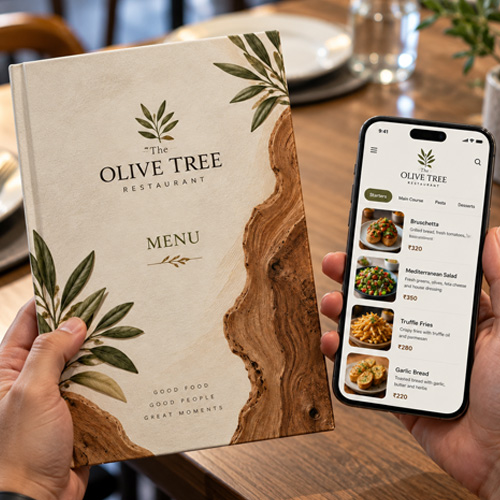
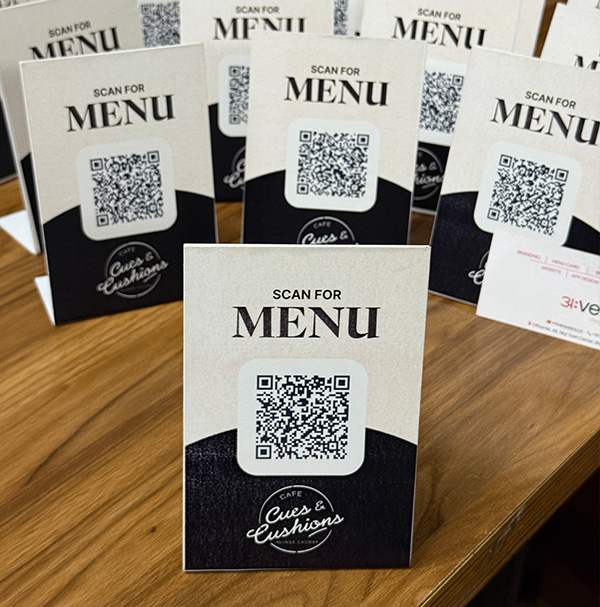
A branded QR code on every table, poster and takeaway box — pointing at a menu that loads in under a second, needs no app, and tells you exactly which table scanned when.

One scan, no friction

The scan has to work the first time

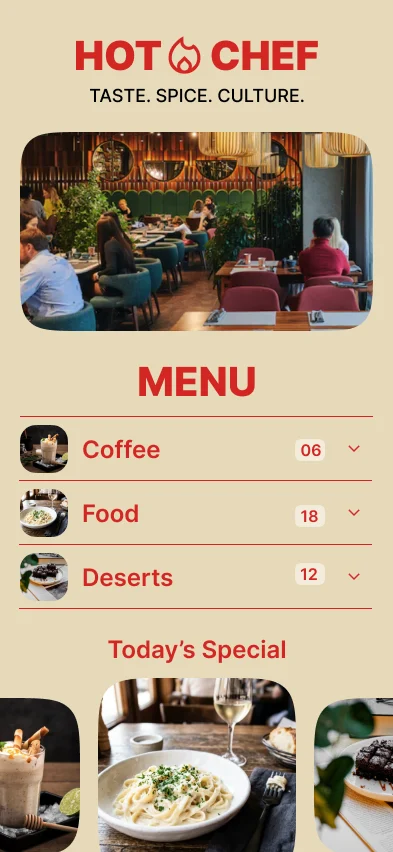
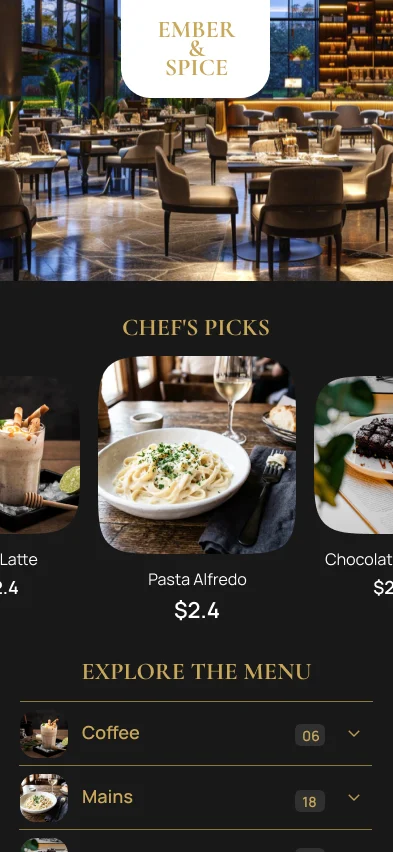
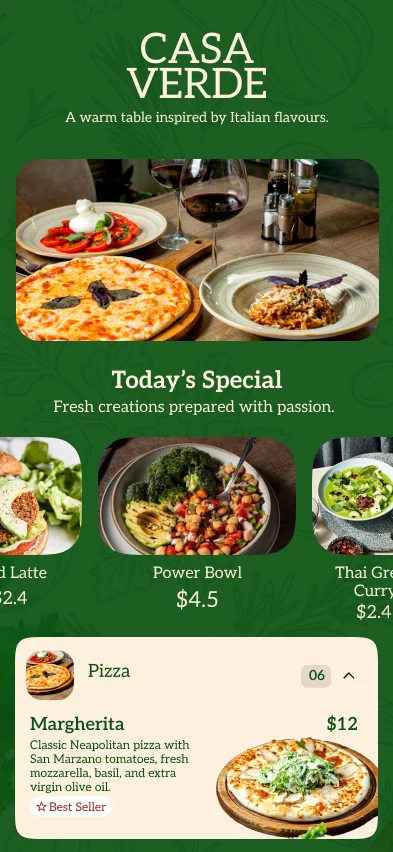
Most QR menus fail at the doorstep: the code is too small, it points at a PDF, and the guest gives up and asks for a paper menu. MenuFly codes are generated at print resolution and open a real mobile page, not a download.

  • Camera app scans it — no QR reader to install
  • Opens a mobile page, never a PDF download
  • Your logo in the centre, your colours around it
  • Numbered per table so you know where scans come from
  • The code never changes, even when the menu does
Get your QR codes
The Copper Table
Table 12 · Scan to view menu
All daySmall platesGrillDrinks
Small plates
🥓
Burnt Garlic Prawns
6 pieces
₹429
🧀
Charred Corn Ribs
Veg · Spicy
₹279
Scanned at 8:41 pm · Table 12
From the grill
🍗
Peri Peri Half Chicken
Serves 1–2
₹489
🥩
Smoked Lamb Chops
4 pieces
₹749
🍅
Grilled Veg Platter
Veg · Serves 2
₹399
What you get

Every QR code your floor needs

Generated at 300 DPI, ready to send to the printer or run off the office laser.

🔑

Branded table codes

Your logo in the middle, your brand colour in the pattern, and a frame with your own call to action.

🗂

One code per table

Table 4 gets its own code, so analytics tell you which sections of the room actually scan.

🖼

Window & A-board posters

A3 and A4 posters that let passers-by read your menu before they decide to walk in.

📦

Takeaway stickers

Put the menu back in a delivery customer’s hand and win the next order direct.

🔗

Short link & NFC

The same menu as a tidy link for Instagram and Google Business, or written to an NFC tap tag.

📊

Scan tracking

Scans by hour, by day and by table — the closest thing you get to a footfall counter.

How it works

From code to table in four steps

1

Publish your menu

Upload your existing menu or build one from a template. The menu gets a permanent web address.

2

Generate codes

Pick table numbers and a frame style. MenuFly renders a print-resolution code for each one.

3

Print and place

Table tents, window posters and stickers download as PDFs. Print in house or send them to your printer.

4

Read the scans

Watch scans arrive live during service and check which tables and hours are busiest.

Getting it right

What separates a QR menu guests use from one they ignore

Size and placement

A code should be at least 3 cm across on a table tent and 10 cm on a window poster. Put it where a seated guest can scan without picking anything up — a tent card at the centre of the table beats a sticker flat on the surface, because phone cameras struggle at a shallow angle.

Tell people what happens next

“Scan for menu” converts far better than a naked square. Guests hesitate when they do not know whether a code is a menu, a payment link or a marketing signup. Every MenuFly frame includes the label.

Never point a QR code at a PDF

This is the single most common mistake. A PDF opens in a viewer, downloads slowly, and forces the guest to pinch and drag around a page designed for A4. A real digital menu reflows to the phone and opens instantly.

Keep the code permanent

  • The code points at a fixed address that never changes
  • Editing the menu, changing prices, even a full redesign — the printed code stays valid
  • You only reprint when a table number or your branding changes

Use the data

Because every table has its own code, you can see that the window seats scan at 7 pm and the back room barely scans at all — usually a sign the tent card has gone missing. Scan counts by hour also make a decent proxy for covers when your POS reporting is thin.

FAQ

Questions we get asked most

Do guests need a QR reader app?

No. Every iPhone and Android camera has scanned QR codes natively for years. The guest opens the camera, points it at the code and taps the banner that appears.

What if a guest cannot scan — an older phone, or a cracked lens?

Every code is printed alongside a short link they can type instead, and staff can send the menu over WhatsApp in one tap from the dashboard.

Do I have to reprint the QR codes when I change the menu?

No. The code points at a permanent address. You can change every price and dish on the menu and the printed codes keep working.

Can I have a different QR code for each table?

Yes, and we recommend it. Per-table codes cost nothing extra and turn your scan report into a map of which parts of the room are actually busy.

Is a QR menu still worth it now that the pandemic is over?

The reason has changed, not the value. Restaurants keep QR menus for live prices, sold-out toggles, photos and analytics — not for hygiene.

Can I use the QR code for takeaway and delivery boxes?

Yes. Sticker sheets are included, and they are the cheapest way to convert an aggregator customer into a direct one.

Keep exploring

Related pages

Get your QR codes printed this week

Table tents, window posters and takeaway stickers, all generated from one menu.

No credit card required · Set up in 5 minutes