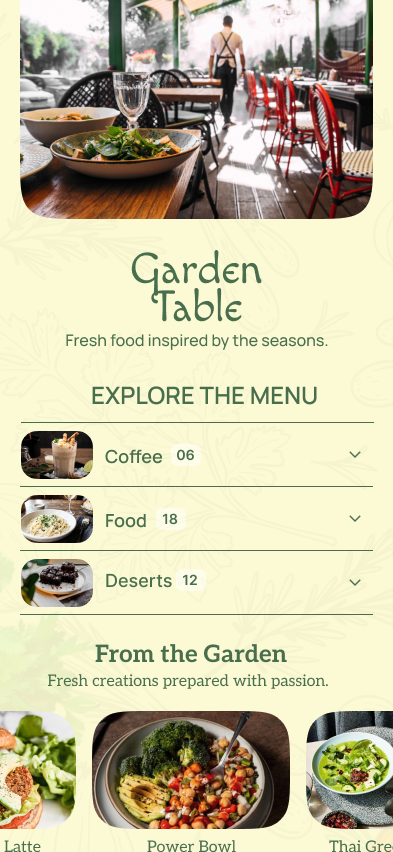
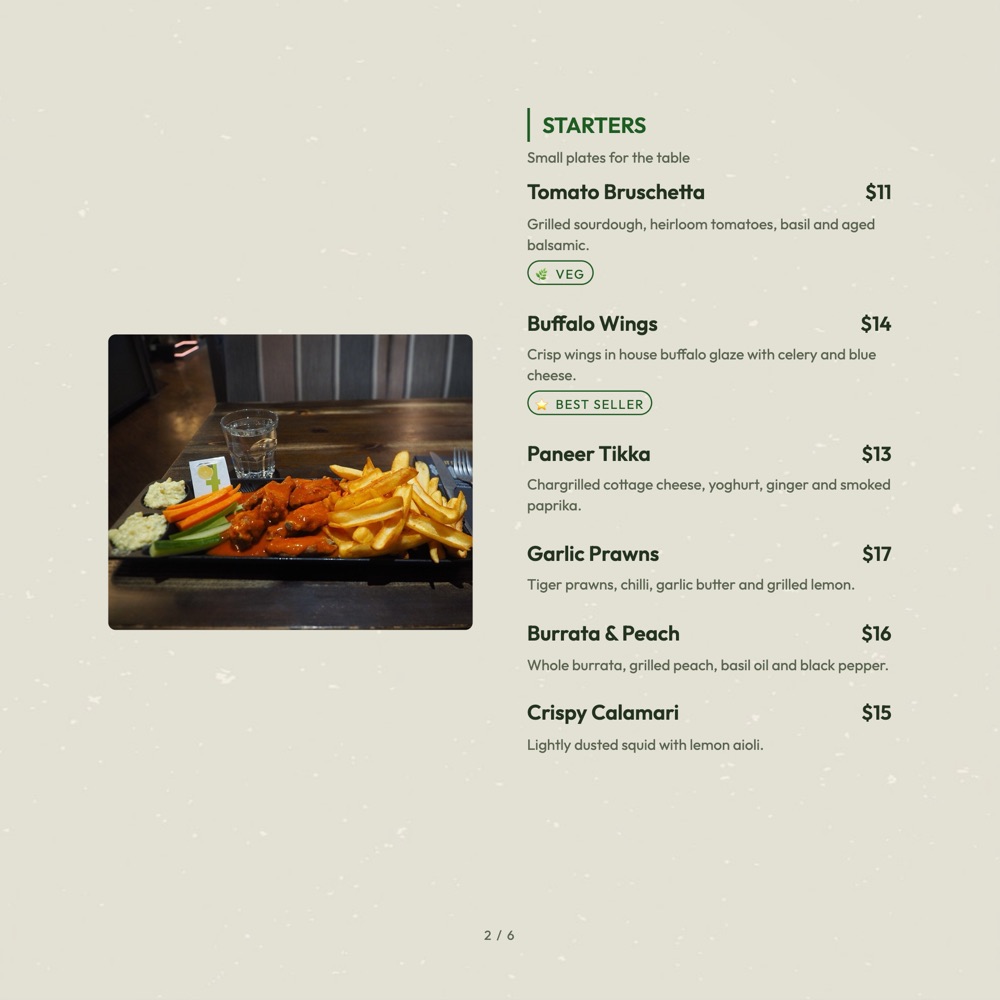
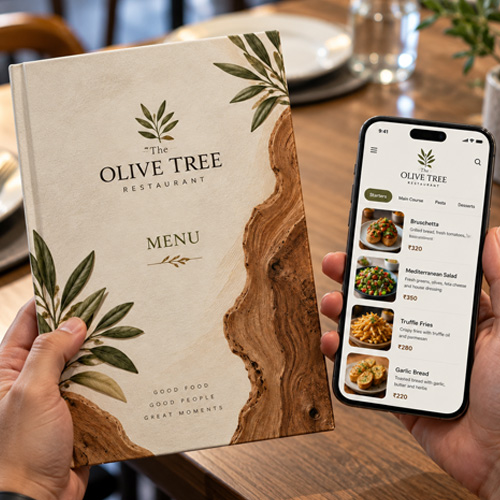
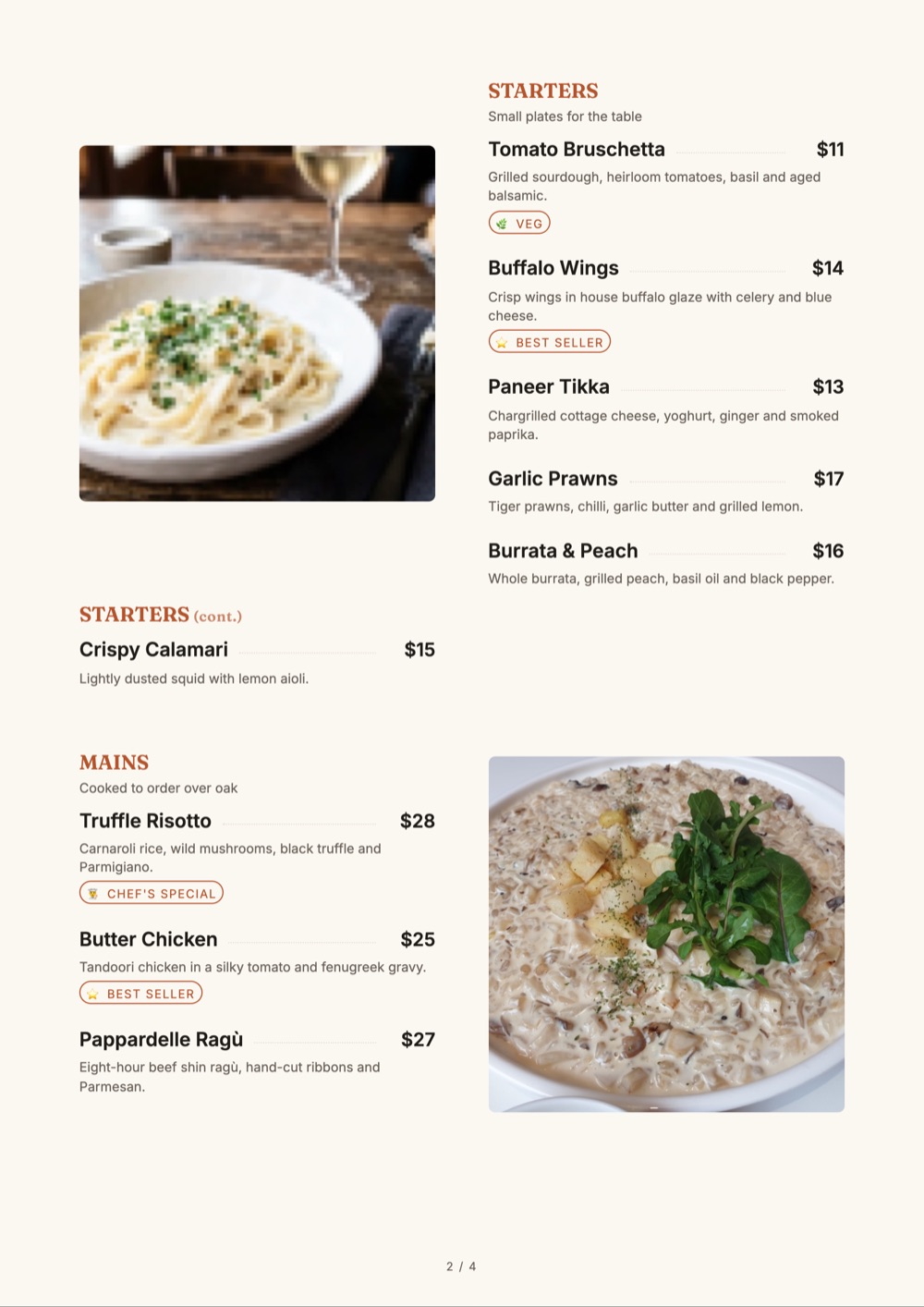
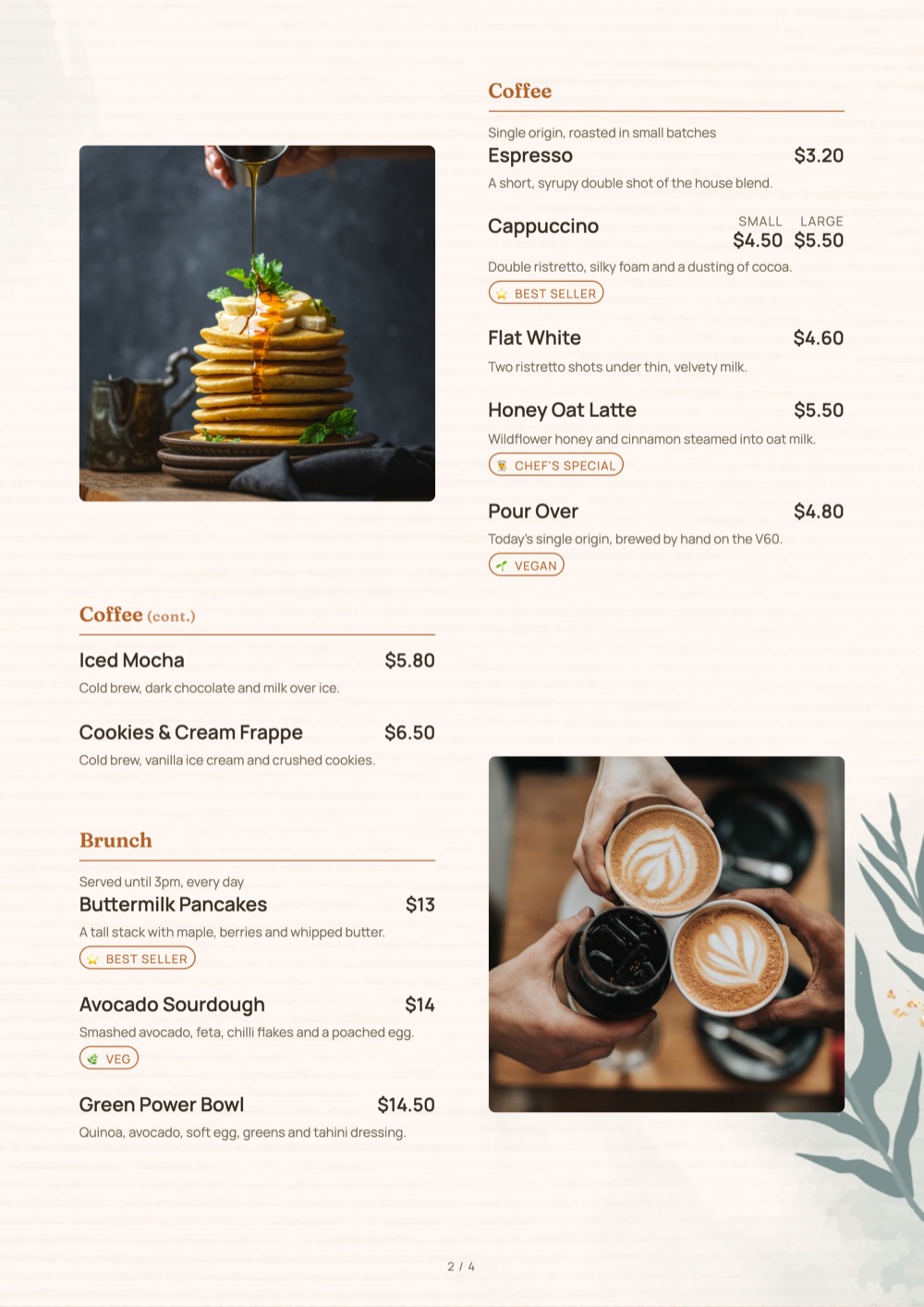
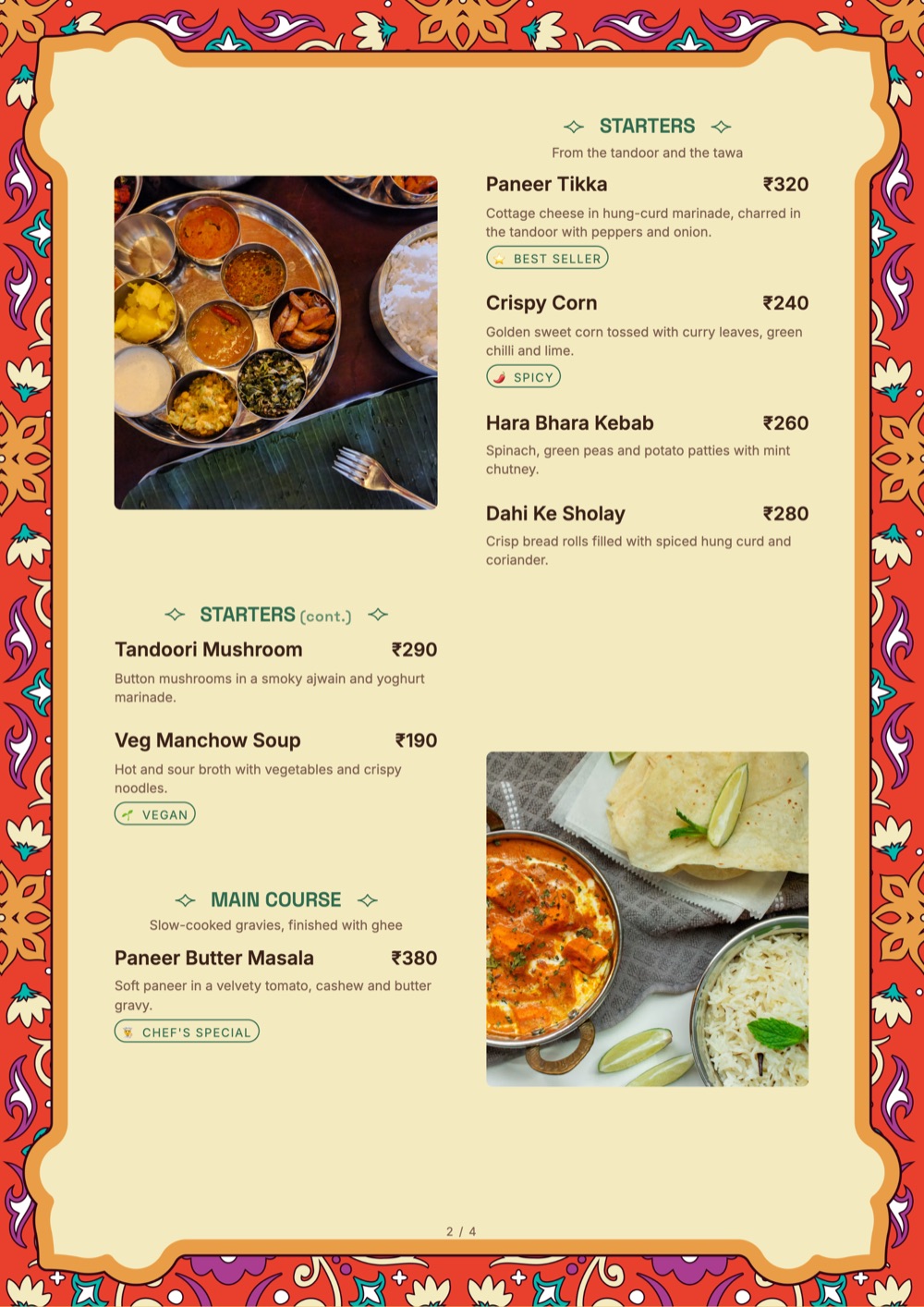
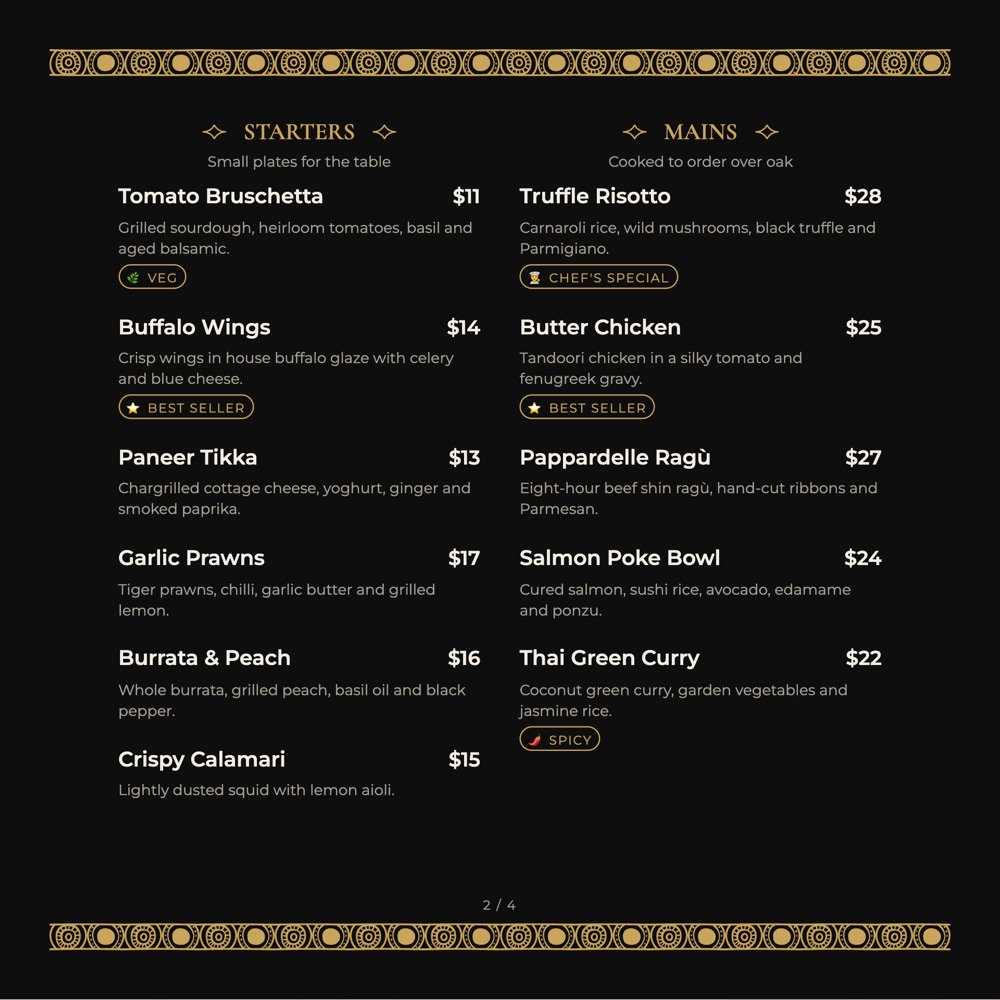
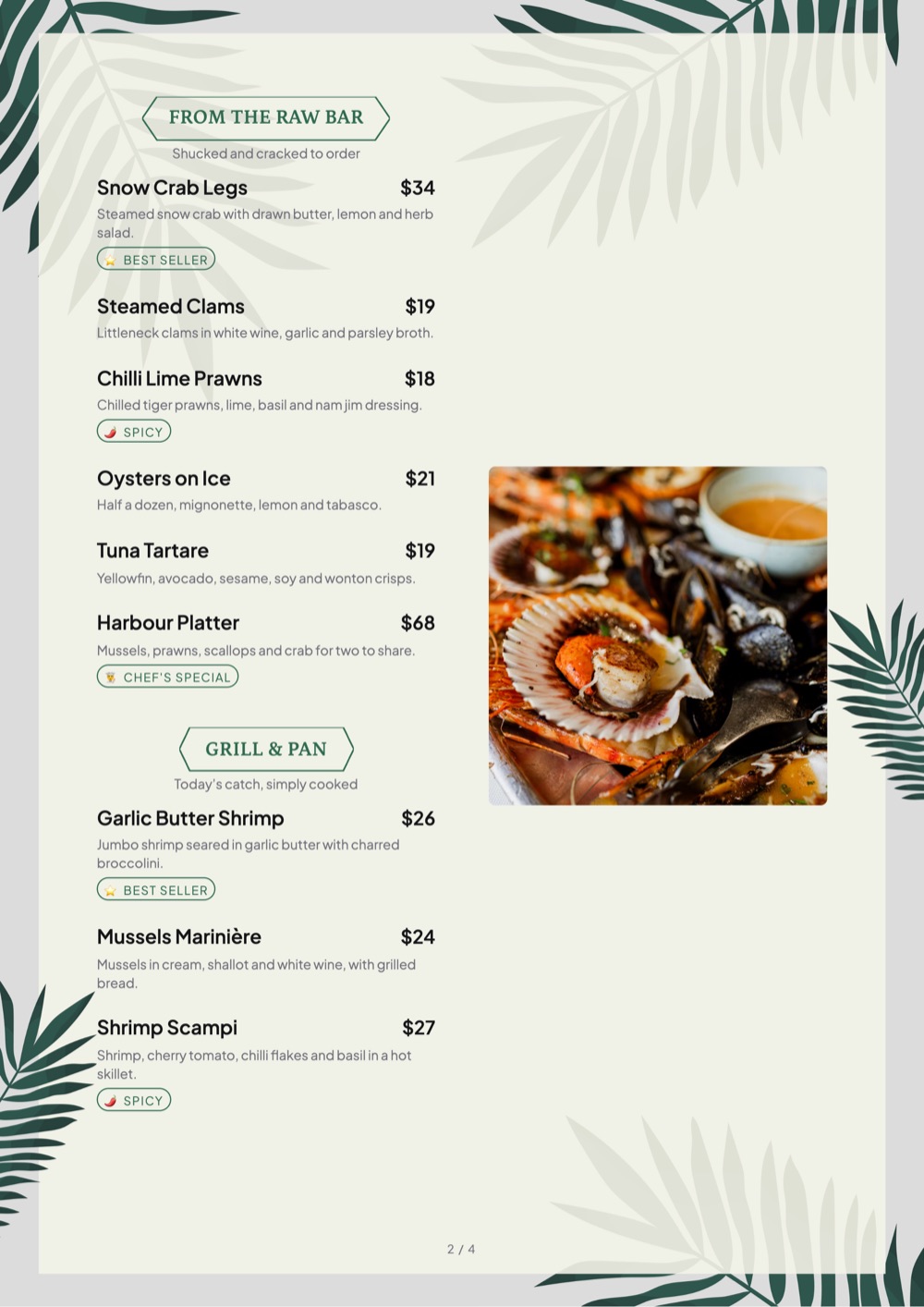
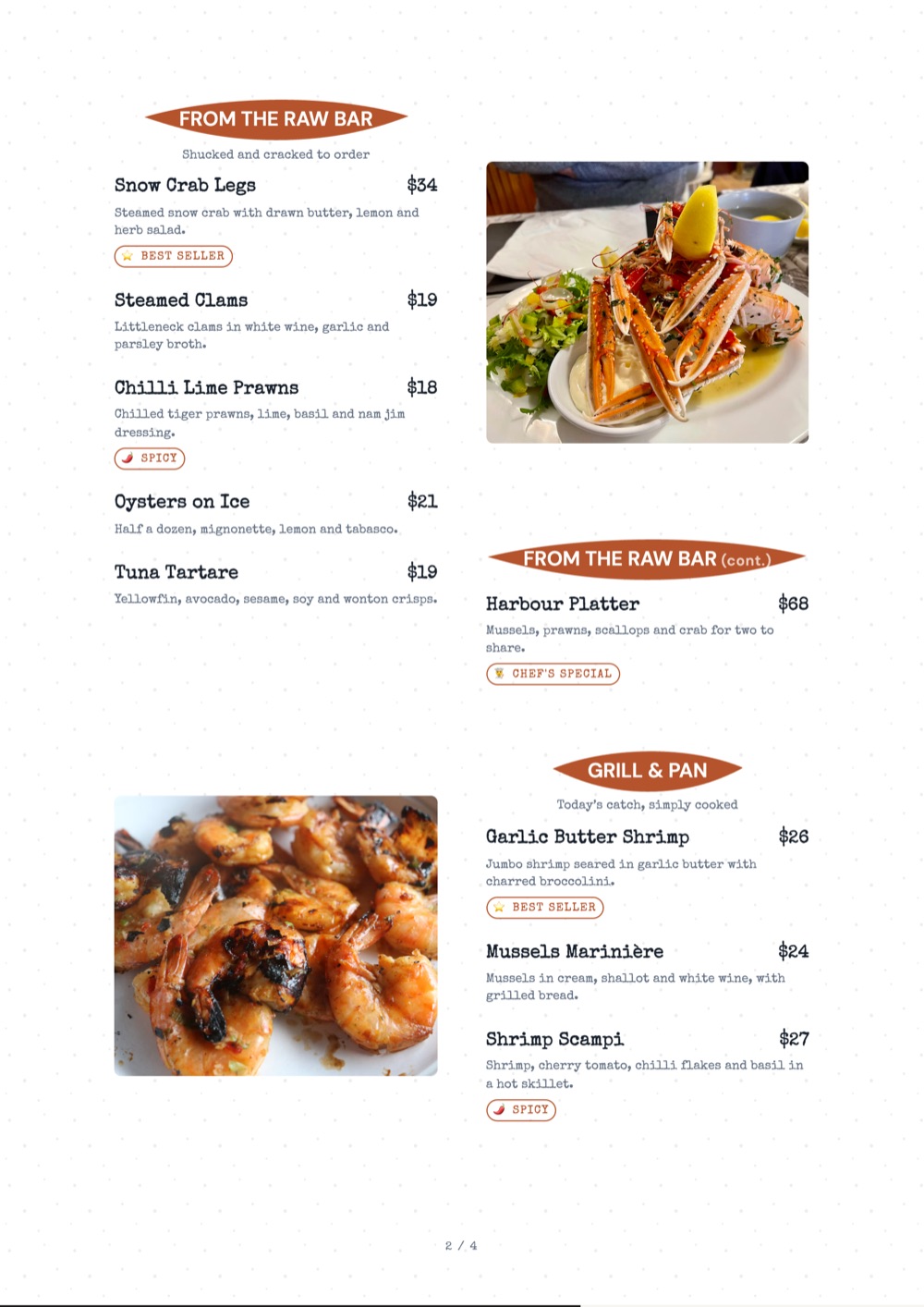
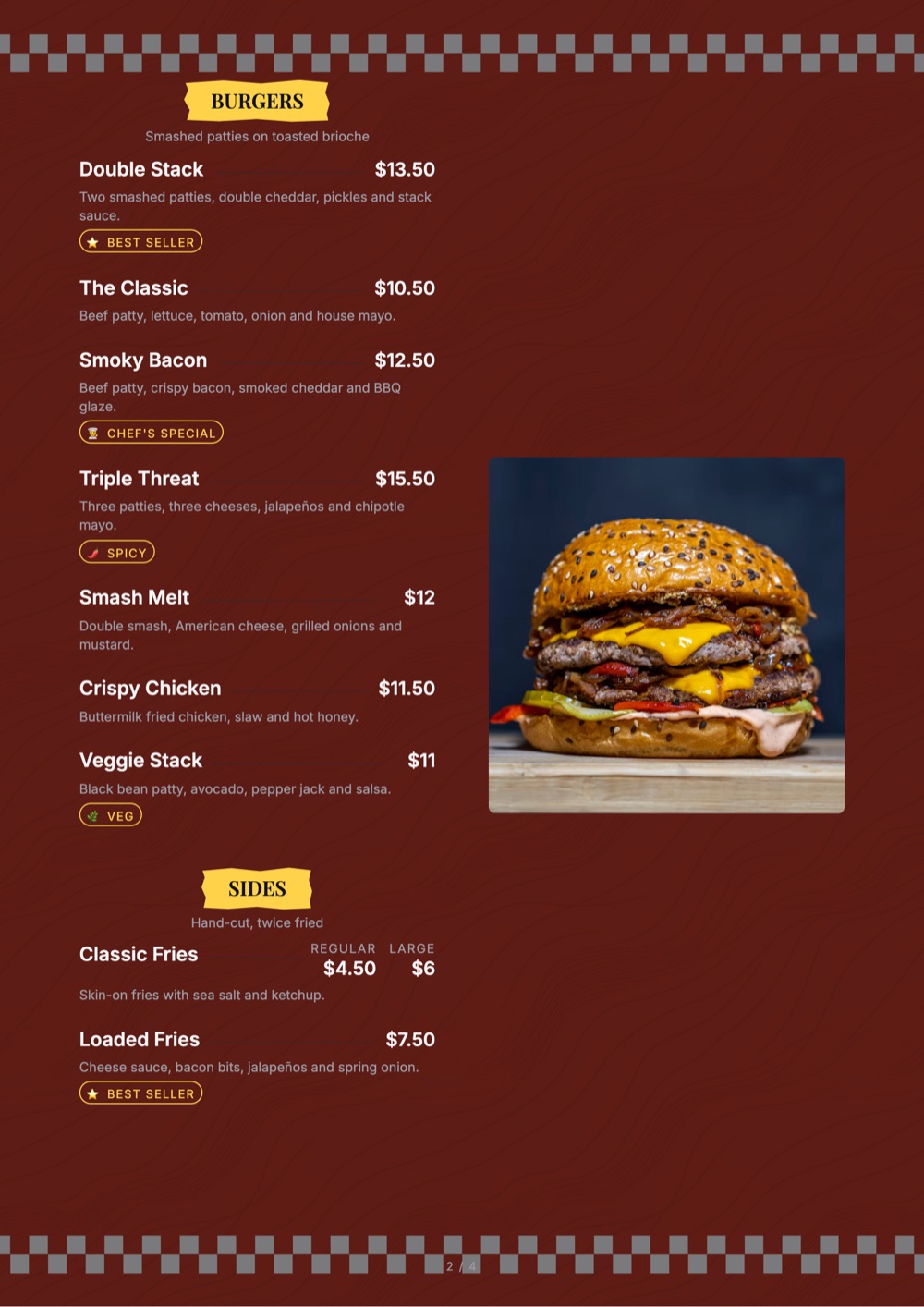
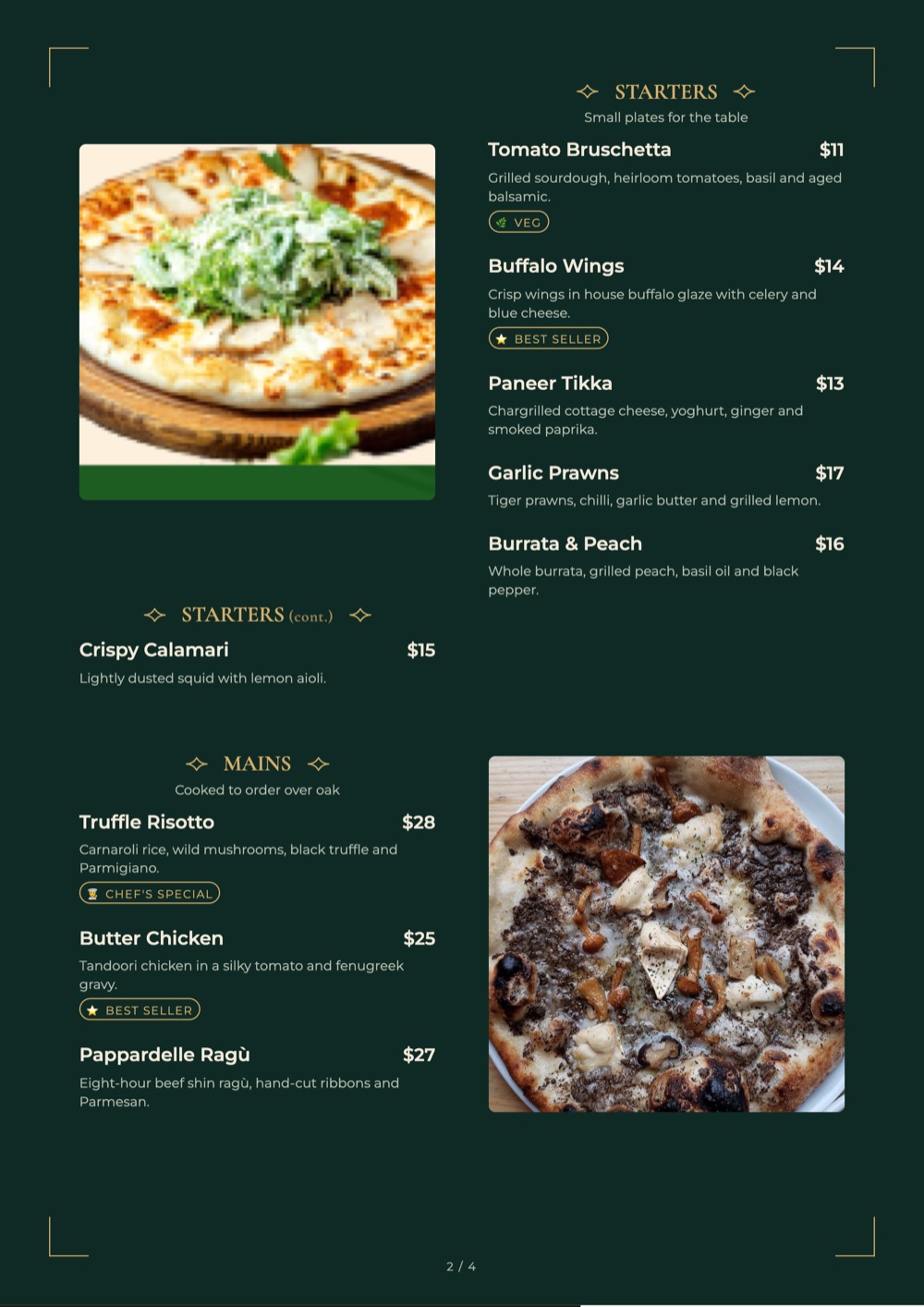
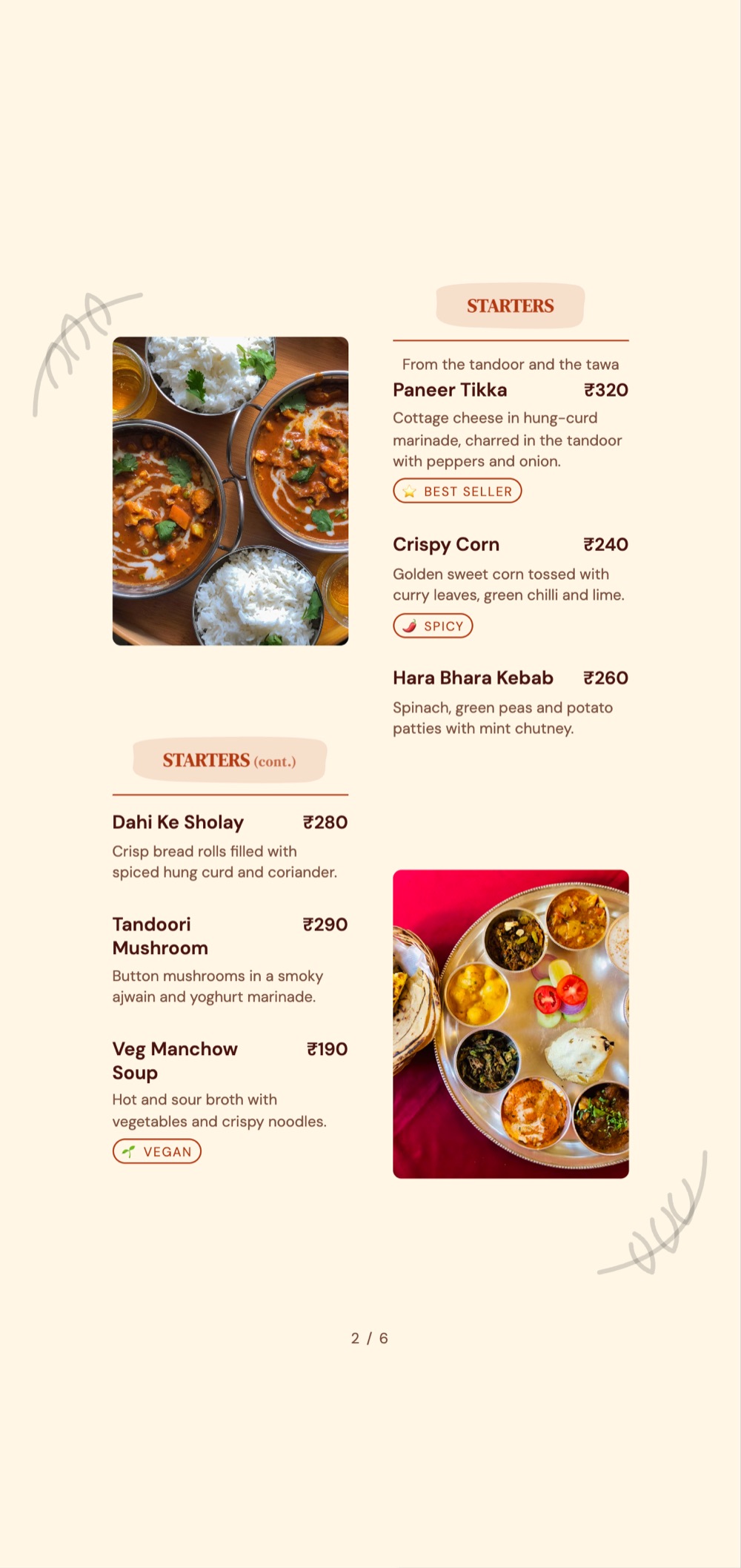
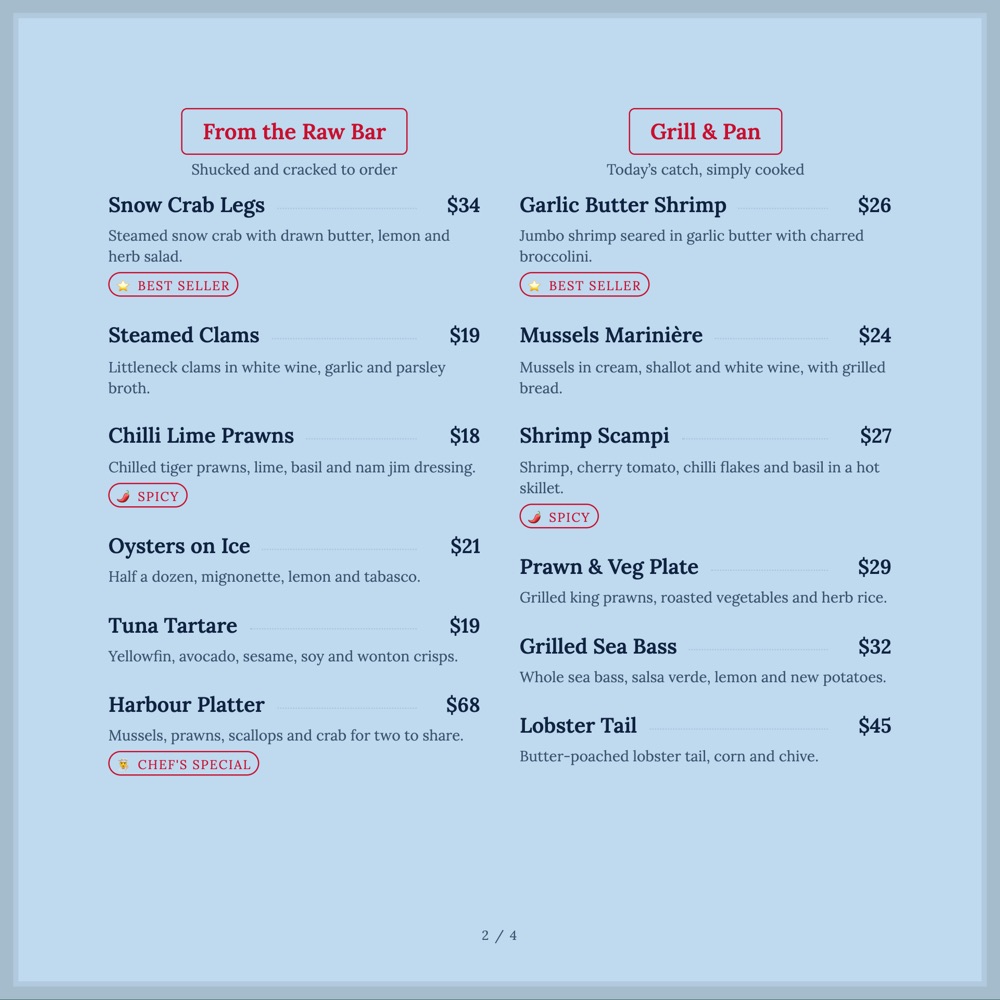
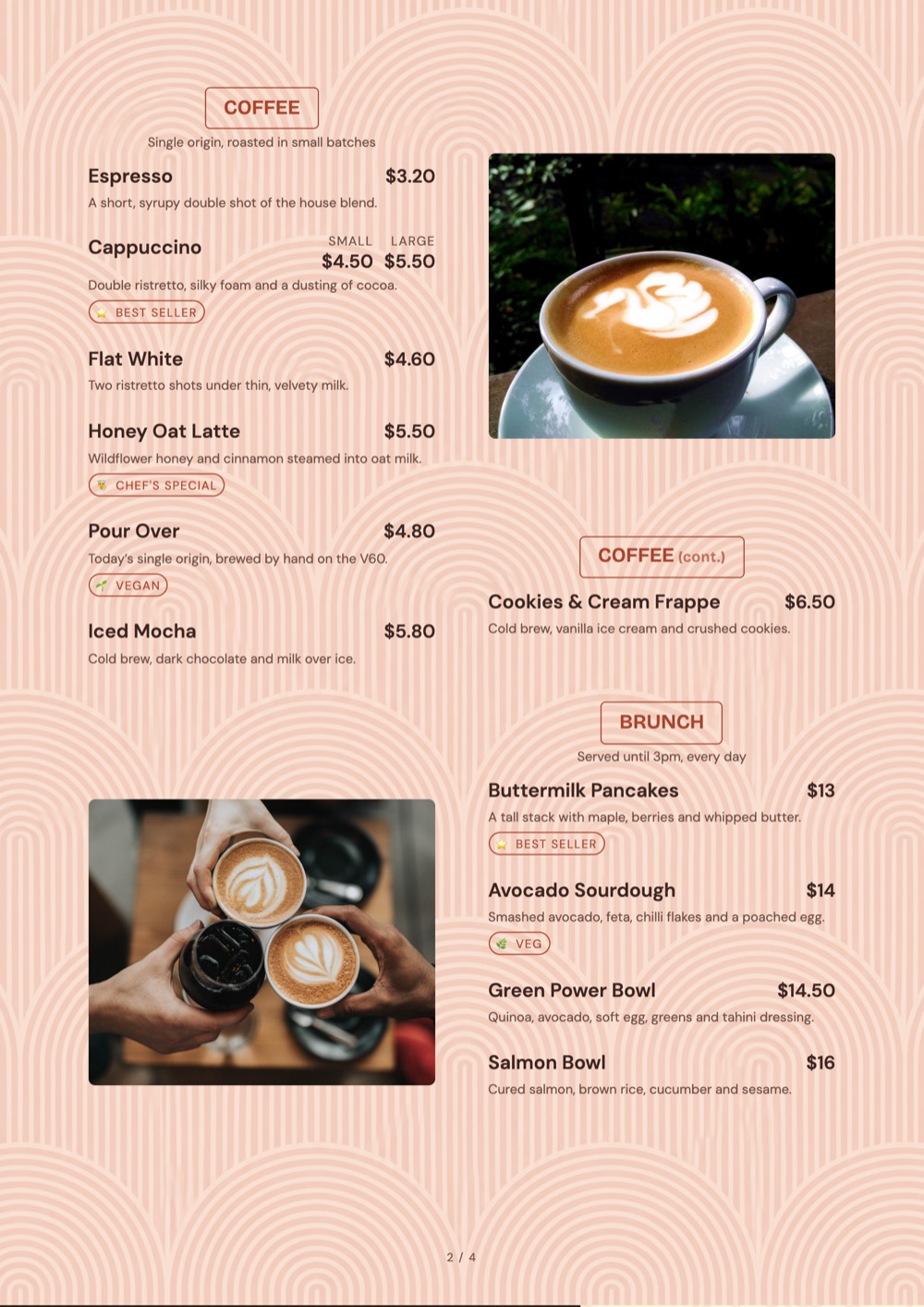
Everything happens in the browser — build the menu on a laptop, fix a price from your phone at the pass, and hand it to guests as a link, a QR code or a WhatsApp message.
The problem with a menu in a file is that copies escape. Someone has last spring’s PDF, the delivery aggregator has another, and your Instagram bio points at a third. An online menu has one address, and that address is always right.
A menu that lives on the web behaves differently to a menu that lives in a folder.
menufly.app/yourname — short enough to say out loud, stable enough to print.
Sold out of prawns at 8 pm? Two taps at the pass and it is off the menu at every table.
Your menu page is real, crawlable HTML, so dish names can surface in search — a PDF rarely does.
Instagram bio, Google Business profile, WhatsApp status, email footer — the same link everywhere.
See how many people opened the menu, from which channel, and what they looked at.
A few hundred kilobytes, not a 12 MB PDF that times out on mobile data.
Sign up free in the browser. Nothing to download, nothing to install on the restaurant laptop.
Upload an existing menu to import it, or type sections and dishes straight in.
Claim a short address for your menu and set your logo, colours and opening hours.
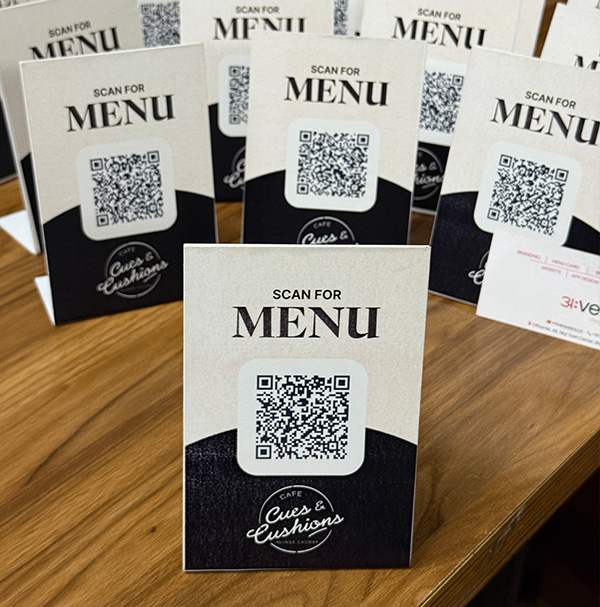
Copy the link into your bio, print the QR, and send it to guests on WhatsApp.
An online menu is read one thumb-length at a time. Keep dish descriptions to a line or two, put the flavour up front — “smoked, slow-cooked, very spicy” — and leave the provenance story for the dishes that deserve it.
Ten good photos beat sixty phone snaps in bad light. Photograph the dishes with the best margin and the ones people hesitate over. A category where only some items have photos will push orders towards the ones that do — use that deliberately.
The fastest way to lose trust is a specials board that has not changed in a month. Time-based sections handle this automatically: set breakfast to end at 11:30 and it disappears on its own, whether or not anyone remembered.
The free plan carries a full menu with unlimited views and a QR code. Most kitchens only move to a paid plan when they want the print exports or per-table analytics.
Yes. The free plan covers one outlet with a full menu, a QR code and unlimited views. Paid plans add print-ready PDF export, deeper analytics and multiple outlets.
No. It runs in the browser on Windows, Mac, iPad, Android and iPhone. There is nothing to install on the restaurant computer.
Yes, on paid plans. You can point menu.yourrestaurant.com at your MenuFly menu so the address stays entirely yours.
It can. The menu is a normal web page with real text, so search engines can read your dish names — something a PDF or an image of a menu does poorly.
That is the point. Open the dashboard on your phone, toggle an item sold out or change a price, and every table sees it on their next scan.
Your menu drops to the free plan rather than disappearing. The link keeps working and your data stays exportable.
Build it in the browser, share it as a link, and never email a PDF again.
No credit card required · Set up in 5 minutes
Tell us two numbers. We’ll estimate the opportunity for your restaurant.
Estimates based on your inputs. Actual results vary.