Serving cafés, restaurants and hotel dining rooms across India










Build your restaurant menu once. Publish it digitally and print it whenever you need.
Share digitally. Print professionally.
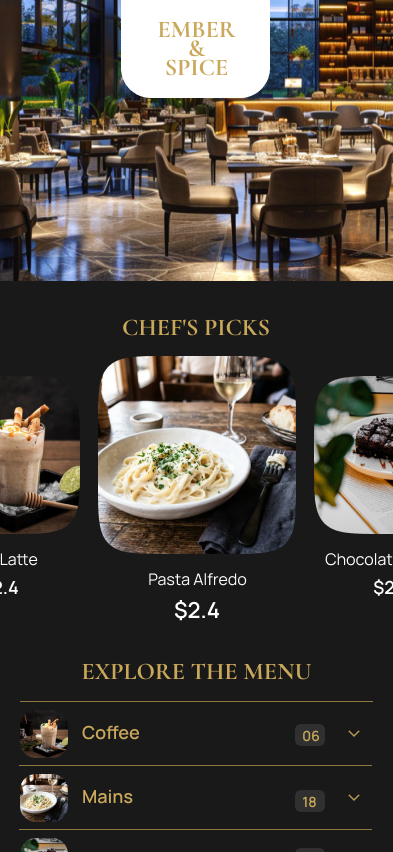
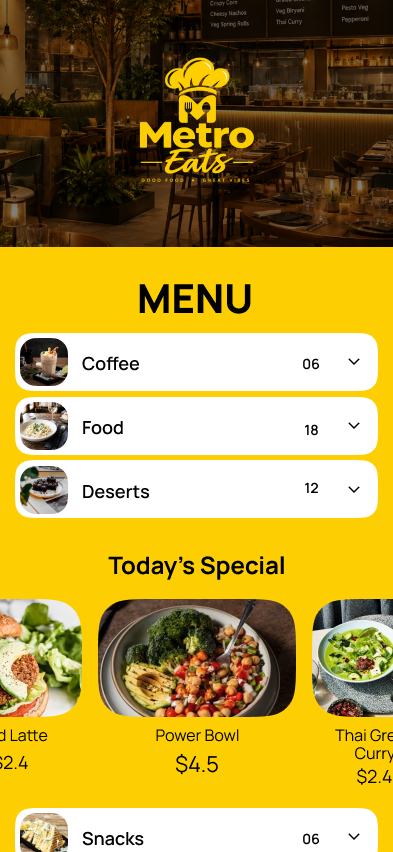
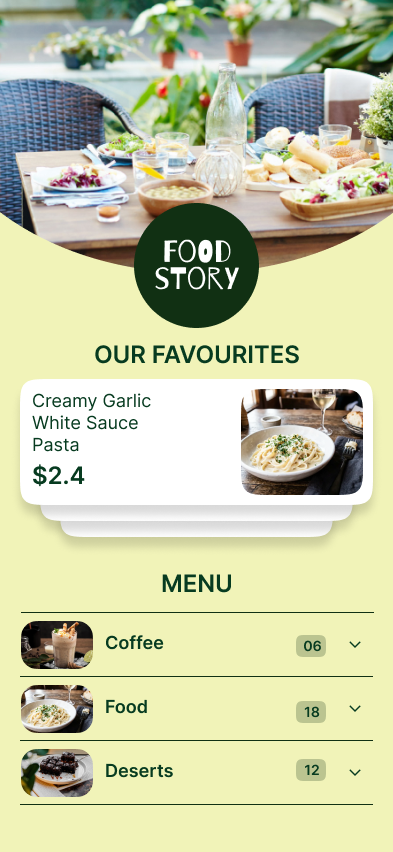
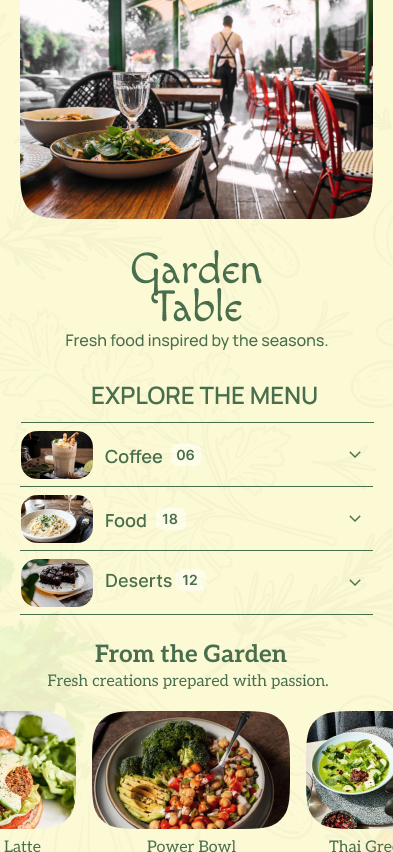
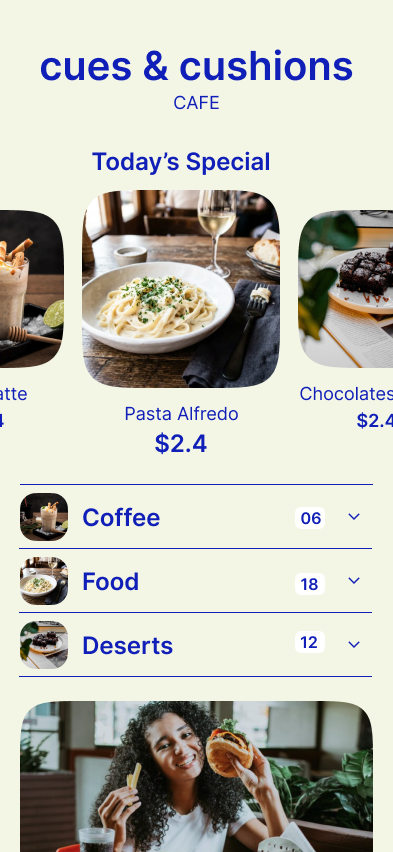
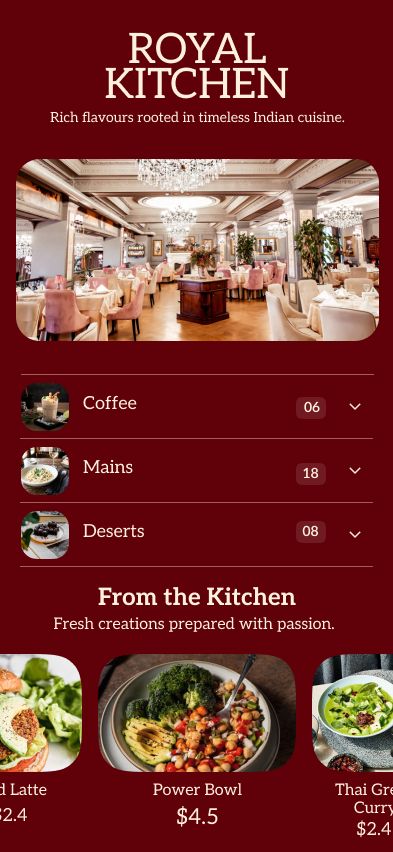
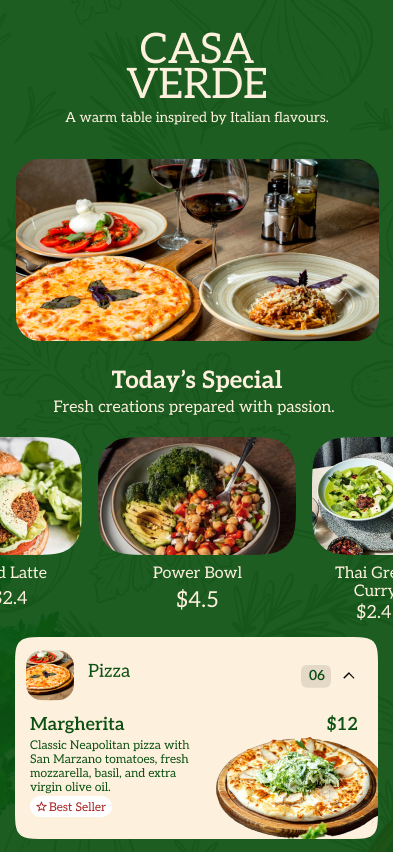
Start with a professionally designed menu template and customize it with your dishes, photos, logo, colours and fonts.
 Use this template
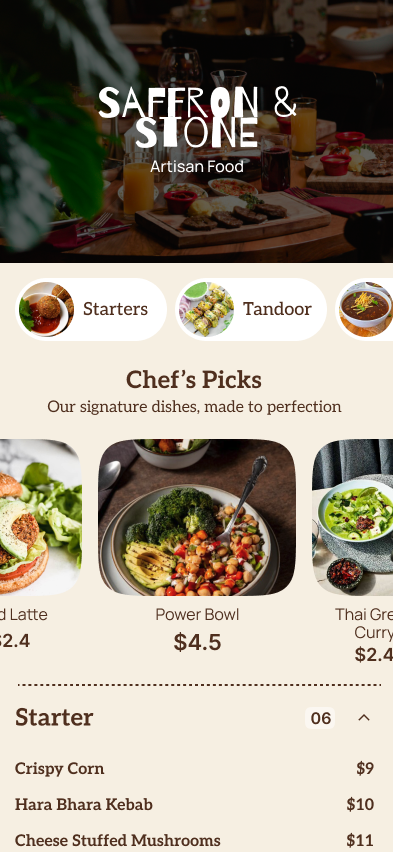 Use this template
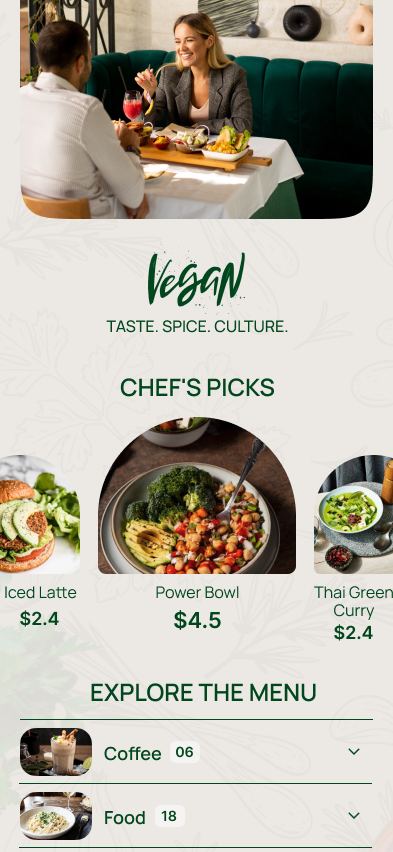 Use this template
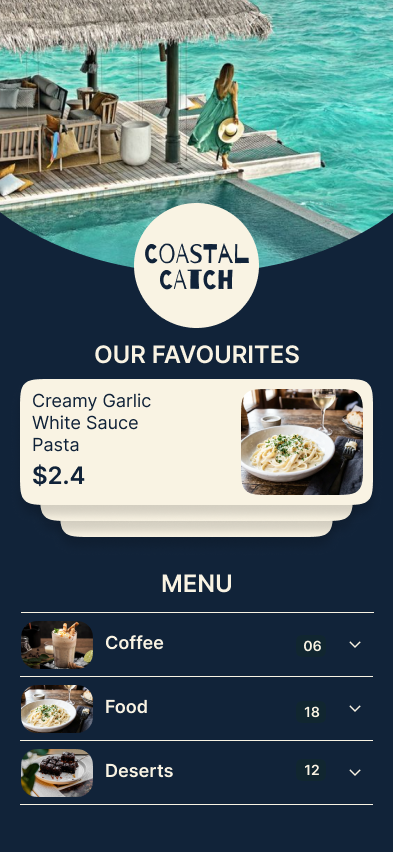 Use this template
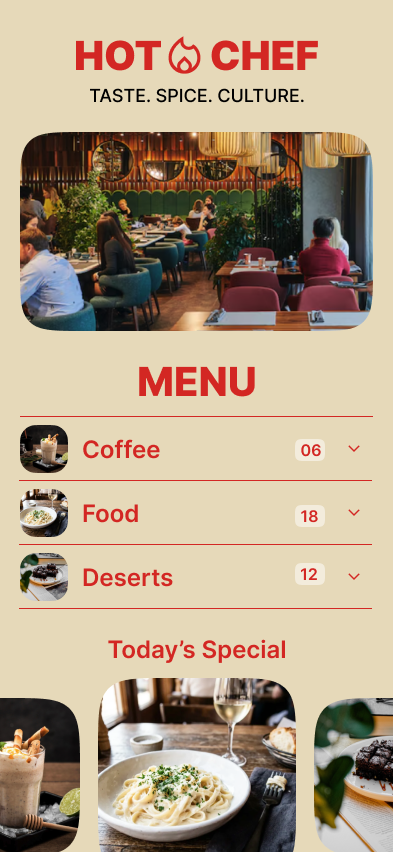 Use this template
 Use this template
 Use this template
 Use this template
 Use this template
 Use this template
 Use this template
Use this template
Use this template
Use this template
Use this template
Use this template
Use this template
Use this template
Use this template
Use this template
Use this template
Use this template
Use this template
Use this template
Use this template
Use this template
Use this template
Use this template
Use this template
Use this template
Use this template
Use this template
Use this template
Every menu update can become another file to edit.
MenuFly brings it together.
Your dishes, prices, photos and categories live in one place — and every format your restaurant needs is built from them.
Categories, dishes, descriptions, prices and photos are managed once, from your MenuFly dashboard.
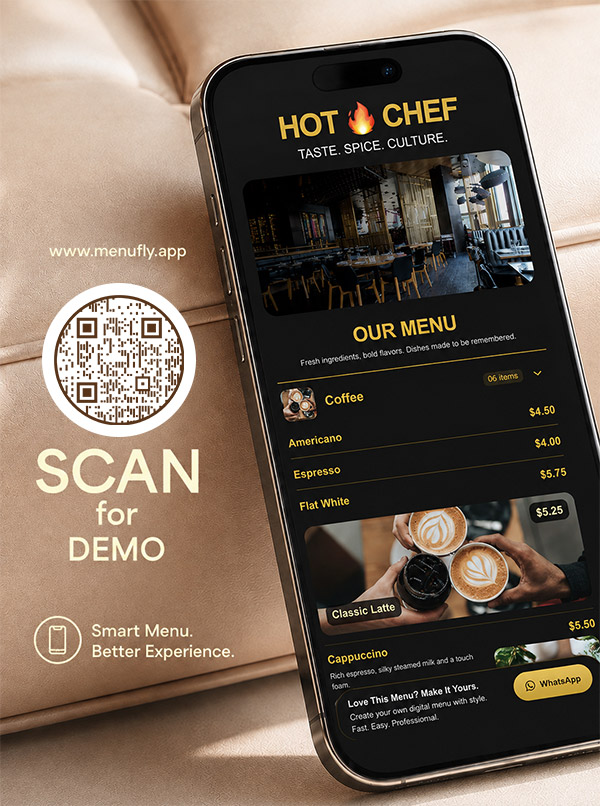
Your digital menu and QR menu stay in step with the menu you edited.
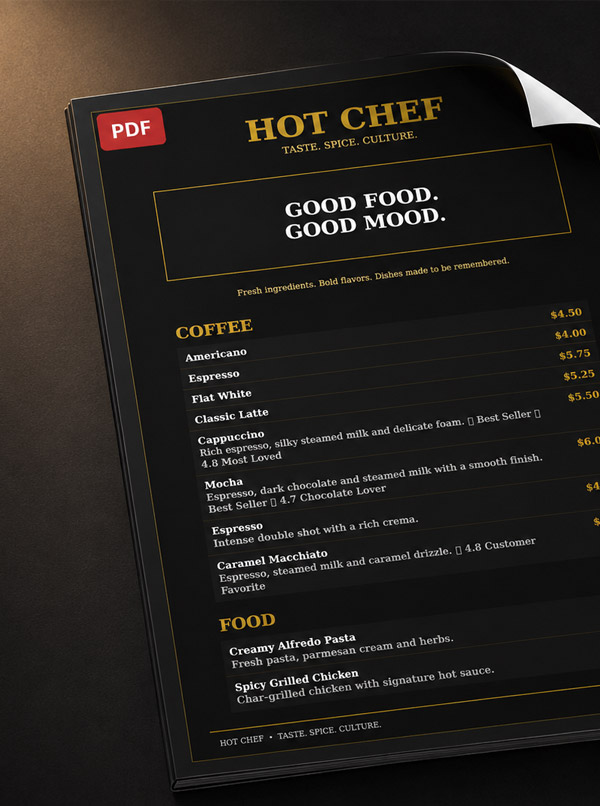
Generate a print-ready menu PDF from the same content, whenever the folders need refreshing.
Your online menu updates instantly.
Your QR code continues to point guests to the latest digital menu — no new code, no new sticker.
Regenerate your print version whenever you need to print.
One menu. Fewer updates to manage.
Give your guests a menu that is easy to browse, read and navigate on their phone — no app to download, no pinch-to-zoom PDF.
Don’t redesign your menu every time you need something printed. The dishes and prices you already published become a properly typeset PDF for your printer.
Create menu → Customize → Export PDF → Print
A menu can tell you more than how many people scanned a QR code.
Use your menu data to make better menu decisions.
Make it easier for guests to discover what to order.
Send us the menu you already have. We do the typing.
Upload your existing menu PDF, image or supported file.
Check your dishes, categories, prices and menu content.
Add your logo, colours, fonts and images.
Publish your digital menu and share it through a QR code or menu link.
Generate a print-ready PDF whenever you need physical menus.
The same menu, reachable from the table, the window, a WhatsApp message, or a printed folder.
Branded codes for every table, numbered so analytics know where the scan came from.
menufly.app/cafe-mocha — share it on WhatsApp, Instagram bio or Google Business.
Export the PDF, print it, slide it into your leather folder. Reprint only what changed.
A3 and A4 QR posters for the entrance, plus takeaway box stickers.
The same menu platform, shaped around how your business actually serves.
Restaurant menu — digital, QR and print from one place.
Cafe menu with day parts, drinks and counter favourites.
Bakery menu for counter lists, boxes and daily bakes.
Bar menu for cocktails, pours and happy hours.
Pizza menu with sizes, bases and add-on toppings.
Hotel menu for in-room dining and restaurant floors.
Cloud kitchen menu built for delivery-first brands.
Food truck menu that changes as fast as your pitch does.
Every plan includes unlimited menu items and unlimited QR scans. 14-day trial, no card needed.
For a single café getting online
For busy restaurants that print
For chains and hotel groups
MenuFly is a restaurant menu maker that helps businesses create digital menus, QR menus, restaurant menu designs and print-ready menu PDFs from one place.
Create your menu, customize it with your restaurant branding, publish it online for guests and generate a matching version for print. Start from restaurant menu templates, publish a digital menu for restaurants behind a QR menu, export a print-ready menu PDF, and see what guests read with menu analytics.
Whether you run a restaurant, café, bakery, bar, pizzeria, hotel or cloud kitchen, MenuFly helps you manage your menu without maintaining multiple disconnected versions. Building your first menu online takes minutes with the online menu maker, and the menu design guide covers the layout and pricing decisions behind a menu that sells. Compare what each plan includes on pricing.
A digital menu is your restaurant menu published as a mobile web page instead of a printed sheet or a PDF file. Guests open it from a QR code or a menu link, browse categories, photos and prices on their phone, and always see the version you published last.
You print the QR code on a table tent, sticker or poster. A guest points their phone camera at it and your menu opens in the browser — there is no app to download. Because the code points to your live menu, updating a dish or a price never means printing a new code.
Yes. MenuFly is an online menu maker, so everything happens in the browser. Upload the menu you already have as a PDF or an image, check the dishes and prices we structure from it, and your menu is ready to brand and publish.
Yes. Your menu exports as a properly typeset PDF with 3 mm bleed, crop marks, embedded fonts and 300 DPI images — the format commercial print shops ask for. A4, A5, Letter, booklet and table tent layouts are supported.
That is the point of MenuFly. The dishes, descriptions, prices and photos you enter once produce both the digital menu your guests scan and the print-ready PDF your printer receives, so the two can never drift apart.
Yes, as often as you like. The digital menu updates for every guest immediately, your QR code keeps pointing at it, and your PDF is regenerated on demand so you can reprint only what actually changed.
Yes. Start from a designed template and make it yours with your logo, brand colours, fonts, dish photos, category order and dietary labels.
Yes — eleven designed looks, from fine dining to a seaside kitchen, and each one exports as a print-ready PDF too. Browse the restaurant menu templates, cafe menu templates and bakery menu templates.
No. MenuFly comes out of a menu design studio with fifteen years of restaurant menu cards behind it, and that thinking is built into the templates — you pick a look, add your dishes, and the layout keeps working.
Never. Scans, menu views and items are unlimited on every plan, including Starter.
Yes — the Pro plan gives every branch its own menu and pricing while keeping one shared item list and one login.
Cancel from your dashboard at any time and export your full menu data first. If a trial ends without upgrading, your menu goes read-only rather than being deleted.
Create it once. Publish it digitally. Print it whenever you need.
Tell us two numbers. We’ll estimate the opportunity for your restaurant.
Estimates based on your inputs. Actual results vary.