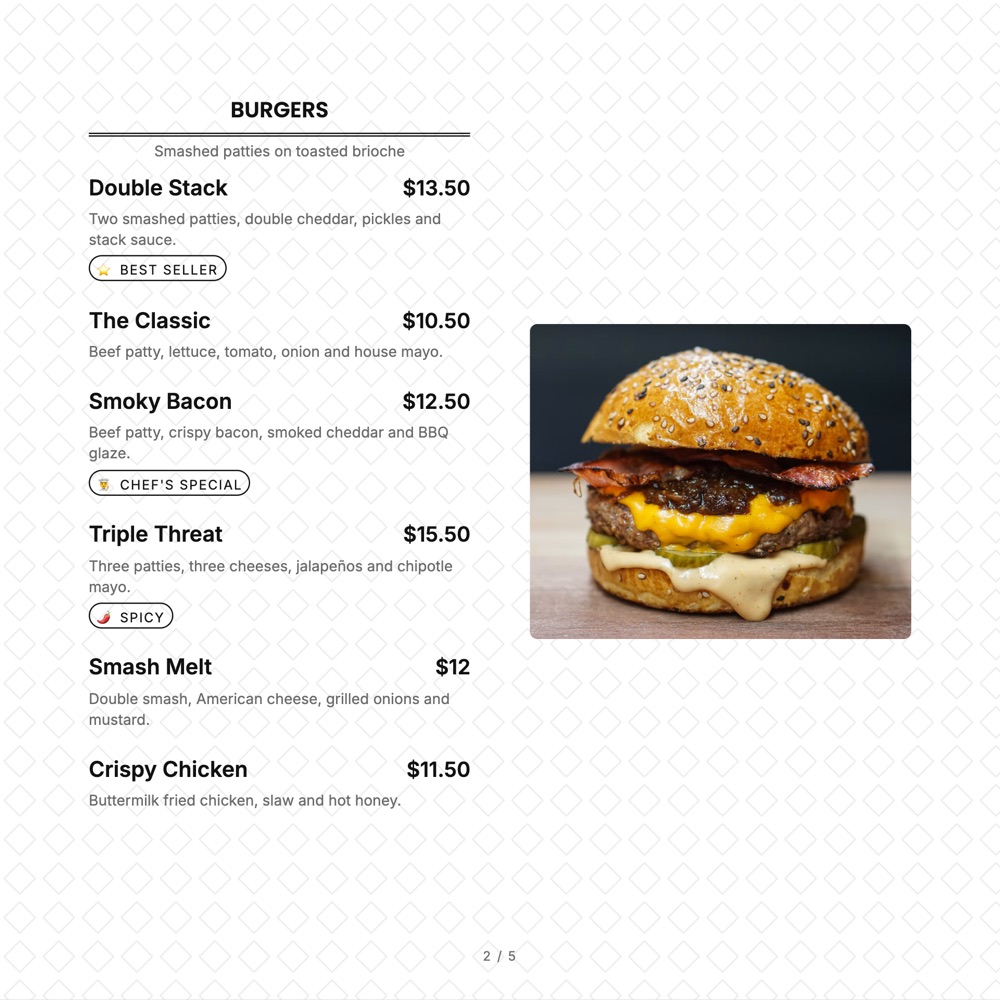
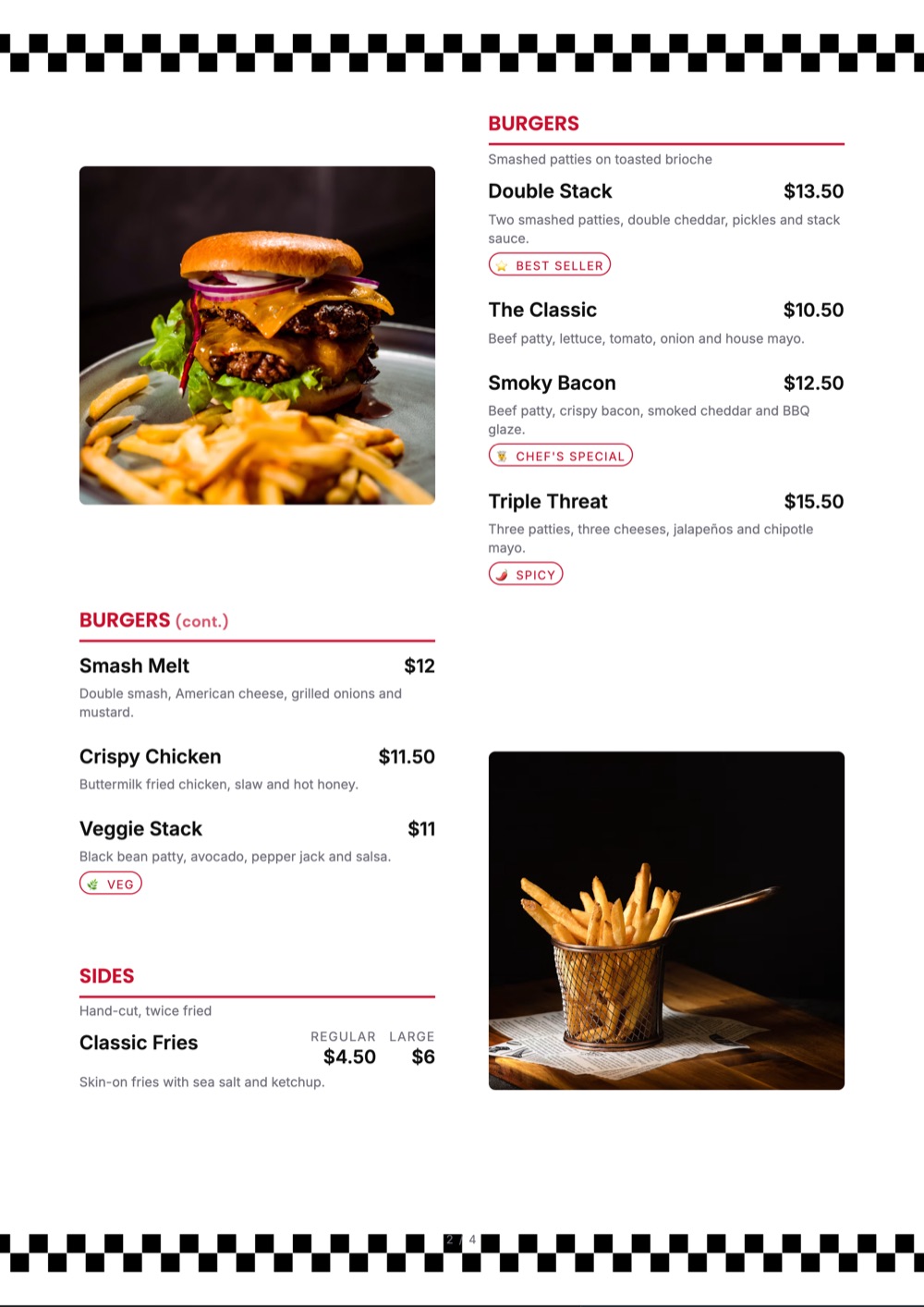
Home / Food Truck Menu Templates
Food truck templates

Food truck menu templates you can read from the pavement

Eight items, big type, one price column and a sold-out mark you can flip from your phone mid-service. Everything a truck menu needs and nothing it does not.

The gallery

7 food truck menu templates ready to make yours

Pick the one closest to your room. Everything about it can change afterwards.
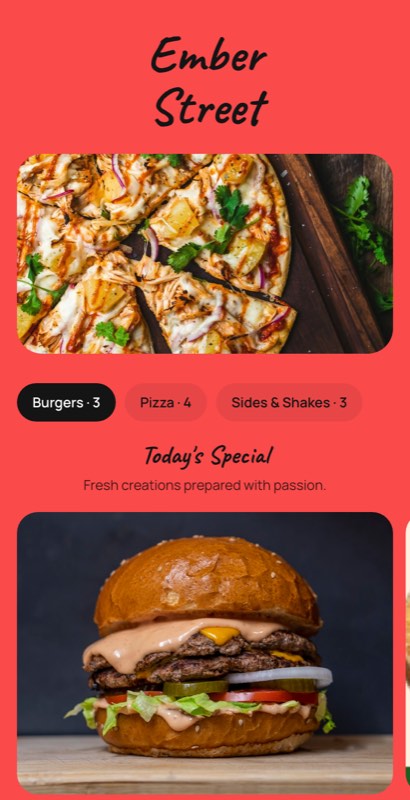
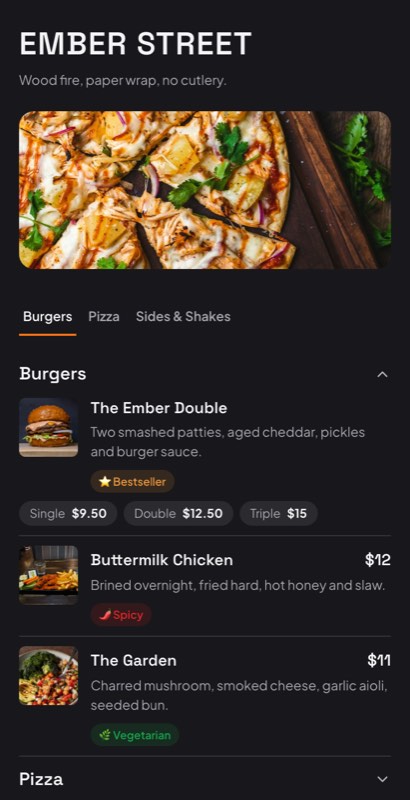
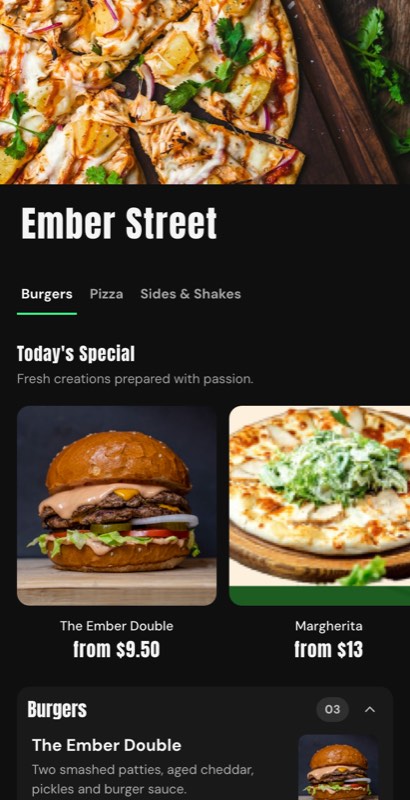
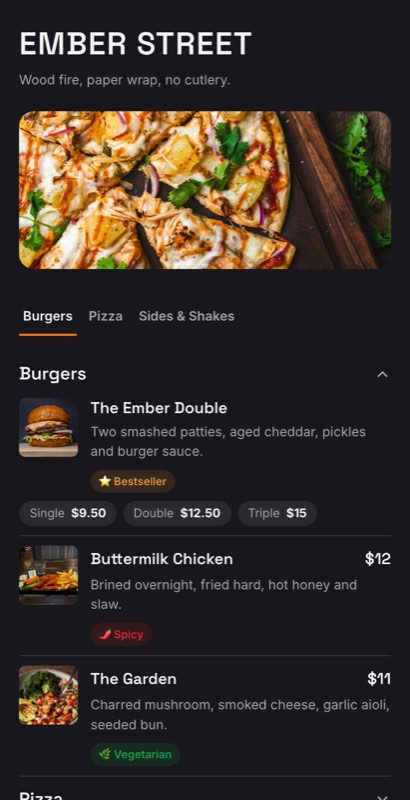
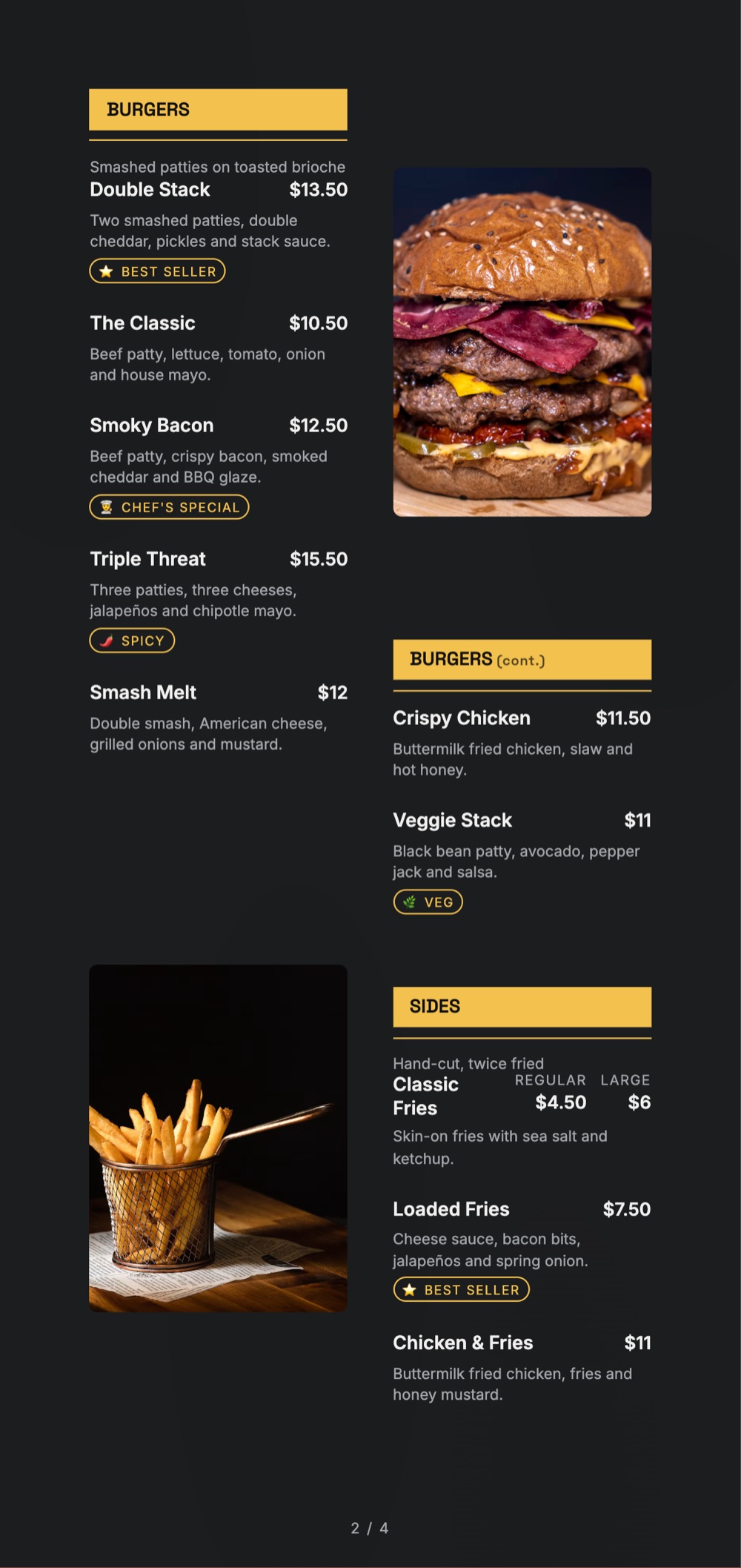
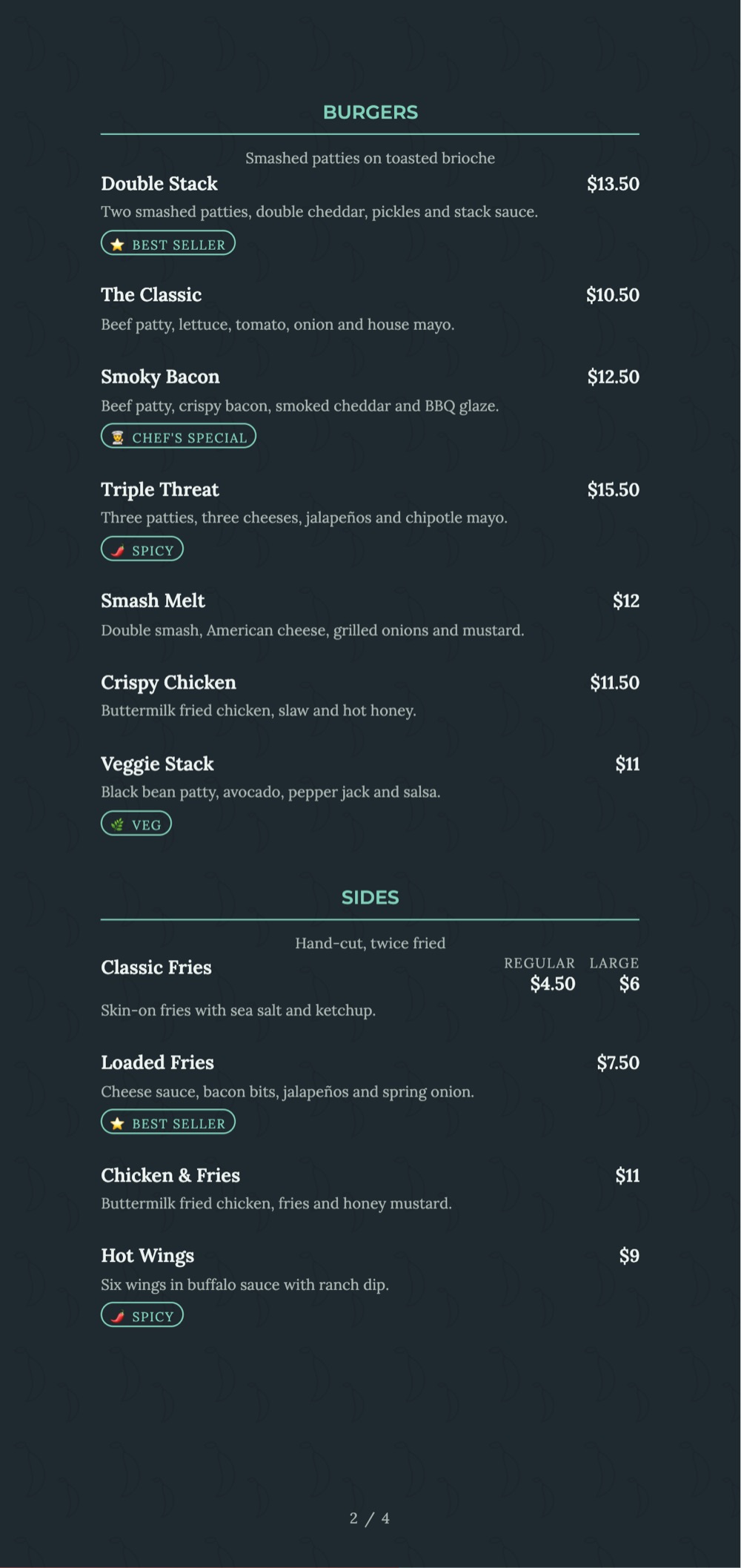
Rolling Kitchen menu template: a mobile food truck menu with a wordmark header, a photo banner, category tabs and priced item rows you can edit. Use this template
Rolling KitchenStreet food · big type
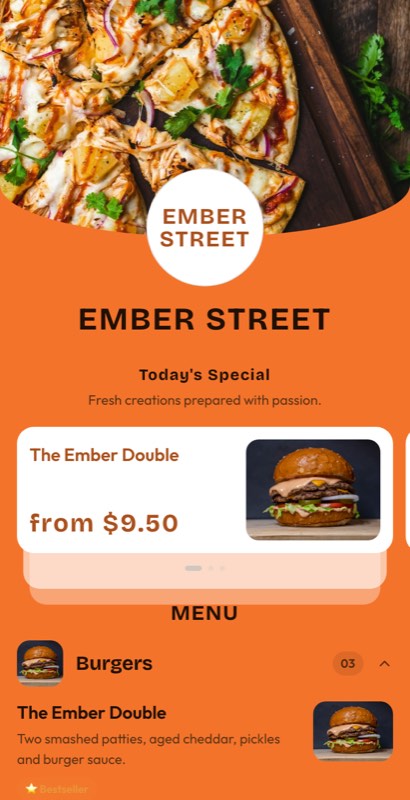
Street Counter menu template: a mobile food truck menu with a wordmark header, a photo banner, category tabs and priced item rows you can edit. Use this template
Street CounterMarket stall · compact
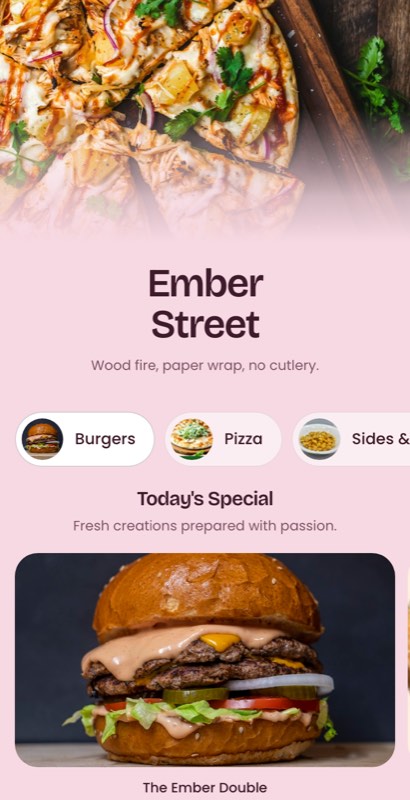
Taco Window menu template: a mobile food truck menu with a wordmark header, a photo banner, category tabs and priced item rows you can edit. Use this template
Taco WindowTaqueria · bright
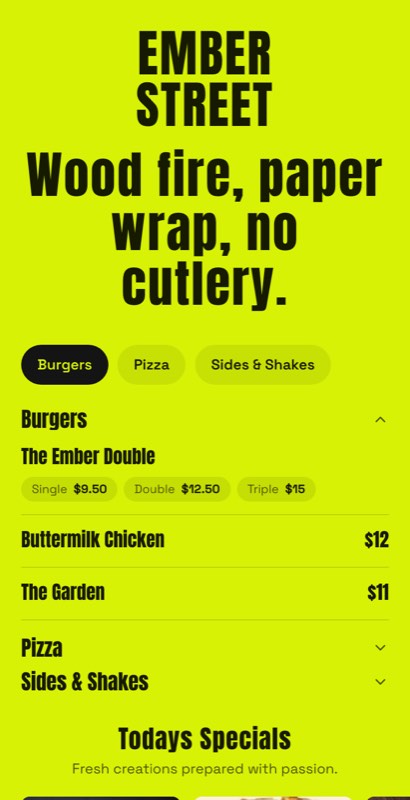
Festival Van menu template: a mobile food truck menu with a wordmark header, a photo banner, category tabs and priced item rows you can edit. Use this template
Festival VanEvents · short list
Curb Side menu template: a mobile food truck menu with a wordmark header, a photo banner, category tabs and priced item rows you can edit. Use this template
Curb SideKerbside pickup · clean
Night Market menu template: a mobile food truck menu with a wordmark header, a photo banner, category tabs and priced item rows you can edit. Use this template
Night MarketAfter dark · high contrast
Late Night menu template: a mobile food truck menu with a wordmark header, a photo banner, category tabs and priced item rows you can edit. Use this template
Late NightLate service · dark panel
Short by design

The menu has to work from two metres away

A truck menu is read standing up, outdoors, often in bad light, by someone who has already half decided. These layouts are drawn at panel type sizes with a single price column and nothing competing for attention.

  • Eight to twelve items, laid out to stay that way
  • Panel-size type that holds at two metres
  • Sold-out marks you flip from your phone
  • Location and hours block that changes per pitch
  • QR code sized for a printed truck panel
Pick a truck template
Rolling Kitchen
Tonight · Baner food street
TacosLoaded friesDrinksSweet
Tacos
🌮
Al Pastor
Two per order · pineapple salsa
₹280
🥦
Chipotle Paneer
Veg · smoky
₹260
Tap to make it yours
Loaded fries
🍟
Chilli Cheese
Add jalapeños ₹30
₹220
🥗
Peri Peri
Veg · hot
₹190
What you can change

Yours after about four clicks

A template is a starting point, not a cage.

📏

Panel sizes

Export as a truck panel, an A3 board or an A5 handout from the same short list.

🚫

Sold out

One tap greys an item out for anyone scanning the code — no more shouting down the queue.

📍

Tonight’s pitch

A location and hours block you update per market without touching the menu.

🔥

Heat marks

Spice levels and veg marks in a style that survives being printed on vinyl.

📱

One QR, every pitch

The same code on the panel works wherever you park, with whatever you are serving.

🎉

Event specials

Add a festival-only item, then let it expire on its own when the weekend ends.

Using a template

Template to live menu in four steps

1

Pick a panel

Choose the layout sized for the space on the side of your truck.

2

Cut to twelve items

The template is built for a short list. Use that as the constraint it is.

3

Add tonight’s pitch

Set the location and hours block, and change it whenever you move.

4

Print the panel, publish the code

Export the vinyl-ready panel and put the QR menu live in the same click.

Choosing well

How to pick a food truck menu template

Pick for distance, not for detail

A truck menu is read from further away than any other kind. Whatever template you choose, the test is simple: print an A4 mock-up, tape it at eye level and walk two metres back. If you have to squint, the item count is too high or the type is too small.

Short is a feature, not a compromise

Trucks that serve eight things serve them faster and waste less. A template that visibly breaks when you add a twentieth item is doing you a favour — do not fight it by shrinking the type.

Make sold-out instant

  • Guests should see the item is gone before they reach the window
  • Grey it out, do not delete it — deleting looks like you never had it
  • Bring it back for the next service in one tap

Keep one code across every pitch

Reprinting a panel for every market is money on the floor. One permanent QR code on the truck, with the menu changing behind it, means the printed panel only changes when the design does.

Then price for the pitch

A festival crowd and a weekday office park are different markets. The same menu can carry different prices per pitch, so publish the version that matches where you are parked tonight.

FAQ

Questions we get asked most

Are these templates designed for a short menu?

Yes. They are drawn for eight to twelve items at panel type sizes, which is what a truck menu should be.

Can I mark items sold out during service?

Yes, in two taps from your phone. The item greys out for anyone scanning your code and comes back when you restock.

Can I change my location and hours per market?

Yes. The location and hours block is separate from the menu, so you update it per pitch without touching the item list.

Can I print the design on a vinyl panel?

Yes. Panel, A3 and A5 layouts export from the same list at print resolution.

Does one QR code work at every pitch?

Yes. The code is permanent and the menu behind it changes, so a printed panel keeps working wherever you park.

Are the food truck templates free?

Yes, on every plan including the free one. Paid plans add print-ready export and custom fonts.

Every collection

Menu templates by business type

Sixteen collections, all editable, all free to start from.

Keep exploring

Related pages

A menu that reads from the pavement

Pick a truck template, cut it to twelve items and publish the panel and the QR menu at once.

No credit card required · Set up in 5 minutes