Home / Takeaway Menu Templates
Takeaway templates

Takeaway menu templates for collection and delivery

Ready-in times, family packs, packing notes and prices that account for the box. A takeaway menu has a different job to a table menu, and these layouts are drawn for it.

The gallery

6 takeaway menu templates ready to make yours

Pick the one closest to your room. Everything about it can change afterwards.
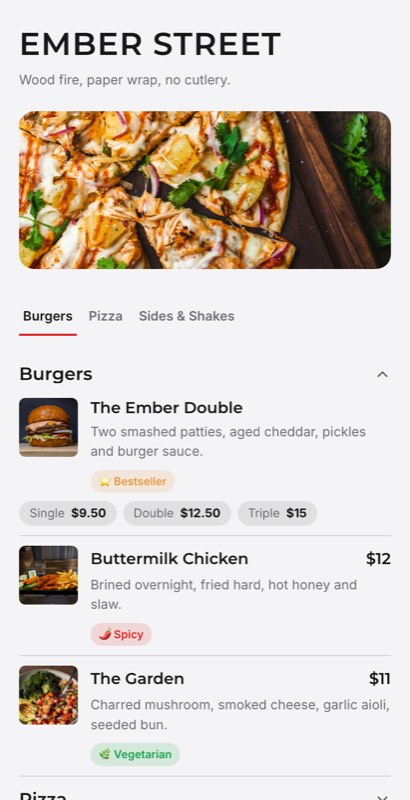
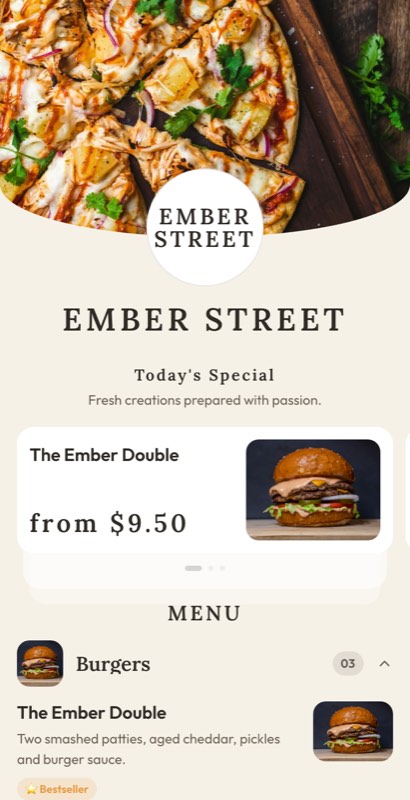
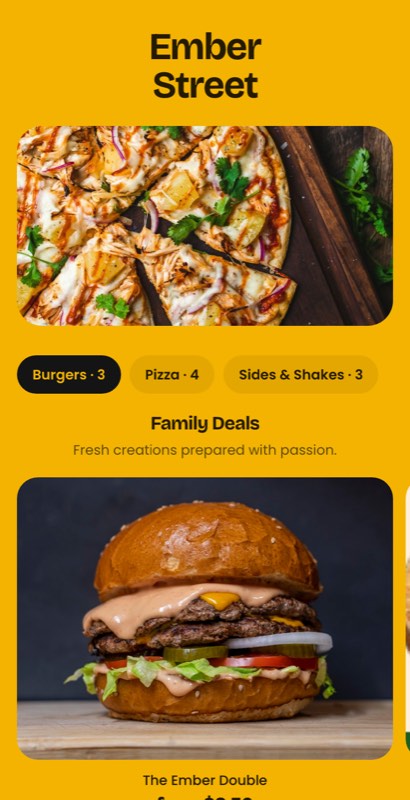
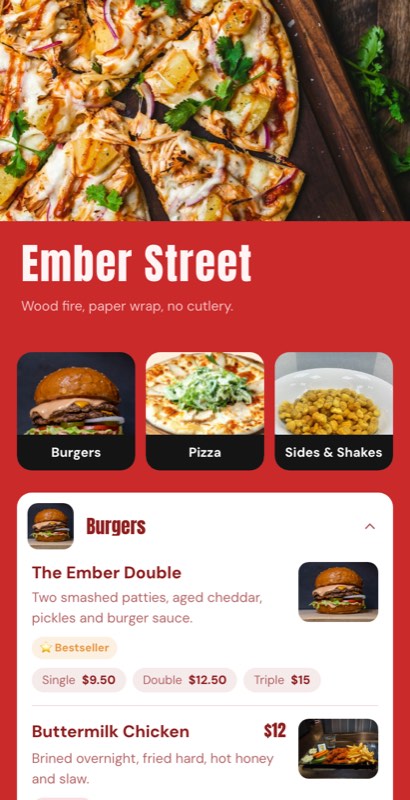
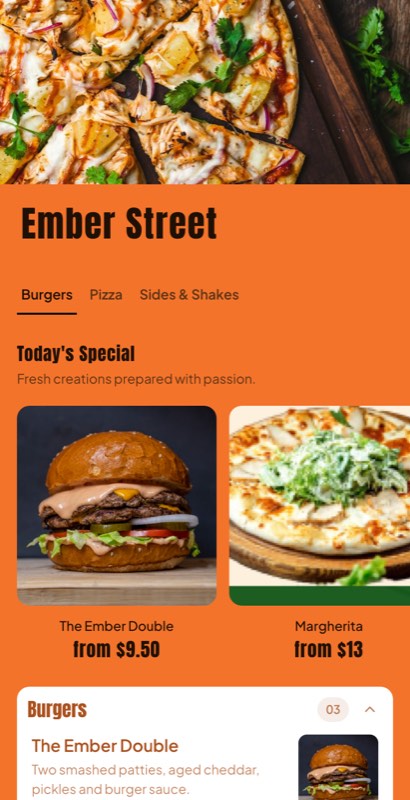
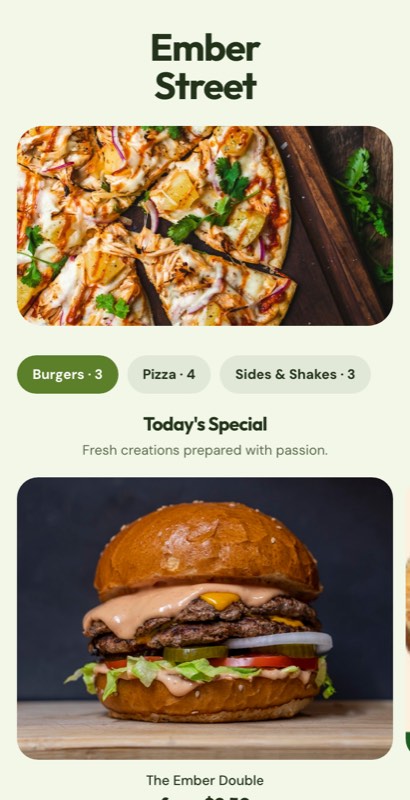
Collection Counter menu template: a mobile takeaway menu with a wordmark header, a photo banner, category tabs and priced item rows you can edit. Use this template
Collection CounterCollection · clean
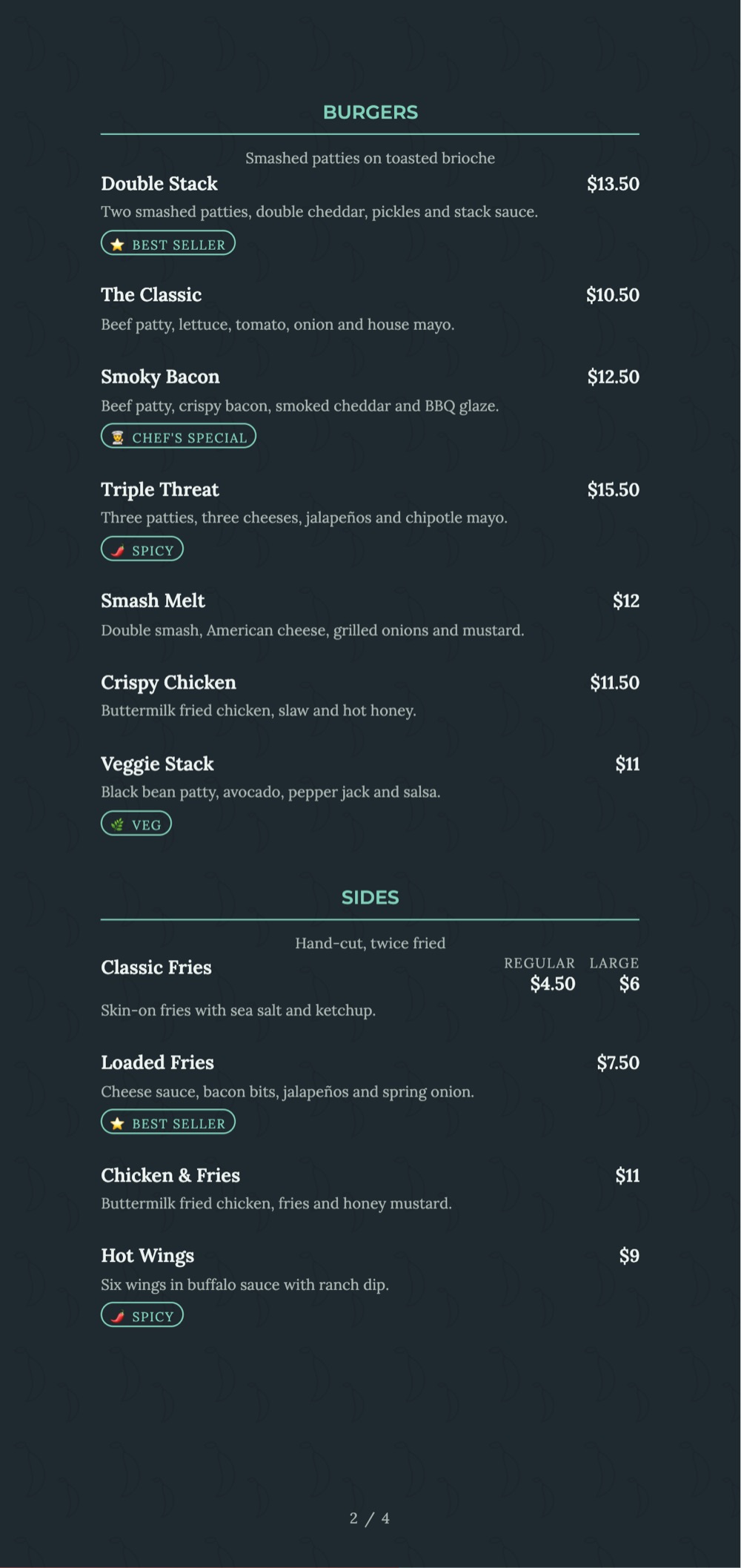
Corner Shop menu template: a mobile takeaway menu with a wordmark header, a photo banner, category tabs and priced item rows you can edit. Use this template
Corner ShopNeighbourhood takeaway · warm
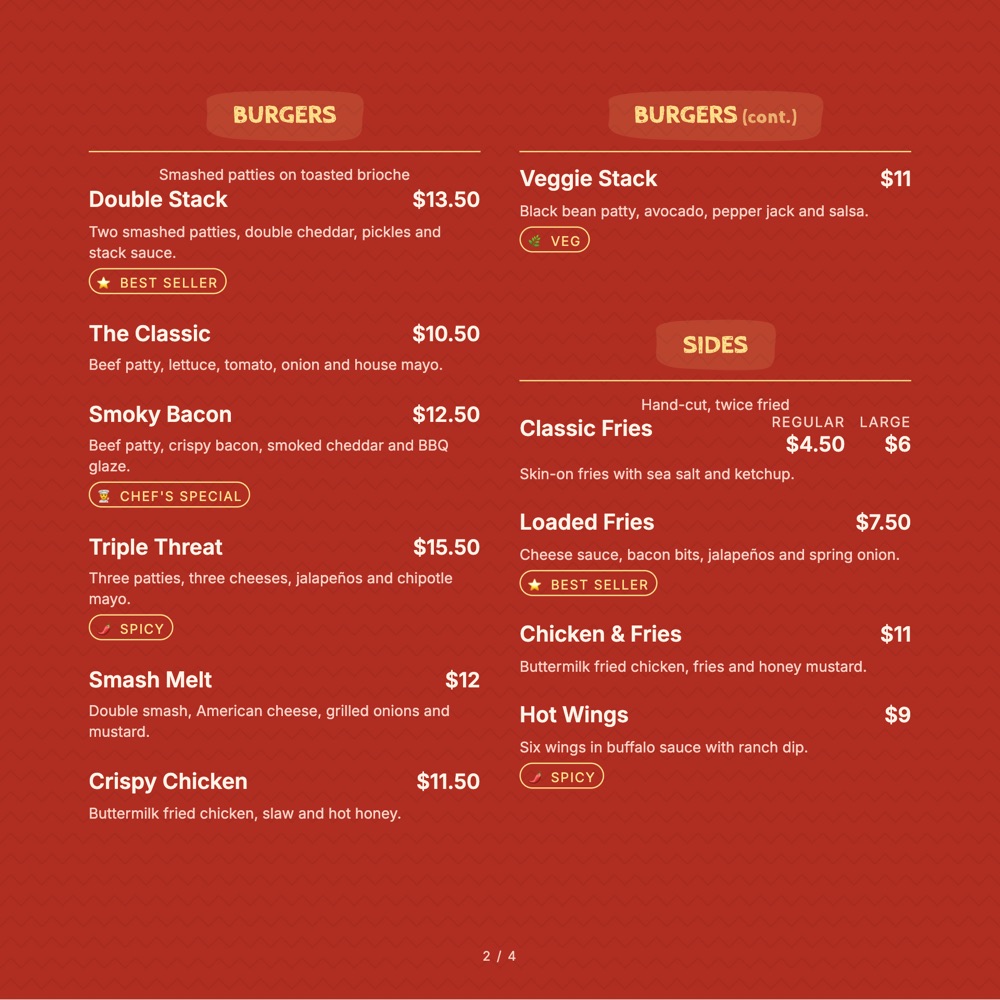
Family Pack menu template: a mobile takeaway menu with a wordmark header, a photo banner, category tabs and priced item rows you can edit. Use this template
Family PackPacks & boxes · deal-first
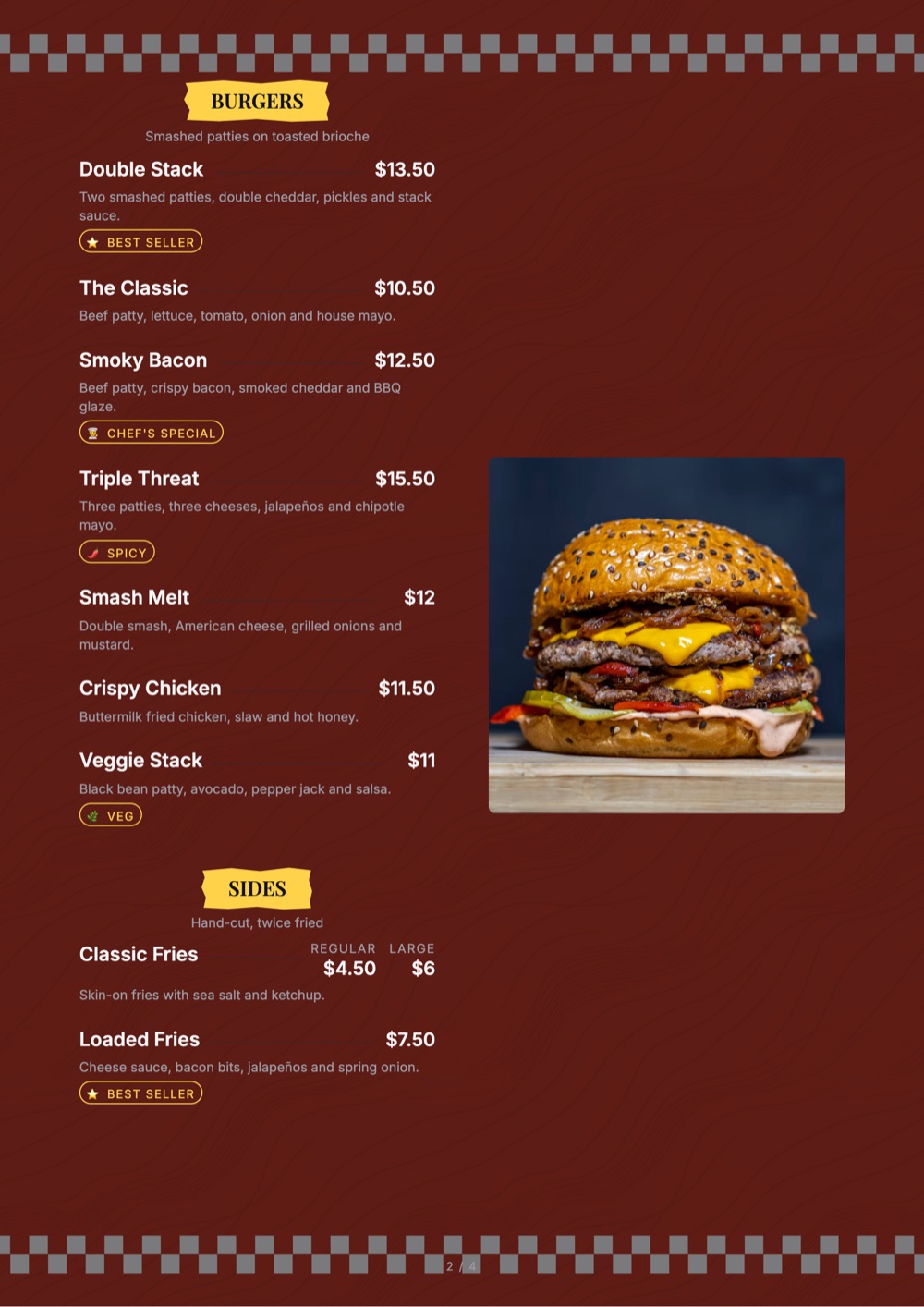
Hot Window menu template: a mobile takeaway menu with a wordmark header, a photo banner, category tabs and priced item rows you can edit. Use this template
Hot WindowHot counter · bold
Box & Bag menu template: a mobile takeaway menu with a wordmark header, a photo banner, category tabs and priced item rows you can edit. Use this template
Box & BagDelivery · photo-led
Packed Fresh menu template: a mobile takeaway menu with a wordmark header, a photo banner, category tabs and priced item rows you can edit. Use this template
Packed FreshReady meals · label style
The order happens elsewhere

Nobody is standing there to answer questions

A takeaway guest orders from a leaflet on the fridge or a phone on the sofa. Every question they might have — how long, how much for two, does it travel — has to be answered on the menu, because there is no one to ask.

  • Ready-in and collection times stated per section
  • Family packs and meal boxes in their own block
  • Travels-well marks on the dishes that do
  • Packing, cutlery and spice-on-the-side notes
  • A4 leaflet, fridge magnet and QR menu from one list
Pick a takeaway template
Collection Counter
Ready in 20 min · collection
PacksMainsSidesDrinks
Family packs
🥣
Family Pack of 4
2 mains, rice, breads, dessert
₹1,199
🍱
Meal Box
Serves 1 · ready in 15
₹299
Tap to make it yours
Mains
🥩
Butter Chicken
Serves 2 · travels well
₹480
🥗
Paneer Butter Masala
Veg · serves 2
₹420
What you can change

Yours after about four clicks

A template is a starting point, not a cage.

Ready-in times

Per section, so a guest knows whether to leave now or in twenty minutes.

📦

Family packs

Meal boxes and packs for four in a block that reads as a deal, with the saving shown.

🚚

Travels well

A mark on the dishes that survive the journey — and honesty about the ones that do not.

🍴

Packing notes

Cutlery, napkins, spice on the side — captured with the order, not as menu items.

📄

Leaflet print

An A4 takeaway sheet and a fridge card export from the same list.

📱

Reorder in a tap

A QR code on the bag brings the same guest back to the same menu next week.

Using a template

Template to live menu in four steps

1

Pick a takeaway layout

Collection counter, delivery-first or a printed leaflet for the fridge.

2

State the times

Ready-in times per section remove the most common phone call you get.

3

Build the packs

Family packs and meal boxes get their own block with the saving visible.

4

Print and publish

The A4 leaflet, the fridge card and the QR menu all come from one item list.

Choosing well

How to pick a takeaway menu template

Answer the three questions on the page

How long, how much for a family, and does it travel. A takeaway menu that answers those three without a phone call will out-sell a better-looking one that does not. Every template in this collection has a place for all three.

Family packs are the whole margin

A single main is a small order. A pack for four is the order you actually want, and it needs to look like a decision rather than a line. Give it a block, state what is inside and show the saving against buying the parts.

Be honest about what travels

  • Mark the dishes that arrive as intended
  • Say when something is best eaten within fifteen minutes
  • A refunded order costs more than a lost upsell

Print still works for takeaway

The leaflet on the fridge door is the one menu format that has never stopped working, because it is visible at the moment the decision gets made. Print it from the same list as the QR menu so the prices can never disagree.

Then put the code on the bag

A takeaway guest who liked the food has no easy way back to your menu. A QR code on the bag or the box closes that gap, and it costs a sticker.

FAQ

Questions we get asked most

Can I show ready-in and collection times?

Yes, per section, so guests know whether to set off now or in twenty minutes.

Can I build family packs and meal boxes?

Yes, in their own block, listing what is included and the saving against ordering separately.

Can I mark which dishes travel well?

Yes, as a mark on the line, along with a note where something is best eaten quickly.

Can guests add packing requests?

Yes. Cutlery, napkins and spice on the side are captured as order notes rather than as menu items.

Can I print an A4 takeaway leaflet?

Yes. A leaflet, a fridge card and an A5 sheet export from the same item list as the QR menu.

Are the takeaway templates free?

Yes, on every plan including the free one. Paid plans add print-ready export and custom fonts.

Every collection

Menu templates by business type

Sixteen collections, all editable, all free to start from.

Keep exploring

Related pages

Answer every question on the menu

Pick a takeaway template, state your times and packs, and publish the leaflet and the QR menu together.

No credit card required · Set up in 5 minutes