Home / Coffee Shop Menu Templates
Coffee shop templates

Coffee shop menu templates that respect the bar

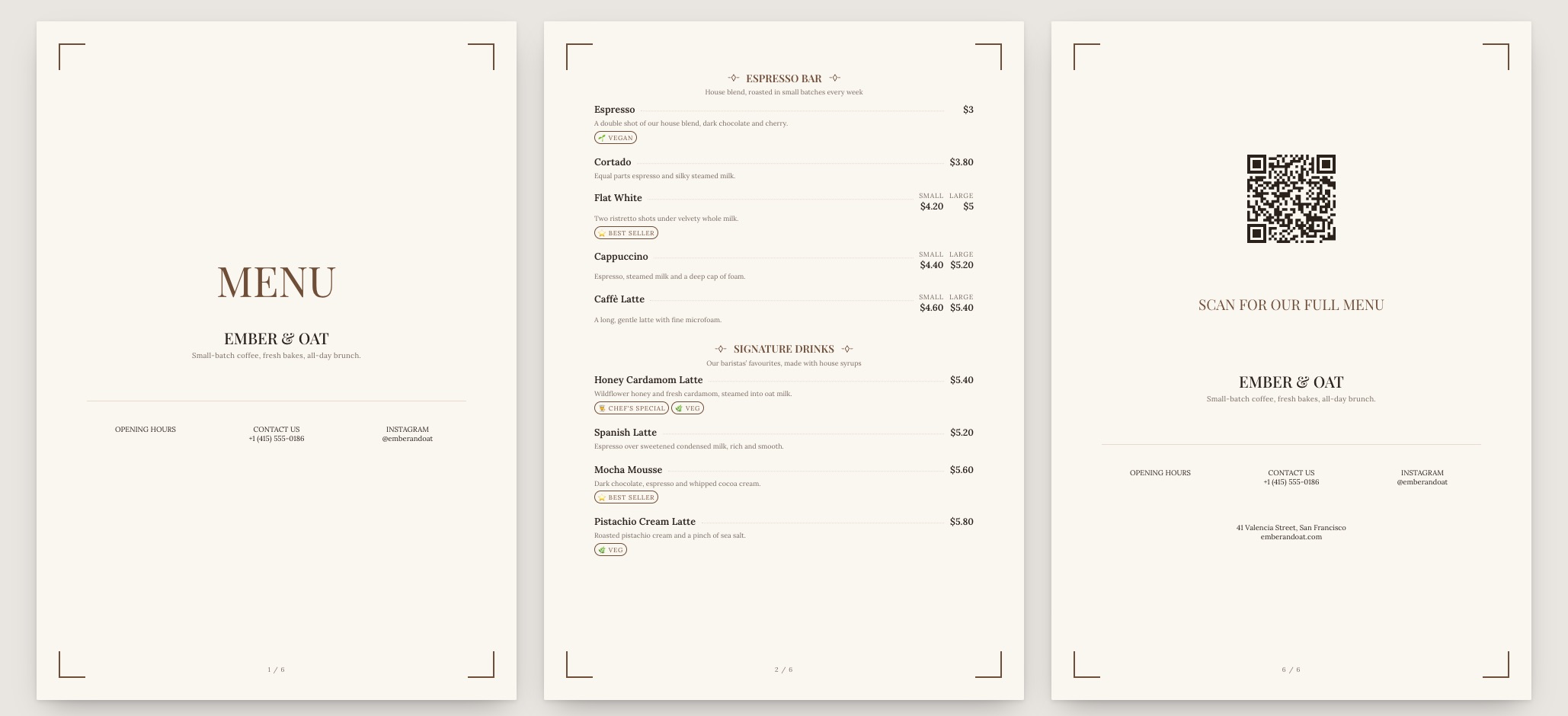
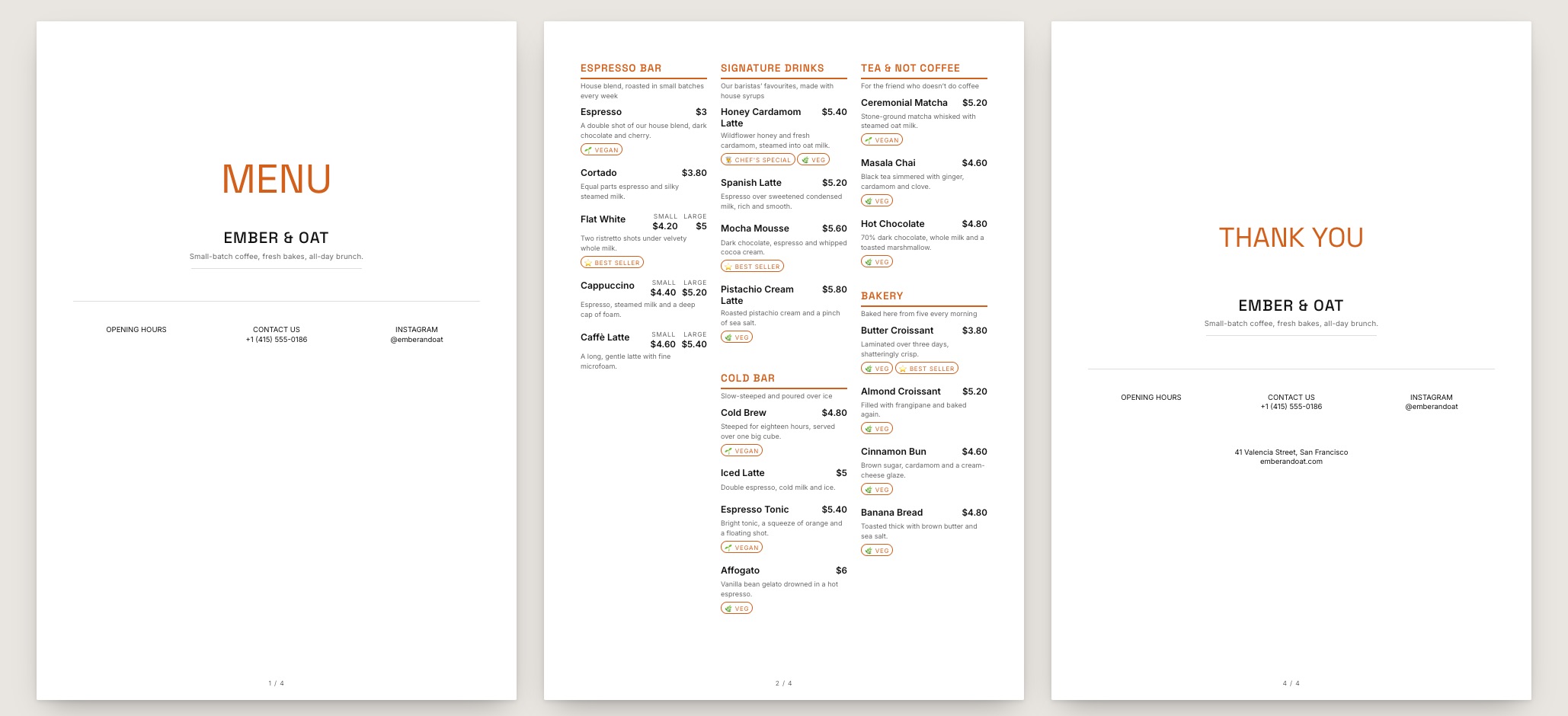
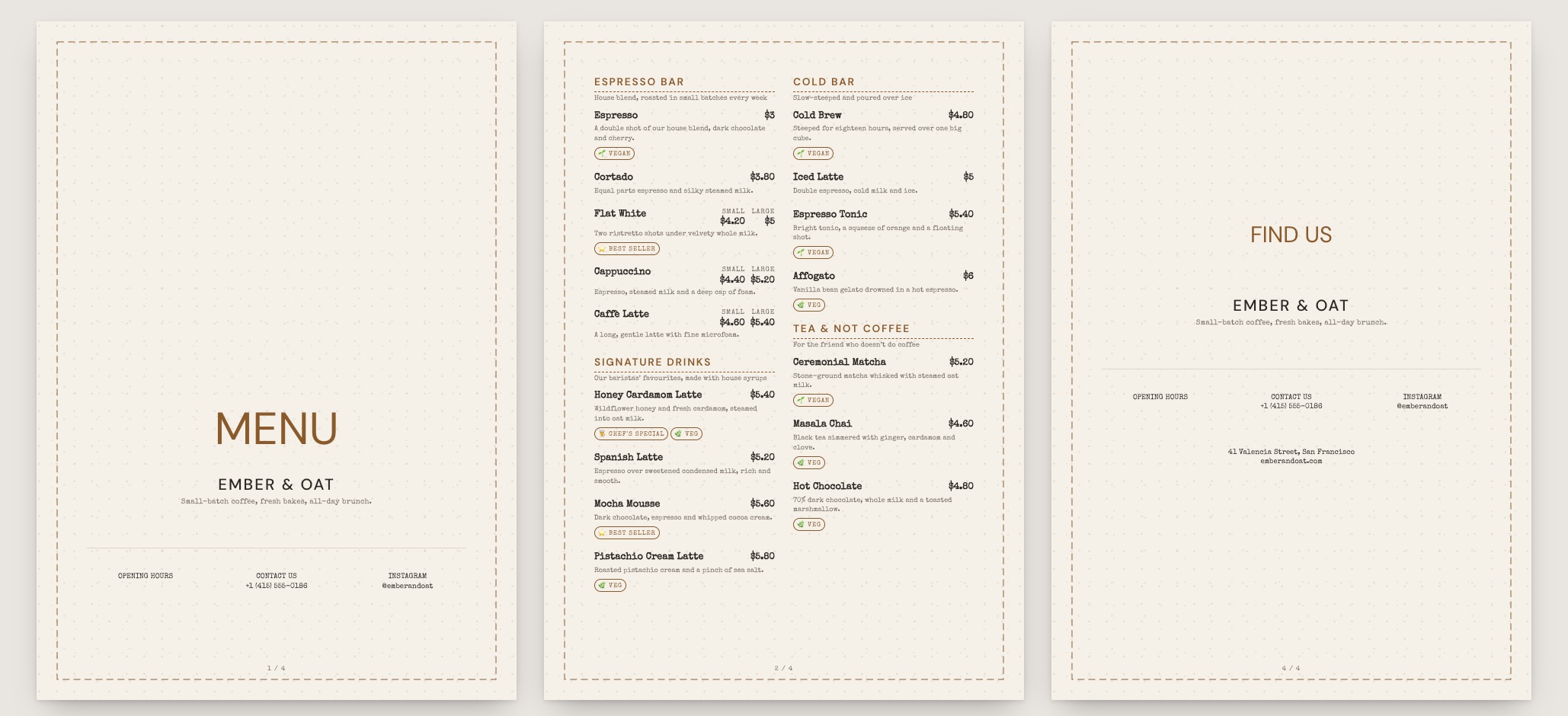
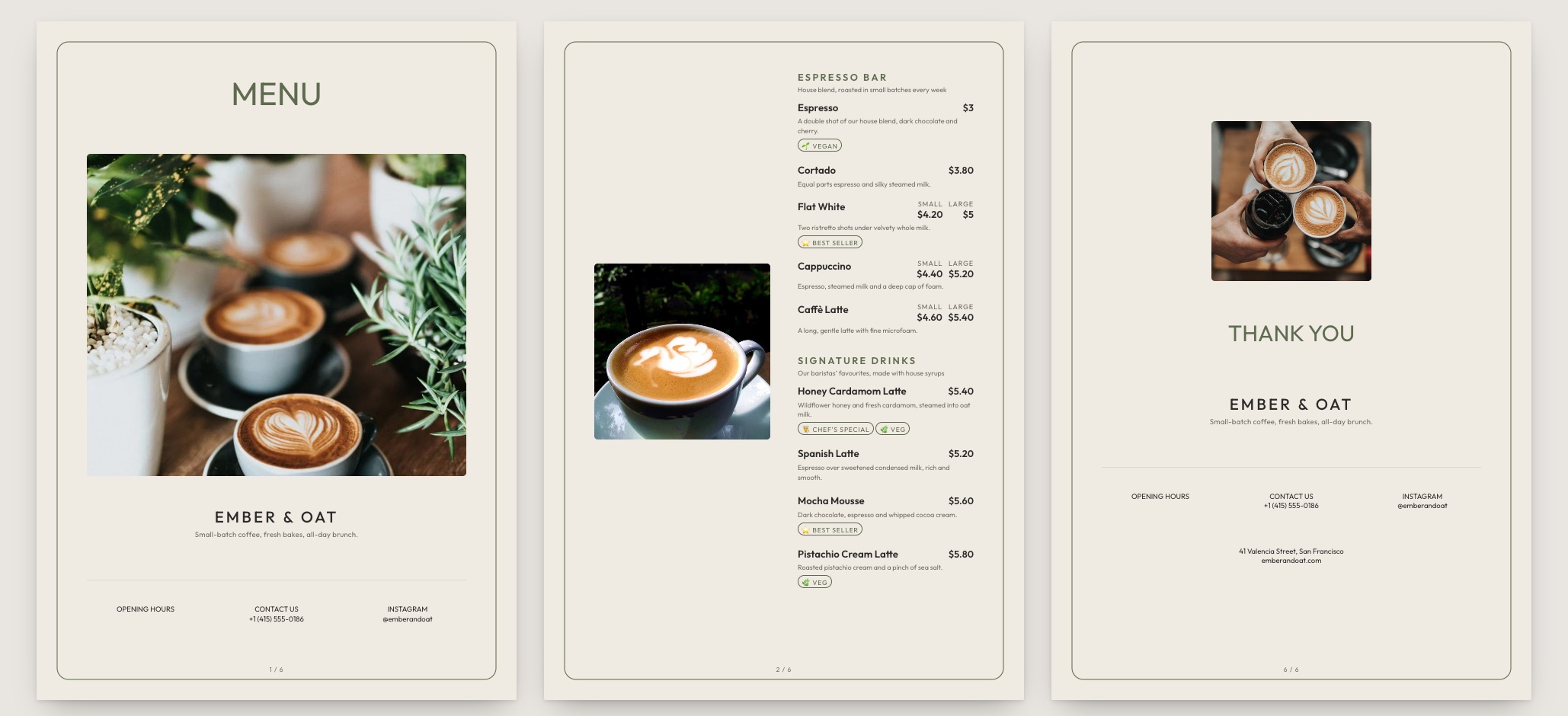
Sizes, milks, single or double, hot or iced. A coffee list is four decisions stacked on one line — these templates give each of them a place instead of turning your board into a wall of near-identical rows.

The gallery

8 coffee shop menu templates ready to make yours

Pick the one closest to your room. Everything about it can change afterwards.
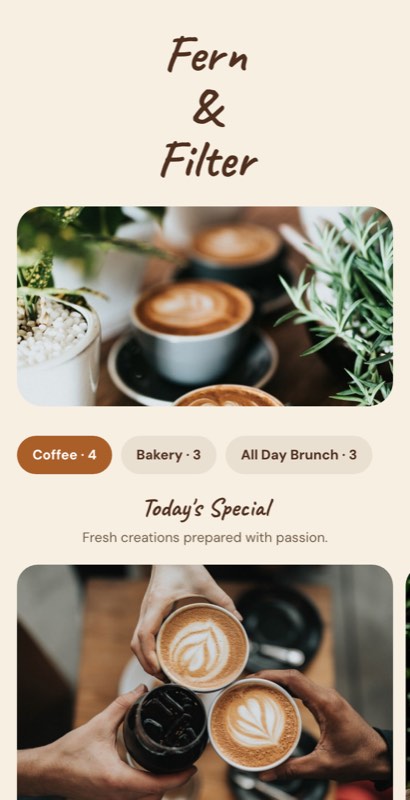
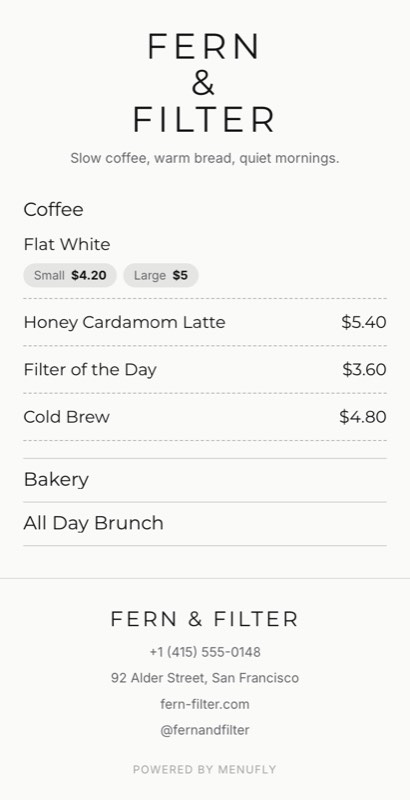
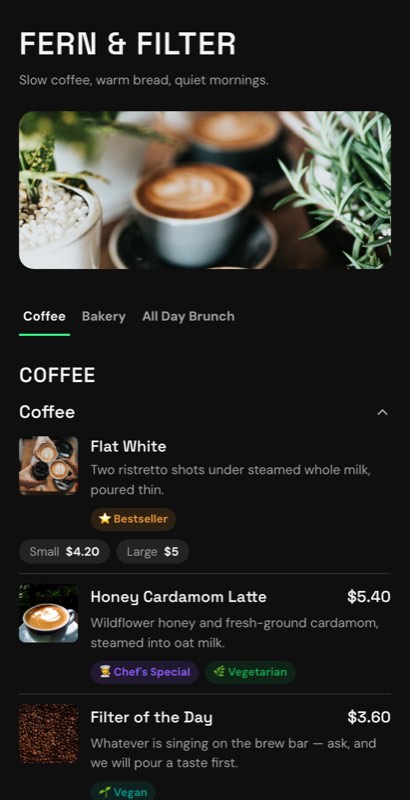
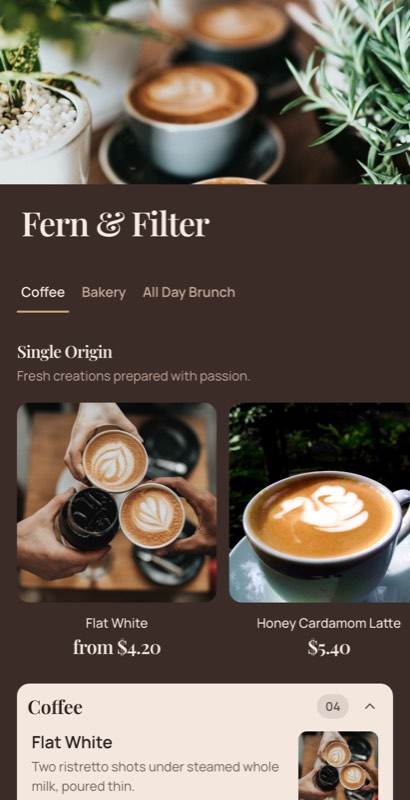
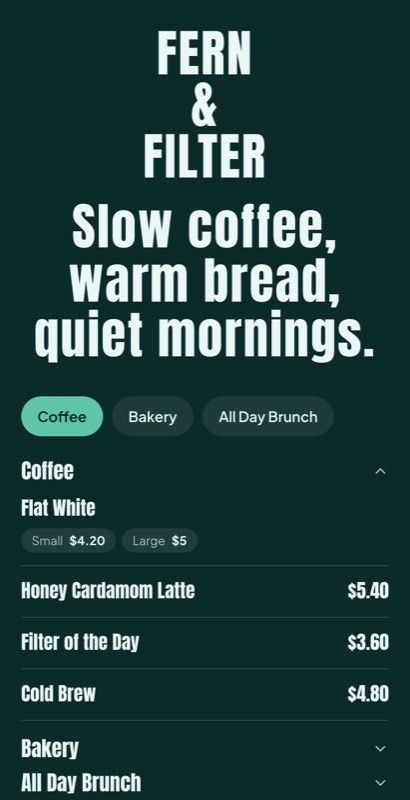
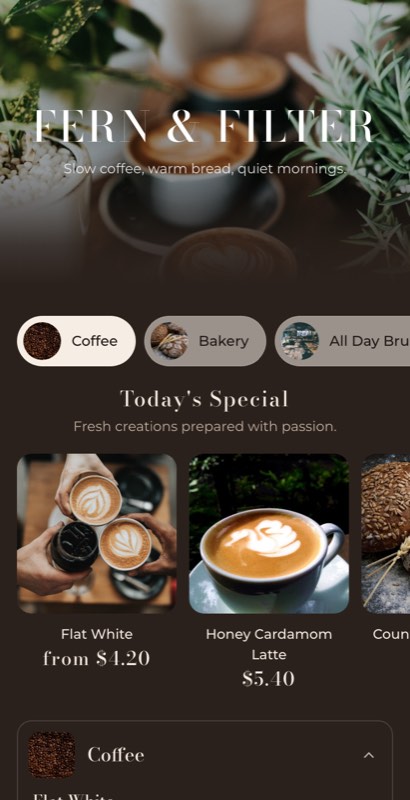
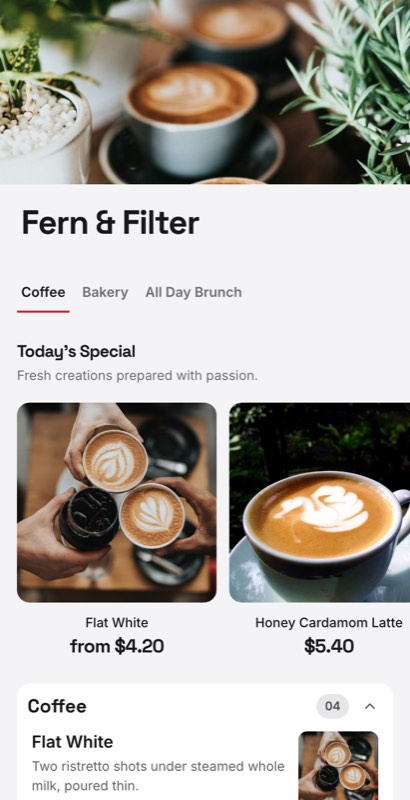
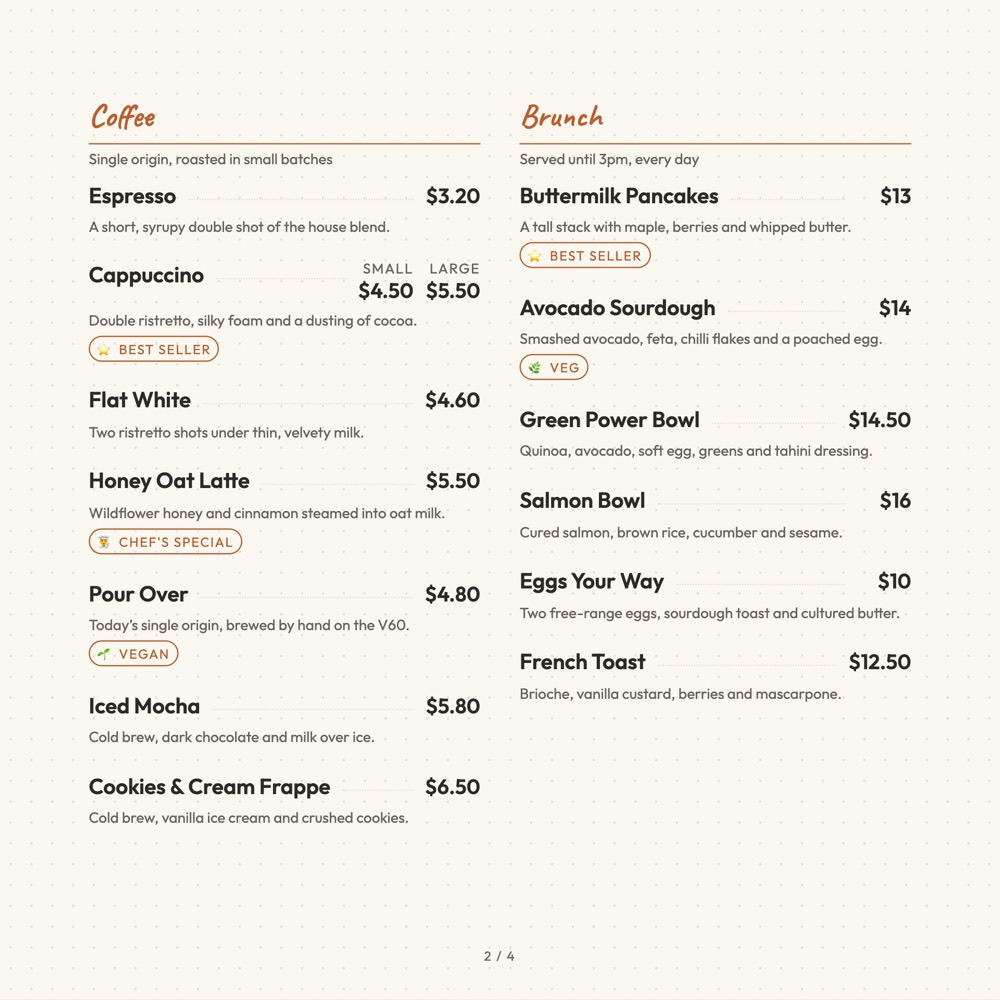
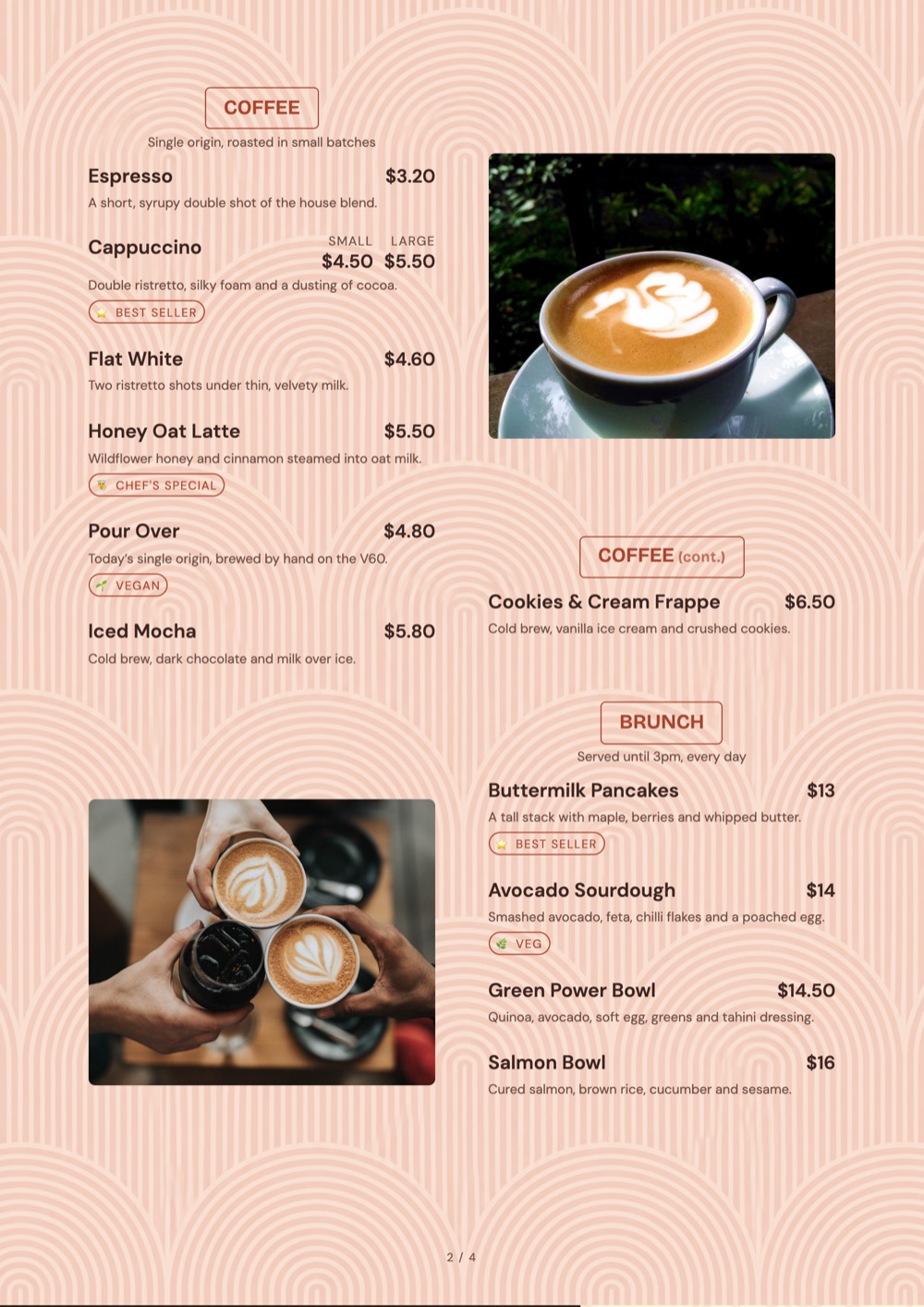
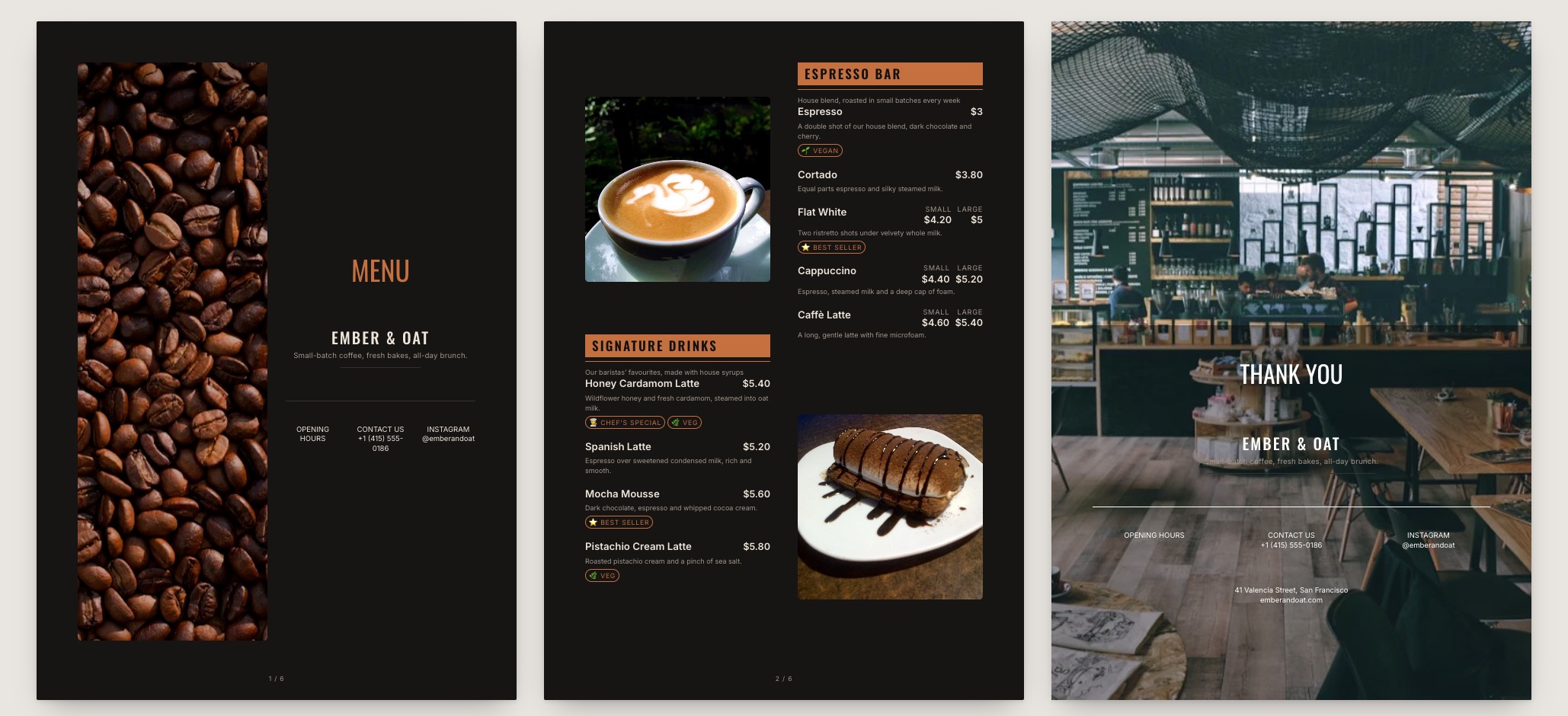
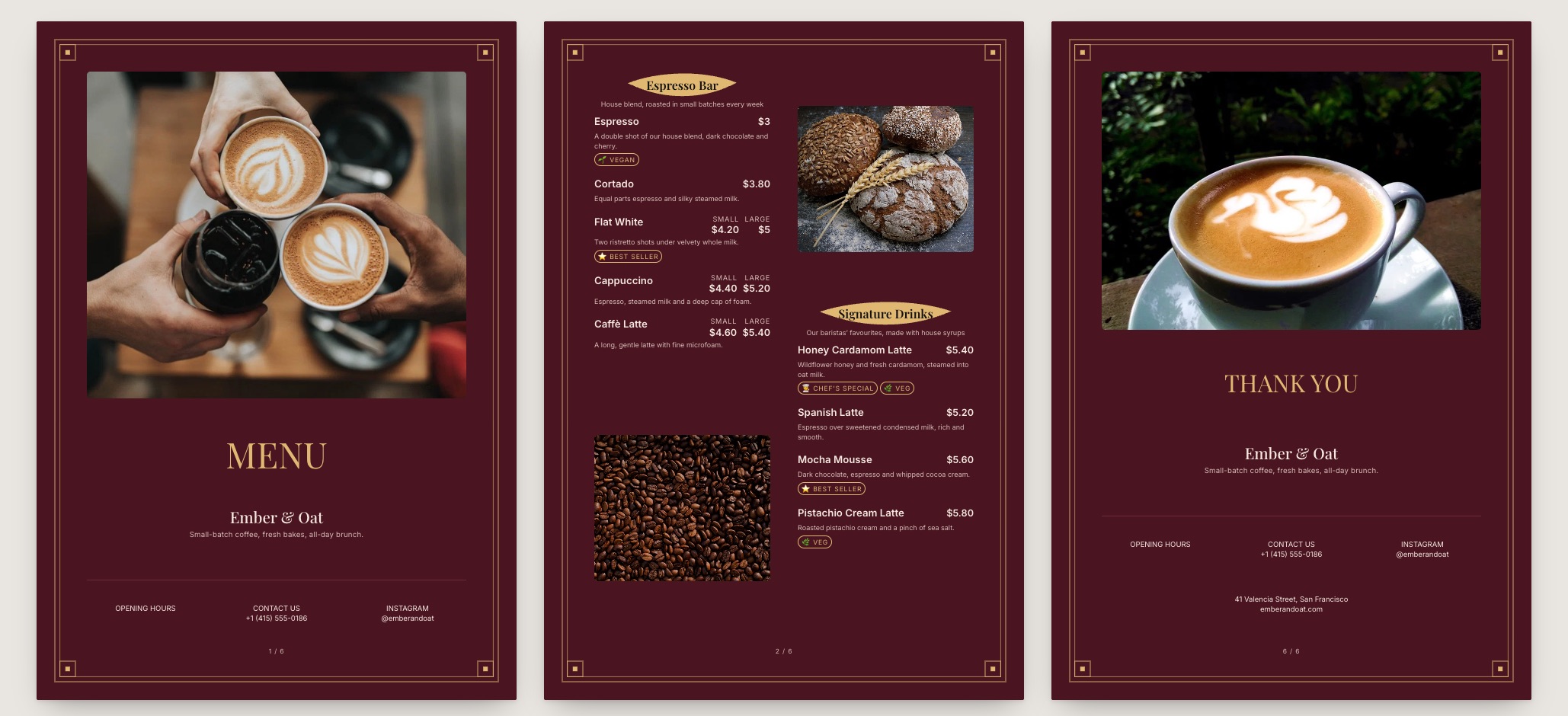
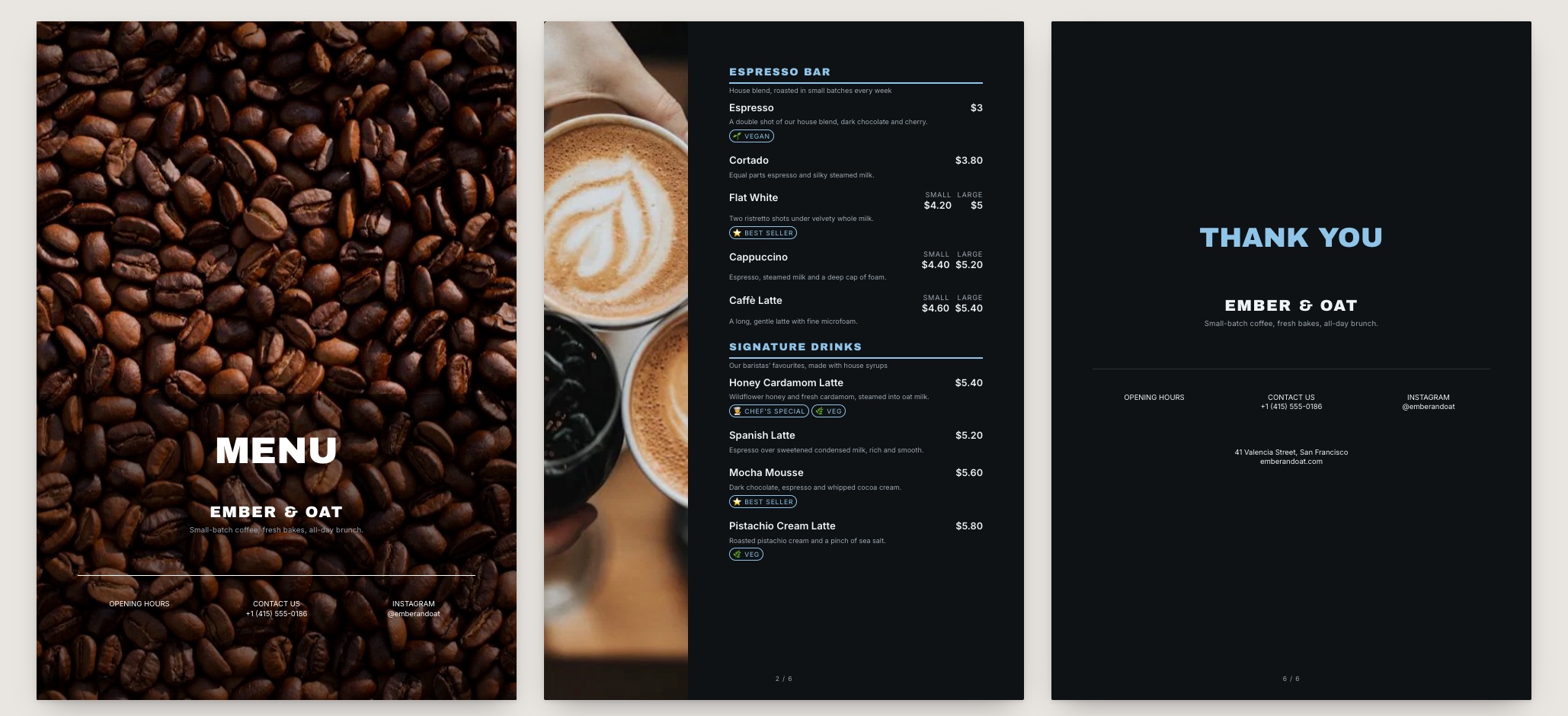
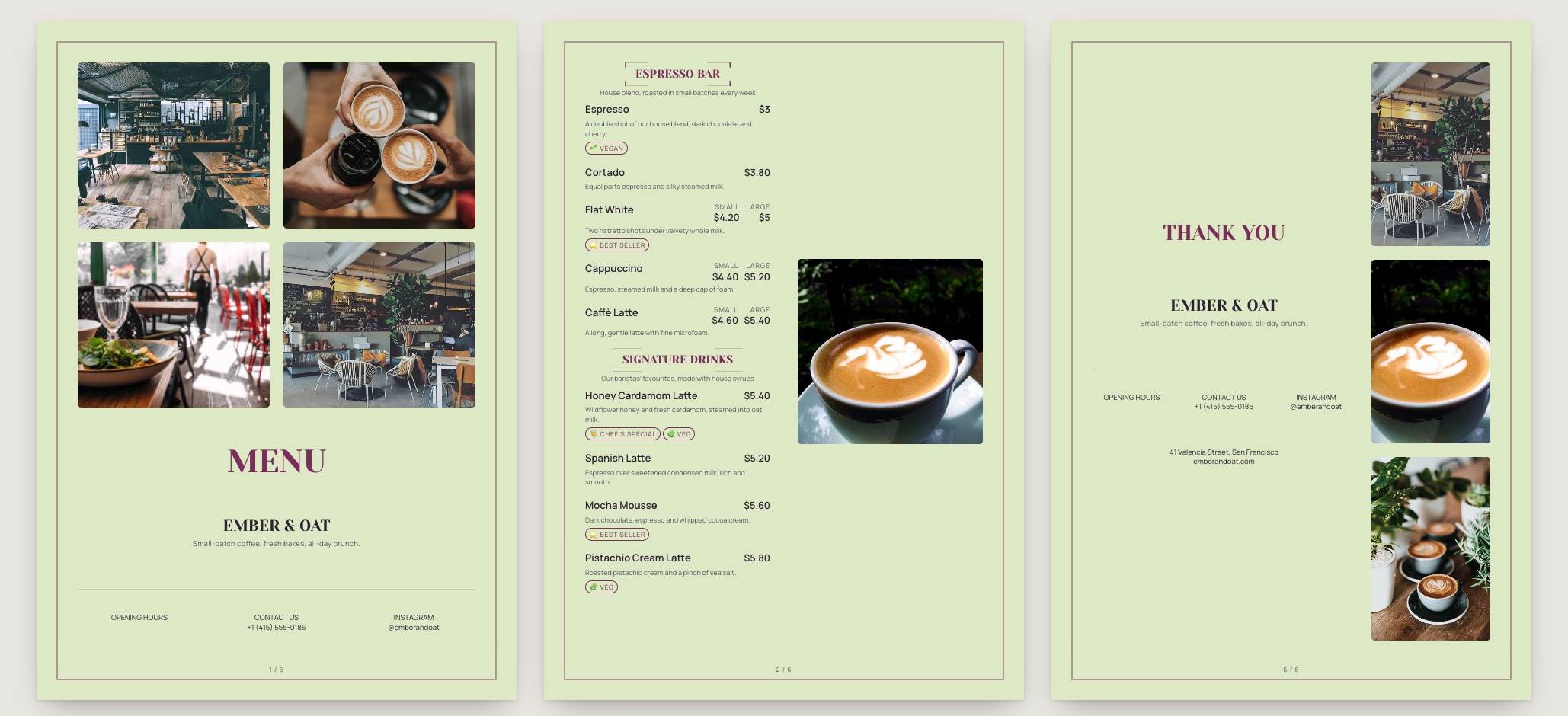
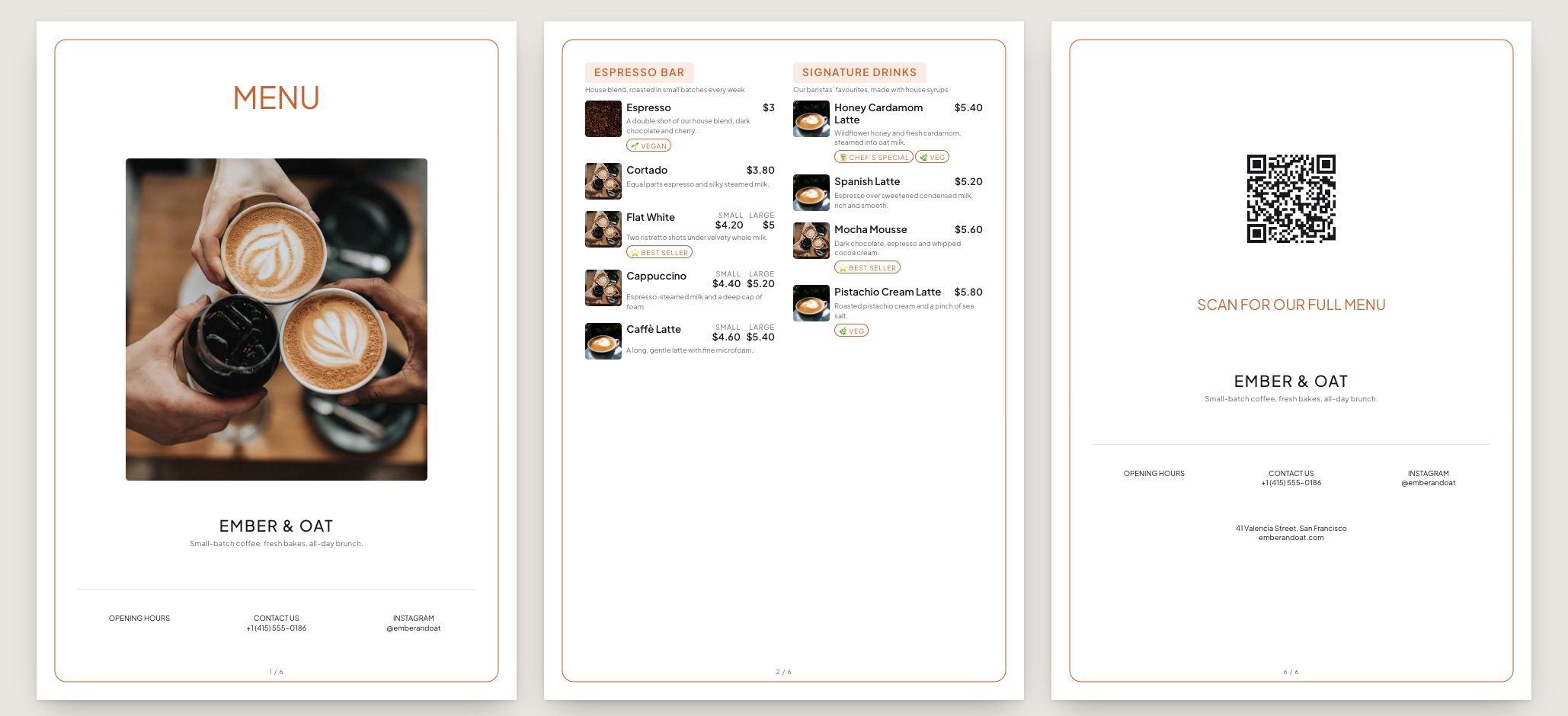
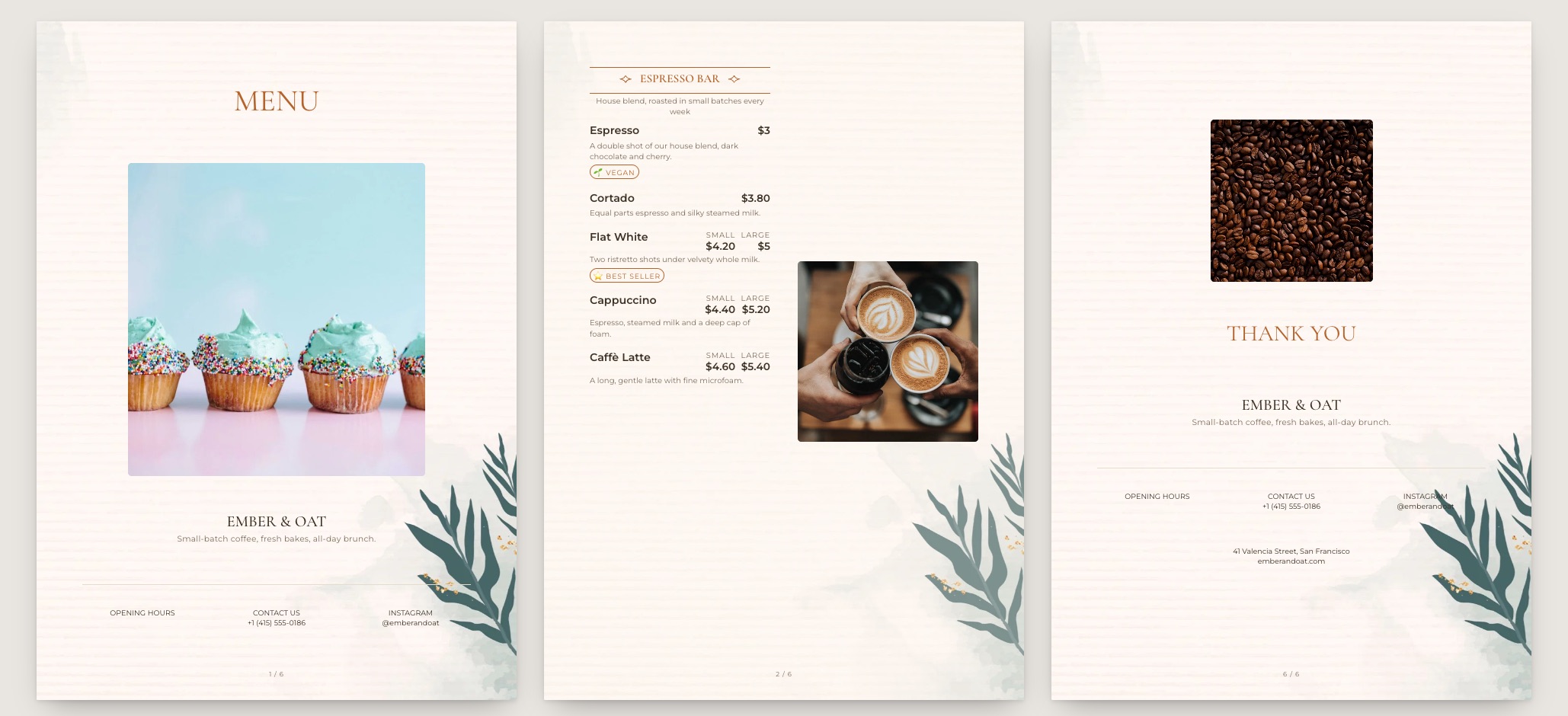
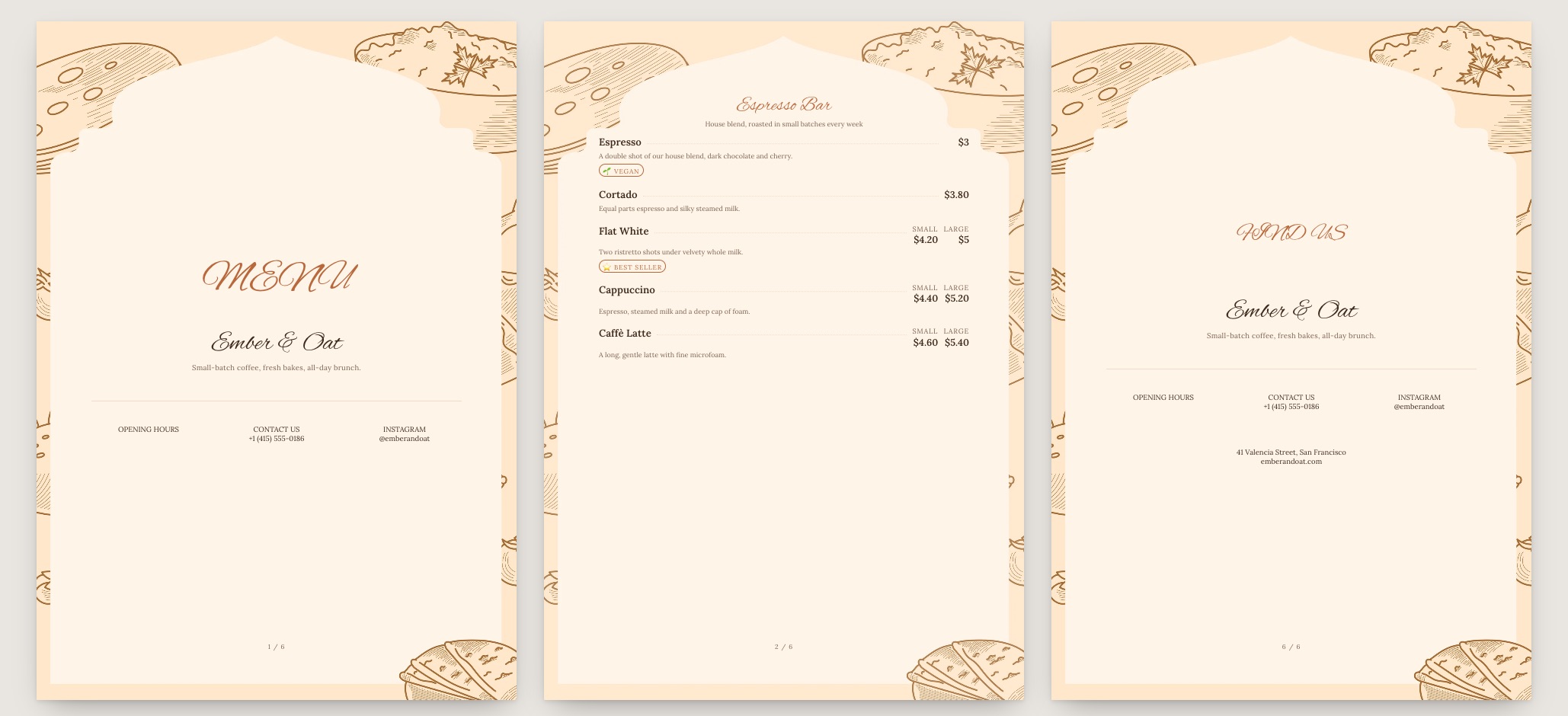
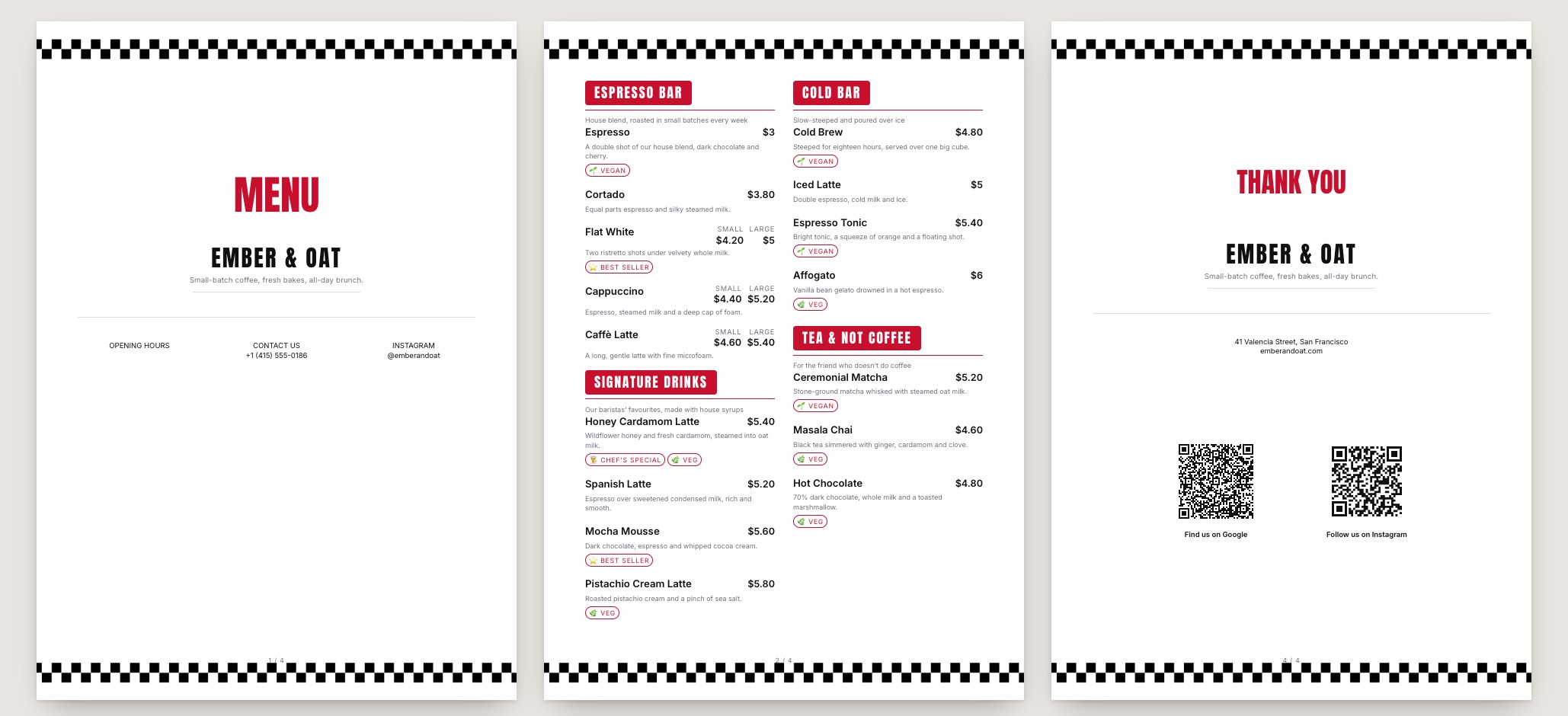
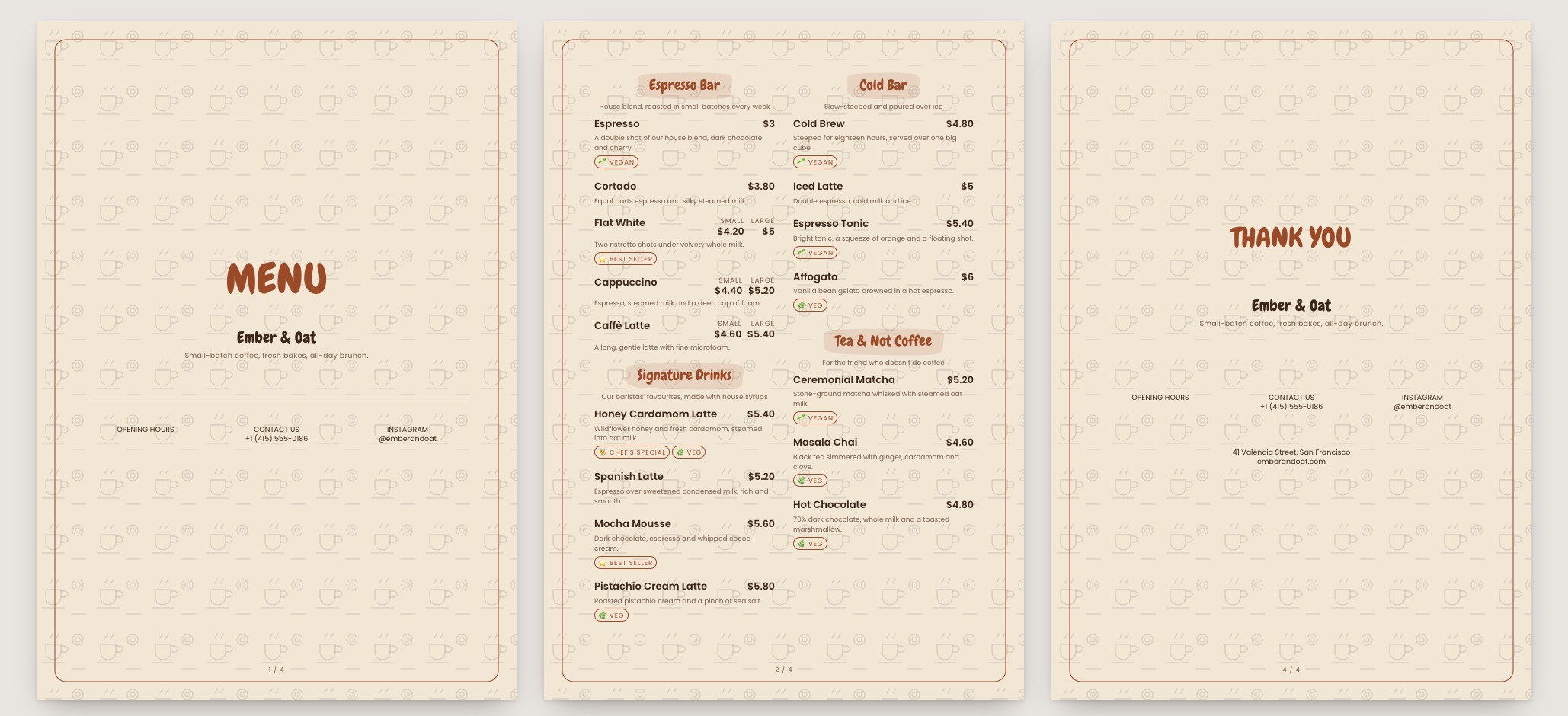
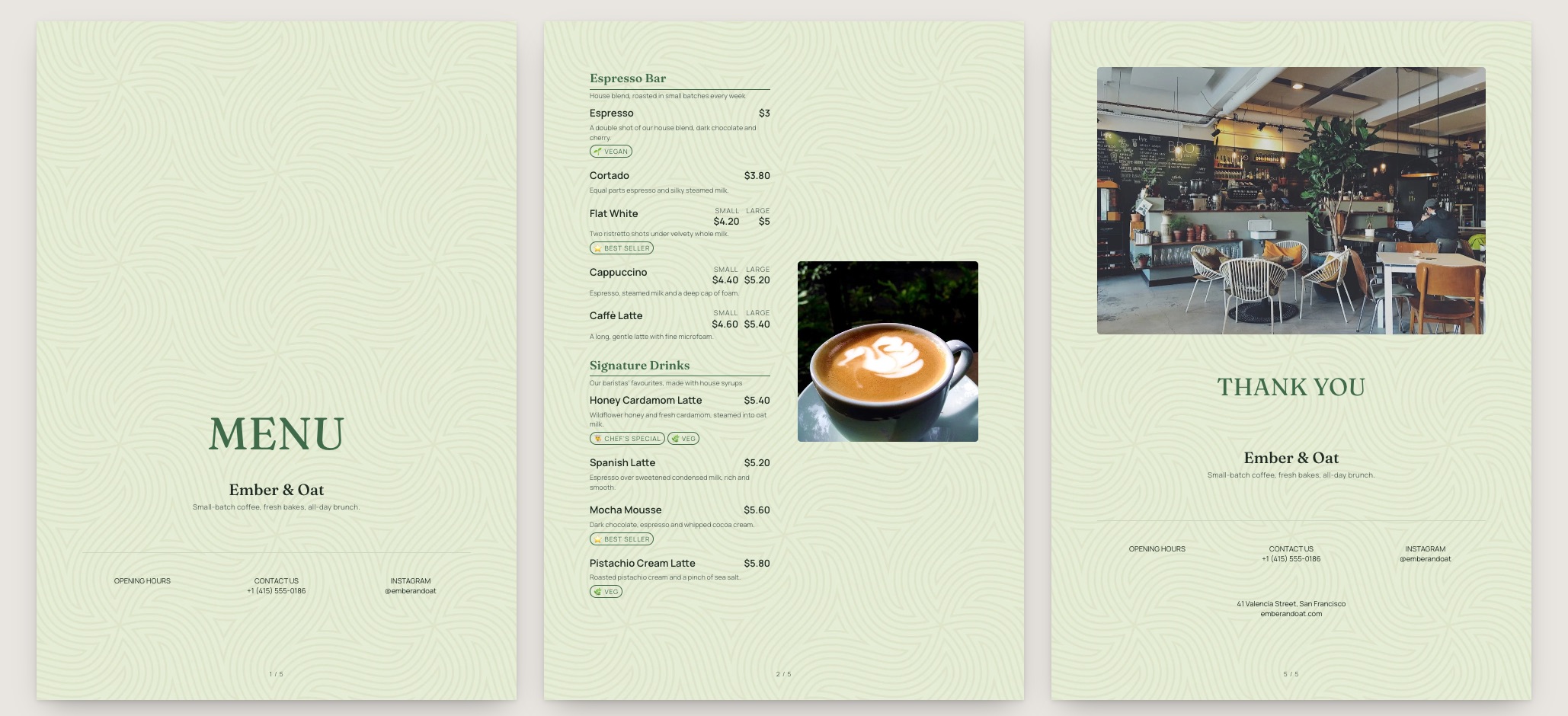
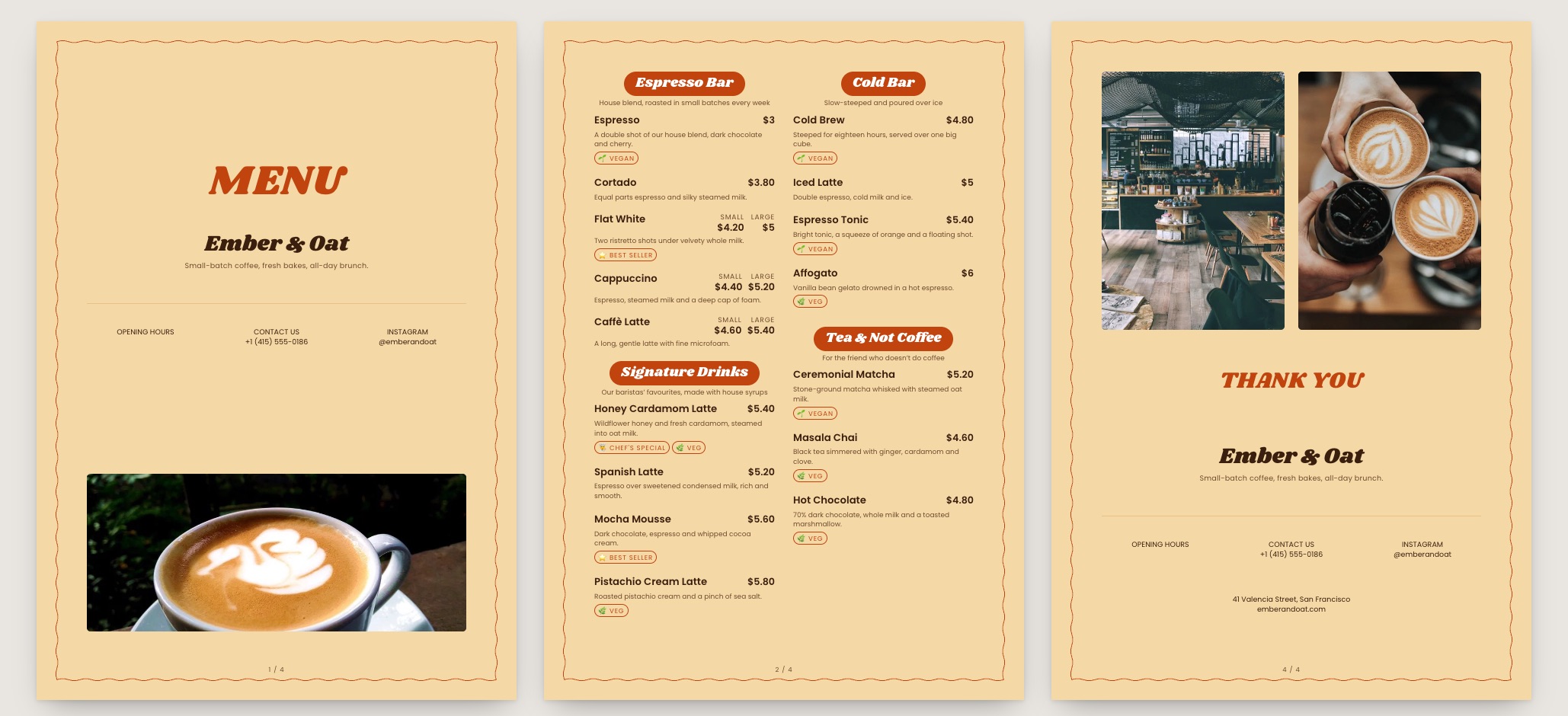
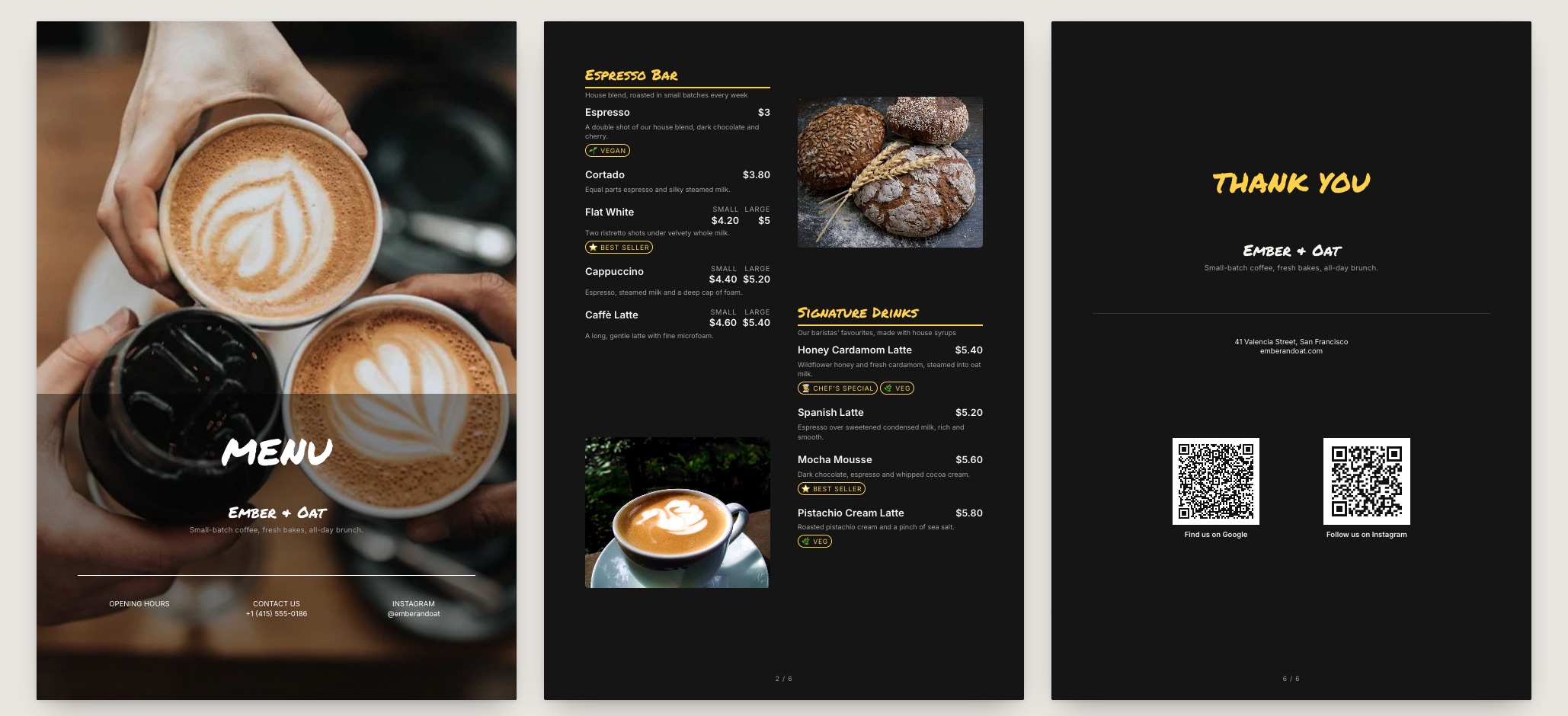
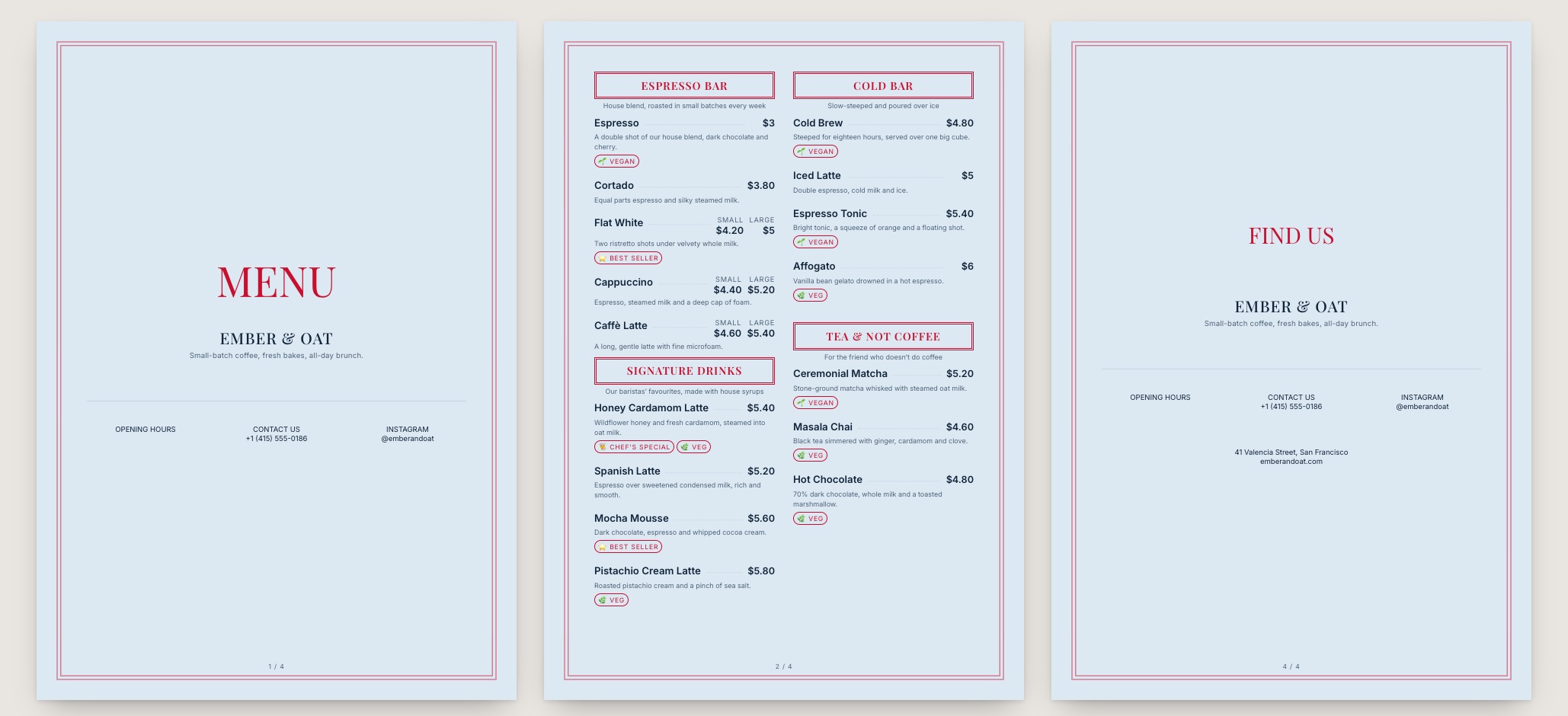
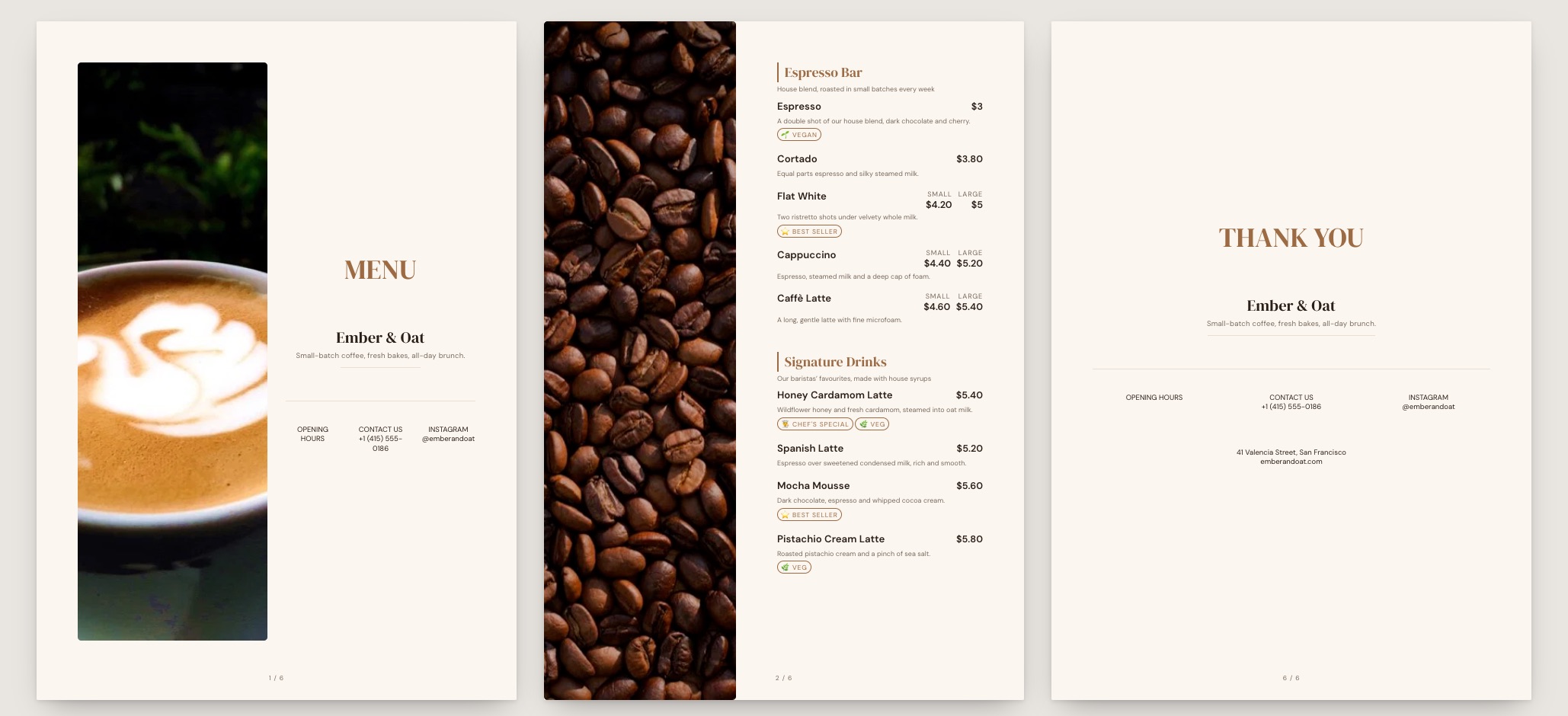
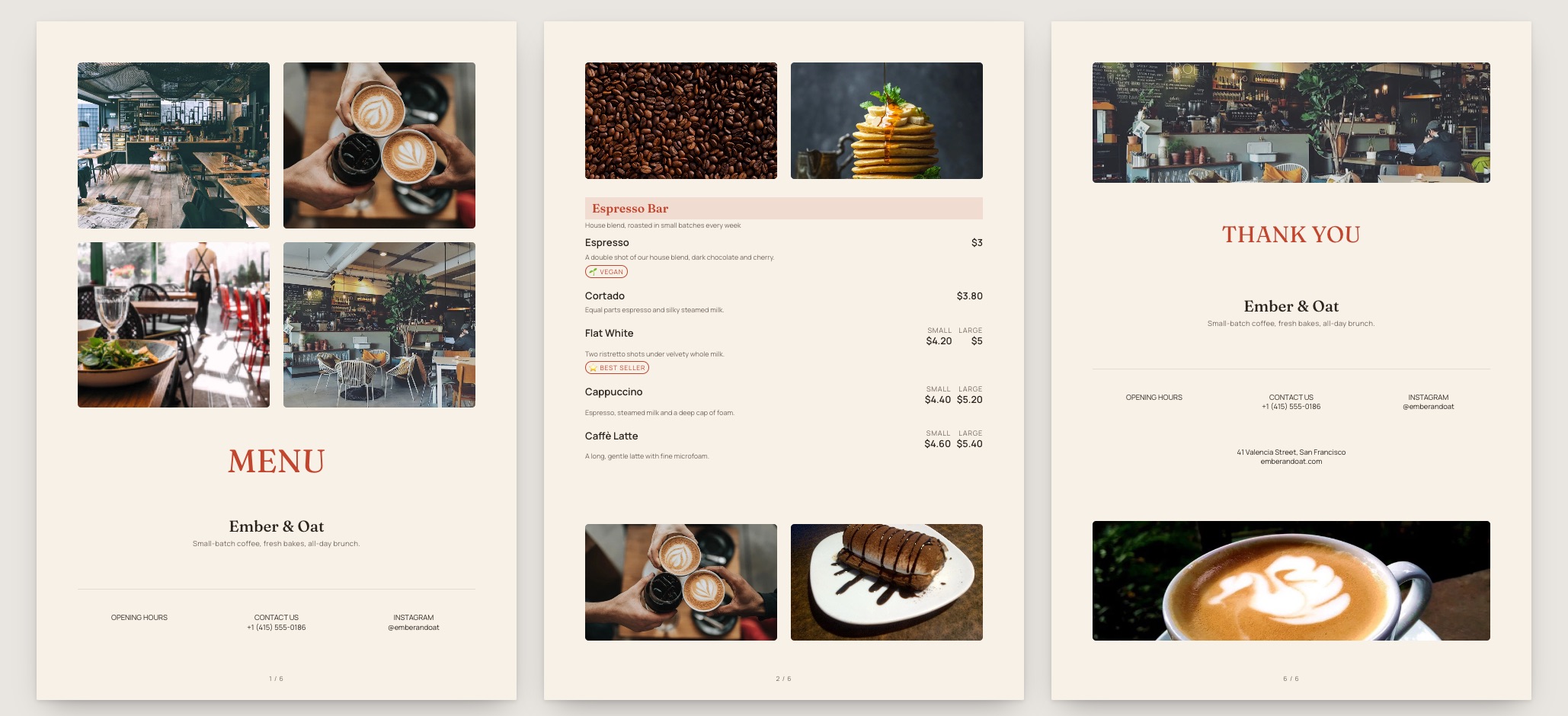
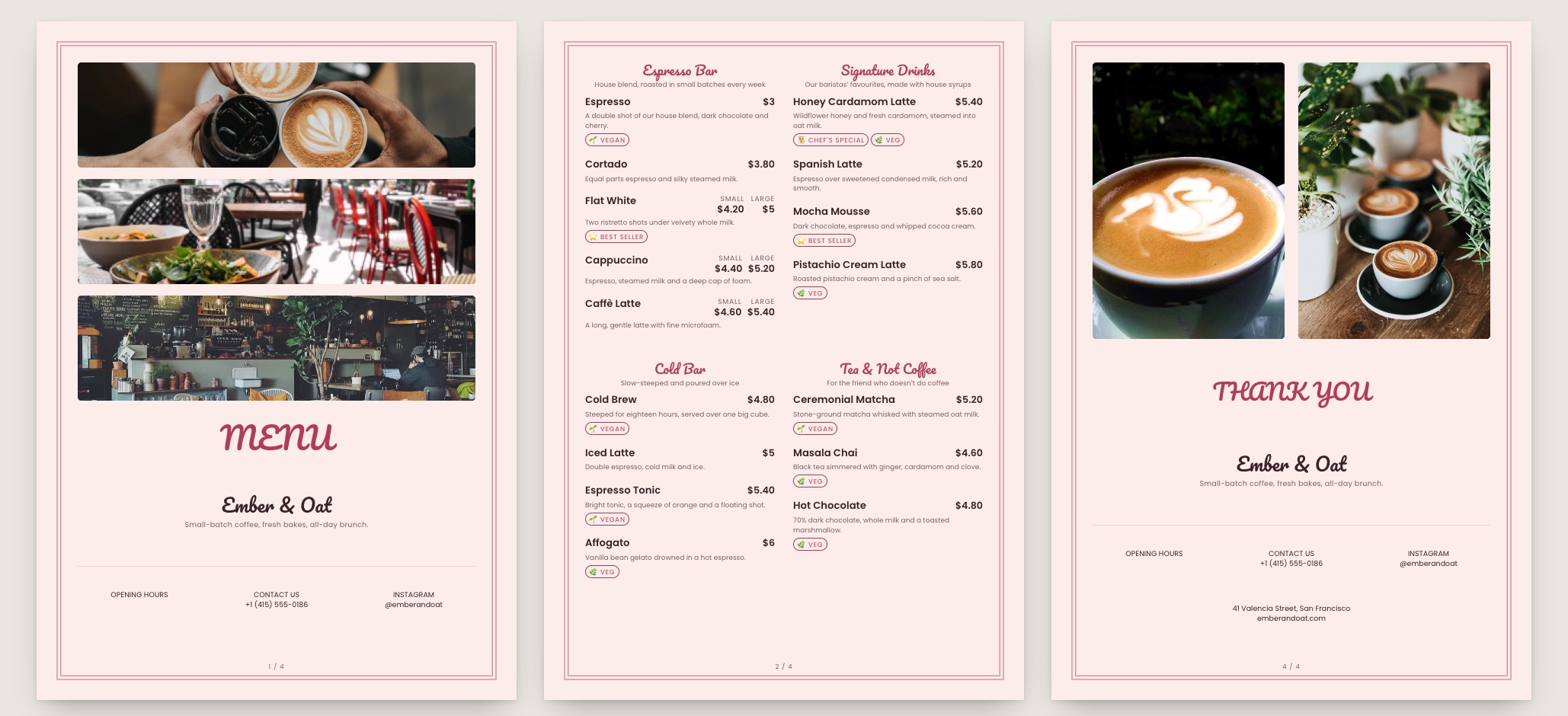
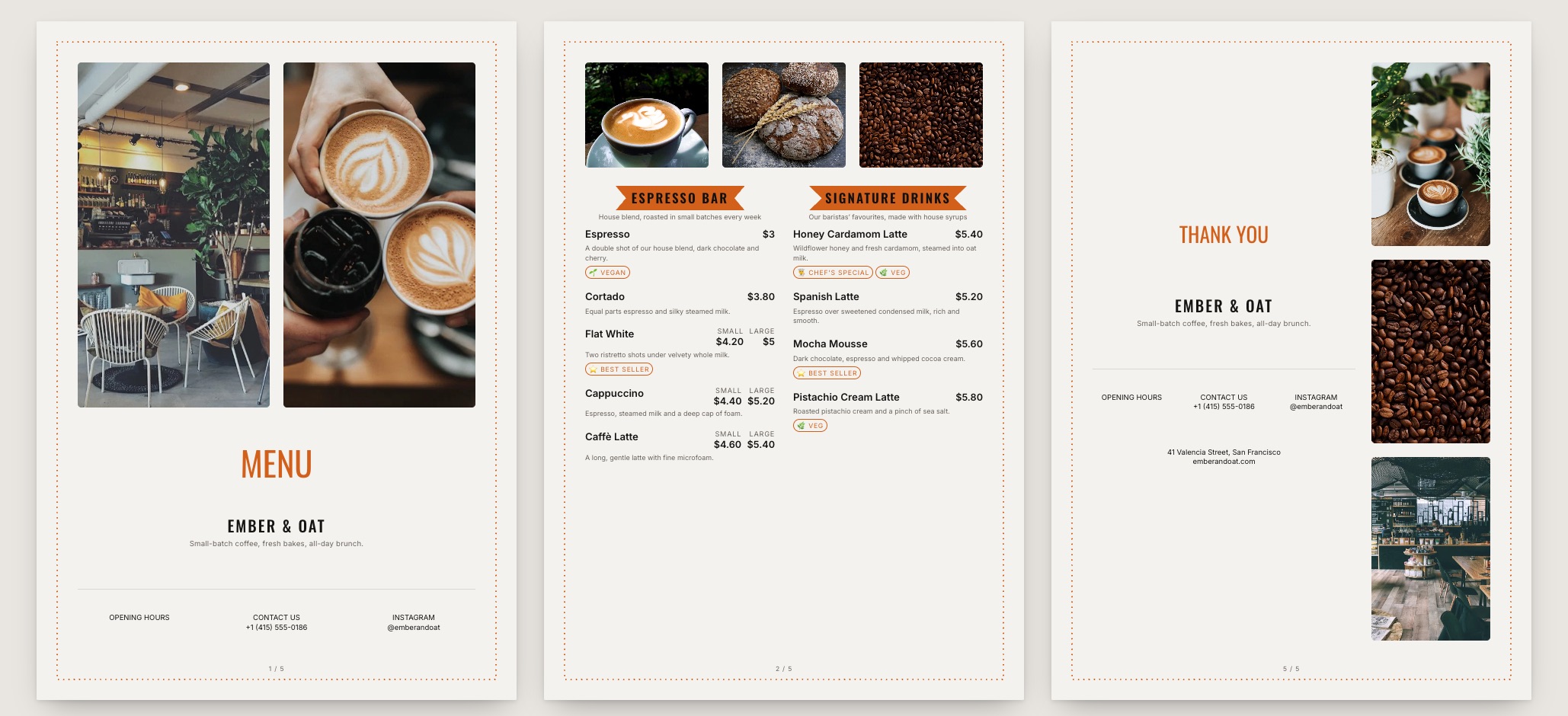
Barista Board menu template: a mobile coffee shop menu with a wordmark header, a photo banner, category tabs and priced item rows you can edit. Use this template
Barista BoardEspresso bar · board-first
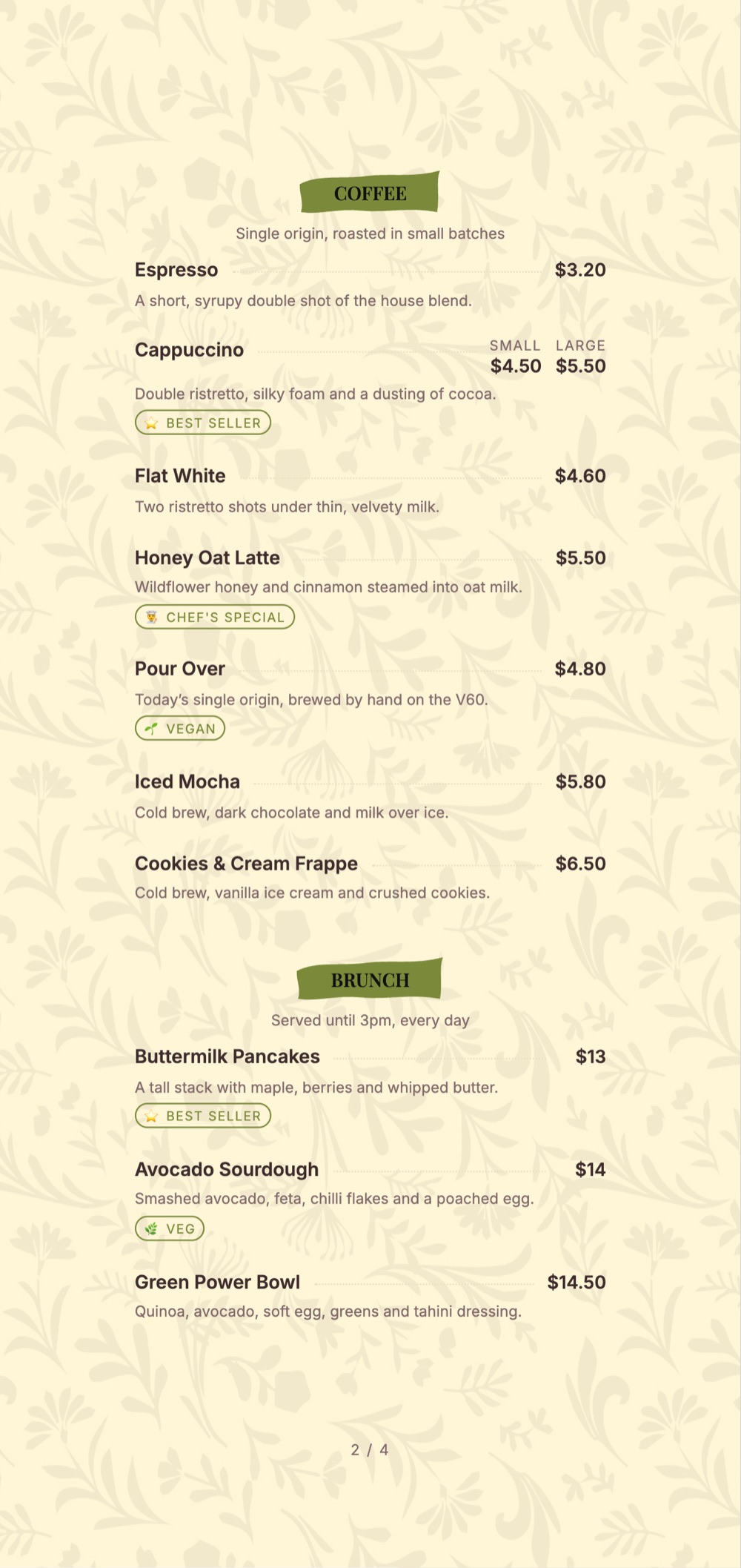
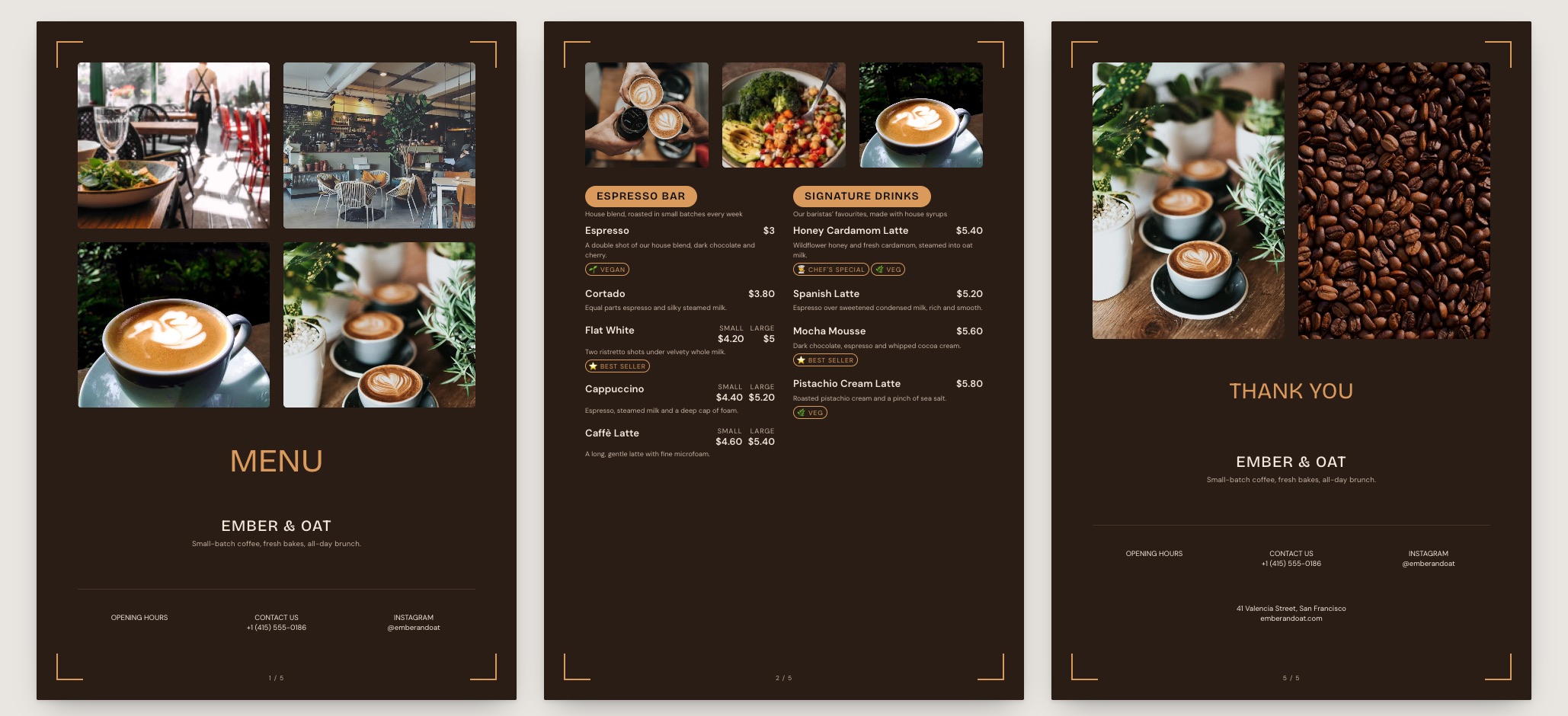
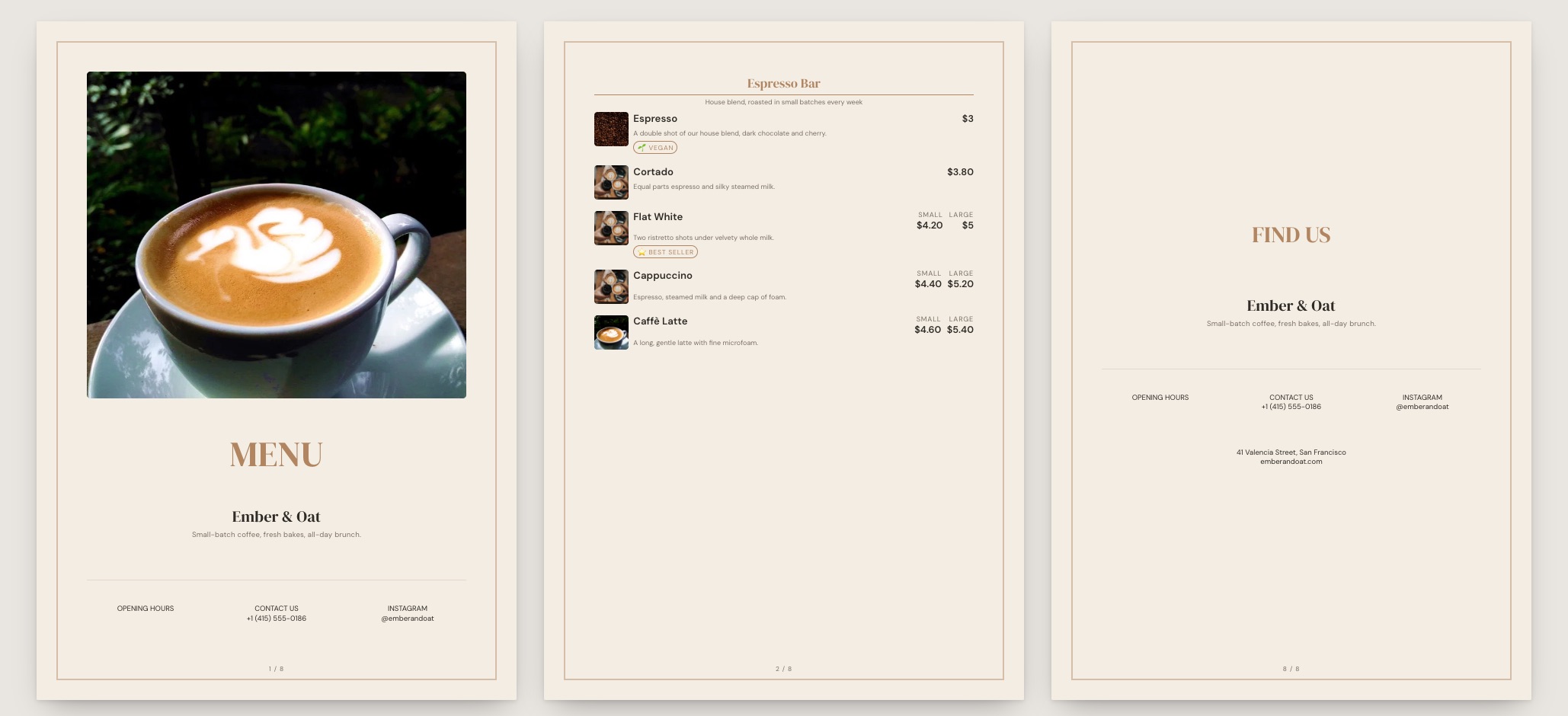
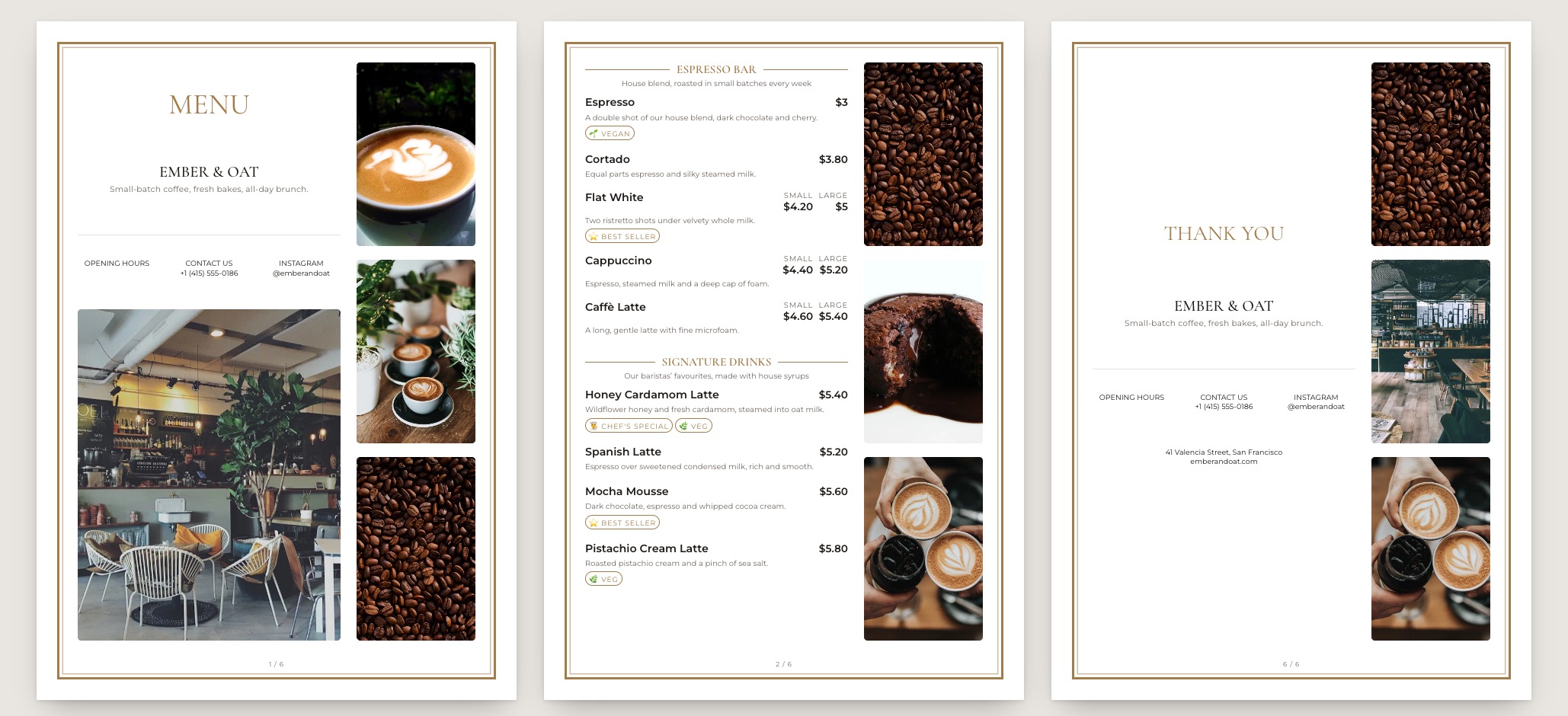
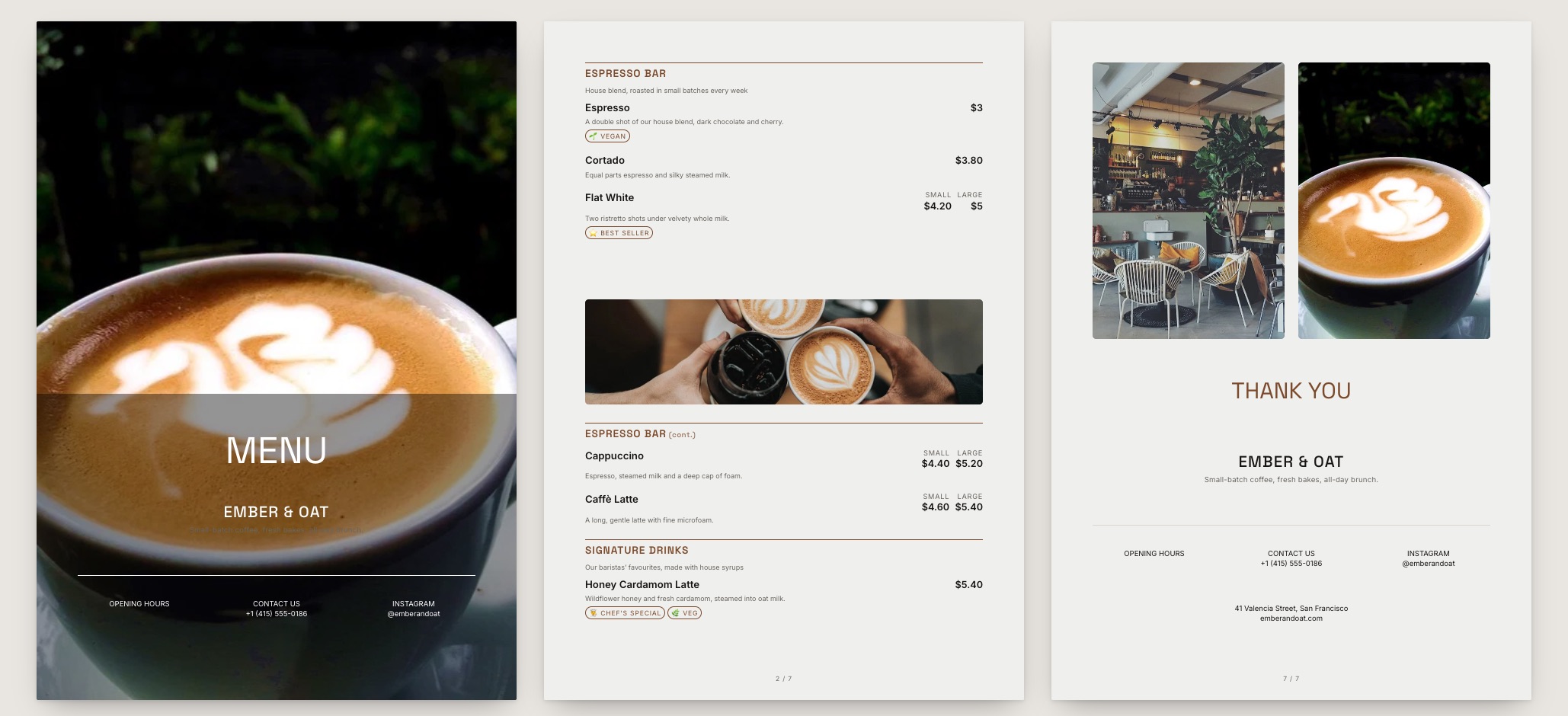
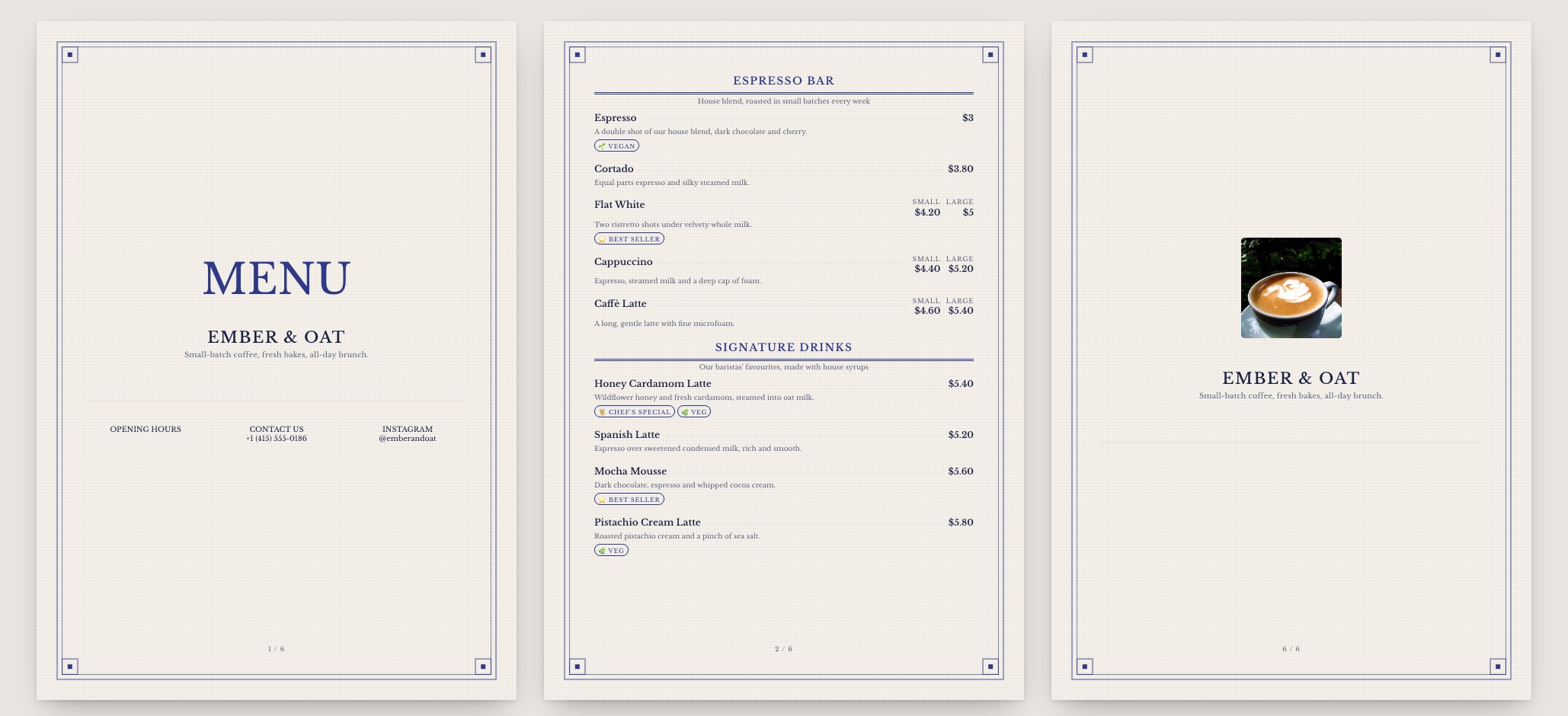
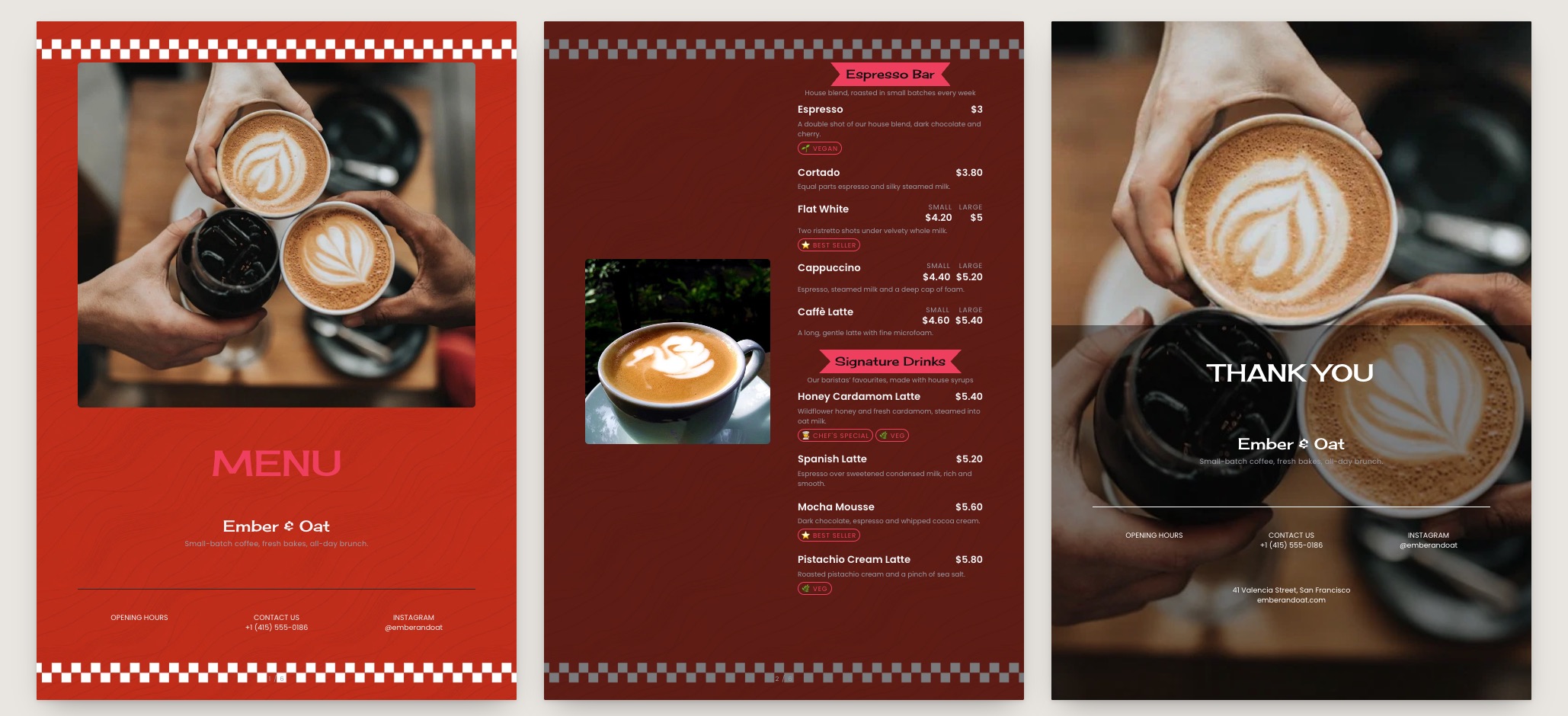
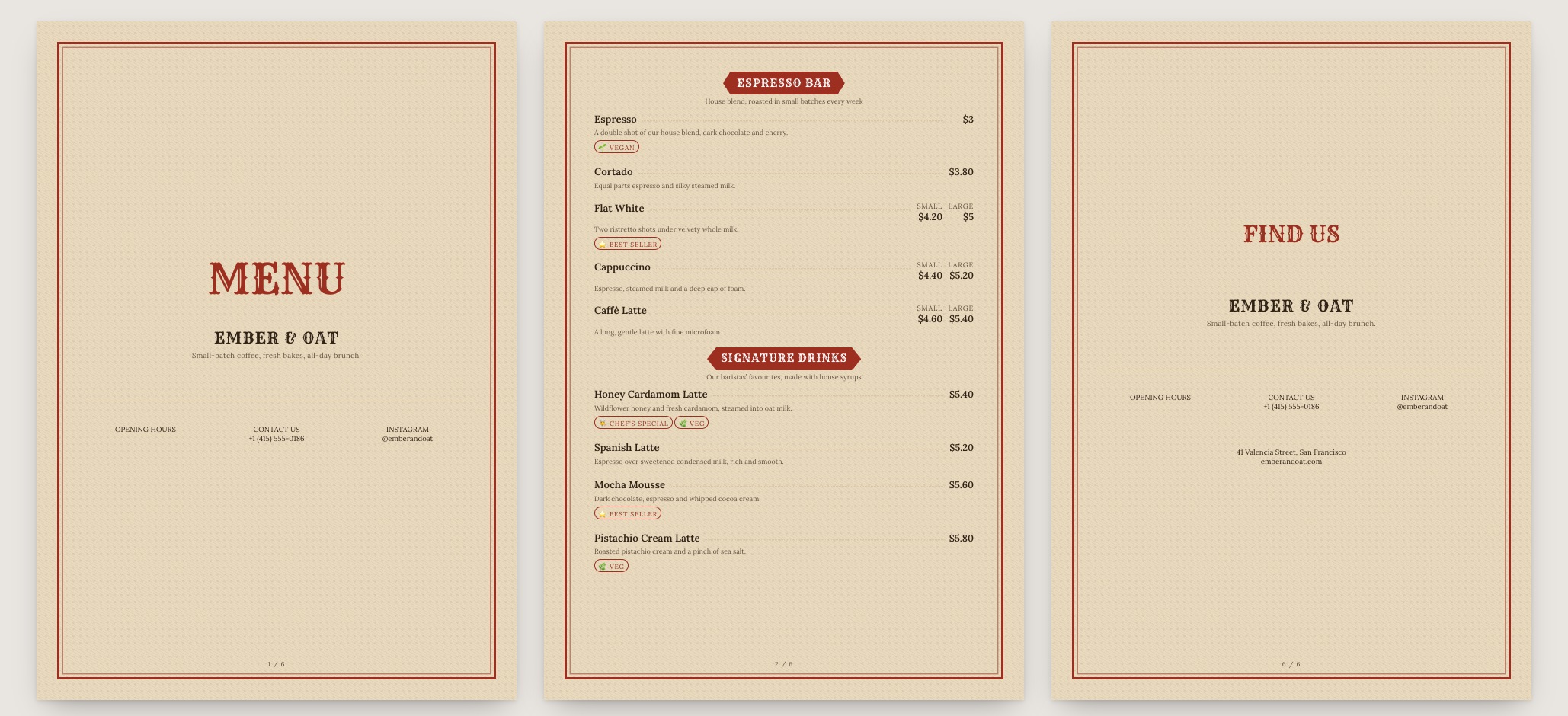
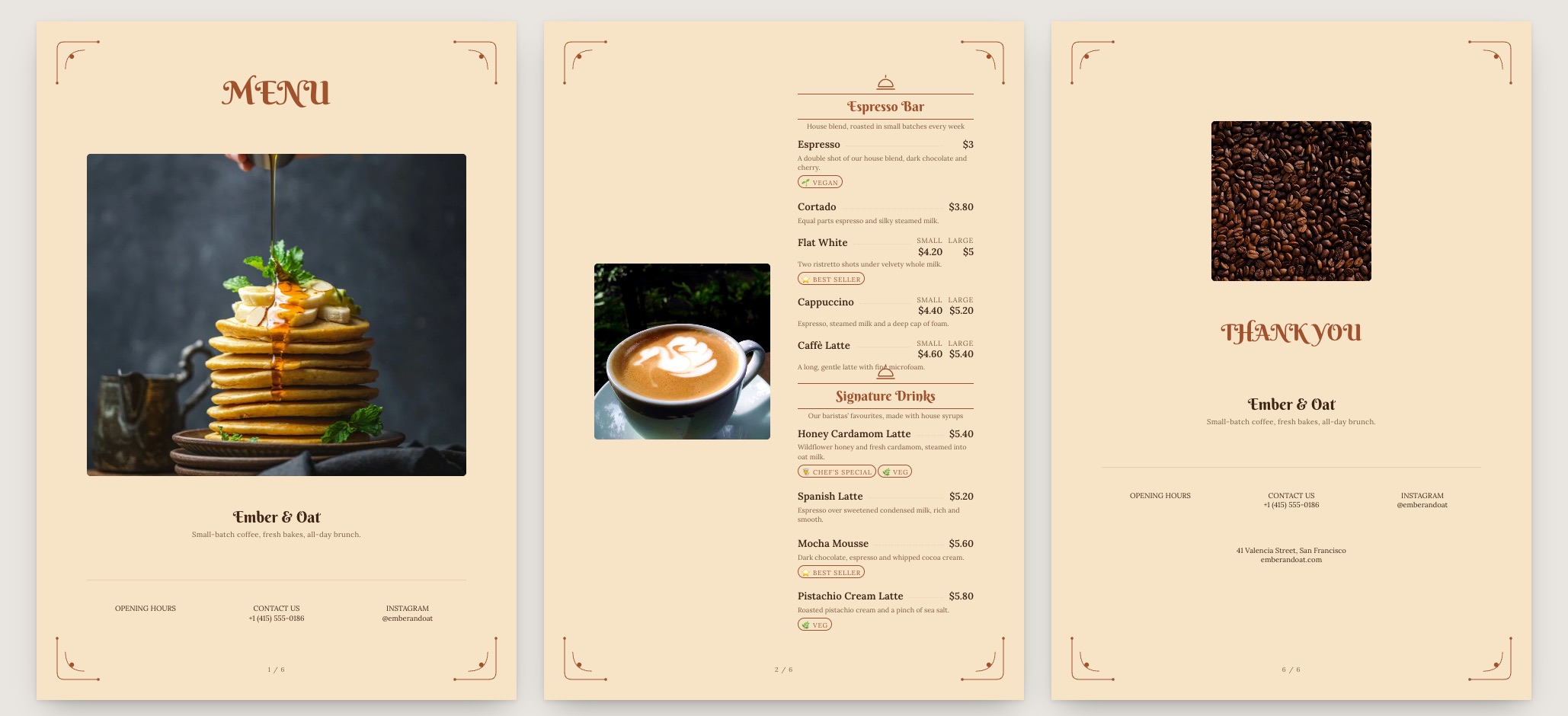
Crema menu template: a mobile coffee shop menu with a wordmark header, a photo banner, category tabs and priced item rows you can edit. Use this template
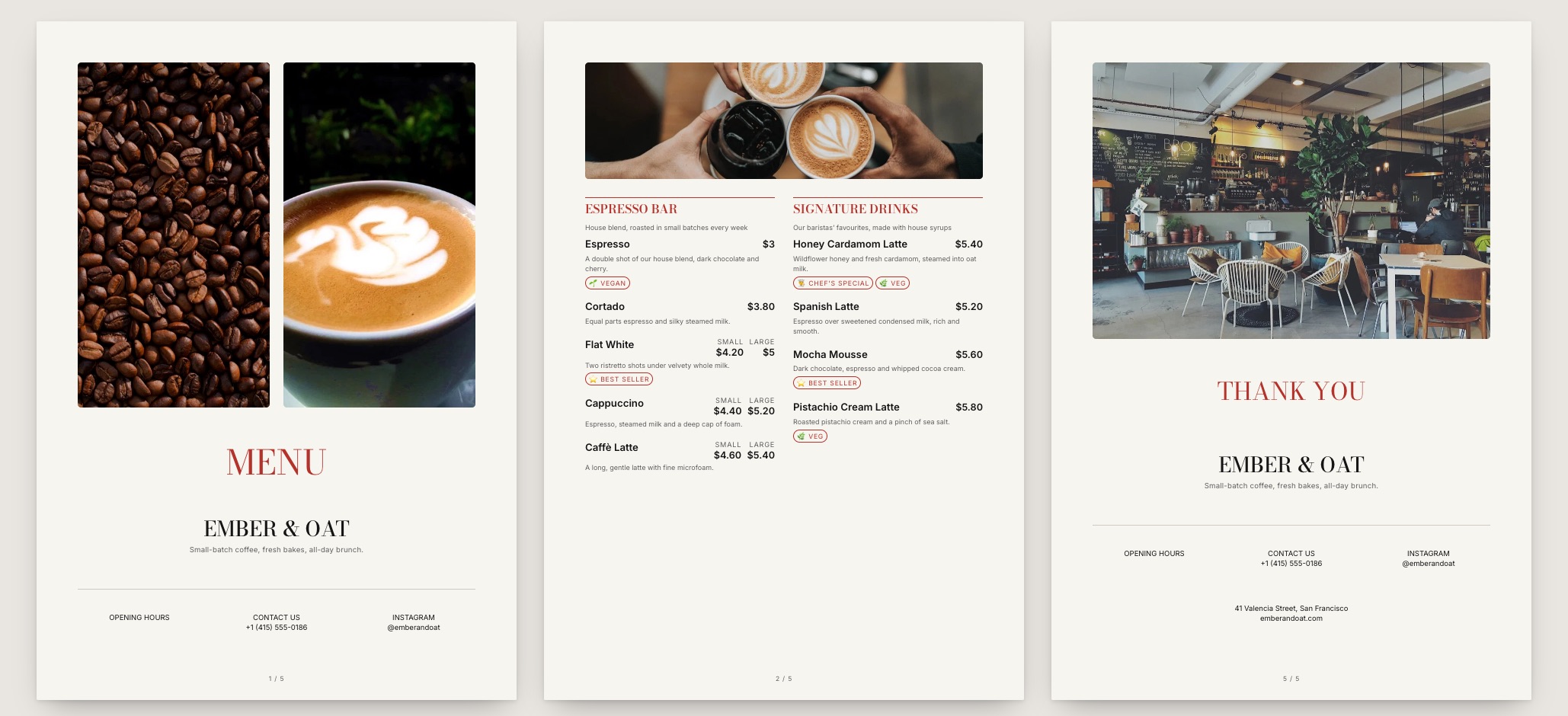
CremaSpeciality coffee · warm neutral
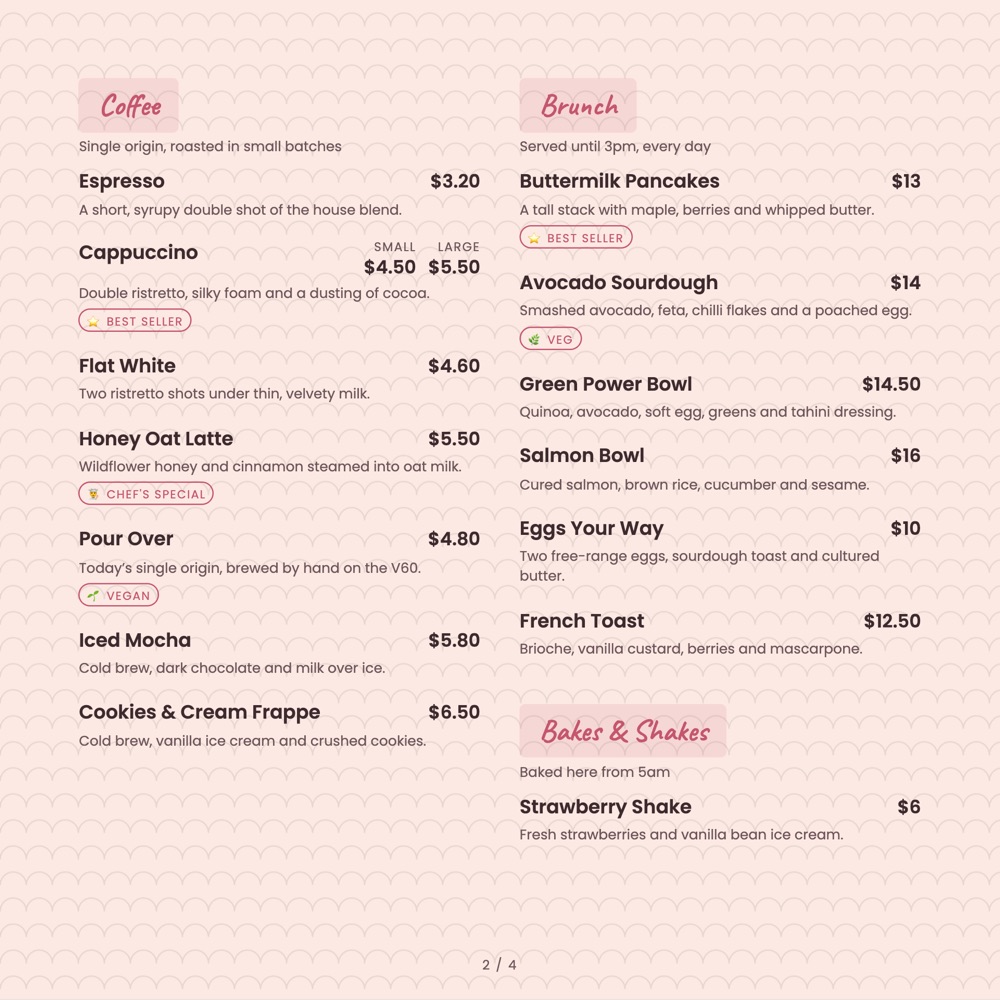
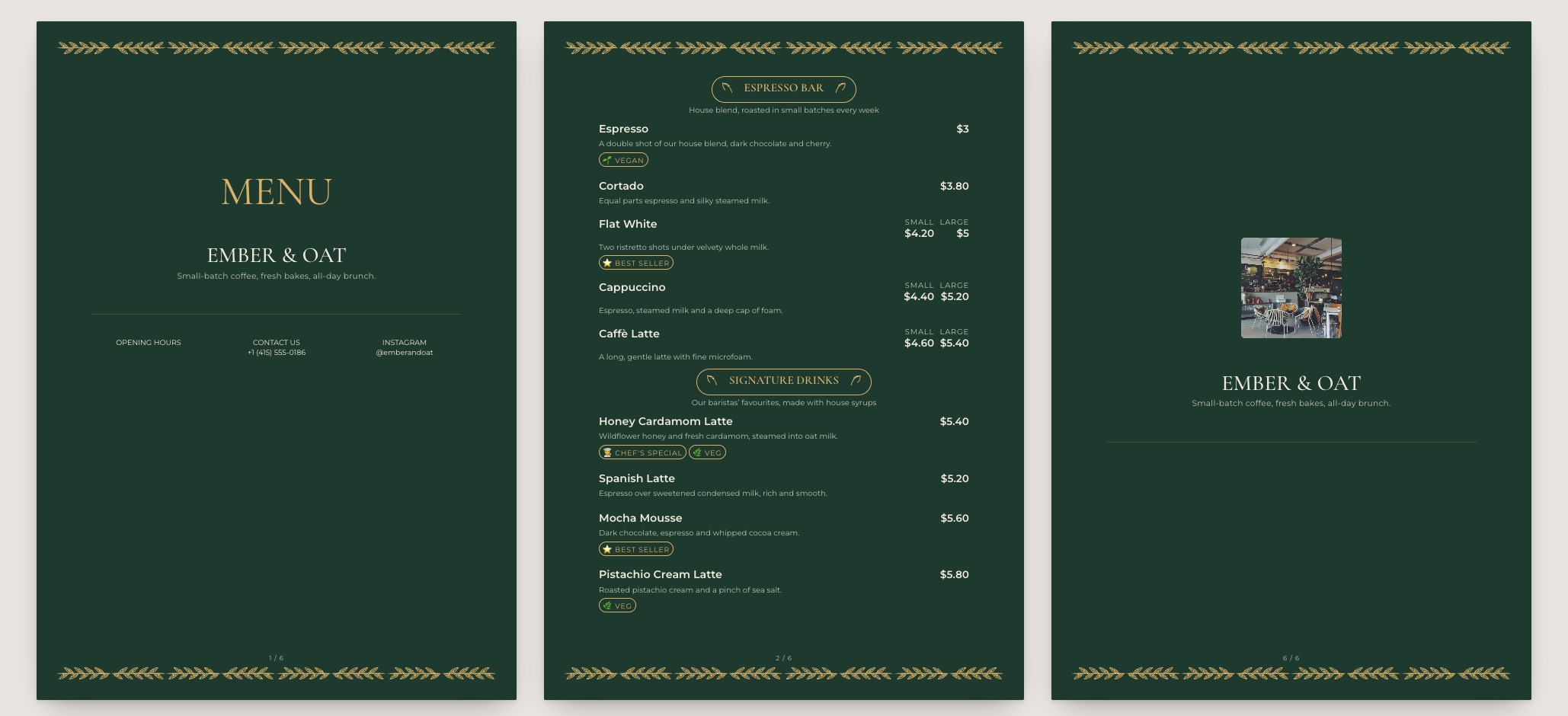
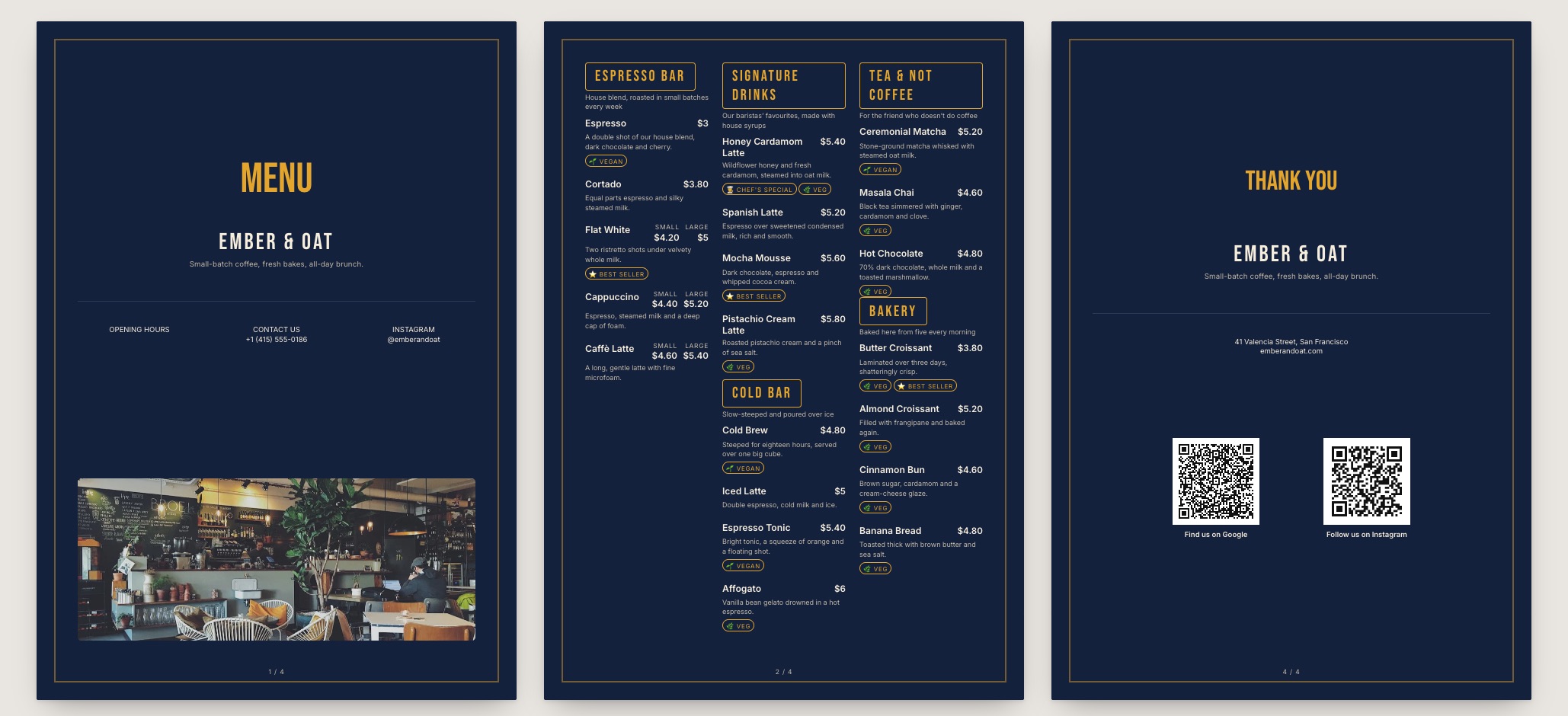
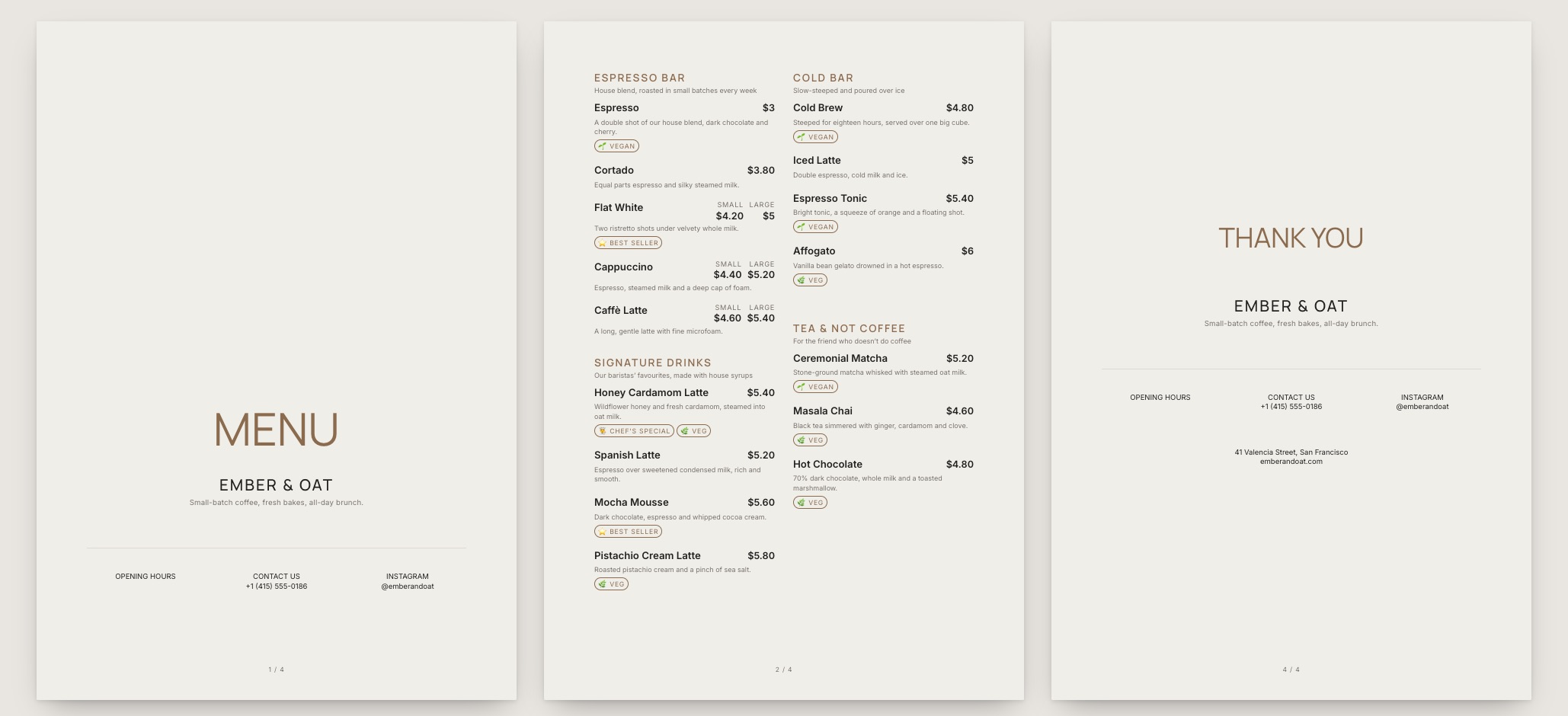
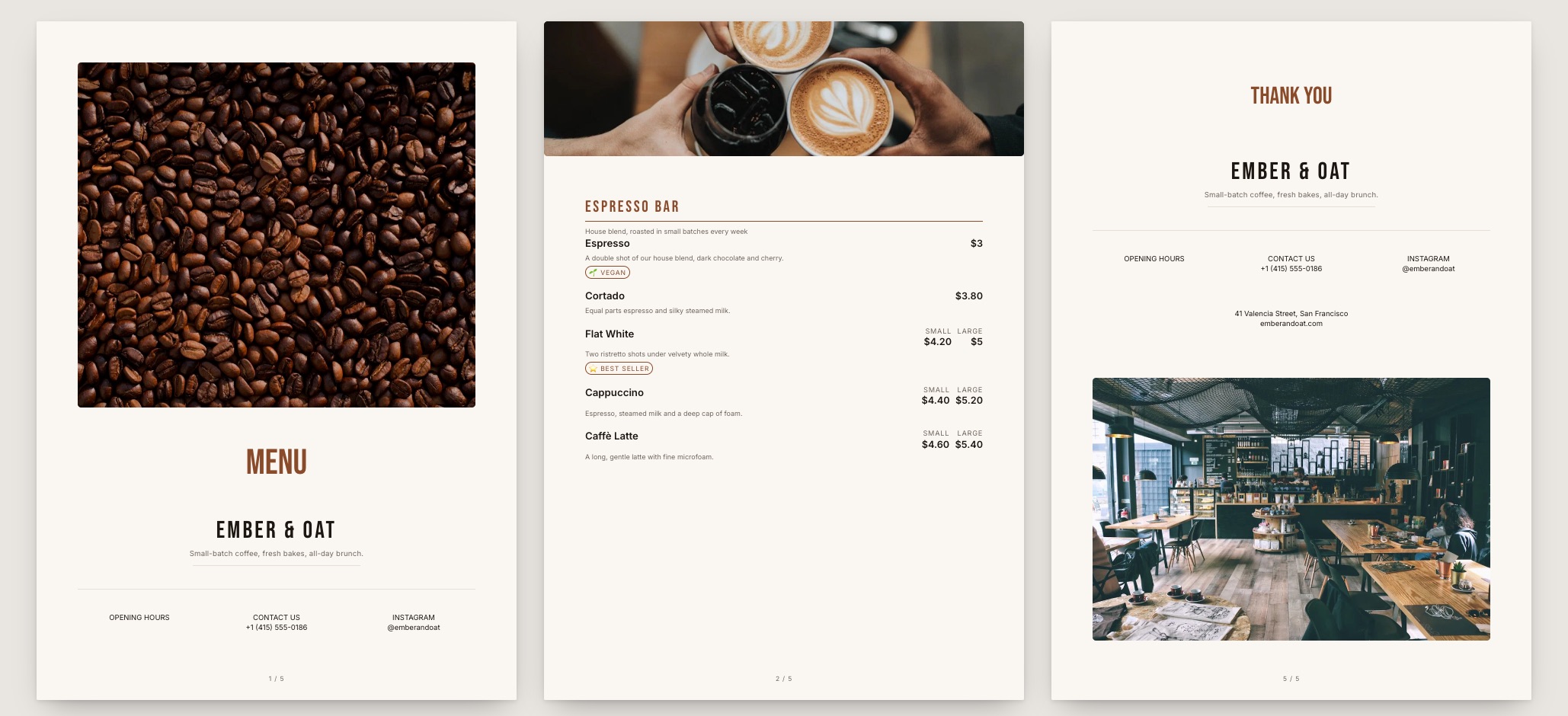
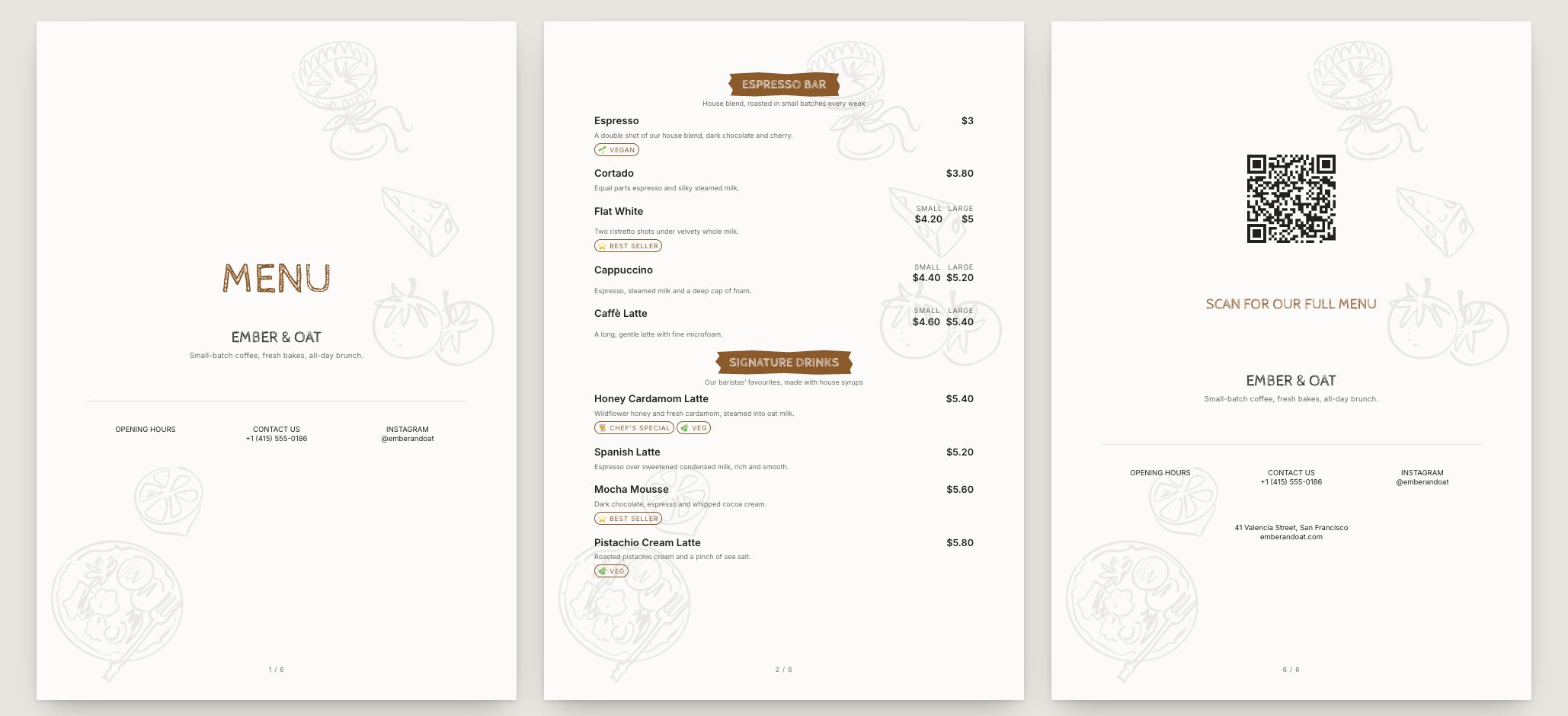
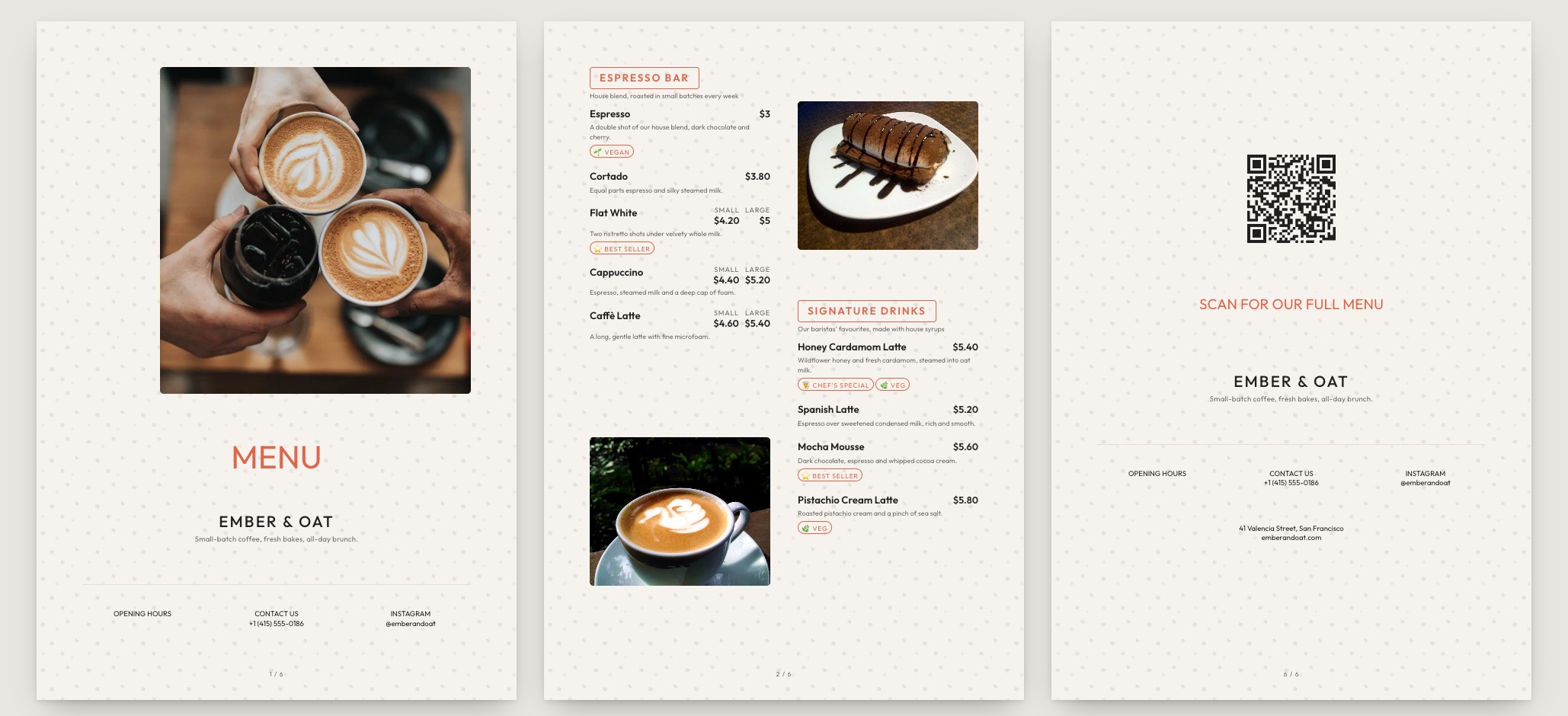
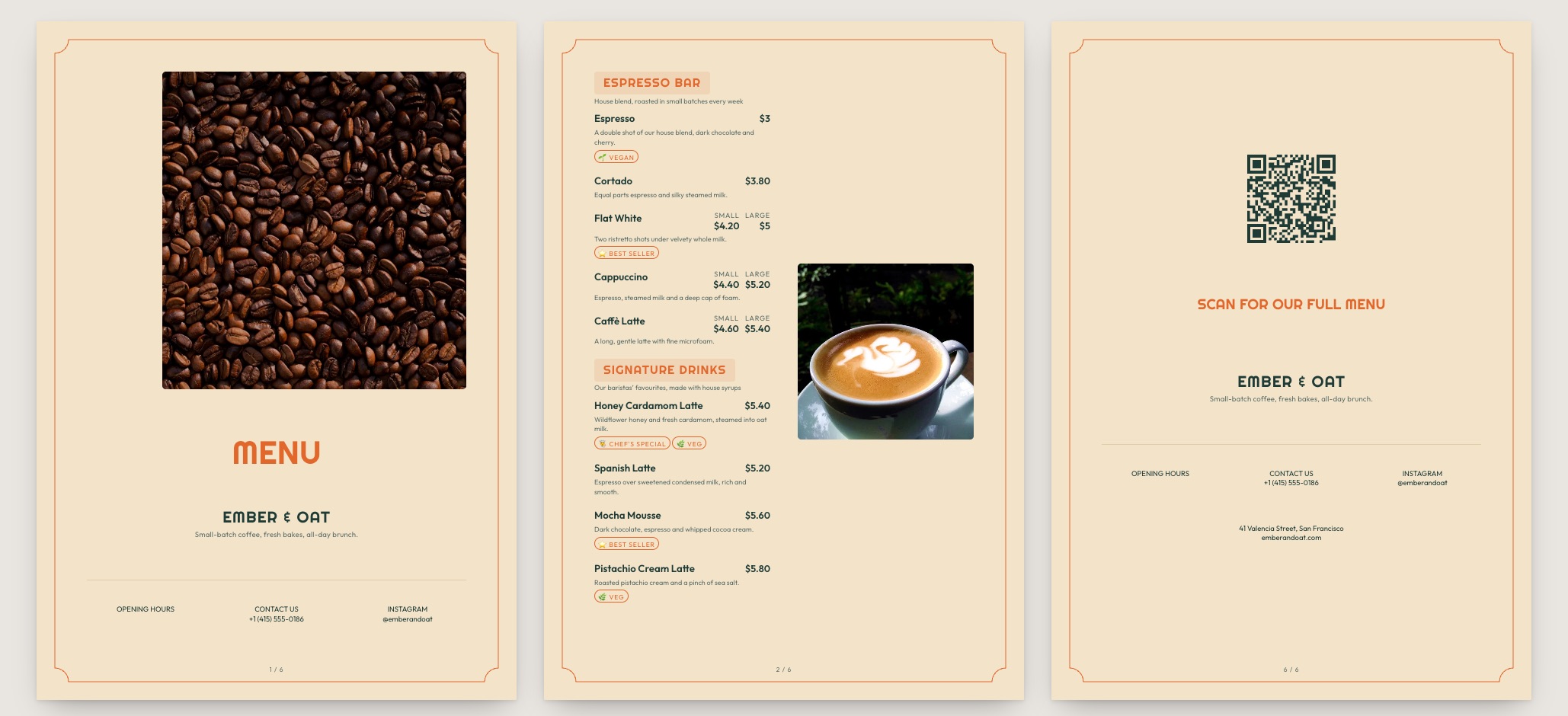
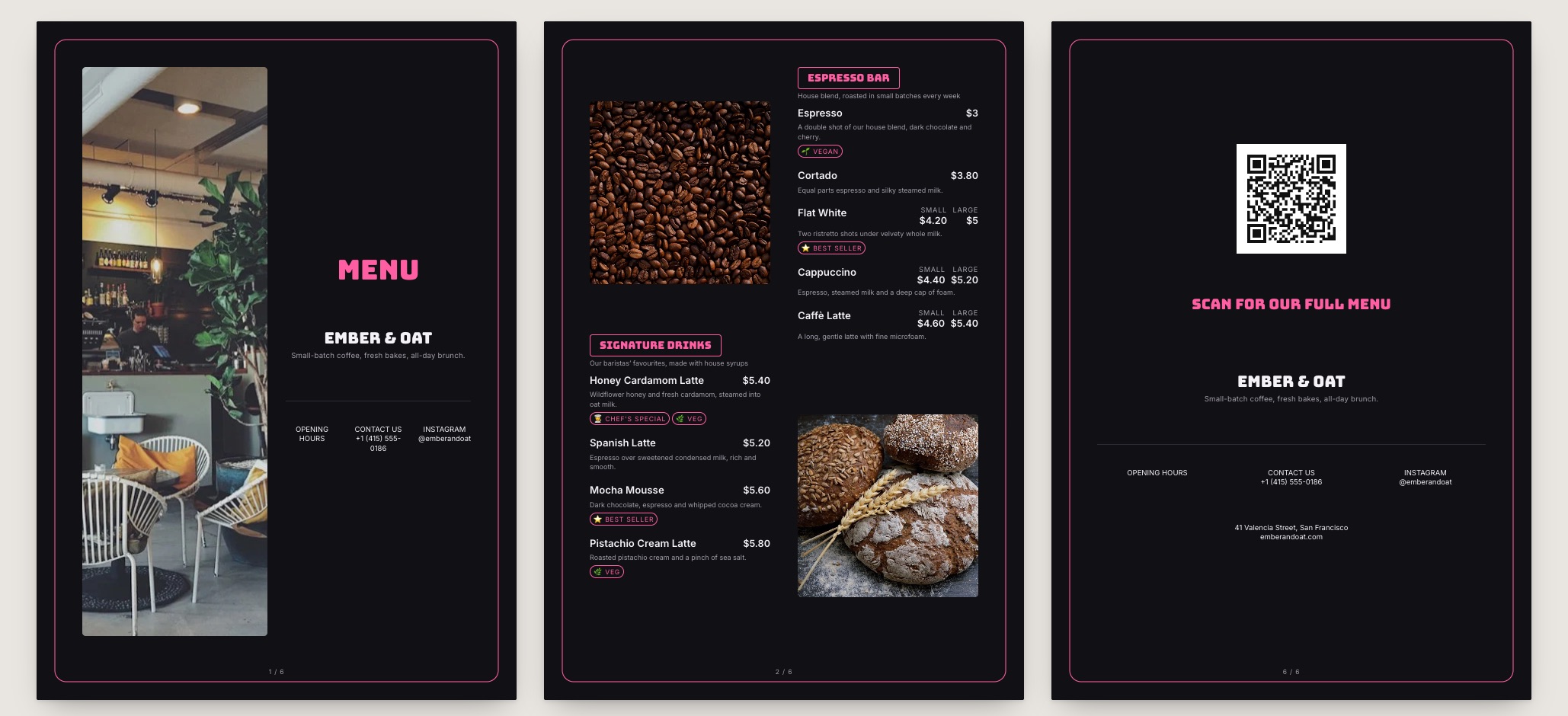
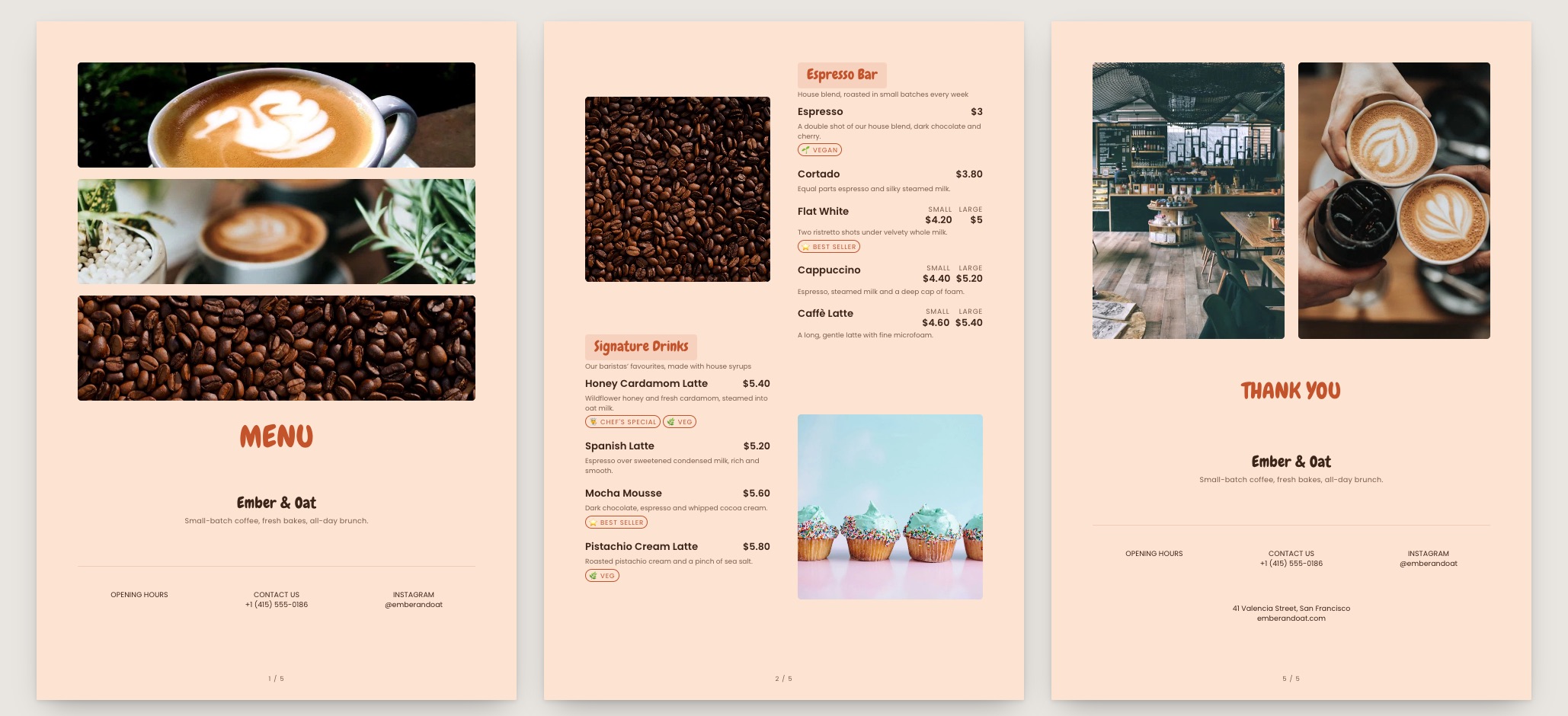
Flat White menu template: a mobile coffee shop menu with a wordmark header, a photo banner, category tabs and priced item rows you can edit. Use this template
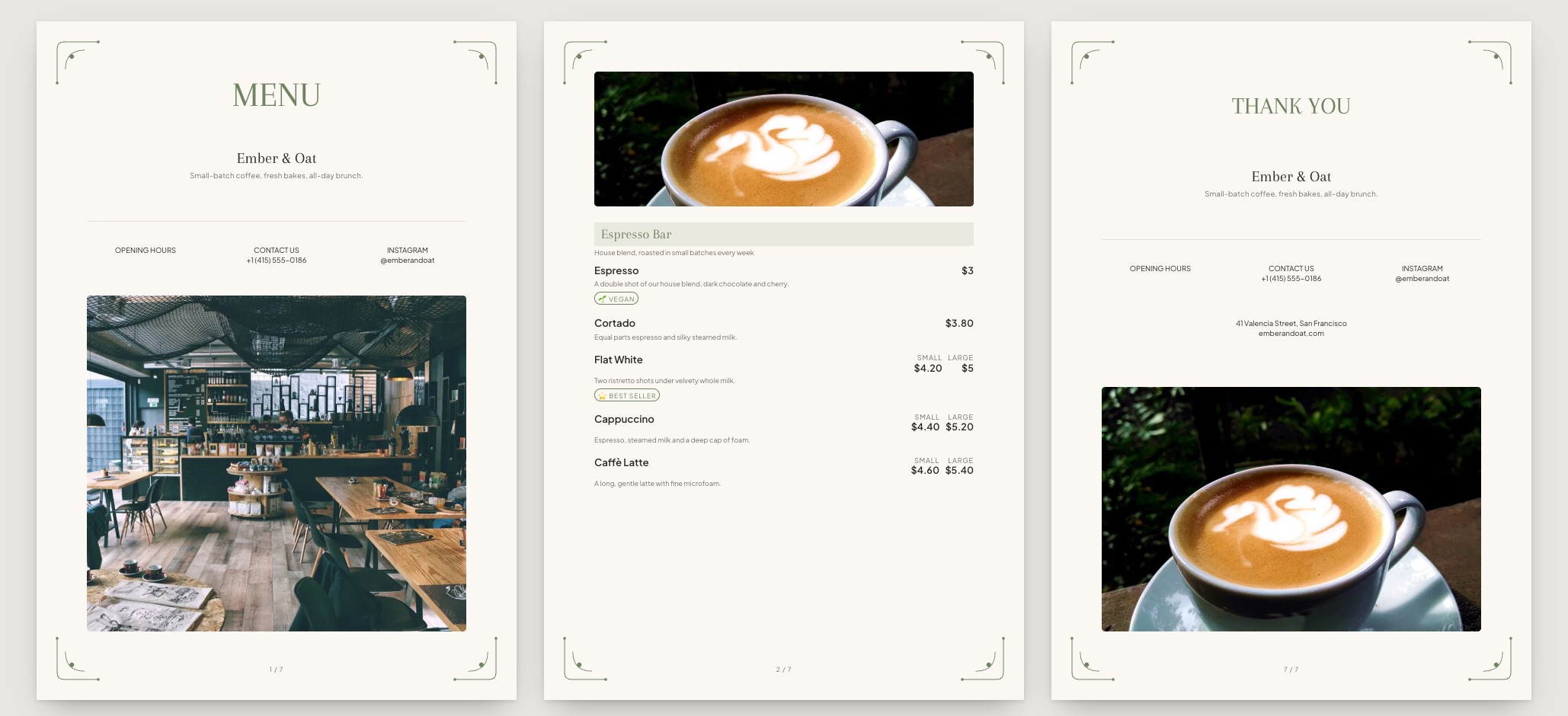
Flat WhiteMinimal coffee · text-led
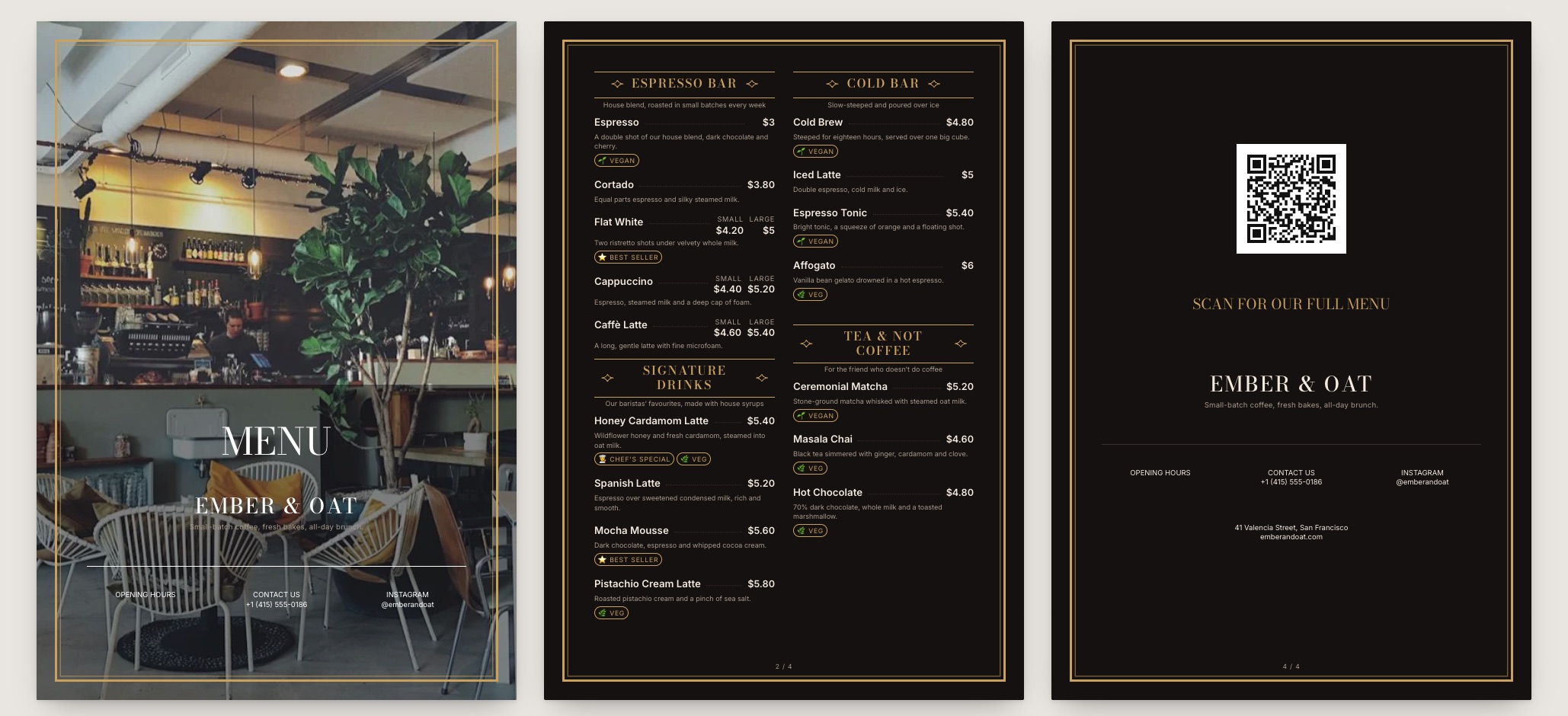
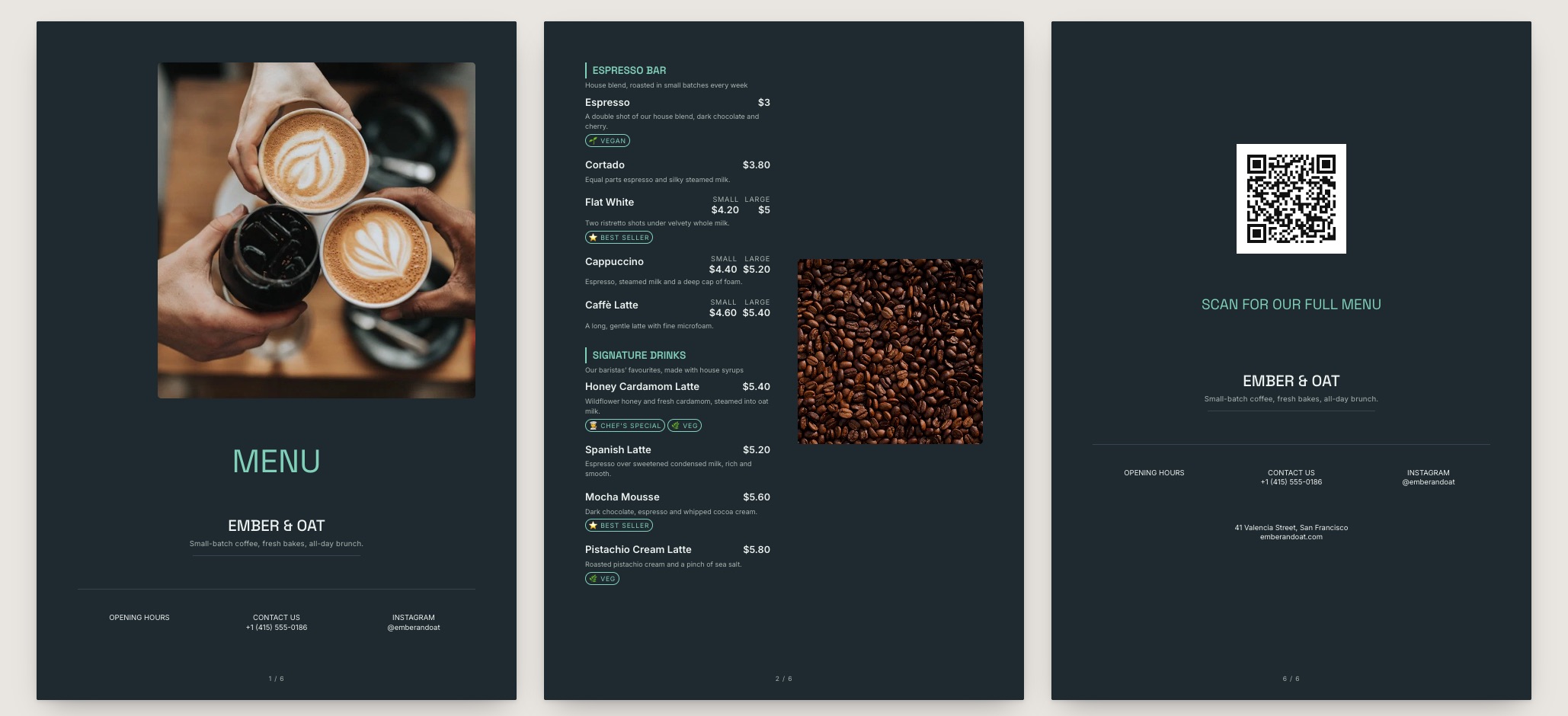
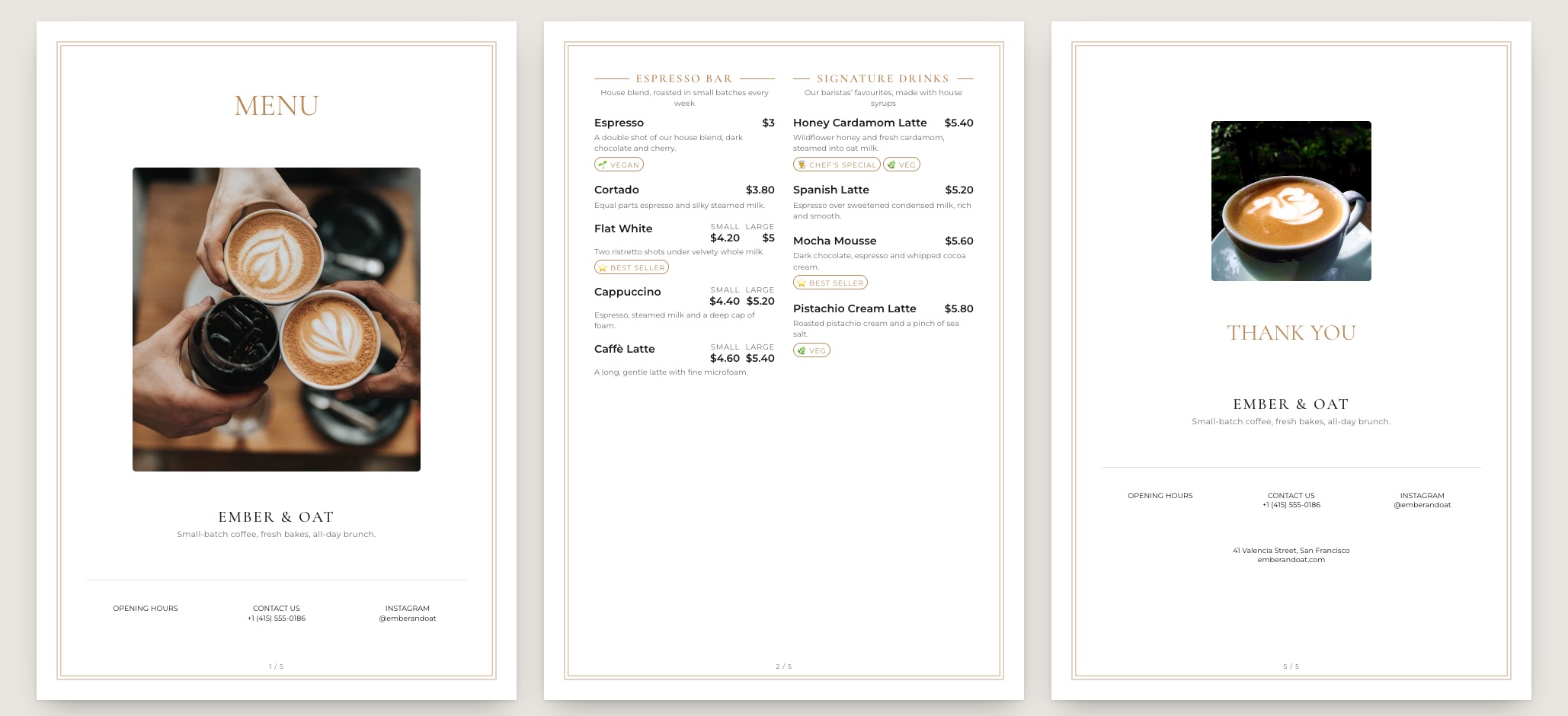
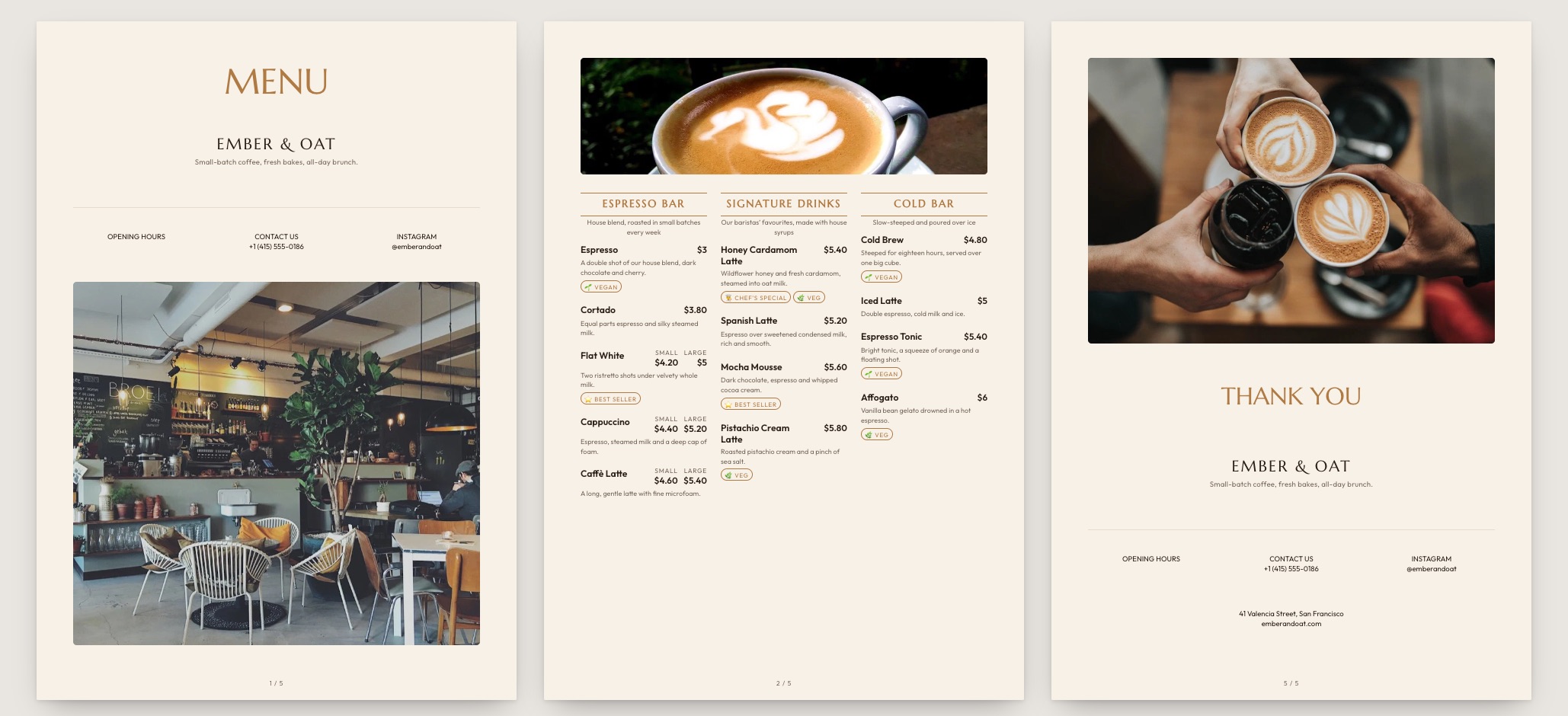
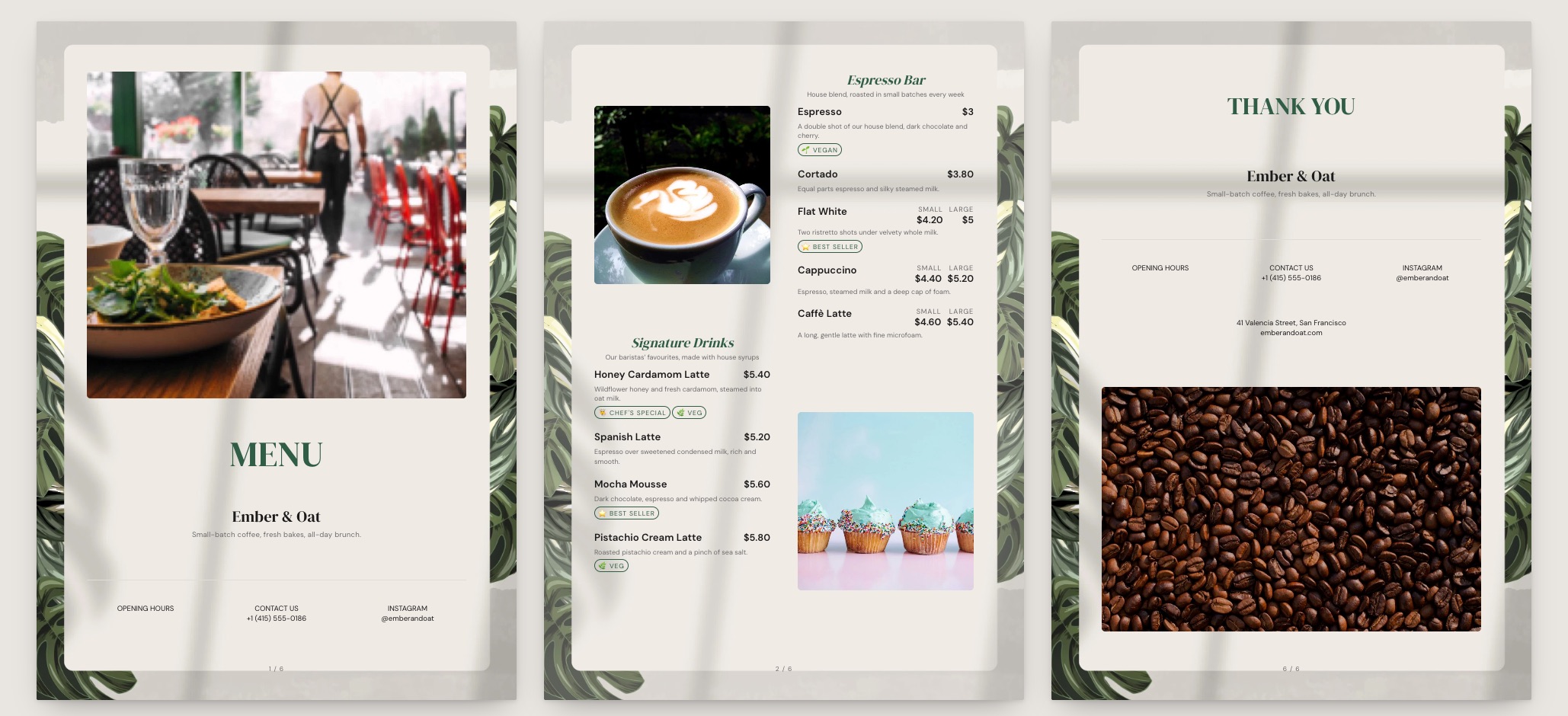
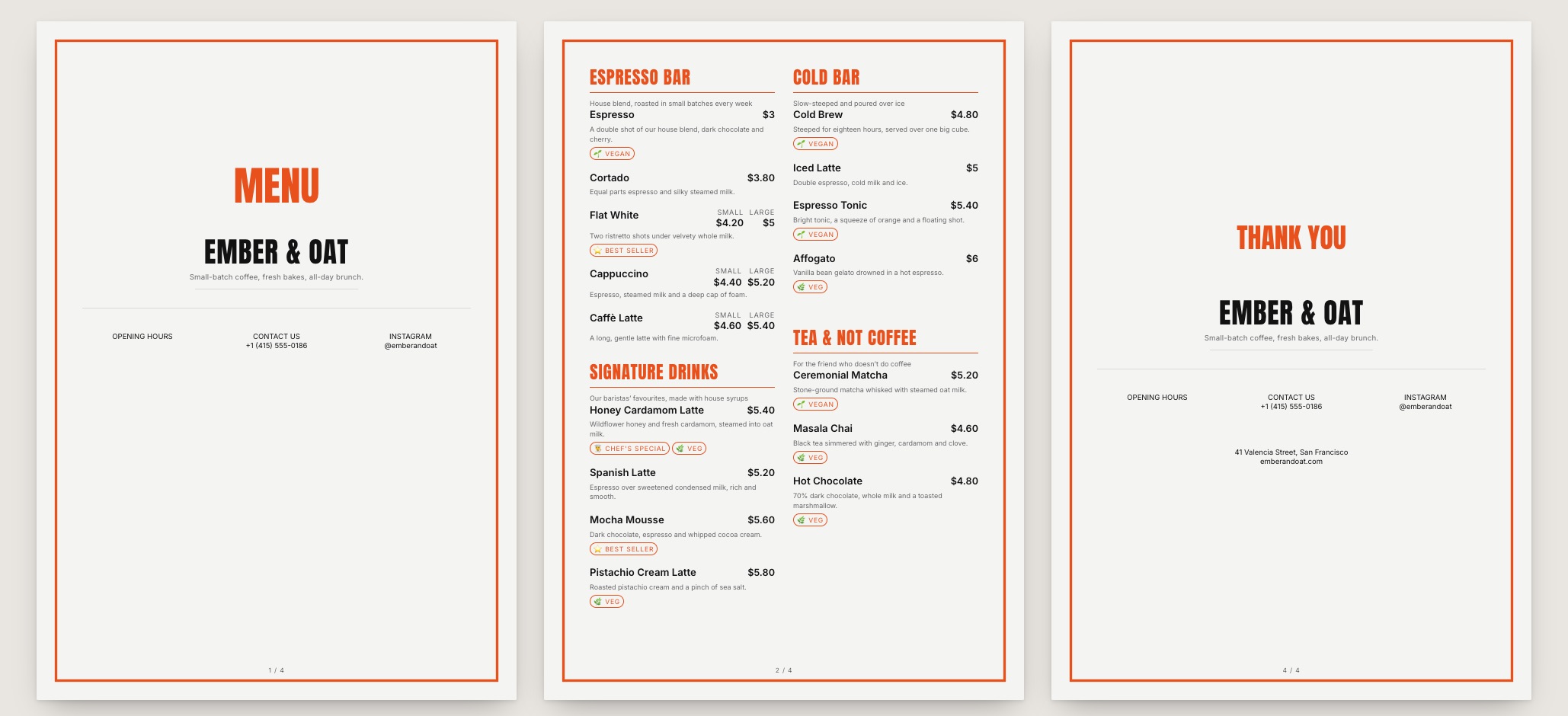
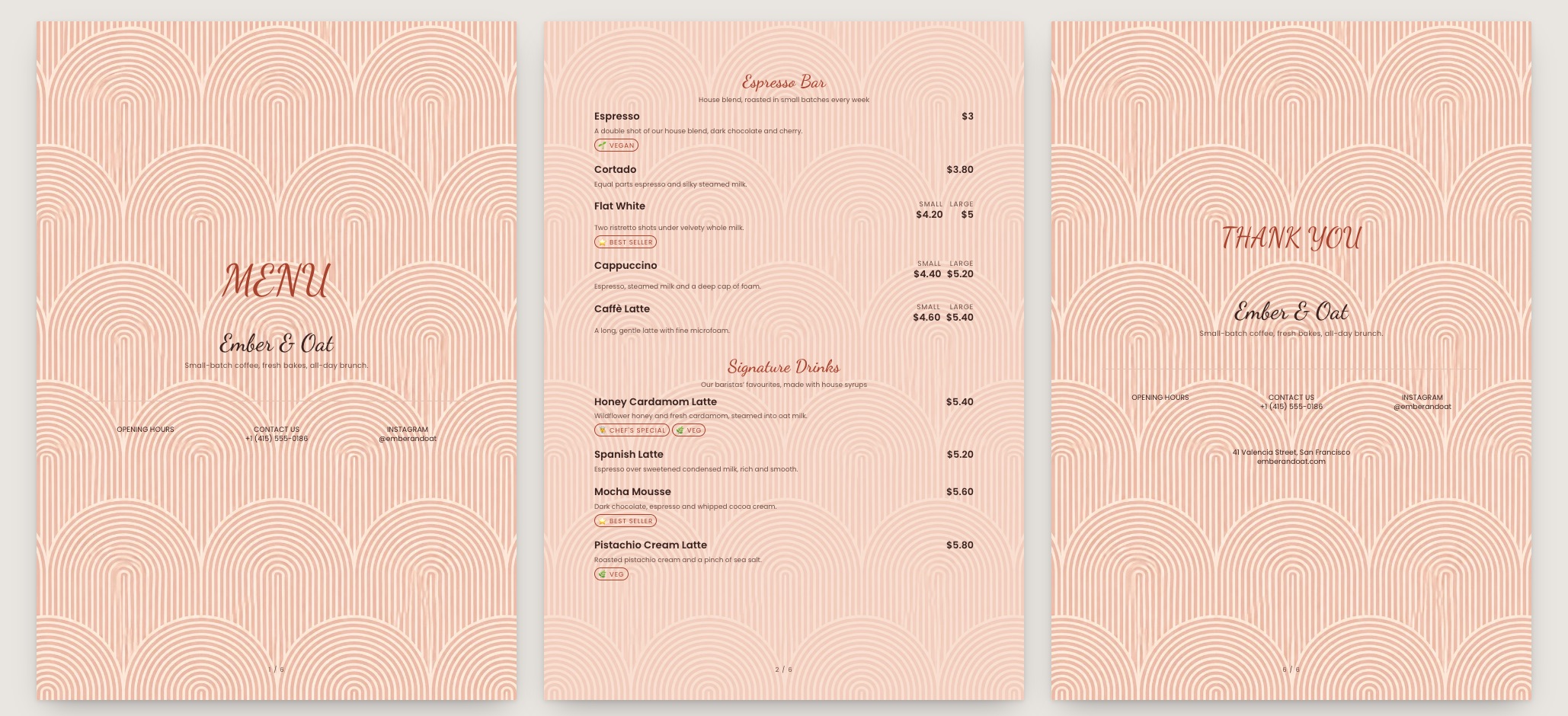
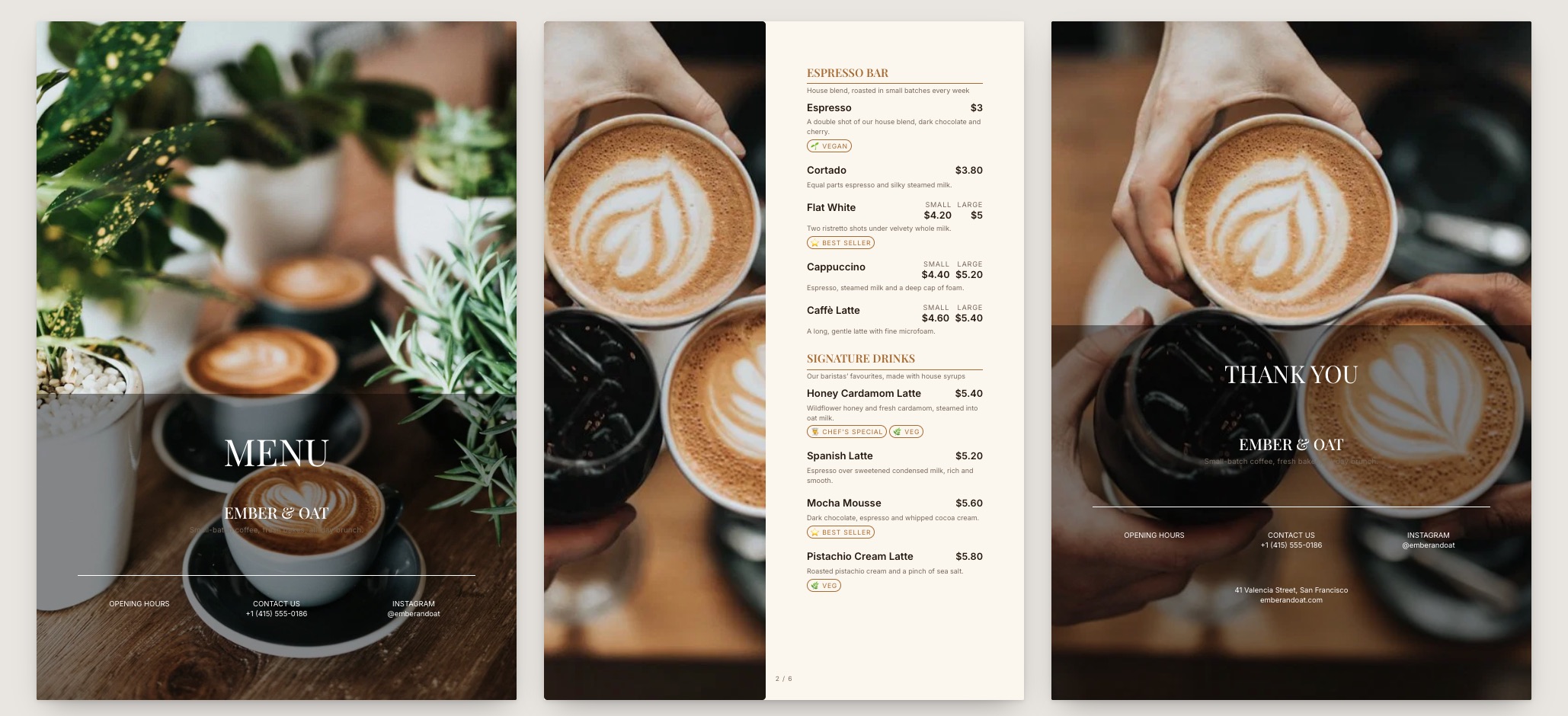
Third Wave menu template: a mobile coffee shop menu with a wordmark header, a photo banner, category tabs and priced item rows you can edit. Use this template
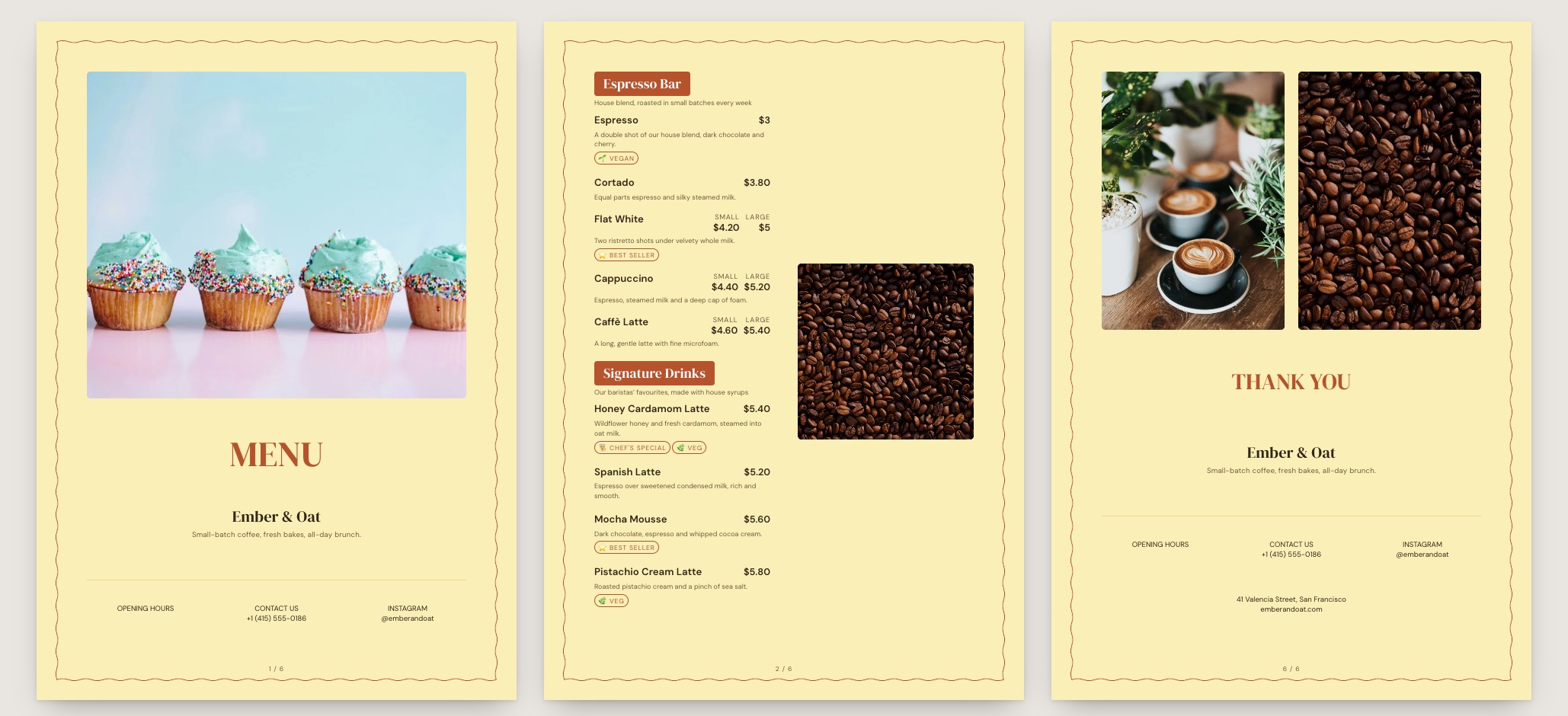
Third WaveSingle origin · editorial
Roast House menu template: a mobile coffee shop menu with a wordmark header, a photo banner, category tabs and priced item rows you can edit. Use this template
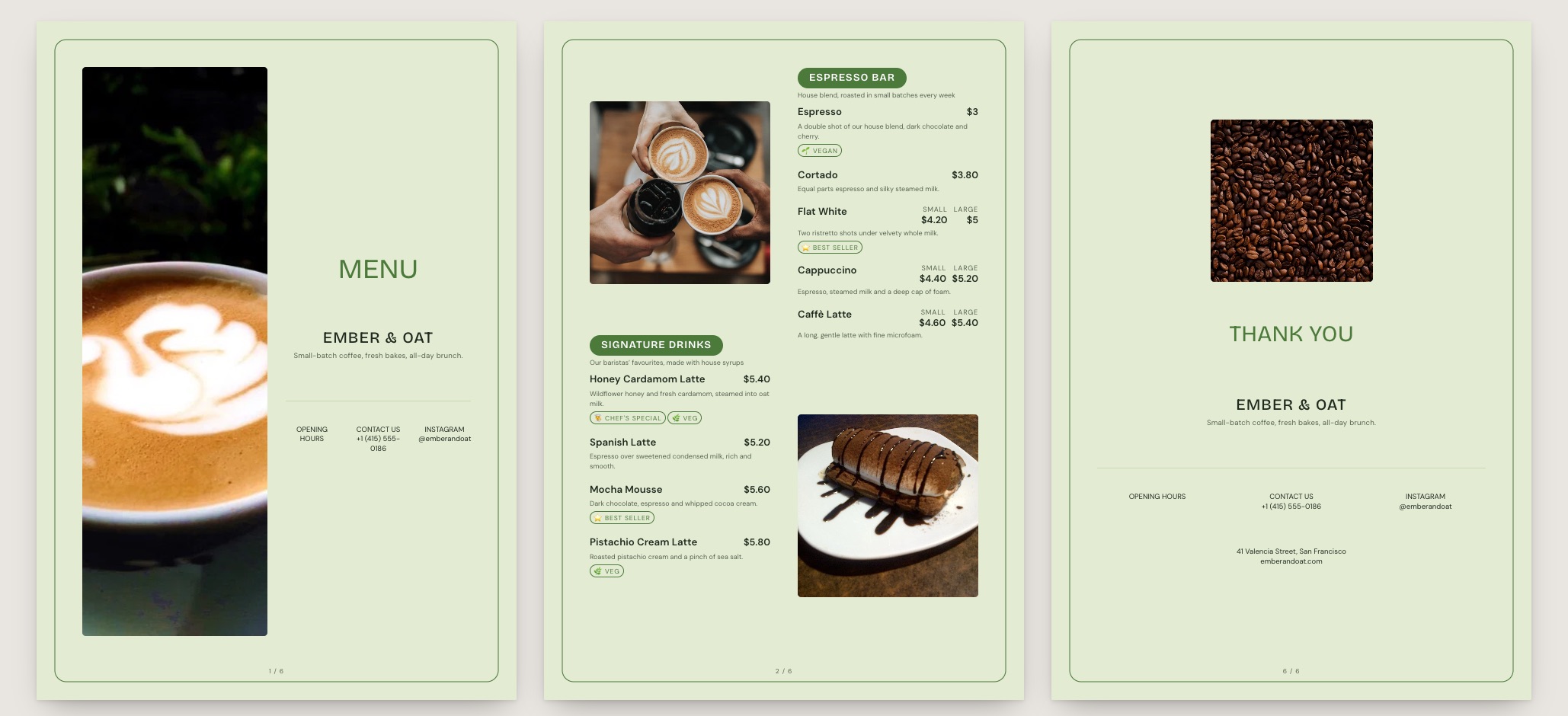
Roast HouseRoastery · bean-forward
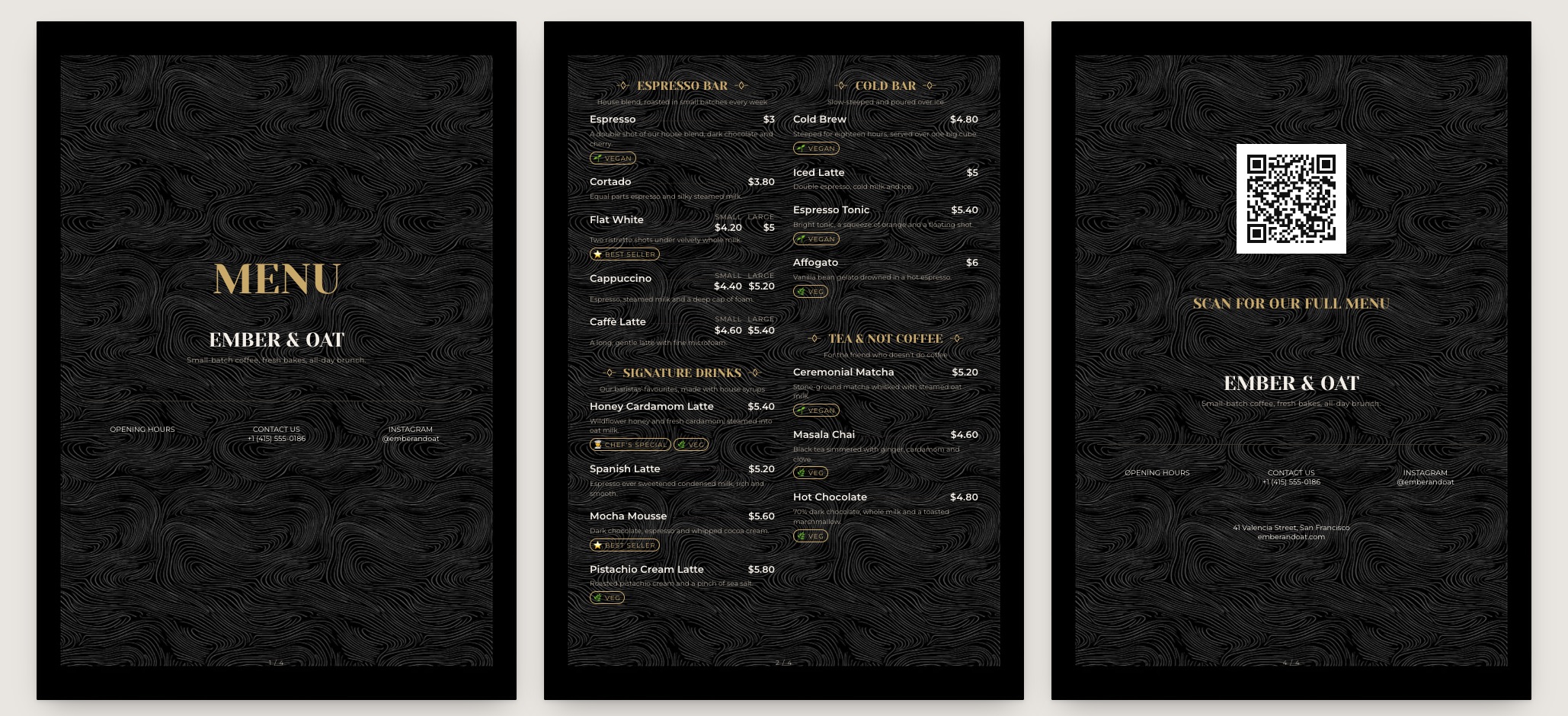
Cold Brew Club menu template: a mobile coffee shop menu with a wordmark header, a photo banner, category tabs and priced item rows you can edit. Use this template
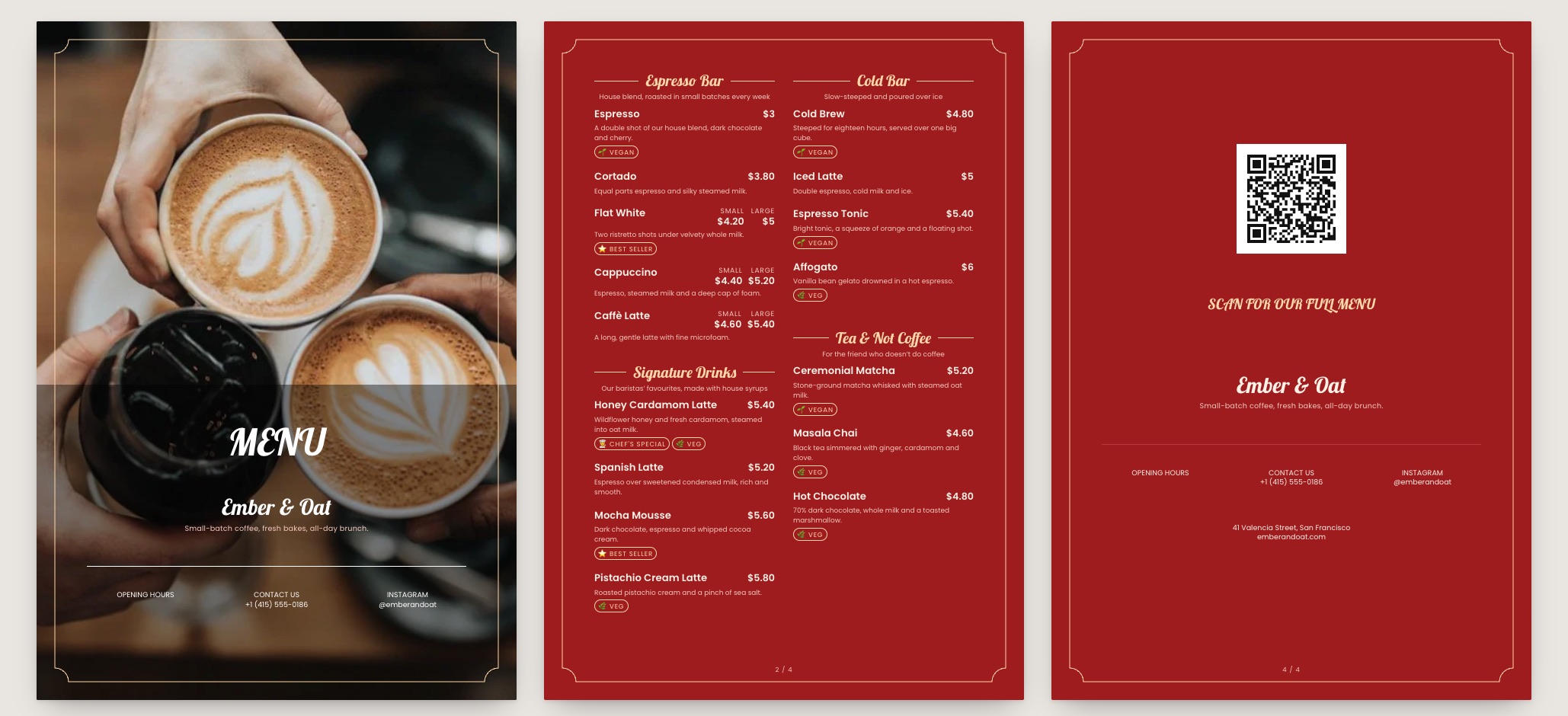
Cold Brew ClubCold coffee · high contrast
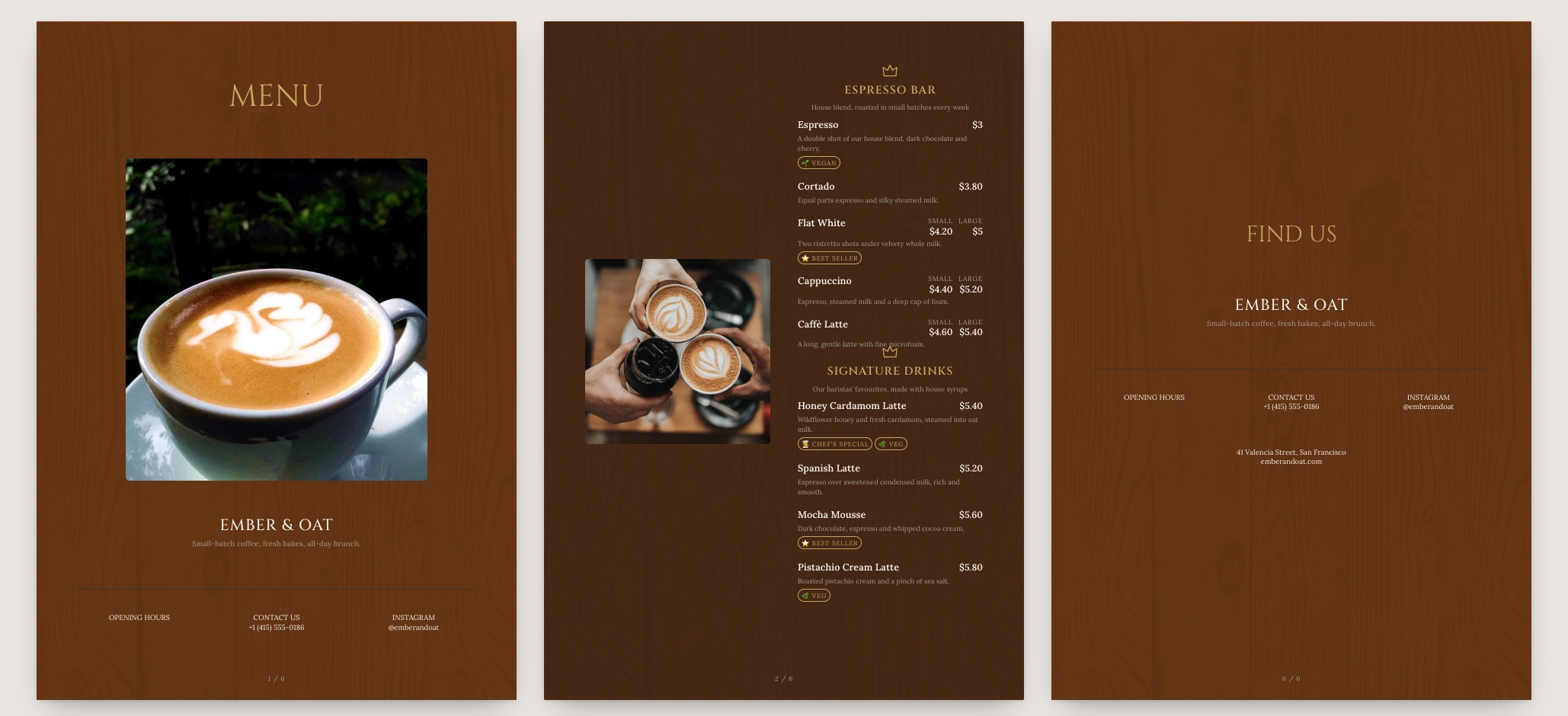
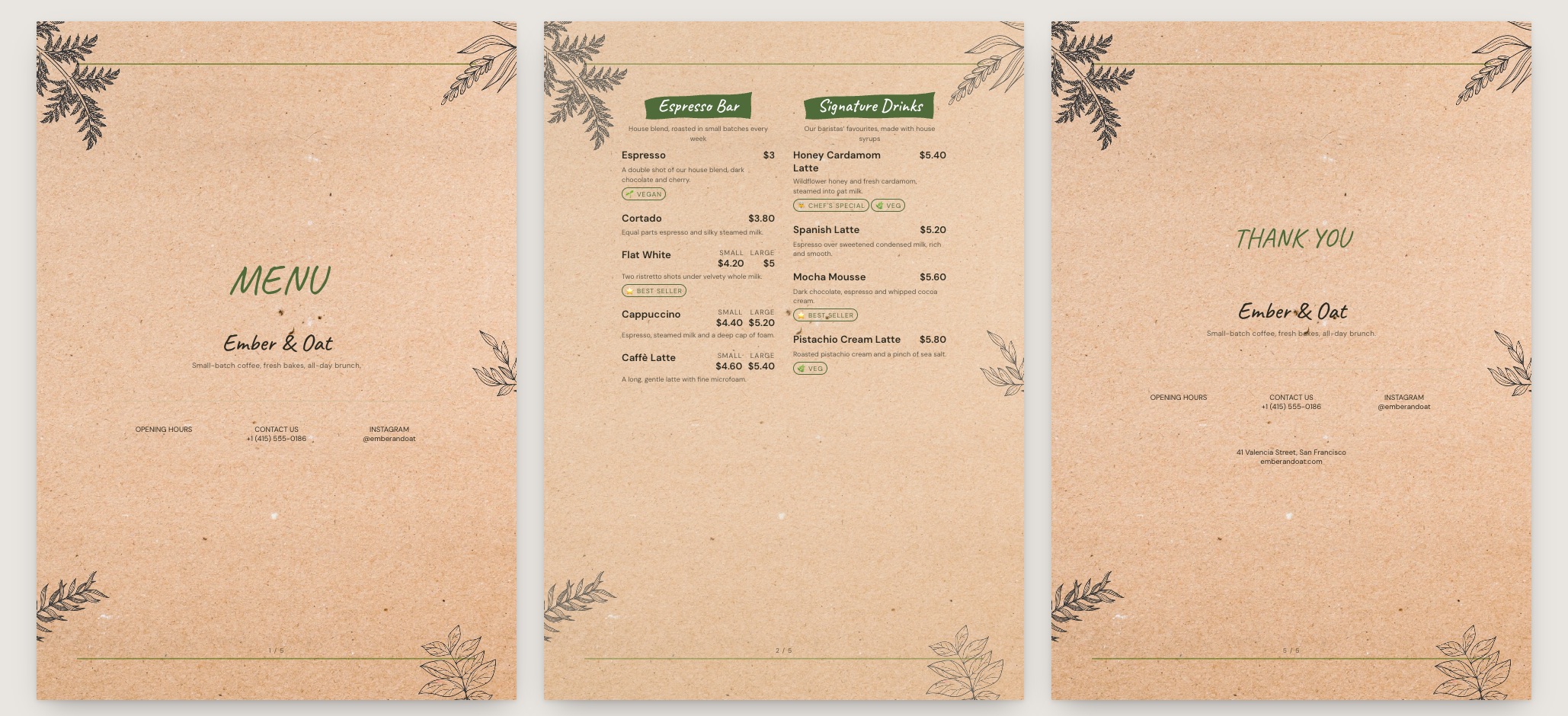
Brick & Bean menu template: a mobile coffee shop menu with a wordmark header, a photo banner, category tabs and priced item rows you can edit. Use this template
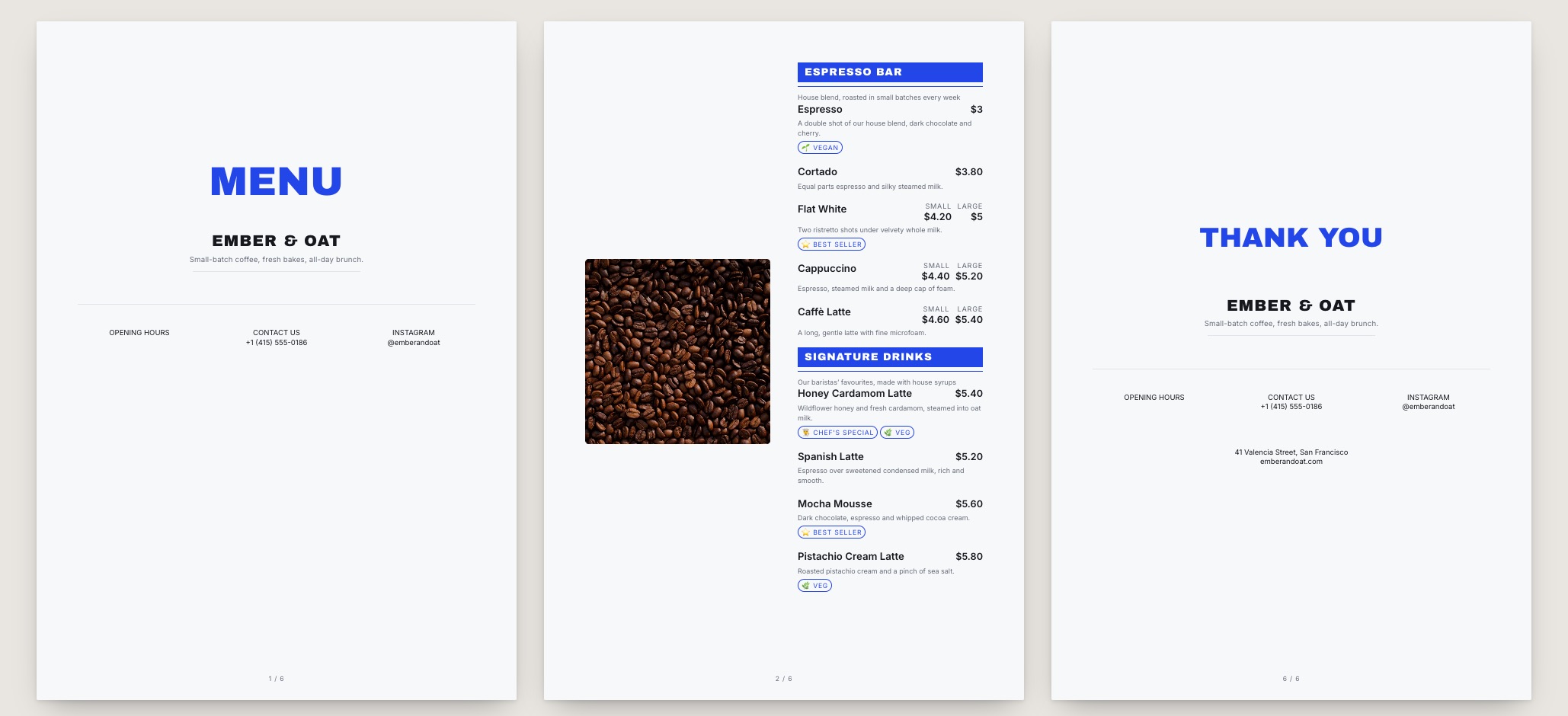
Brick & BeanNeighbourhood cafe · textured
Paper Cup menu template: a mobile coffee shop menu with a wordmark header, a photo banner, category tabs and priced item rows you can edit. Use this template
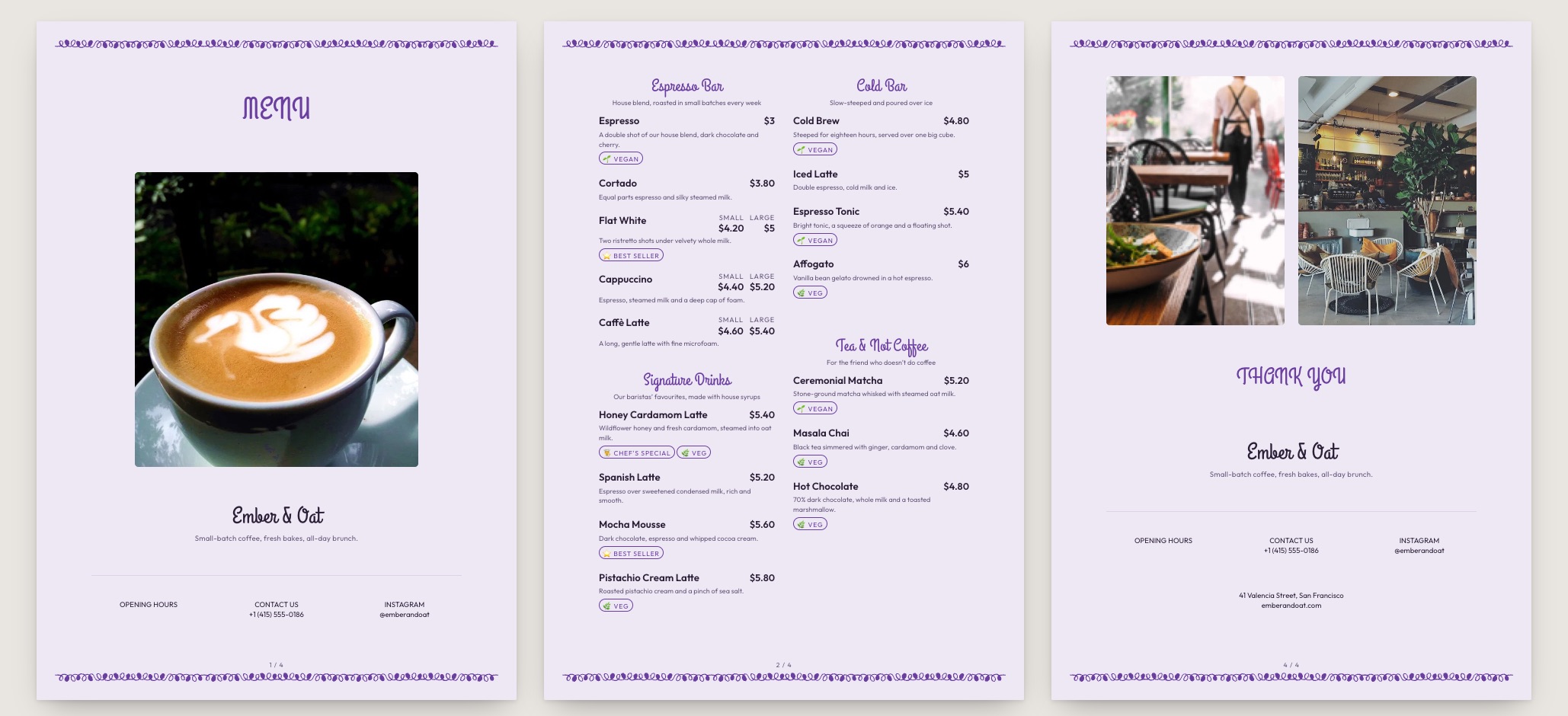
Paper CupTakeaway coffee · compact
Built for the brew bar

Your board is not a dish list

Generic menu templates make you write “Latte (Small)” and “Latte (Large)” as two separate lines. Ours attach sizes and milk alternatives to the drink as priced options, so the list stays as short as the board behind your counter.

  • Sizes and milk alternatives priced as options, not extra lines
  • Espresso first, filter second, cold last — the order baristas read
  • Origin, roast and tasting notes with room to actually read them
  • Tall board layouts export alongside A4 and A5
  • Free on every plan, including the free one
Pick a coffee template
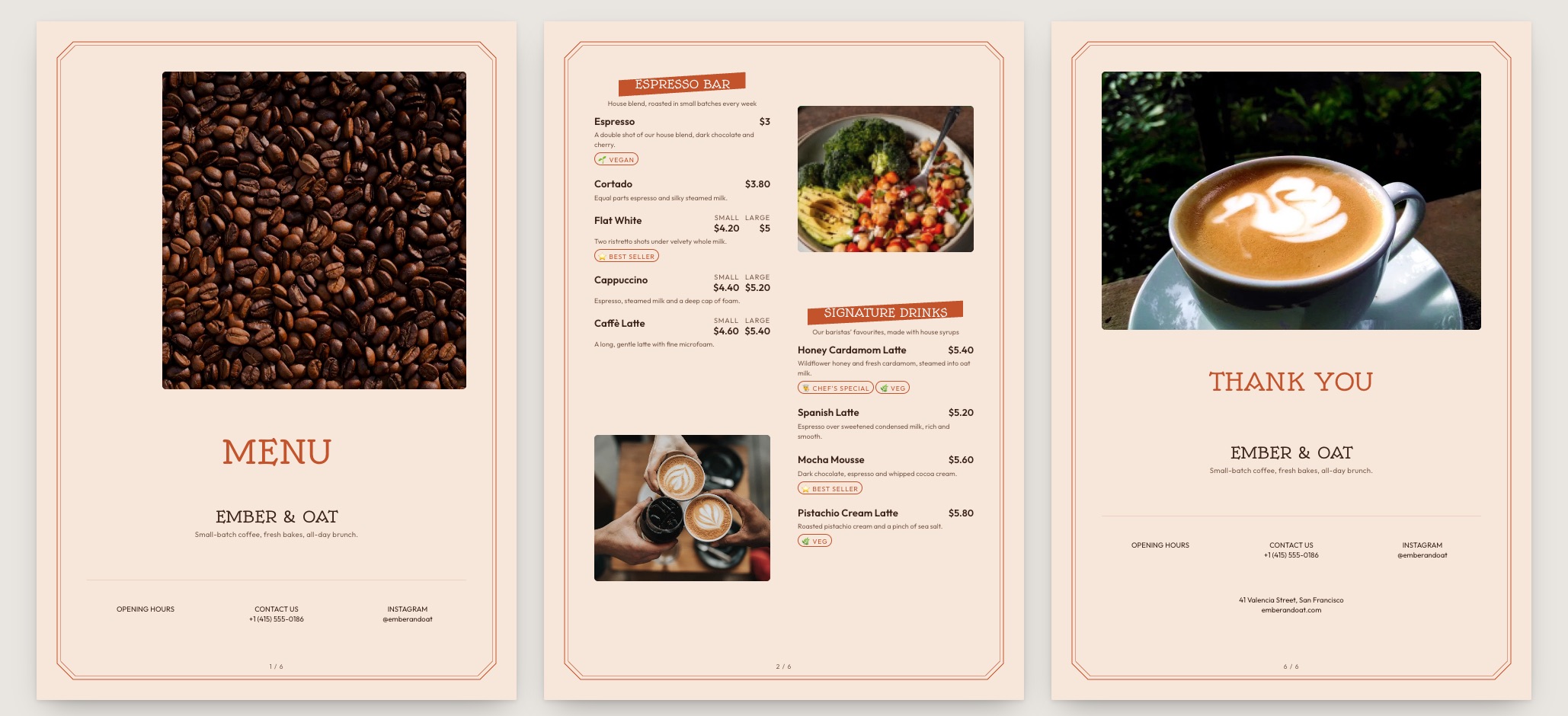
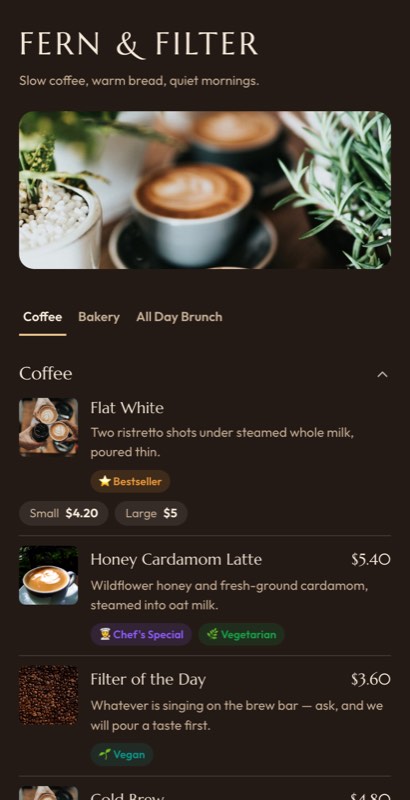
Fern & Filter
Slow coffee · open until 7 pm
EspressoFilterColdBakes
Espresso
Flat White
Two ristretto shots · 180 ml
₹220
🥣
Honey Cardamom Latte
Oat milk · house honey
₹280
Tap to make it yours
Filter
🍵
Filter of the Day
Ask for a taste first
₹190
🥛
Cold Brew
18-hour steep · 250 ml
₹240
What you can change

Yours after about four clicks

A template is a starting point, not a cage.
📏

Size ladders

Small, regular, large — priced once and shown as a row of chips under the drink.

🥛

Milk options

Oat, almond, soy, lactose-free with their own surcharge, set once and reused everywhere.

🌿

Origin notes

Farm, process and tasting notes on single-origin lines, hidden on the house blend.

🕑

Day parts

Brunch until noon, cold drinks after two — sections that appear and vanish by clock.

📄

Board sizes

The same list exports as a tall counter board, an A4 handout or a table card.

🌱

Bean rotation

Swap the guest roast weekly without touching the layout or reprinting anything.

Using a template
Template to live menu in four steps
1

Pick a board

Choose the layout that matches how your bar is set up — espresso-led, filter-led or cold-led.

2

Enter each drink once

Add the drink, then attach its sizes and milk options underneath. No duplicate lines.

3

Brand it

Your logo, two colours and a font pairing. The whole board follows.

4

Publish counter and phone

Print the tall board for behind the counter and publish the same list to your QR code.

Choosing well

How to pick a coffee shop menu template
Decide what leads: espresso, filter or cold

The first section on the menu is the one you want to sell. A speciality bar leads with espresso and puts the guest roast right underneath. A high-volume commuter shop leads with the four drinks that make up eighty percent of tickets and pushes everything else below the fold.

Keep the size chips, drop the size rows

The single biggest readability win on a coffee menu is refusing to list the same drink twice. If your template forces “Cappuccino S / Cappuccino L” as separate lines, a fourteen-drink list reads as twenty-eight. Sizes belong under the drink as chips.
Give milk surcharges one honest line

  • State the oat and almond surcharge once, near the top
  • Do not repeat it on every drink — it reads as nickel-and-diming
  • Mark the milks you have run out of rather than deleting them

Write tasting notes for guests, not for judges

“Stone fruit, brown sugar, long finish” is useful. A full cupping score is not. Two or three plain words per single-origin is the amount people actually read while queuing.

Then check it from the queue

Stand where the third person in line stands and read your own board. If you cannot price a flat white from there, the type is too small — and that is a template choice, not a design opinion.

FAQ

Questions we get asked most

Do the coffee templates handle sizes and milk options?

Yes. Each drink is entered once and its sizes and milk alternatives attach as priced options, so a fourteen-drink list stays fourteen lines.

Can I print a tall menu board for behind the counter?

Yes. Board layouts export alongside A4, A5 and table-card sizes, all from the same item list.

Can I show cold drinks only in the afternoon?

Yes. Put a time window on any section and it appears and disappears on its own.

Can I show the bean origin and roast date?

Yes. Single-origin lines carry origin, process and tasting notes; the house blend can hide them so the list stays short.

Can I mark a drink as sold out when the beans run out?

In two taps from your phone. The drink greys out for guests and comes back when you restock.

Are the coffee shop templates free?

Yes. Every template is available on every plan, including the free one. Paid plans add print-ready export and custom fonts.

Every collection

Menu templates by business type

Sixteen collections, all editable, all free to start from.

Keep exploring

Related pages

Start from a board, not a blank page

Pick a coffee template, pour in your drinks and publish to the counter and the phone at once.

No credit card required · Set up in 5 minutes