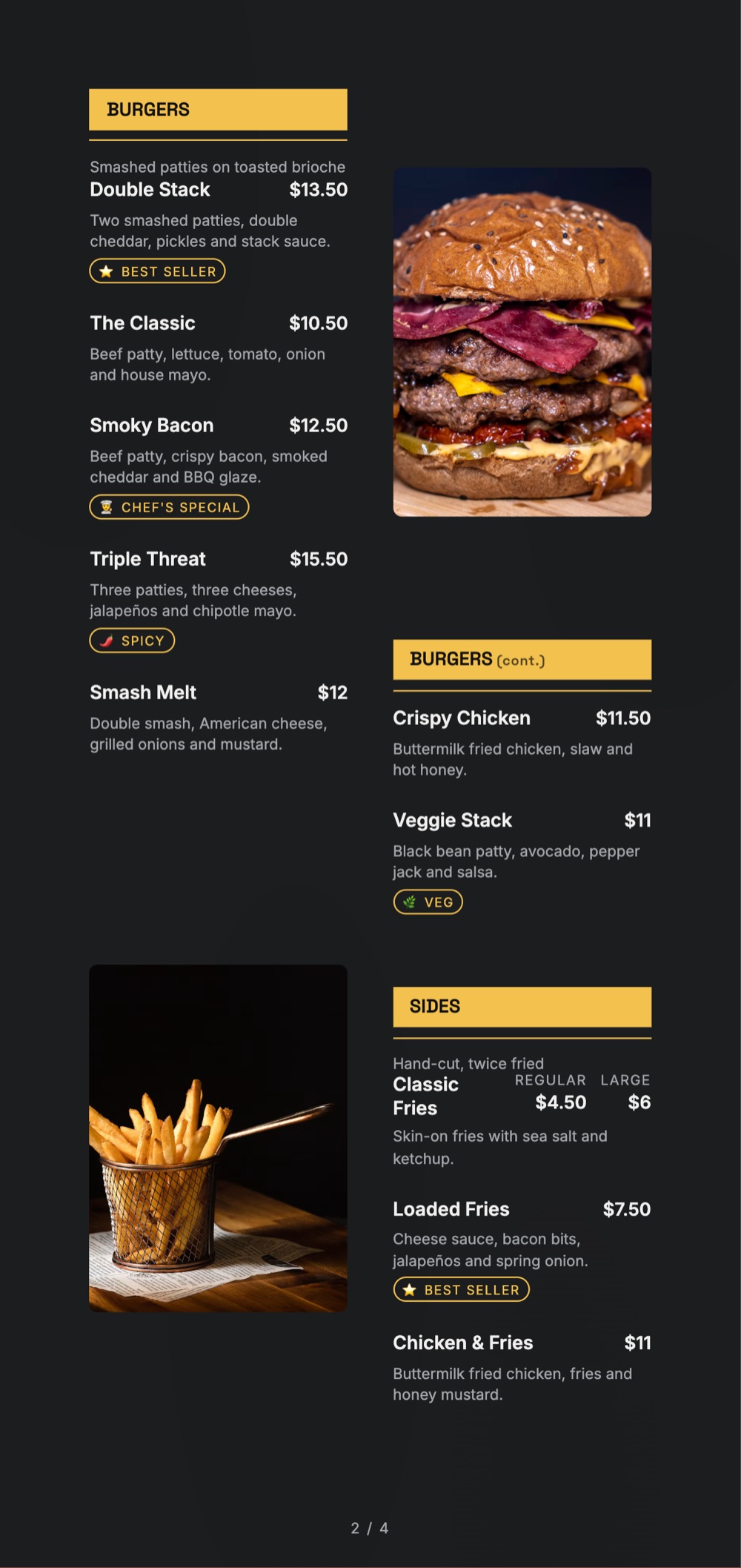
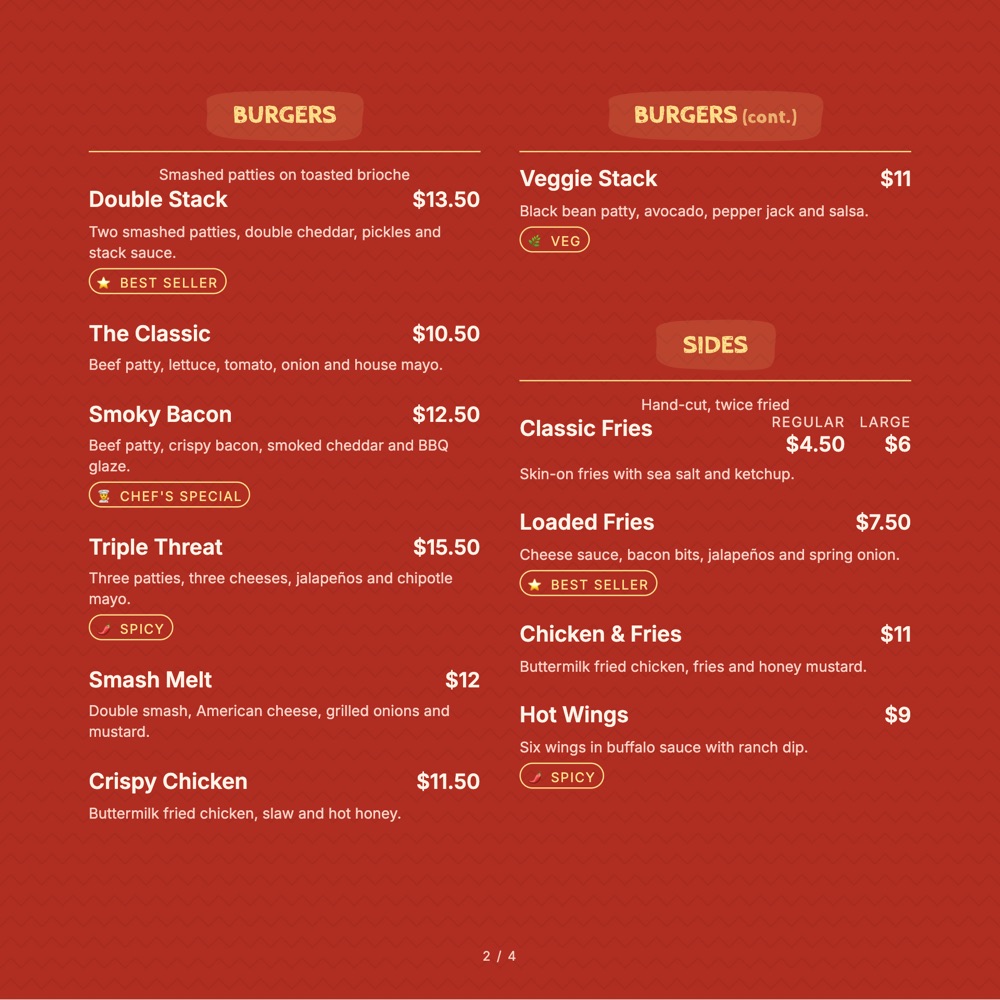
Home / Fast Food Menu Templates
Fast food templates

Fast food menu templates built for a moving queue

The guest decides in eleven seconds. These layouts put the combo, the price and the upsell where a person standing third in line will actually see them.

The gallery

7 fast food menu templates ready to make yours

Pick the one closest to your room. Everything about it can change afterwards.
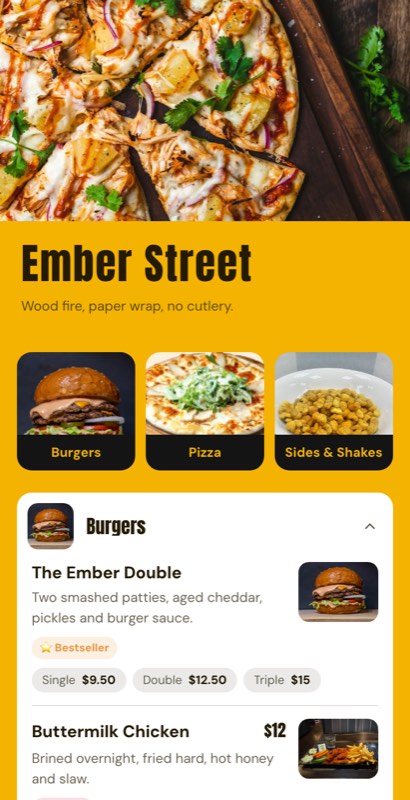
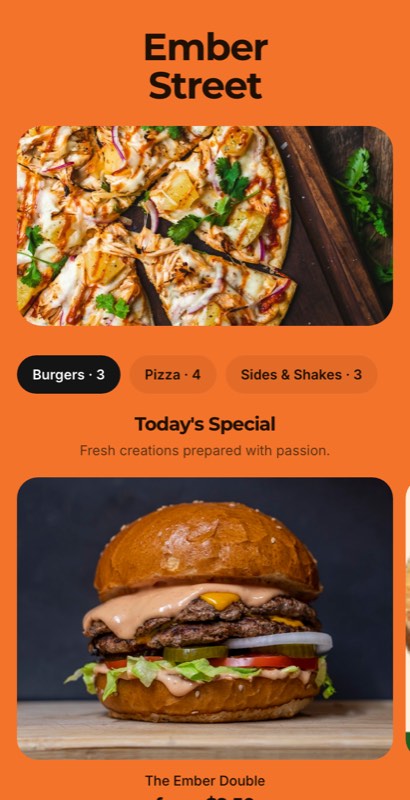
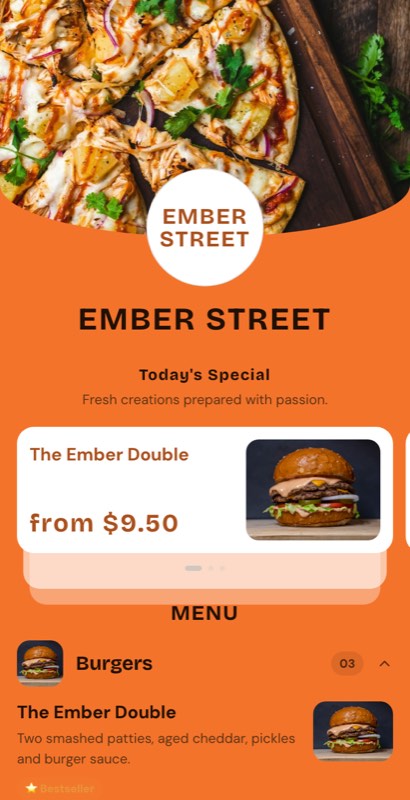
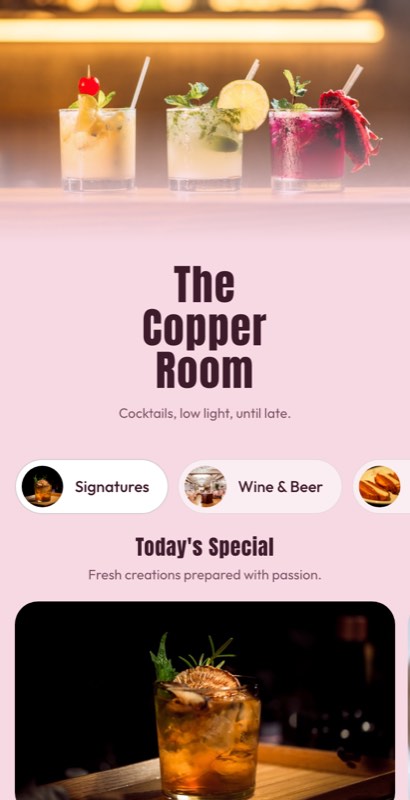
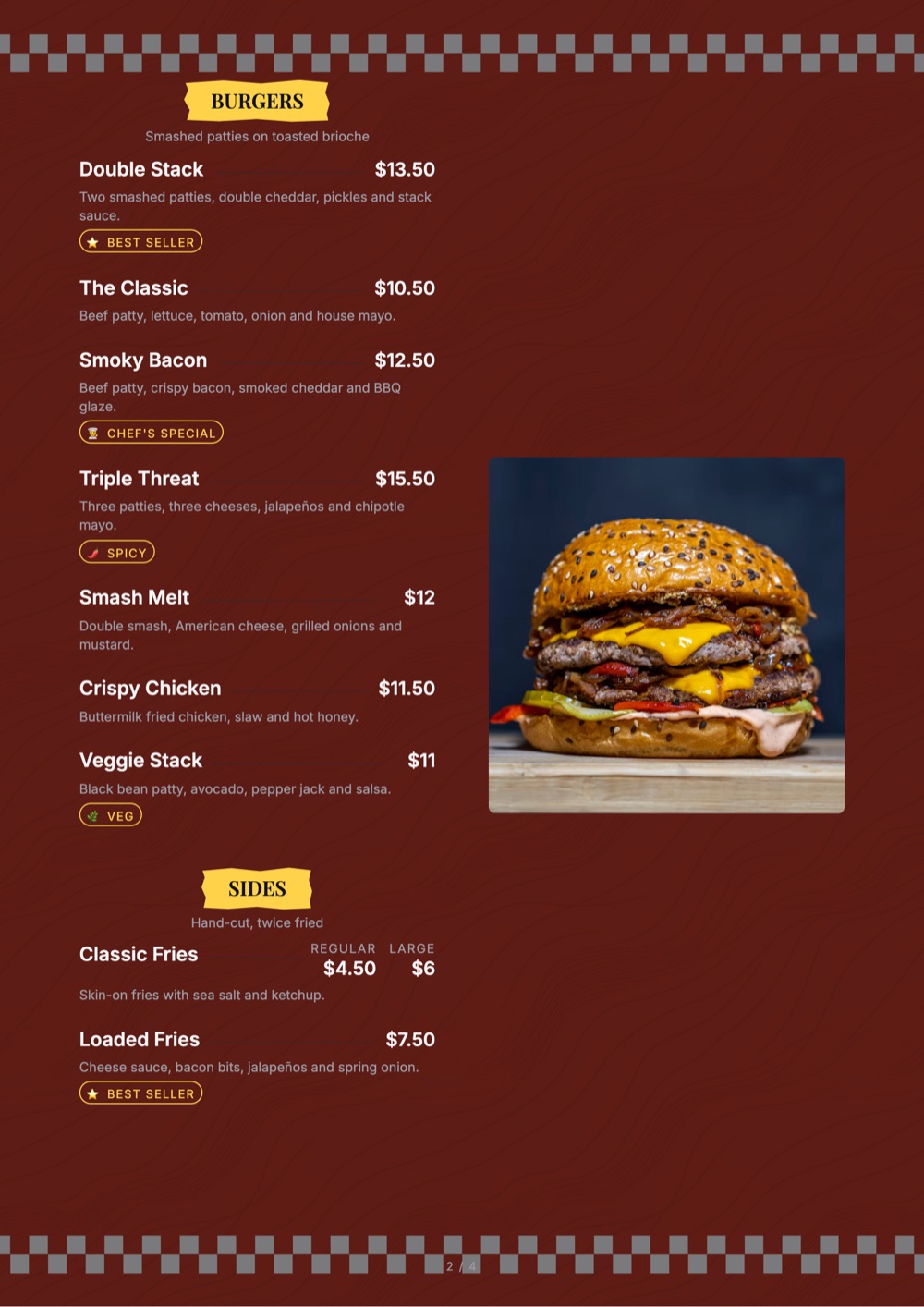
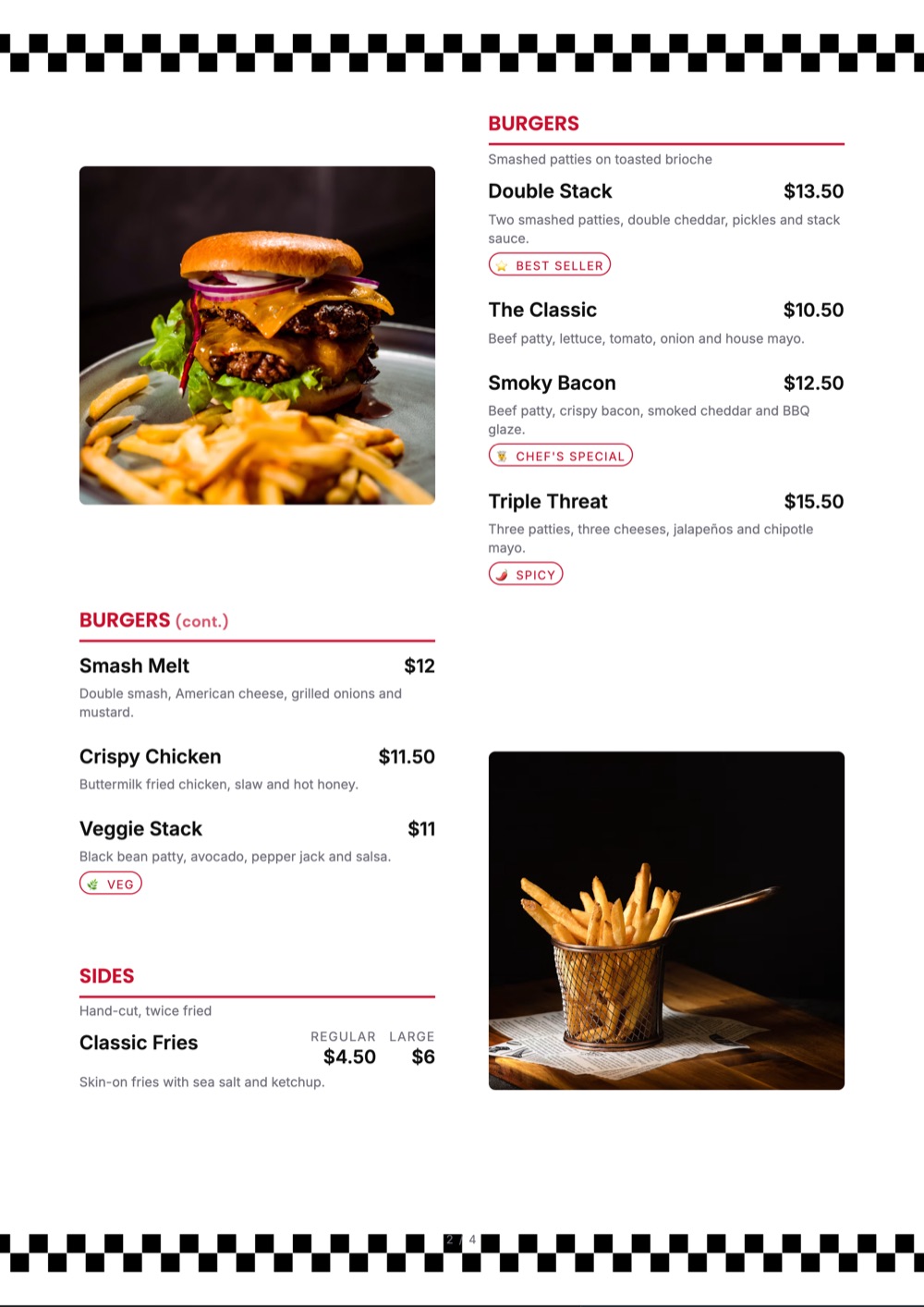
Burger Block menu template: a mobile fast food menu with a wordmark header, a photo banner, category tabs and priced item rows you can edit. Use this template
Burger BlockBurger joint · bold blocks
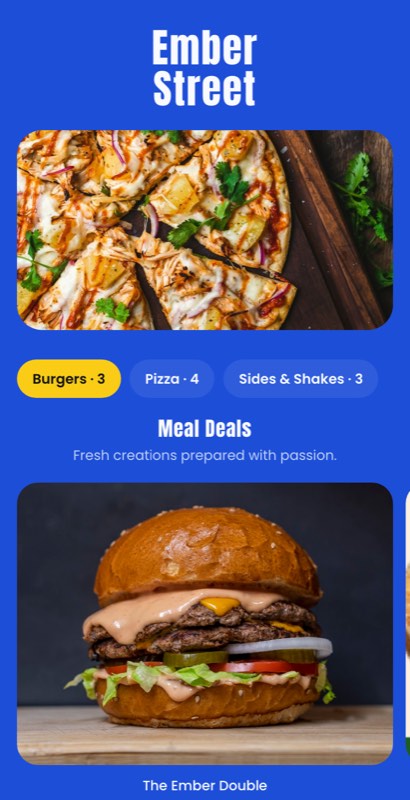
Combo King menu template: a mobile fast food menu with a wordmark header, a photo banner, category tabs and priced item rows you can edit. Use this template
Combo KingMeal deals · deal-first
Value Board menu template: a mobile fast food menu with a wordmark header, a photo banner, category tabs and priced item rows you can edit. Use this template
Value BoardValue menu · price-led
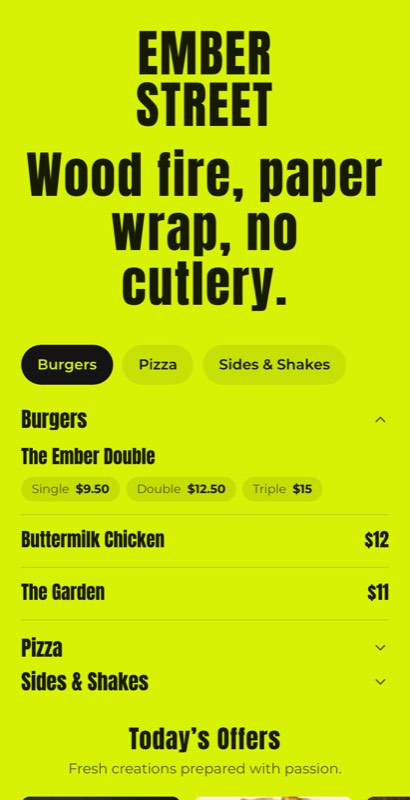
Drive Thru menu template: a mobile fast food menu with a wordmark header, a photo banner, category tabs and priced item rows you can edit. Use this template
Drive ThruDrive-through · big type
Quick Bite menu template: a mobile fast food menu with a wordmark header, a photo banner, category tabs and priced item rows you can edit. Use this template
Quick BiteGrab and go · compact
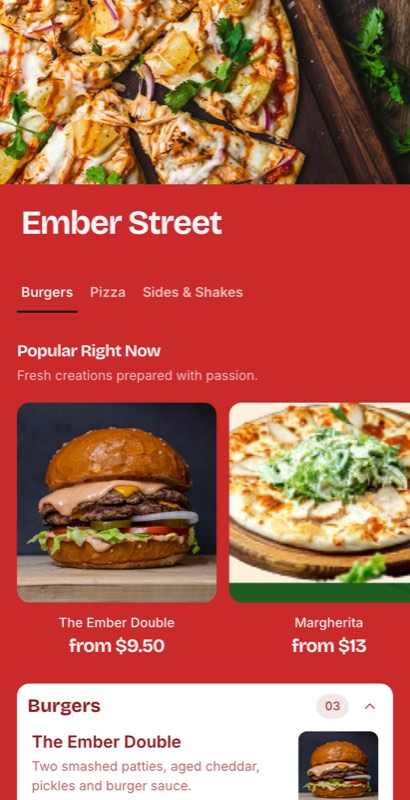
Order Up menu template: a mobile fast food menu with a wordmark header, a photo banner, category tabs and priced item rows you can edit. Use this template
Order UpCounter service · photo-led
Shake Shop menu template: a mobile fast food menu with a wordmark header, a photo banner, category tabs and priced item rows you can edit. Use this template
Shake ShopShakes & sides · bright
Designed for speed

A queue does not read, it scans

Fast food menus fail in one specific way: too many items given equal weight. These templates use a strict hierarchy — combos big, singles small, add-ons smaller — so the eye lands where your margin is.

  • Combos priced as a block with the saving shown
  • Add-ons and upsizes attached to the item, not listed twice
  • Value board sections with their own price treatment
  • Big-type board layouts for above the counter
  • Calorie and allergen marks on every line
Pick a fast food template
Burger Block
Counter & delivery · open till 2 am
CombosBurgersSidesShakes
Combos
🍔
Double Combo
Burger, fries, drink · save ₹70
₹329
🍟
Chicken Box
6 wings, fries, dip
₹299
Tap to make it yours
Burgers
🍔
Classic Cheese
Single patty, house sauce
₹179
🥓
Spicy Paneer
Veg · hot
₹169
What you can change

Yours after about four clicks

A template is a starting point, not a cage.

💰

Combo blocks

Meal deals in a block that reads as a deal, with the saving stated in plain numbers.

Upsizes

Regular to large, extra patty, extra cheese — attached to the item as one-tap options.

🌟

Value sections

A distinct price treatment for the value board so it does not compete with the premium line.

🔥

Heat & diet marks

Spice level, veg, egg and allergen marks in a style the template already owns.

📱

Counter and delivery

The same list drives the board above the counter and the QR menu at the table.

📈

Bestseller flags

Promote the three items that actually pay the rent, and change them any week.

Using a template

Template to live menu in four steps

1

Pick a board

Counter board, drive-through or delivery-first — each puts the price in a different place.

2

Lead with combos

Enter the combo first and the singles underneath. The template does the rest of the hierarchy.

3

Attach the upsells

Upsizes and add-ons hang off the item, so nothing is listed twice.

4

Publish counter and phone

Print the board and publish the QR menu from the same item list.

Choosing well

How to pick a fast food menu template

Hierarchy beats decoration

The fastest-selling boards in the world use three type sizes and almost no ornament. If every item on your board is the same size, you have not made a menu — you have made a price list, and the guest will default to the cheapest thing.

Put the combo above the single

A guest who reads the single item price first anchors low and then resents the combo. Reversed, the combo reads as the saving it is. This is a layout decision, and the template makes it for you.

Eleven seconds, six decisions

  • No more than seven items visible in the first screen or panel
  • One clear bestseller flag, not five
  • Prices aligned in a single column the eye can run down

Design the board and the phone together

Most quick-service brands end up with a counter board and a delivery menu that disagree on price. Driving both from one item list is the only reliable fix, and it saves the weekly reprint.

Then cut the bottom five

Once it is live, analytics will show you the five items nobody opens. Removing them makes everything else sell faster — a shorter board is a faster queue.

FAQ

Questions we get asked most

Can I build combo meals with a saving shown?

Yes. Combos sit in their own block and can show the saving against buying the items separately.

Do the templates handle upsizes and add-ons?

Yes. Extra patty, large fries, an extra dip — all attach to the item as priced options rather than as separate lines.

Can I print a big board for above the counter?

Yes. Board layouts export alongside A4, A5 and flyer sizes, all from the same item list.

Can I show calories and allergens?

Yes, as optional small type on each line, which you can turn on for the whole menu at once.

Can I run a limited-time value menu?

Yes. Put a date or time window on the section and it appears and disappears on its own.

Are the fast food templates free?

Yes, on every plan including the free one. Paid plans add print-ready export and custom fonts.

Every collection

Menu templates by business type

Sixteen collections, all editable, all free to start from.

Keep exploring

Related pages

Make the queue move faster

Pick a fast food template, lead with your combos and publish to the board and the phone at once.

No credit card required · Set up in 5 minutes