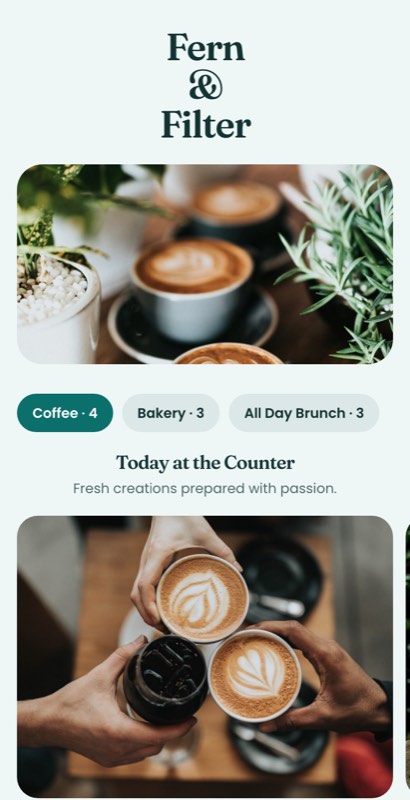
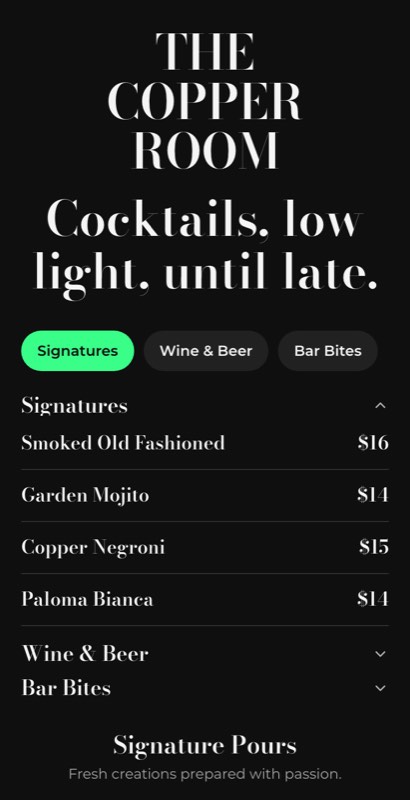
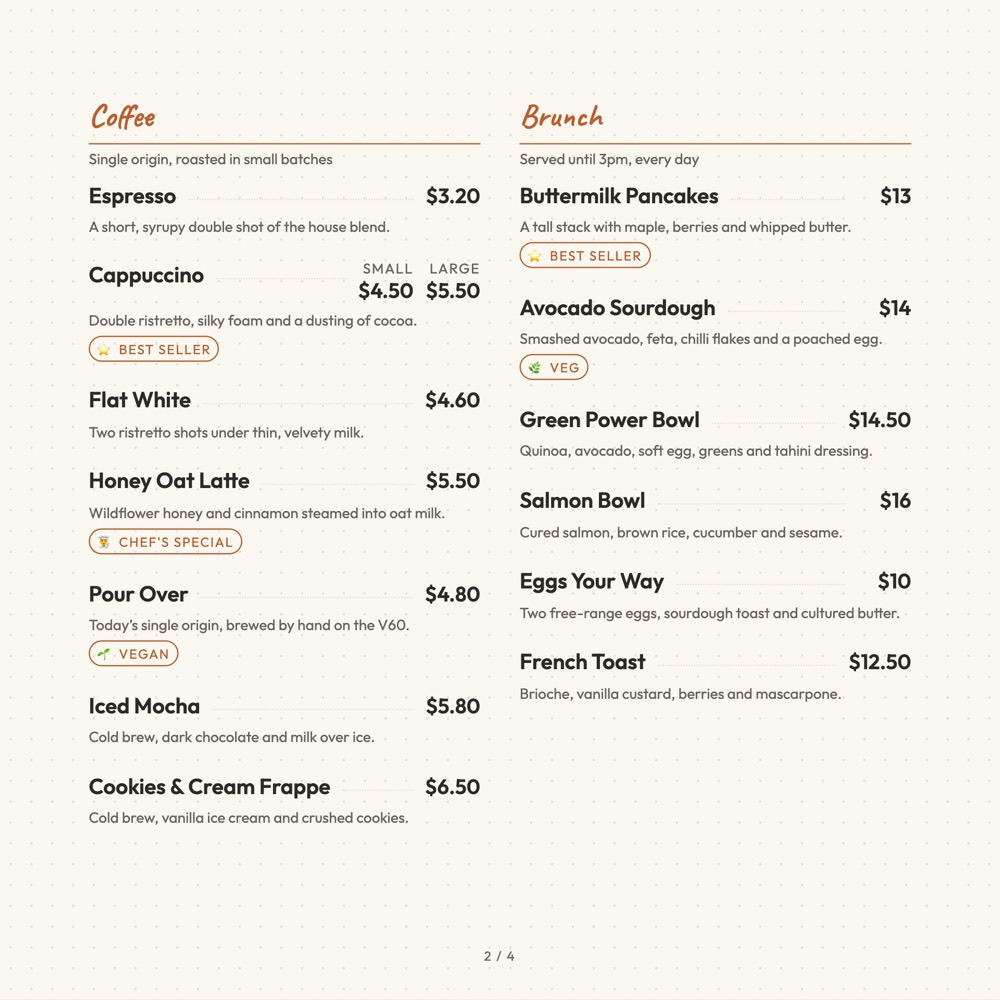
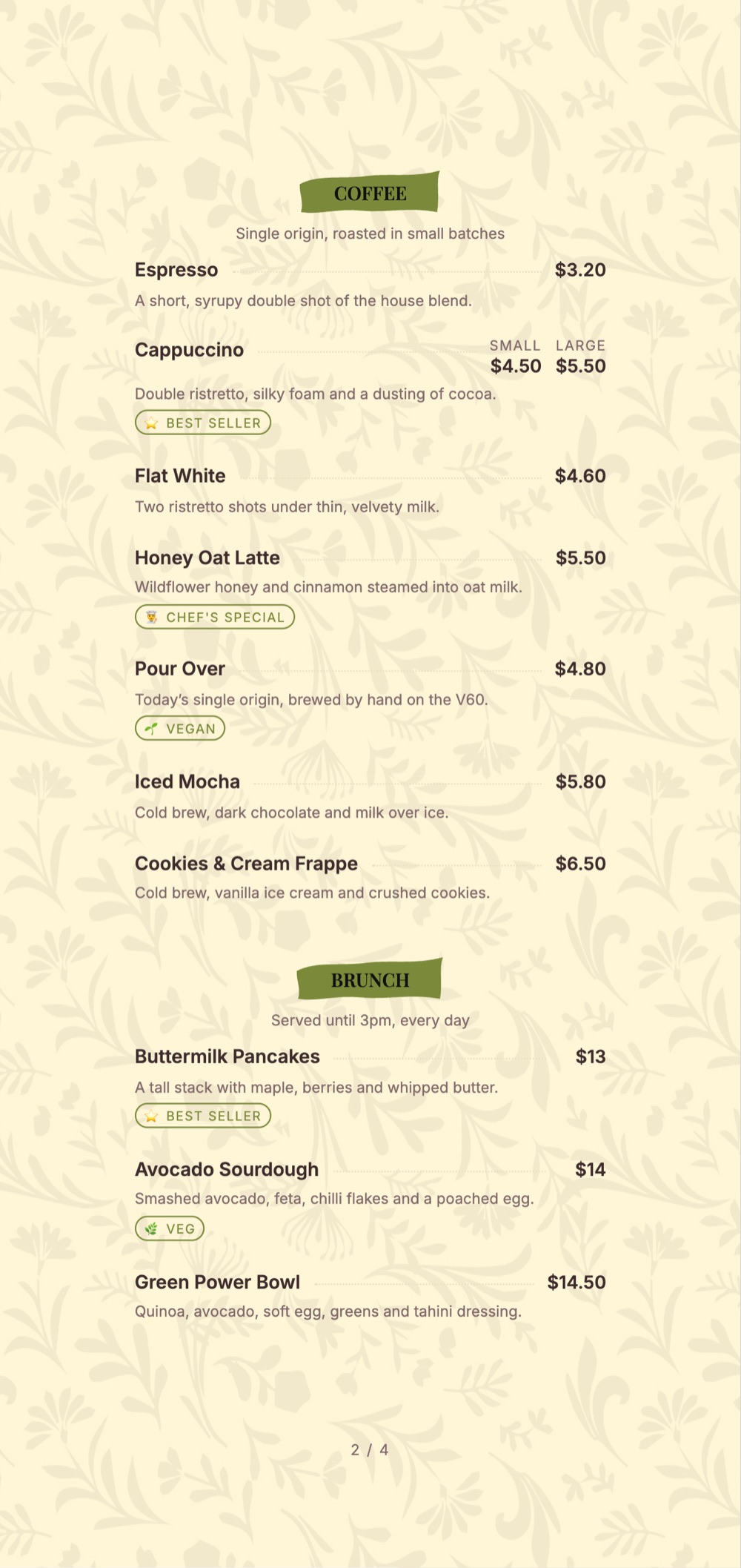
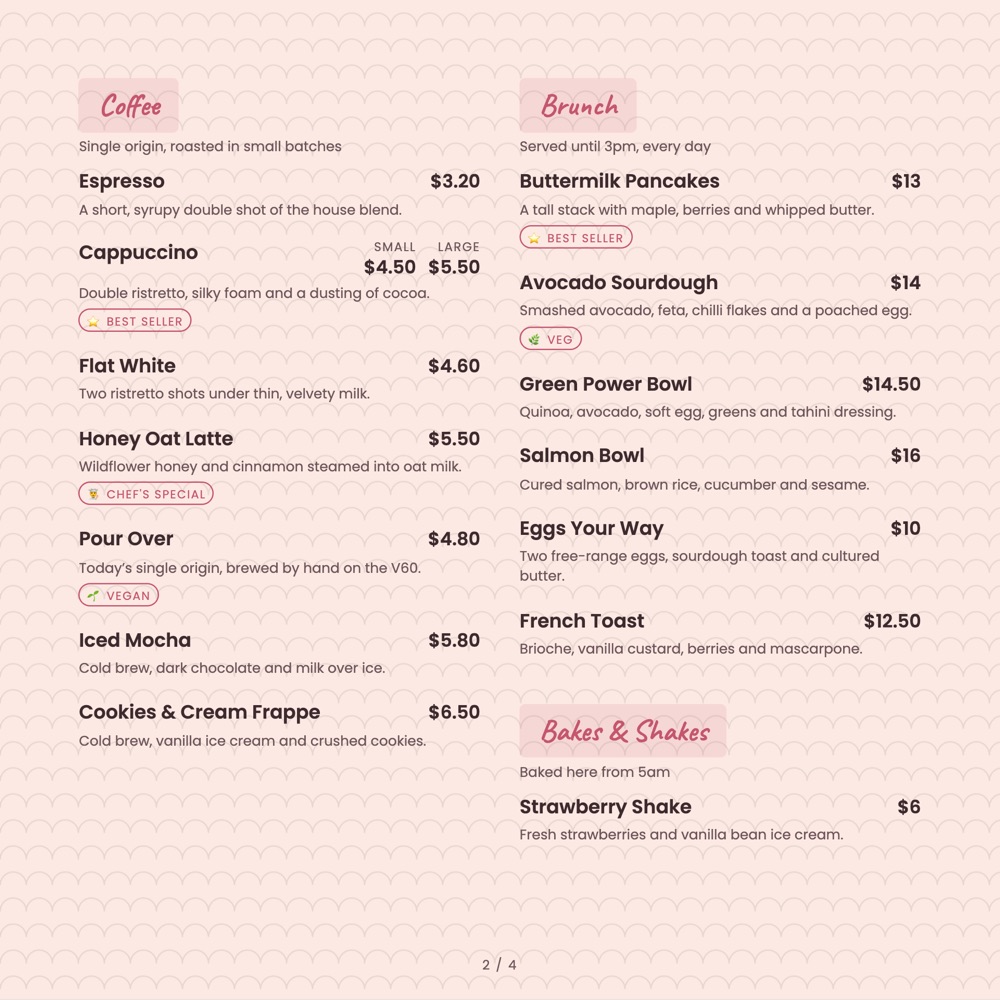
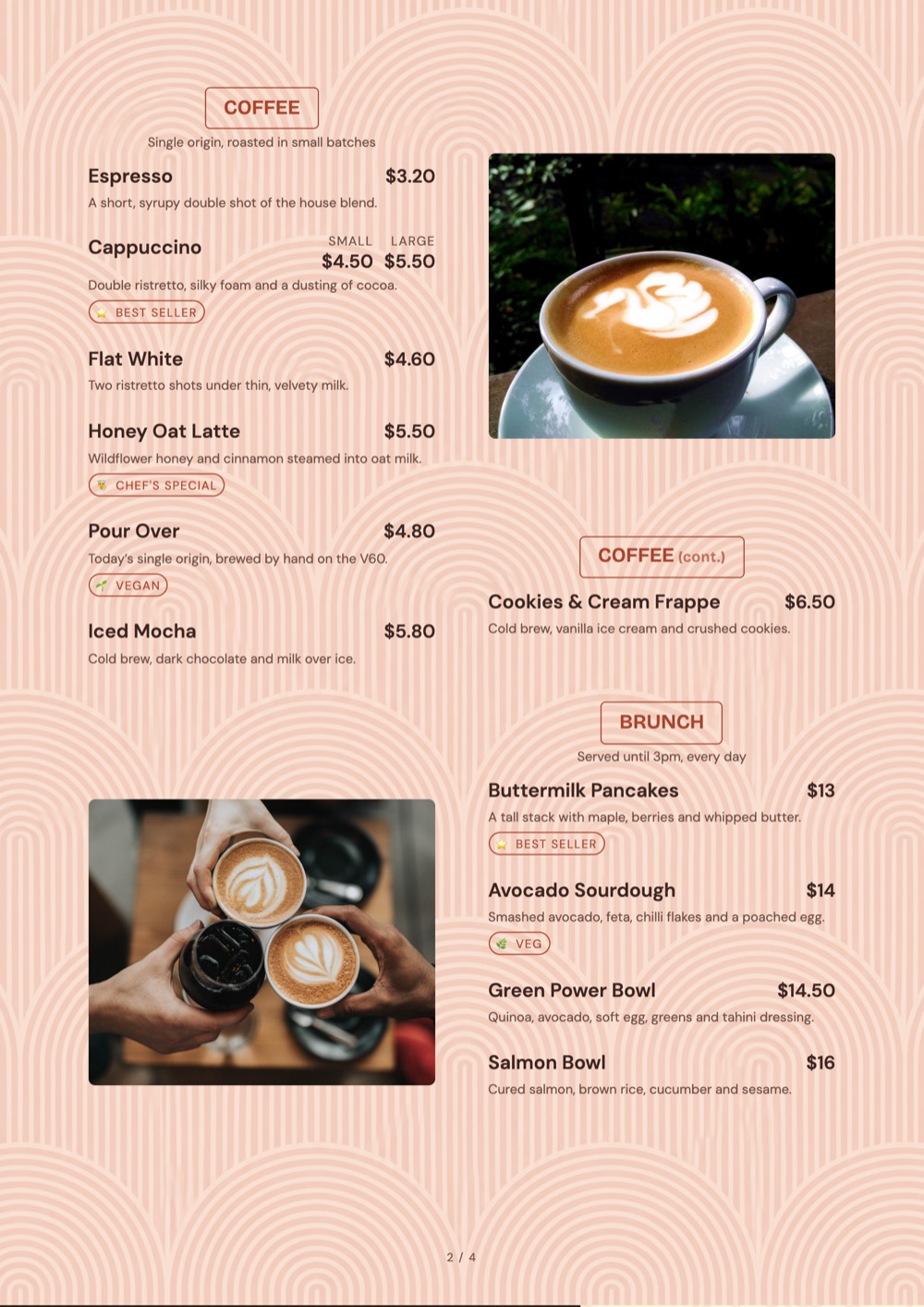
Juices, teas, coolers, mocktails and shakes. A drinks list is mostly variations of the same thing at different sizes — these layouts keep that from turning into a hundred rows.
Pick the one closest to your room. Everything about it can change afterwards.
Use this template
Use this template
Use this template
Use this template
Use this template
Use this template
A beverage list is the easiest menu to get wrong, because almost every line is a small variation of the line above it. These templates lean on option groups and tight grouping so the list reads as six choices rather than eighteen.
A template is a starting point, not a cage.
300 ml and 500 ml priced under the drink, so the list length matches the menu, not the matrix.
No sugar, less ice, extra shot — captured as options guests tap rather than explain.
Add a summer-only cooler and let it expire when the season does.
One line for a drink you serve both ways, with the price difference shown.
Bottled and canned drinks grouped away from the made-to-order list.
A table card, a counter board and a QR menu, from one list.
Juice bar, tea room or all-purpose beverage card — each groups differently.
Sizes, sugar and ice preferences hang off the drink as options.
Bottled and canned lines sit apart from anything made to order.
The QR menu, the table card and the counter board come from the same list.
Six juices sounds like a short list until you add three sizes and a no-sugar option and end up with thirty-six rows. Choose the template that prices variations as options, and the same list stays six lines long.
Nobody decides “a beverage”. They decide hot or cold first, then fruit or tea or dairy. Sections that mirror that order feel obvious; sections organised by supplier or by kitchen station never do.
“No sugar” asked at the counter slows the queue and gets forgotten. The same request as a tap on the menu arrives with the order. This is a throughput improvement disguised as a design choice.
The gap between your regular and your large is the most-tested number on a drinks menu. Set it too wide and nobody upgrades; too narrow and you give away margin. Watch it in analytics for a fortnight and adjust once.
Yes. Sizes attach to the drink as priced options, so a six-drink list stays six lines instead of eighteen.
Yes, as one-tap options on the drink, which arrive with the order rather than being explained at the counter.
Yes. Put a date window on the item or the section and it expires on its own.
Yes, with the price difference shown, rather than duplicating the drink.
Yes. Board, table-card and A4 sizes all export from the same item list.
Yes, on every plan including the free one. Paid plans add print-ready export and custom fonts.
Sixteen collections, all editable, all free to start from.
Fine dining to casual, ready to edit
See templatesDrinks-first layouts and day parts
See templatesEspresso boards, sizes and milk options
See templatesCounter lists, boxes and daily bakes
See templatesCocktails, pours, tabs and late hours
See templatesSizes, crusts and build-your-own toppings
See templatesCombos, value boards and quick ordering
See templatesShort menus that read from two metres away
See templatesRoom service, lounge, breakfast and banquets
See templatesDelivery-first layouts for multiple brands
See templatesThalis, tandoor, spice levels and Jain marks
See templatesTasting menus, courses and wine pairings
See templatesPatisserie, gelato and dessert-only lists
See templatesEgg builds, all-day brunch and clock rules
See templatesJuices, teas, mocktails and cold cabinets
You are hereCollection, packing notes and family packs
See templatesPick a drinks template, price your sizes as options and publish to the card, the board and the phone.
No credit card required · Set up in 5 minutes
Tell us two numbers. We’ll estimate the opportunity for your restaurant.
Estimates based on your inputs. Actual results vary.