Cafe templates
Cafe menu templates built around the drinks list
Coffee menus break generic templates. Sizes, milk options, single-origin notes and a brunch section that only exists until noon — these layouts handle all of it.
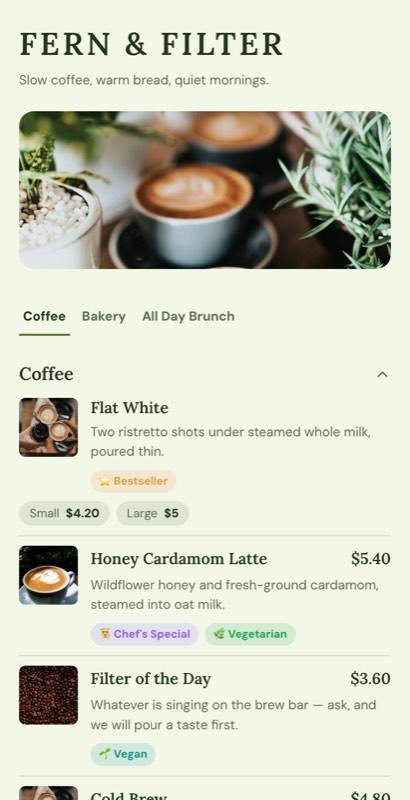
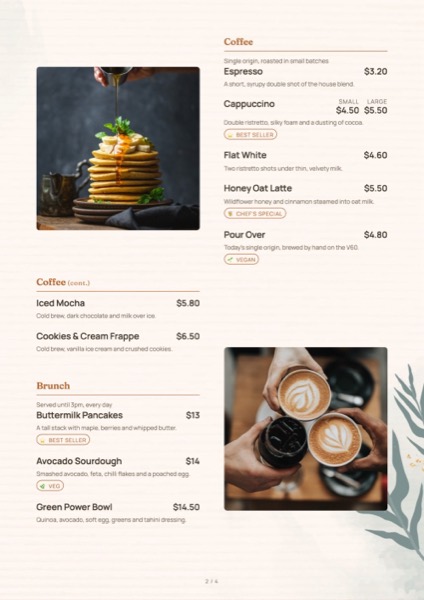
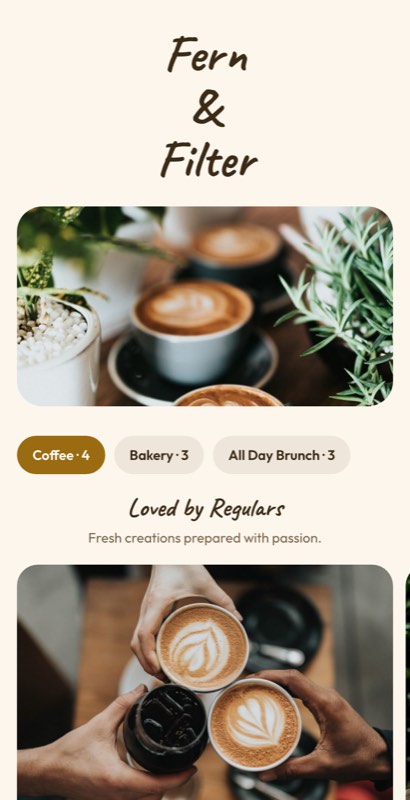
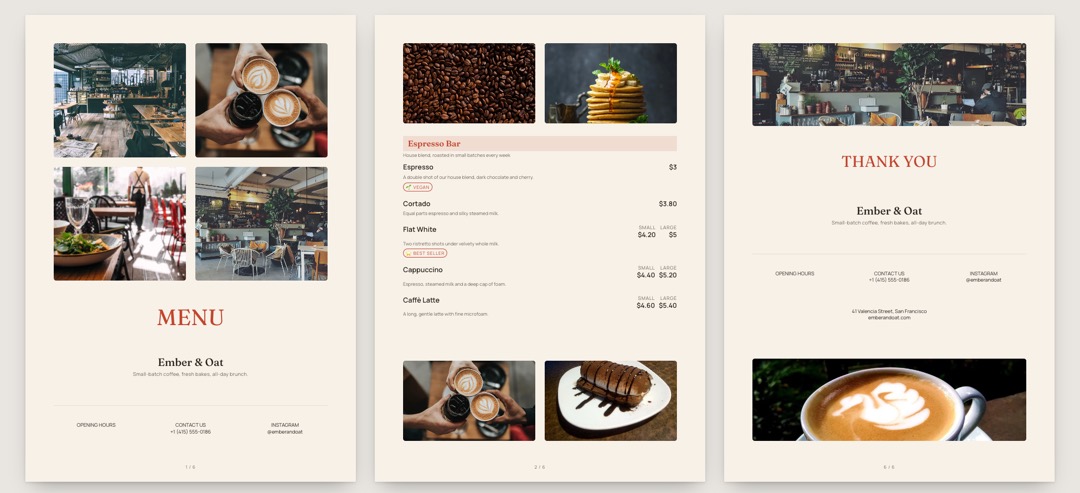
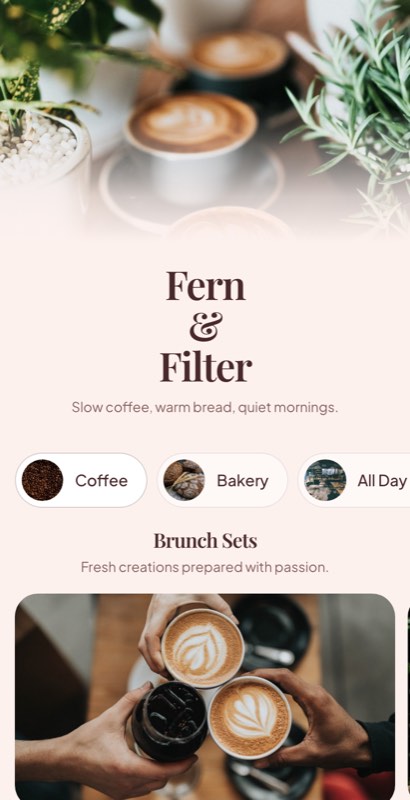
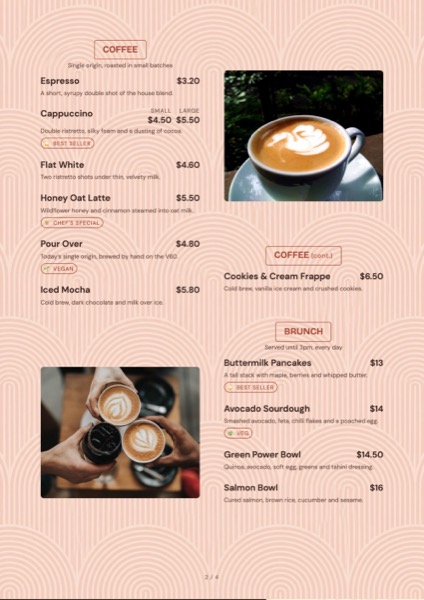
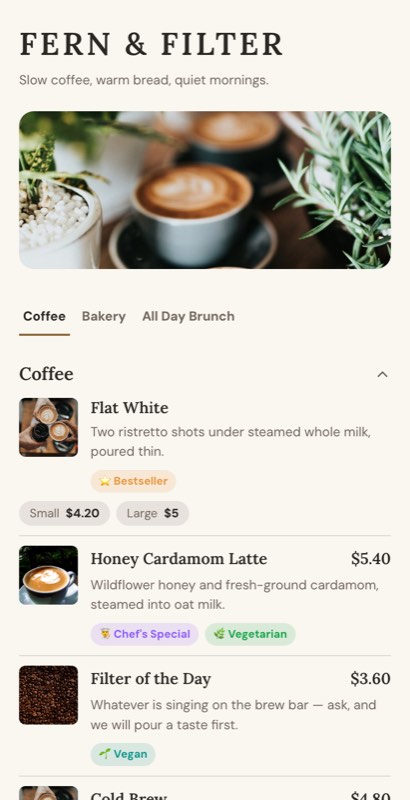
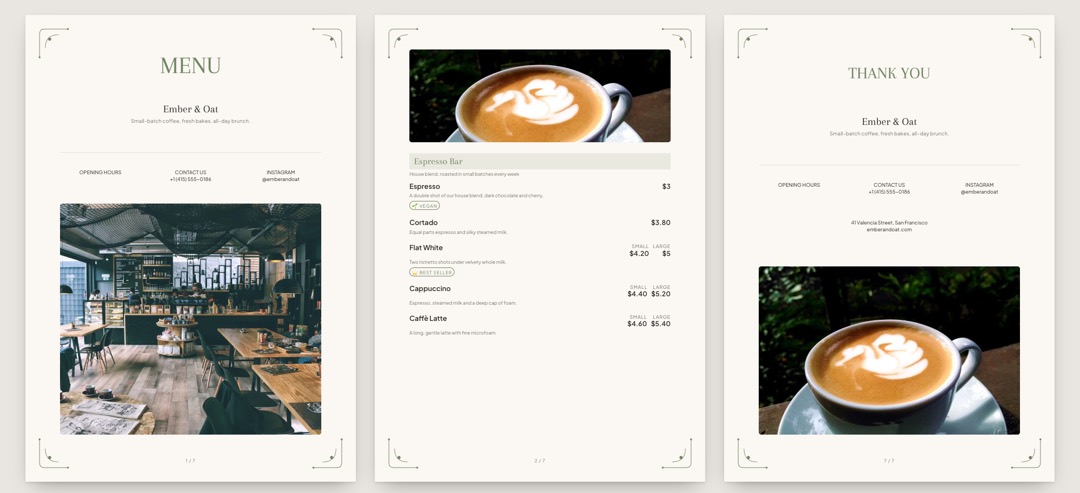
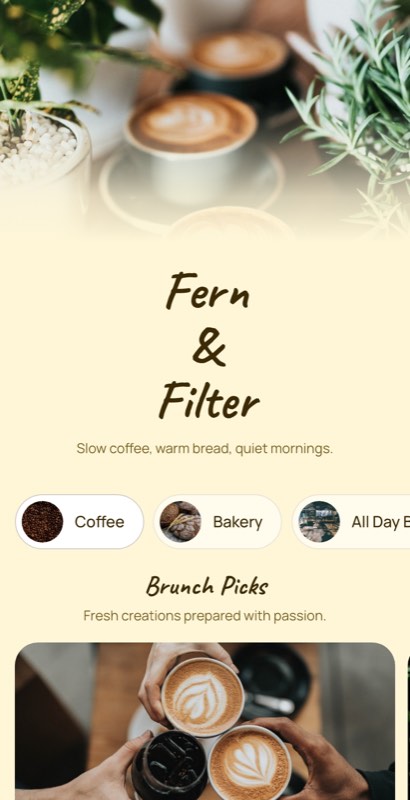
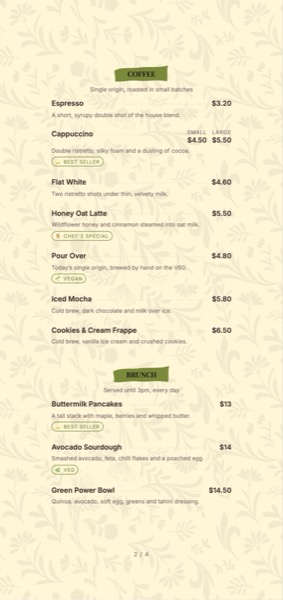
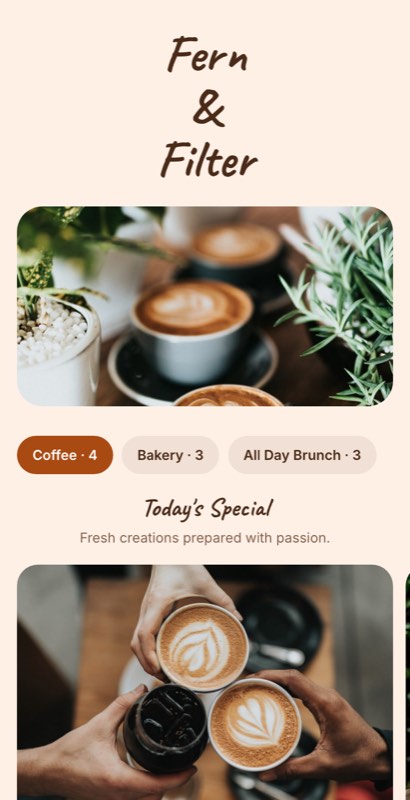
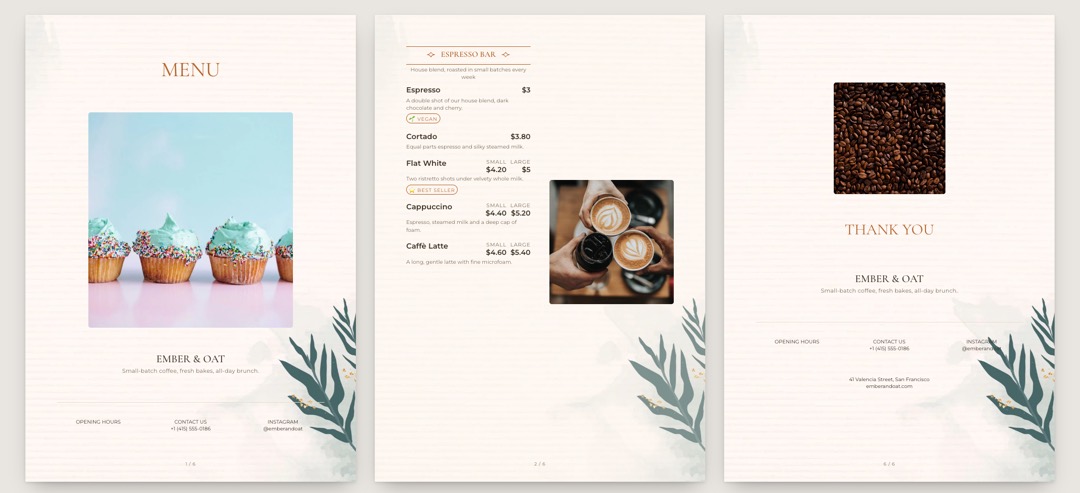
Coffee menus break generic templates. Sizes, milk options, single-origin notes and a brunch section that only exists until noon — these layouts handle all of it.
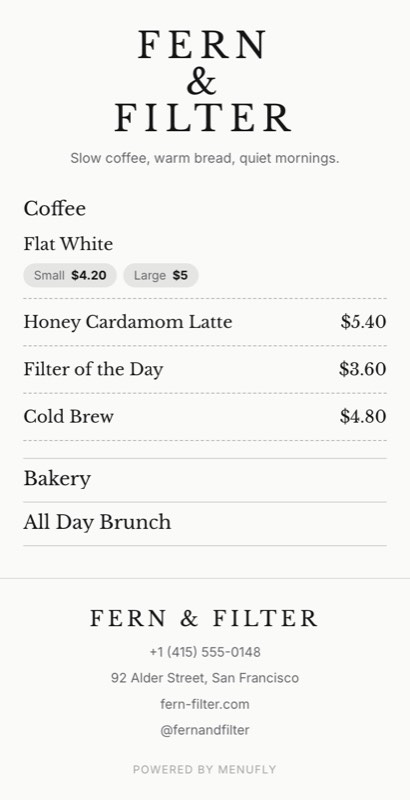
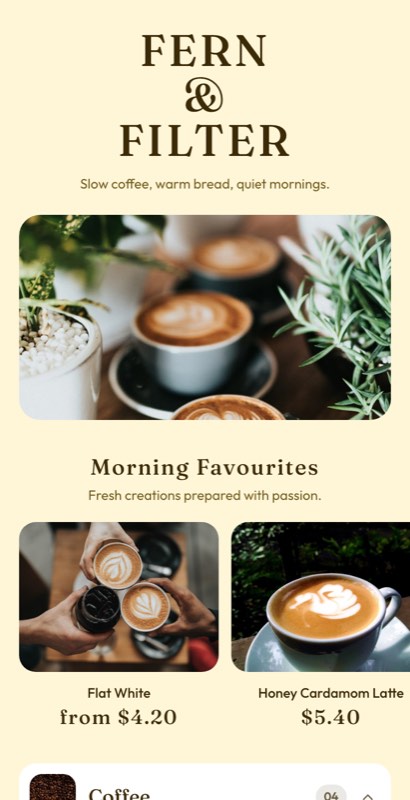
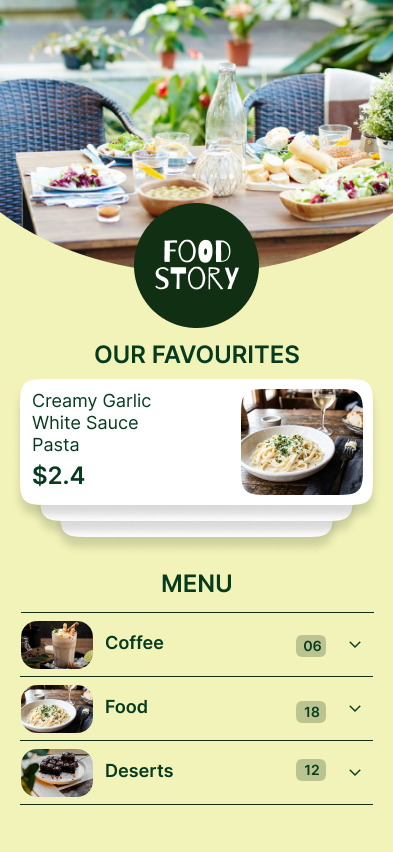
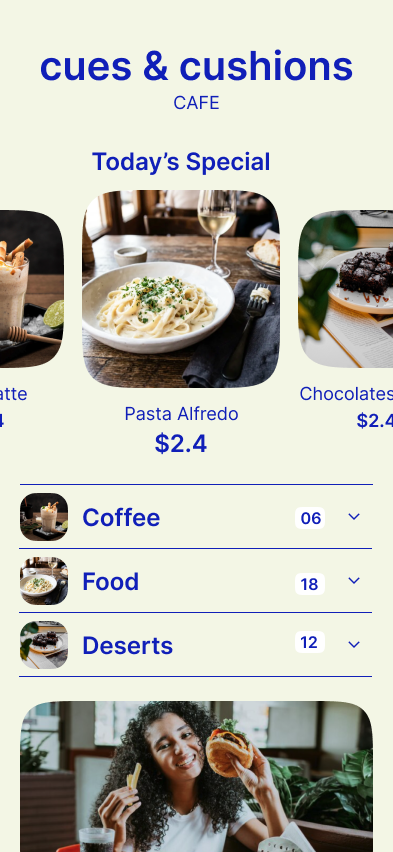
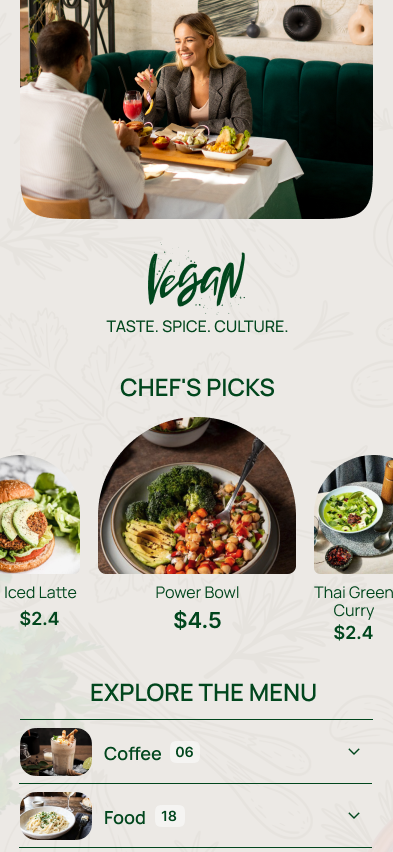
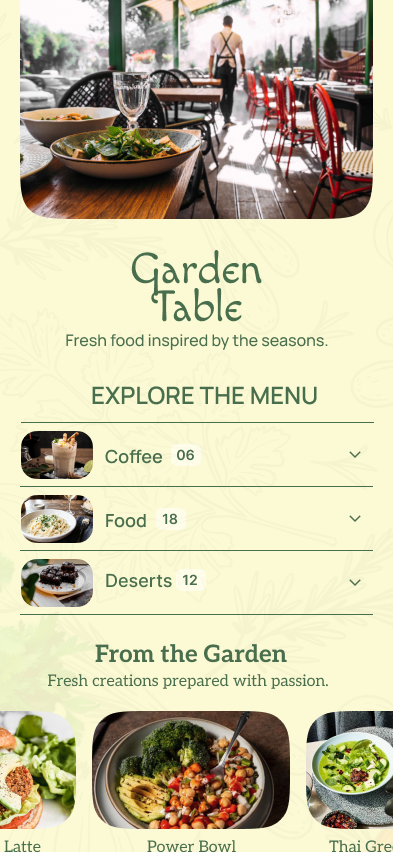
Light, warm layouts with room for a drinks list that runs long.
 Use this template
 Use this template
 Use this template
 Use this template
 Use this template
Use this template
Use this template
 Use this template
 Use this template
Use this template
Use this template
Use this template
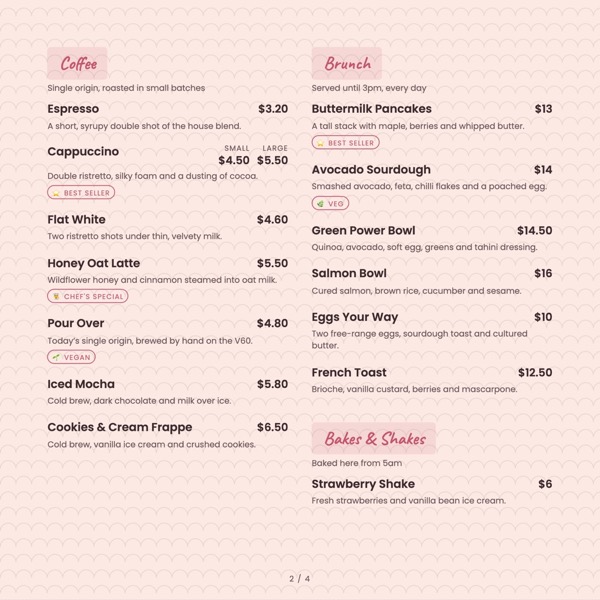
Need menus on paper? Coffee, brunch and counter menus in soft colours, sized for tables, counters and walls. Add your dishes and prices, then export a print-ready PDF.
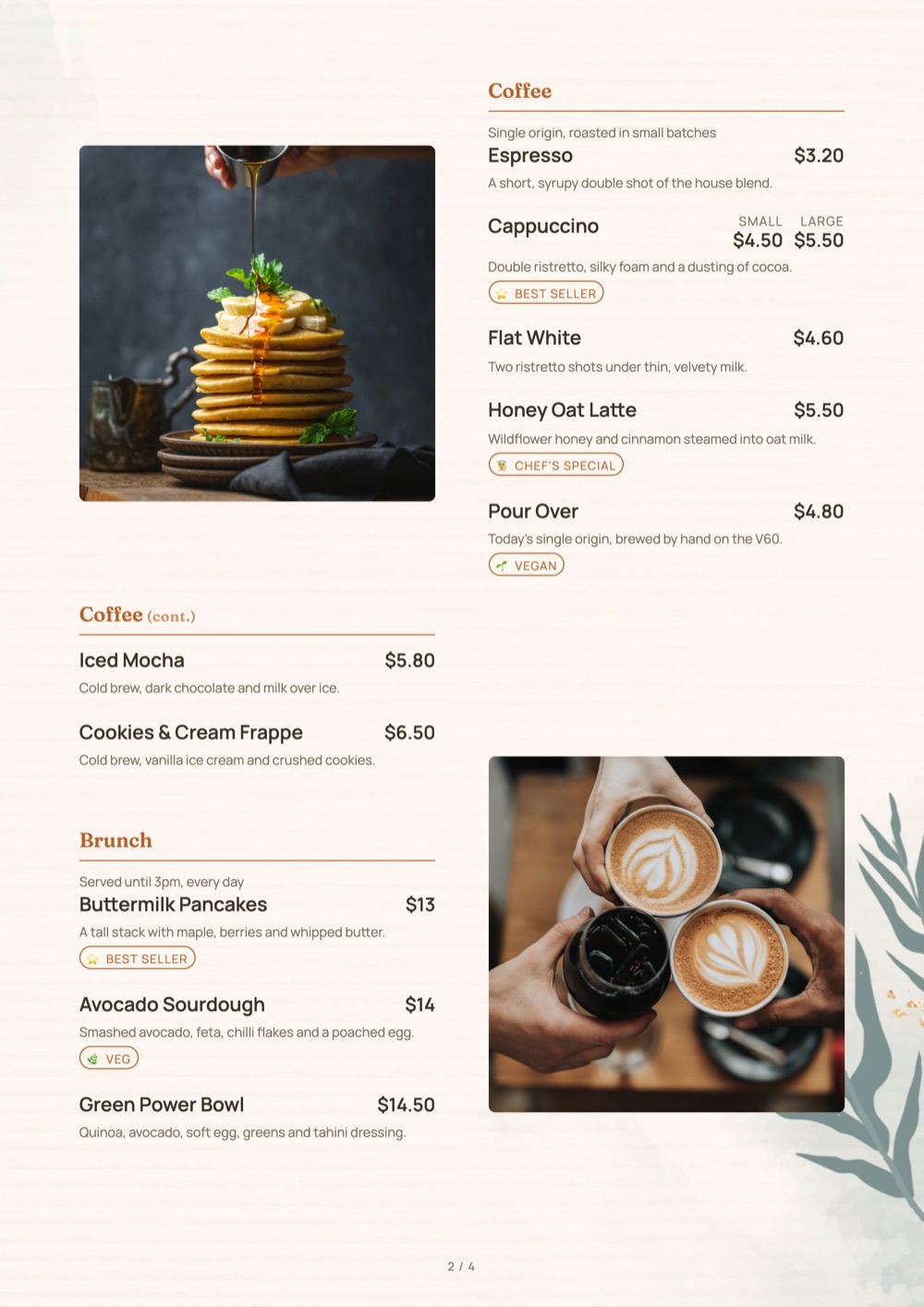
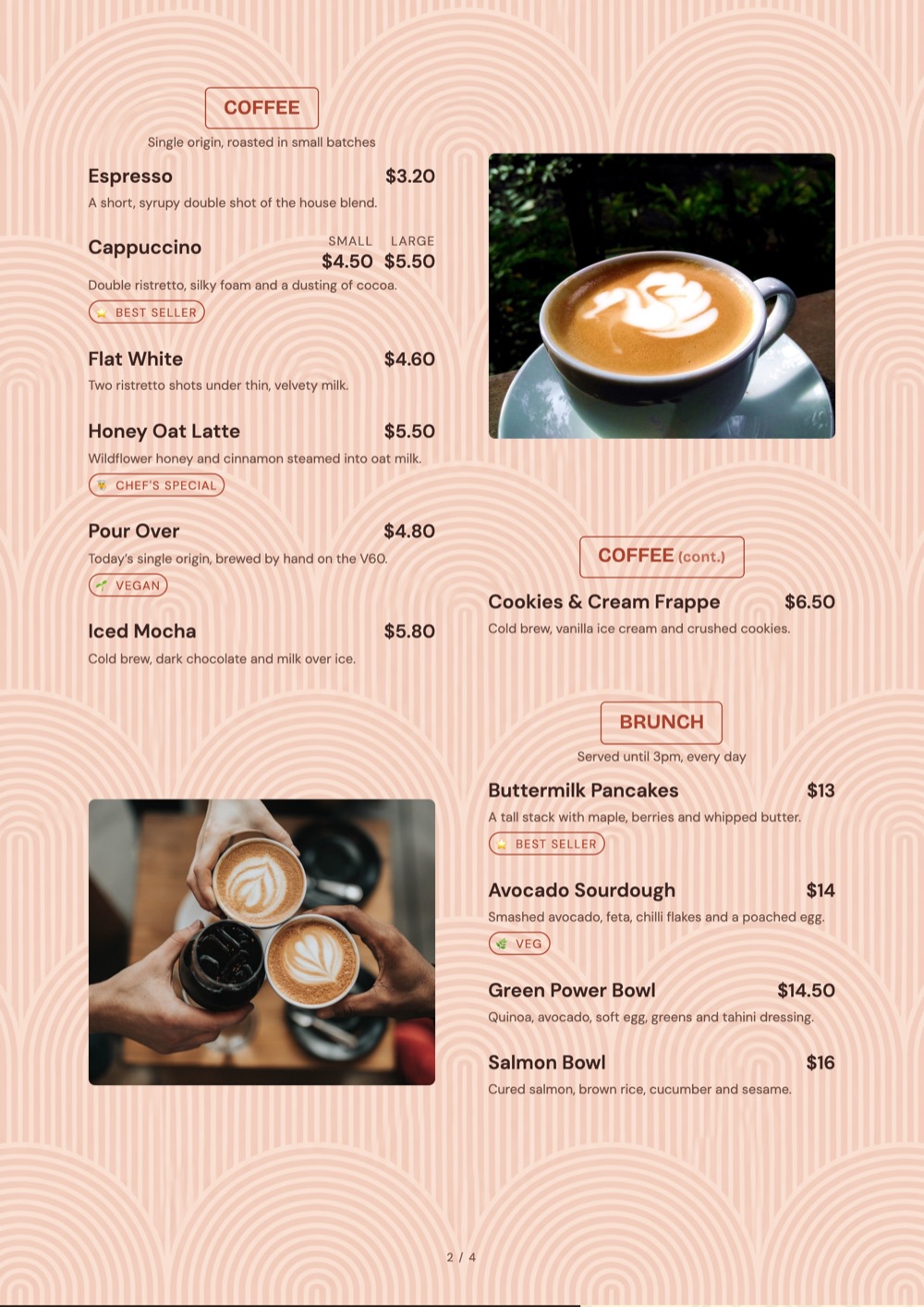
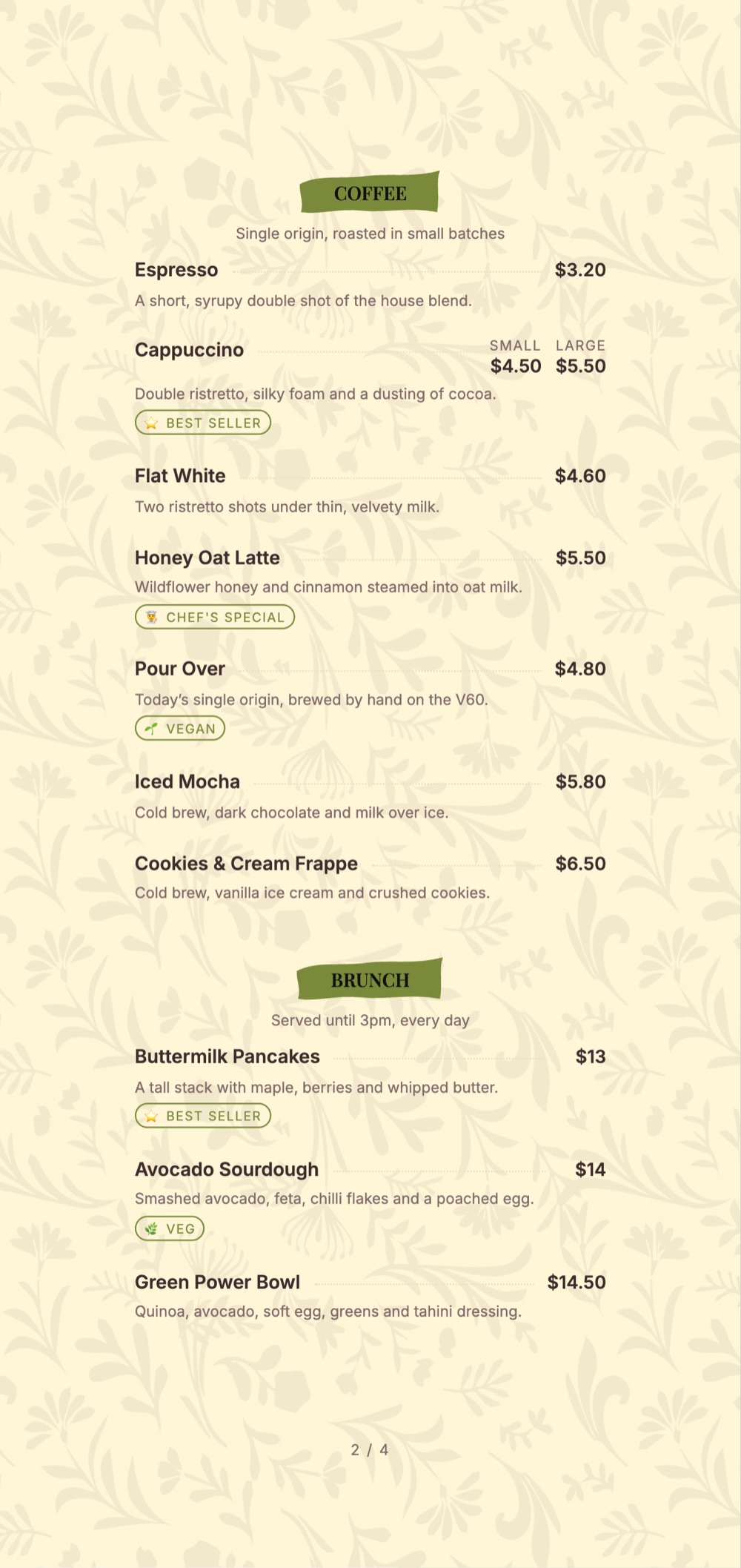
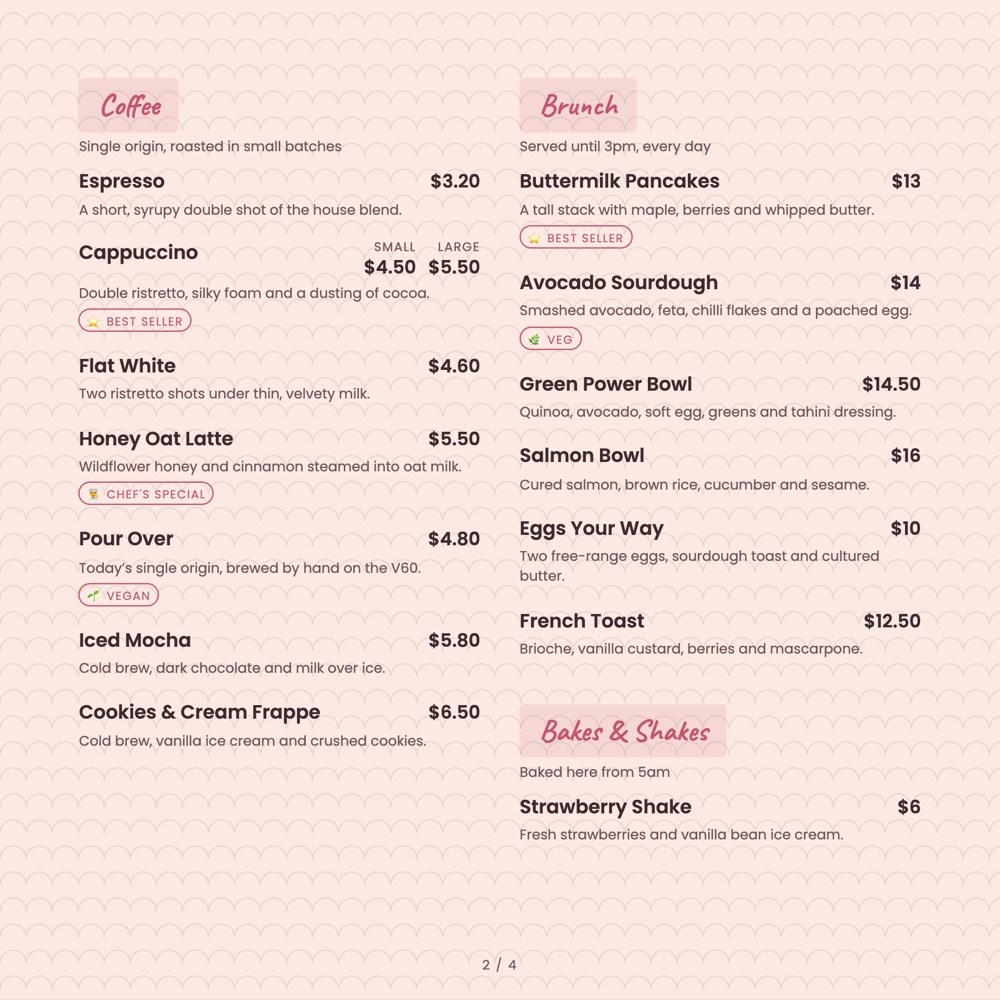
Shown in A4, 5.2 × 11 in and 8 × 8 in. Every plan includes A4 PDF export; A5 starts on Starter, and custom sizes are available on Growth and Pro. Compare plans
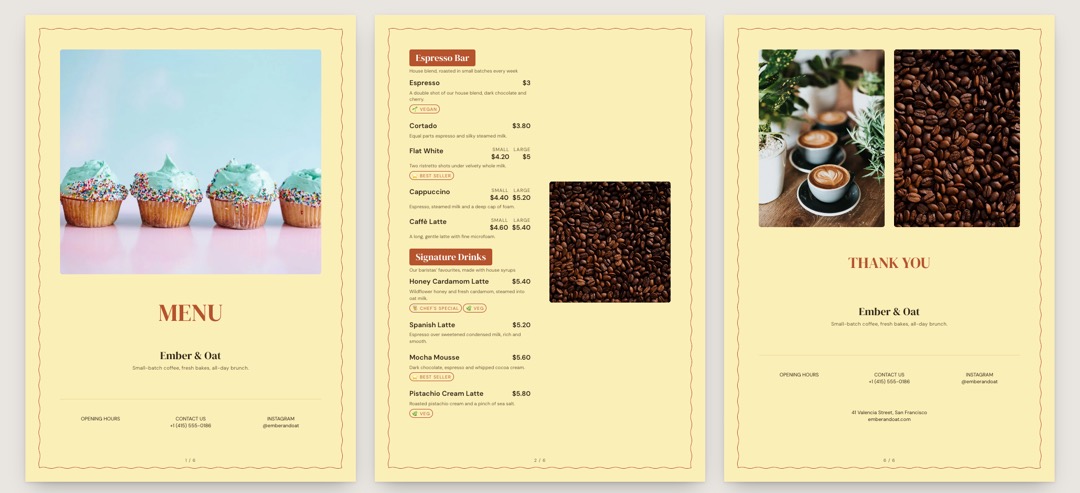
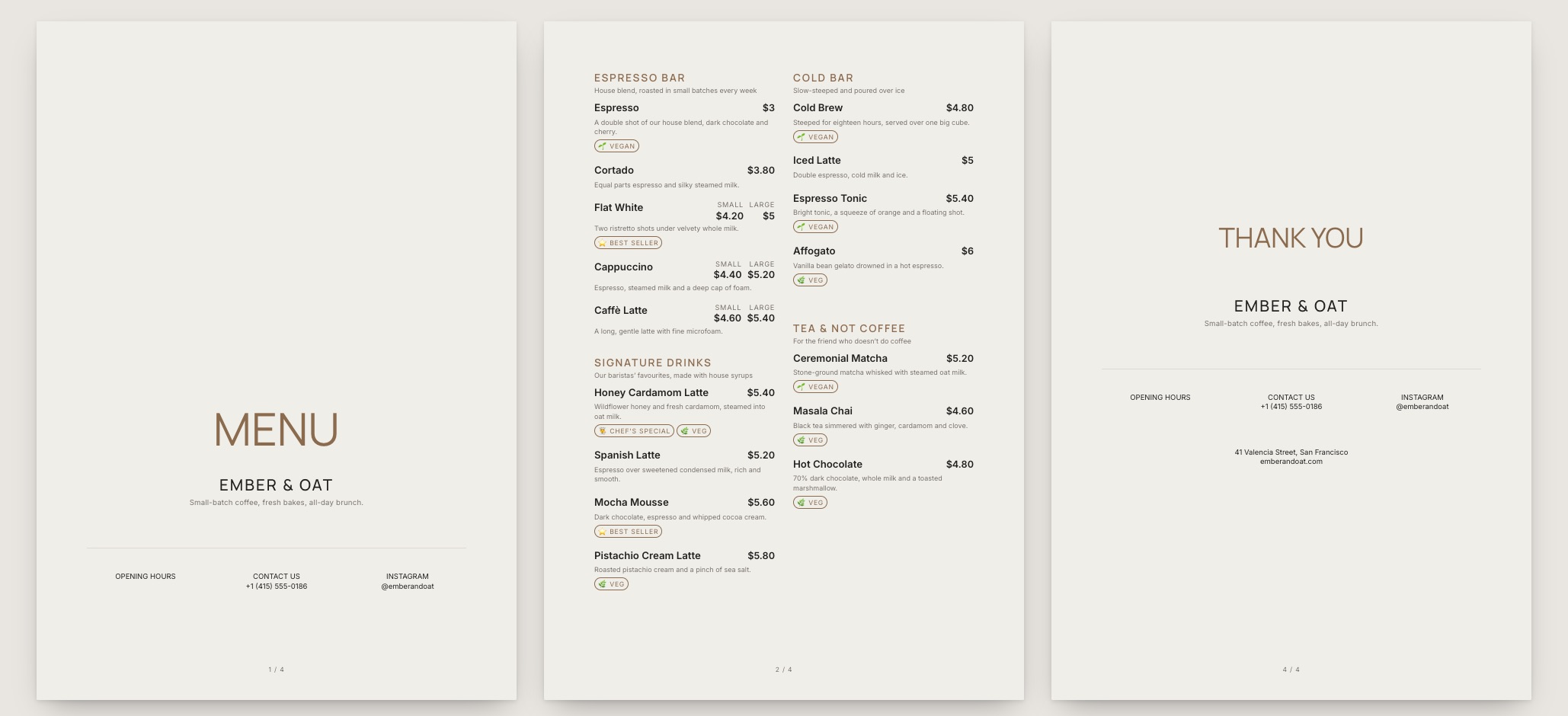
Each design has a cover, a menu page and a back page. Open one full screen, then add your drinks and prices and print it.
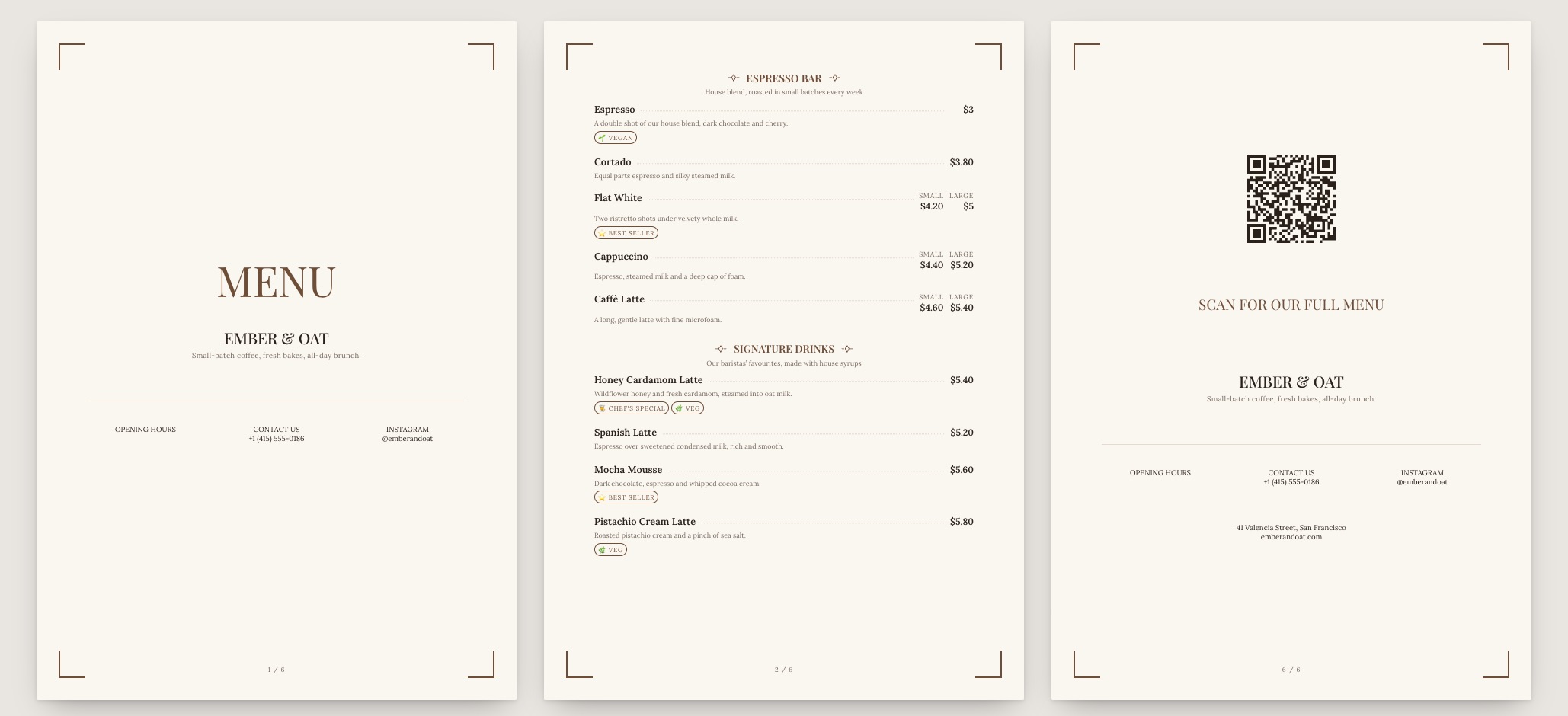
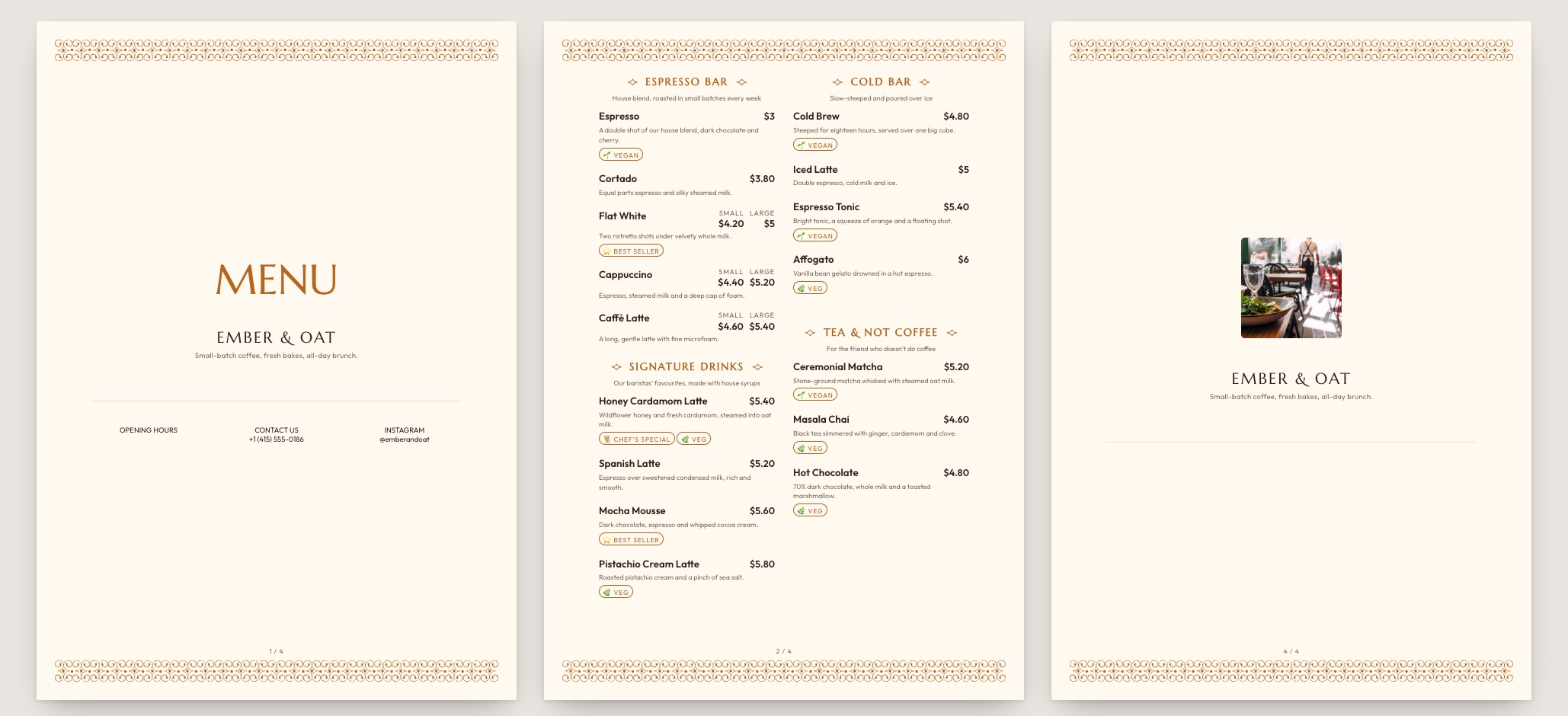
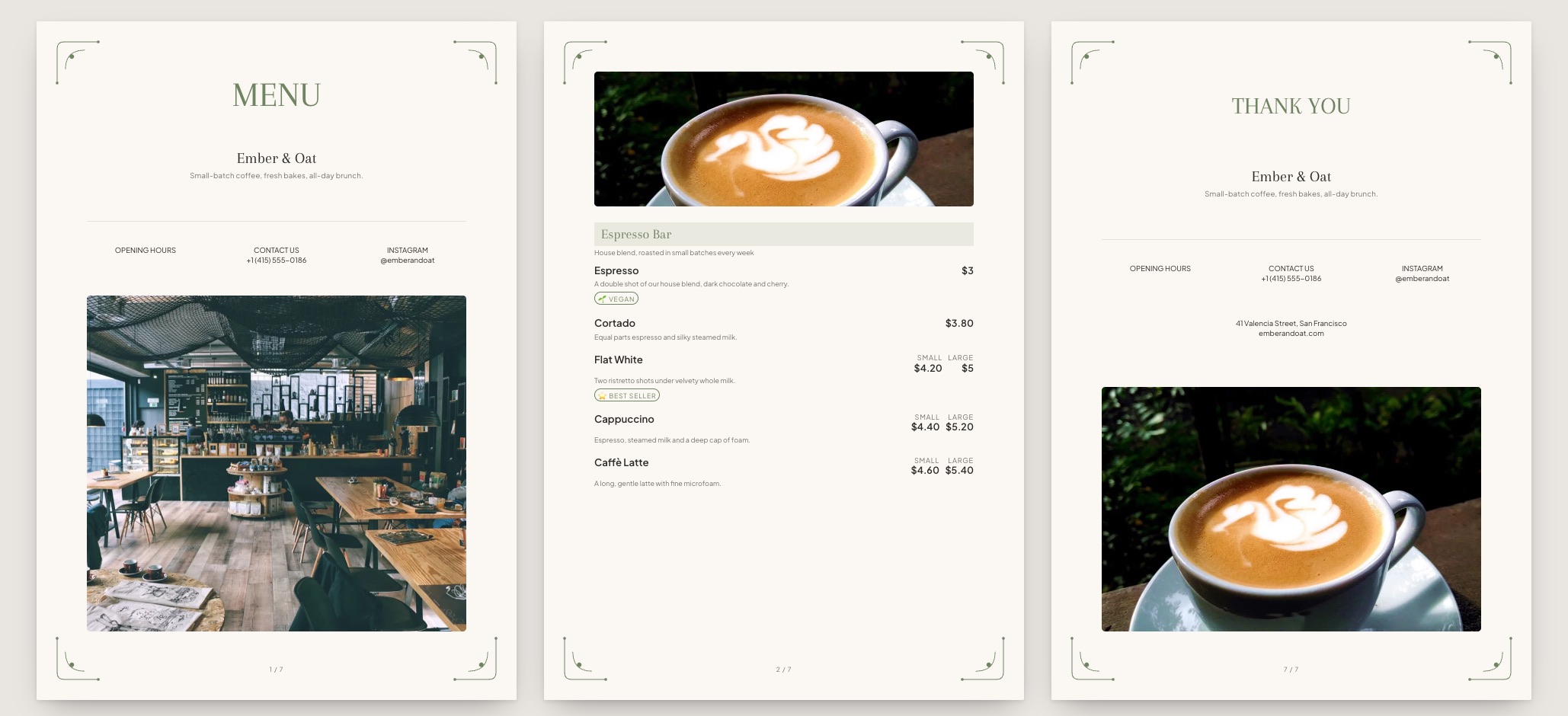
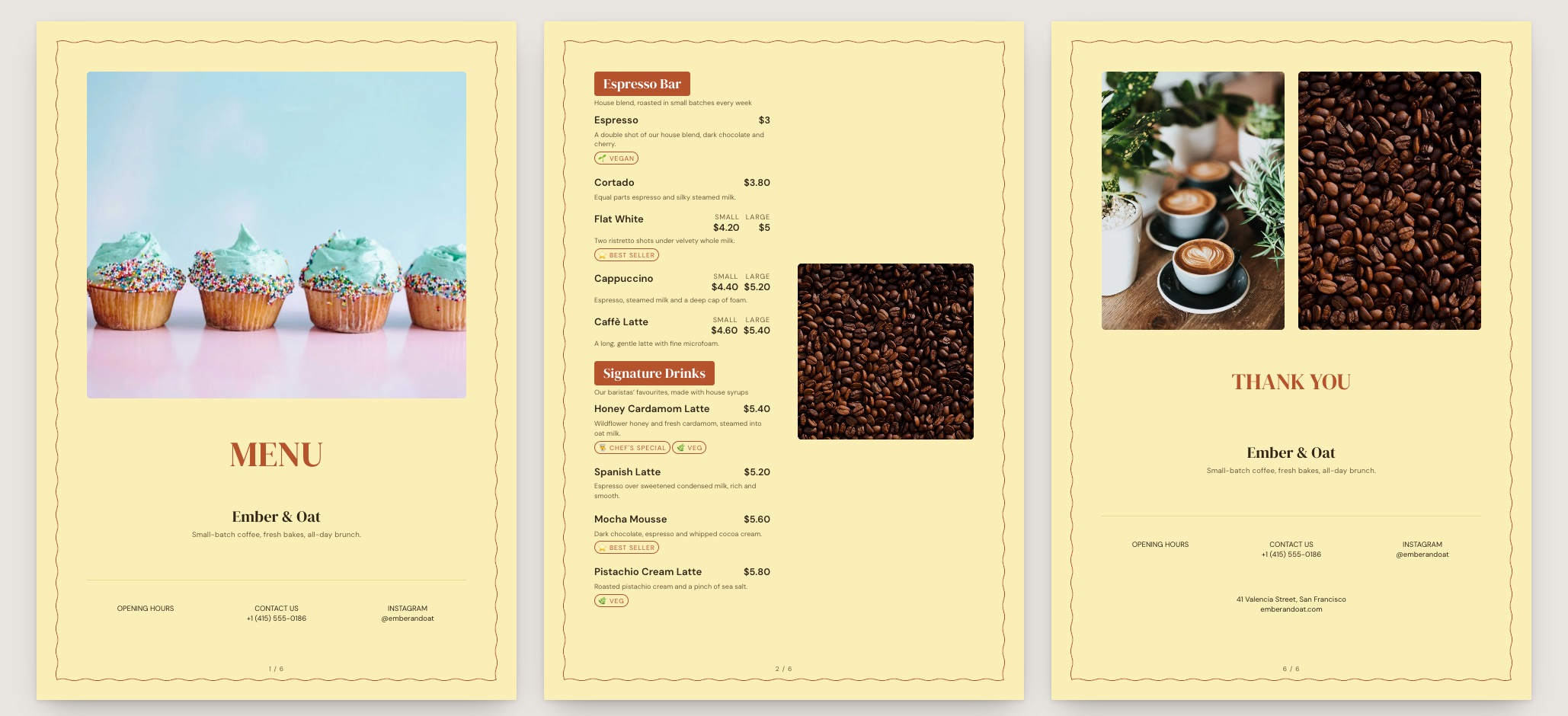
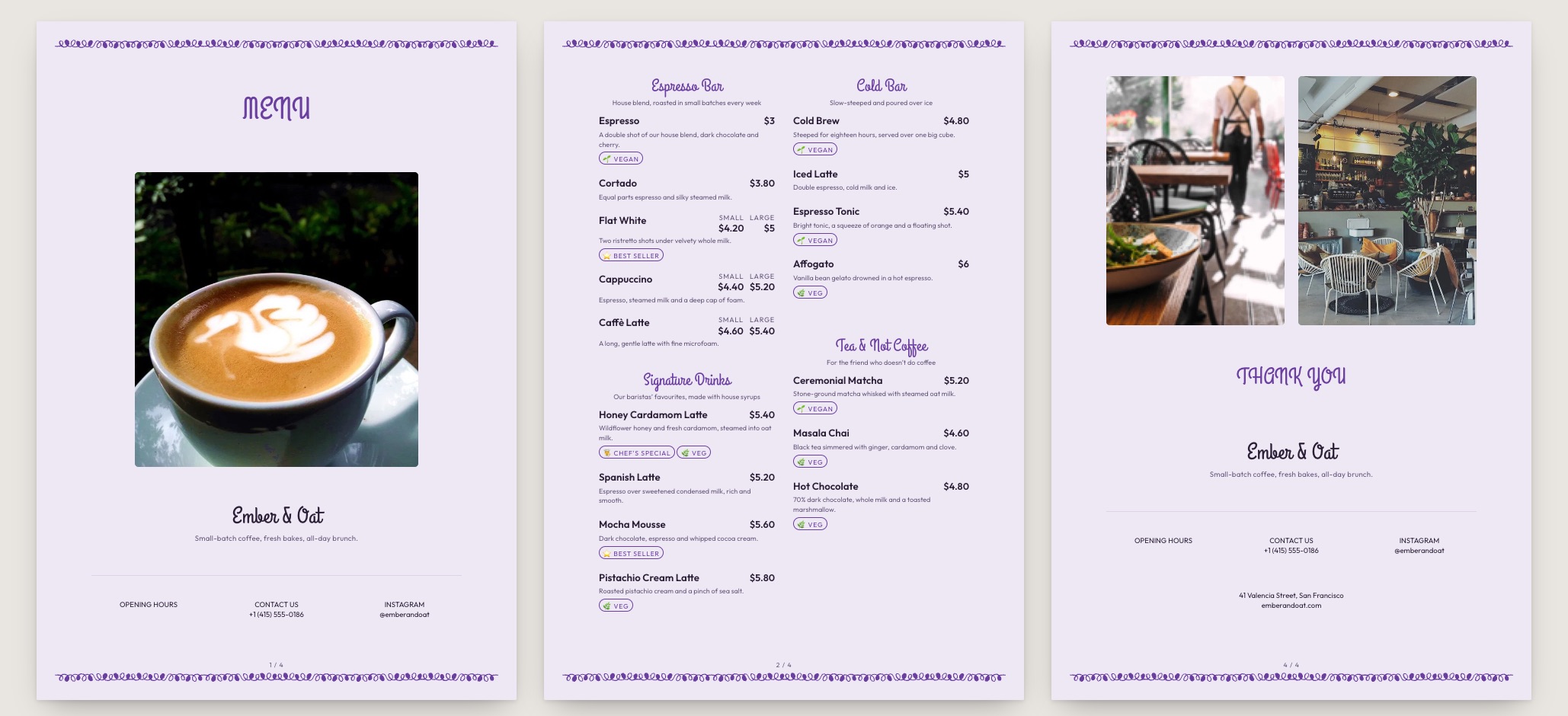
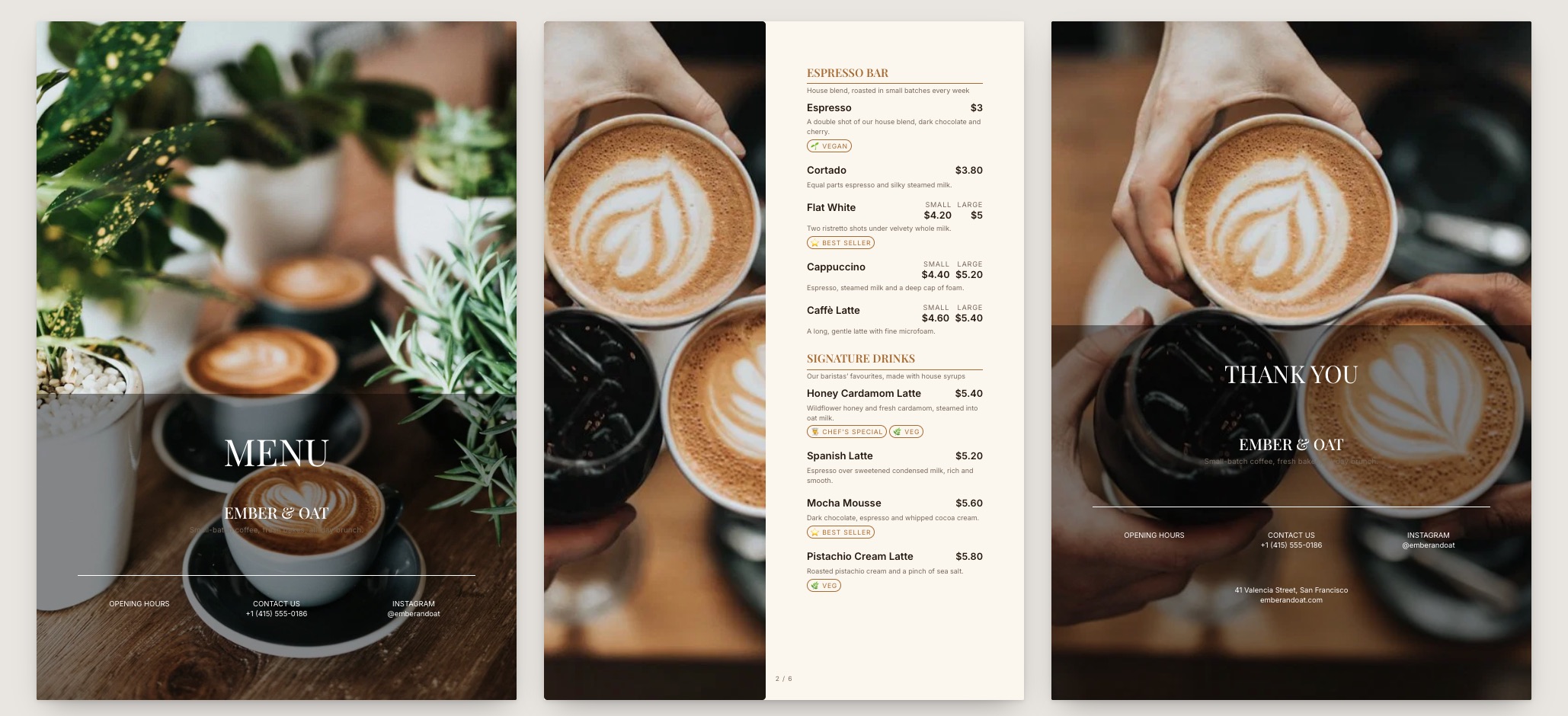
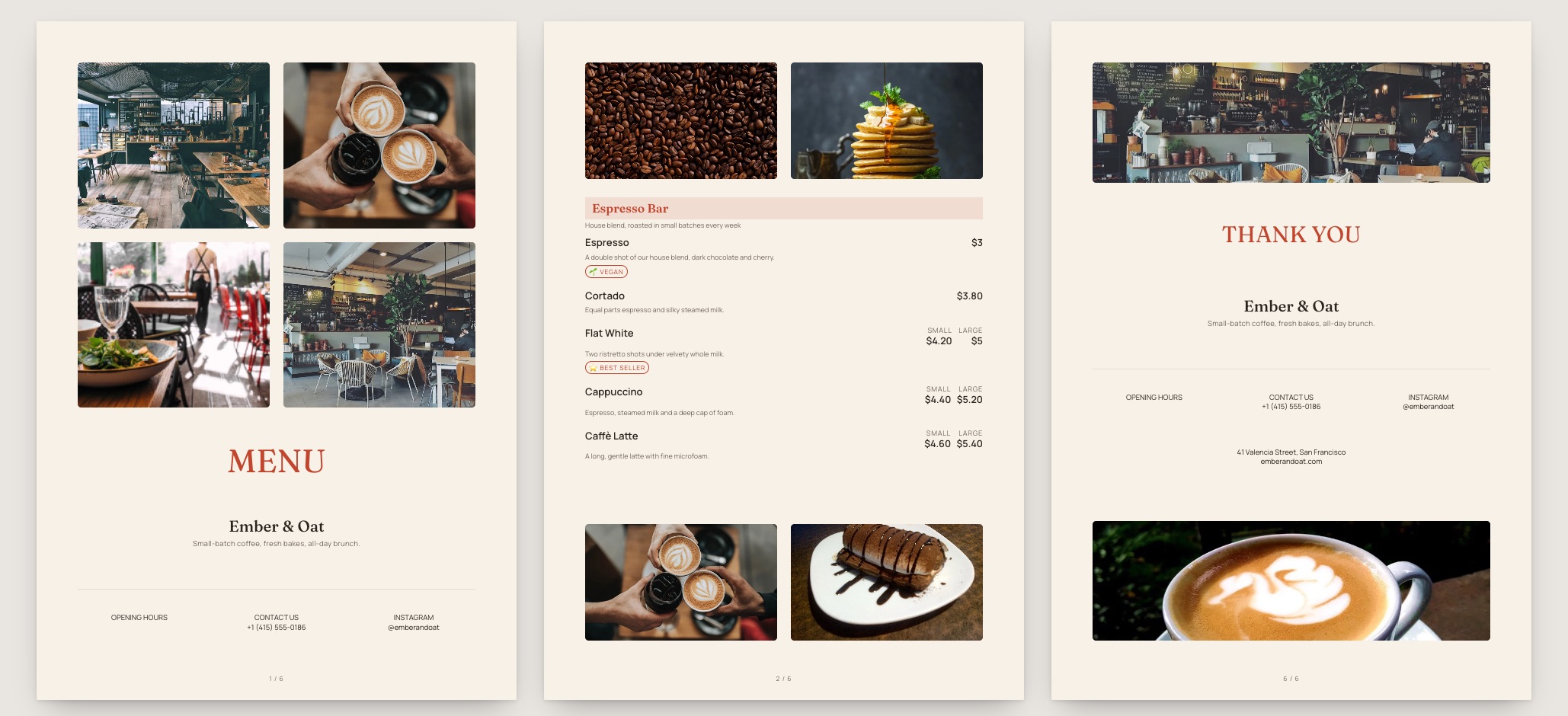
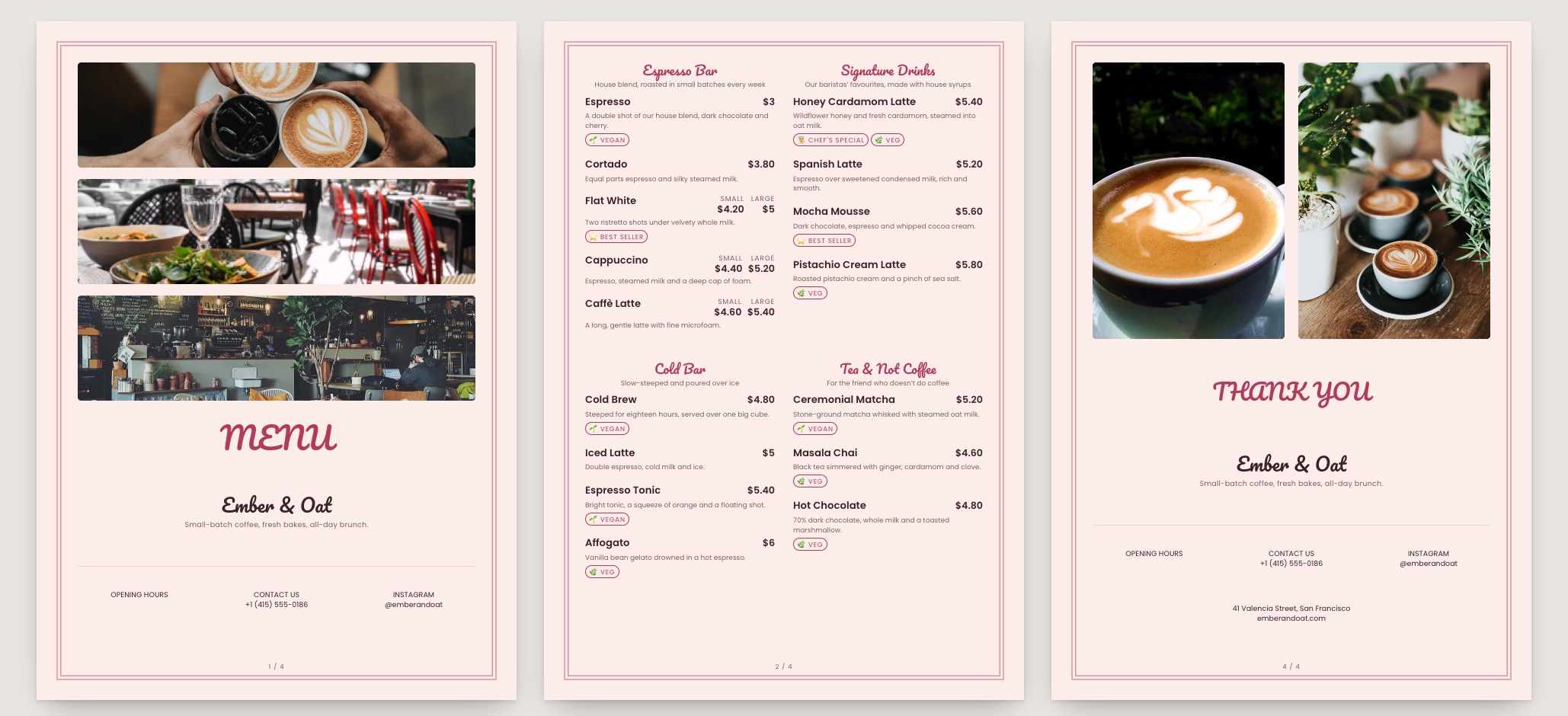
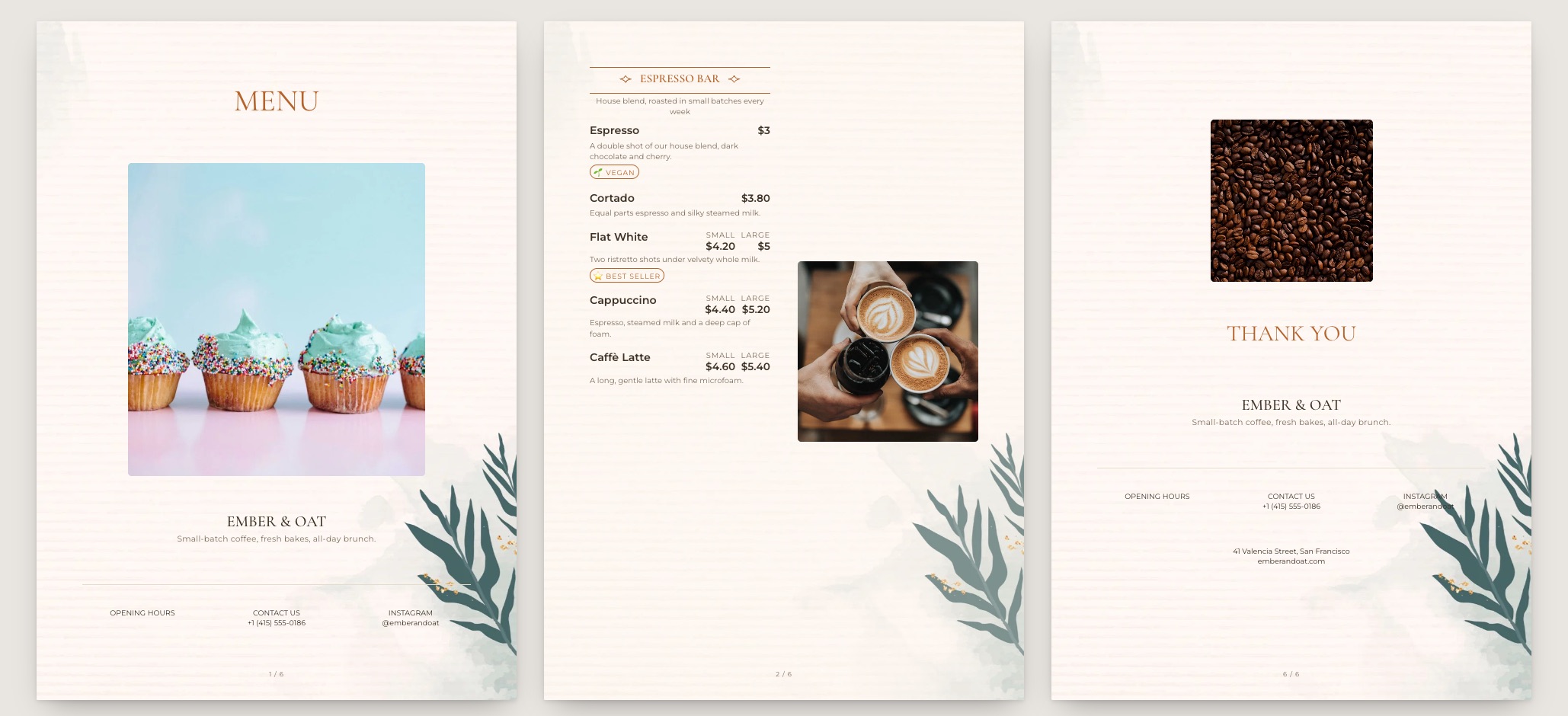
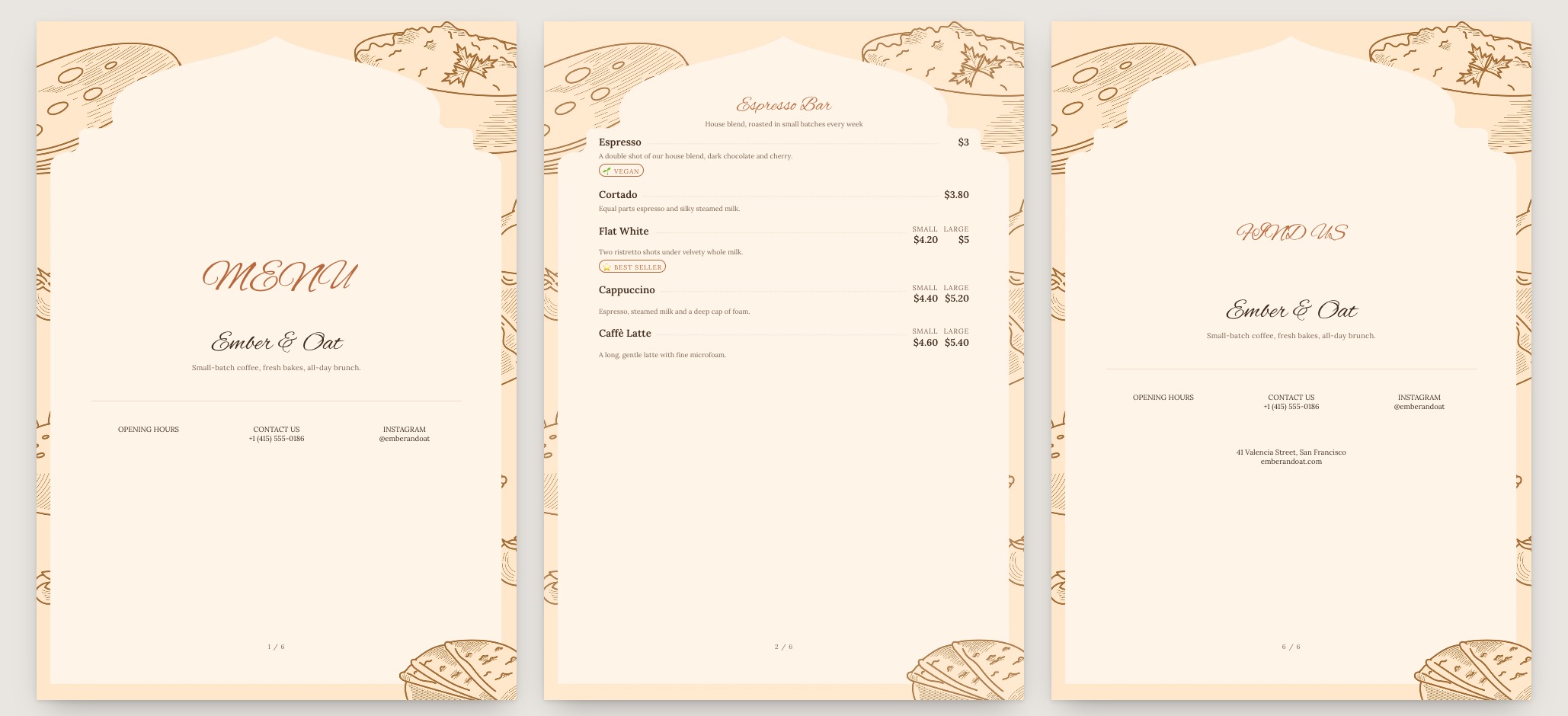
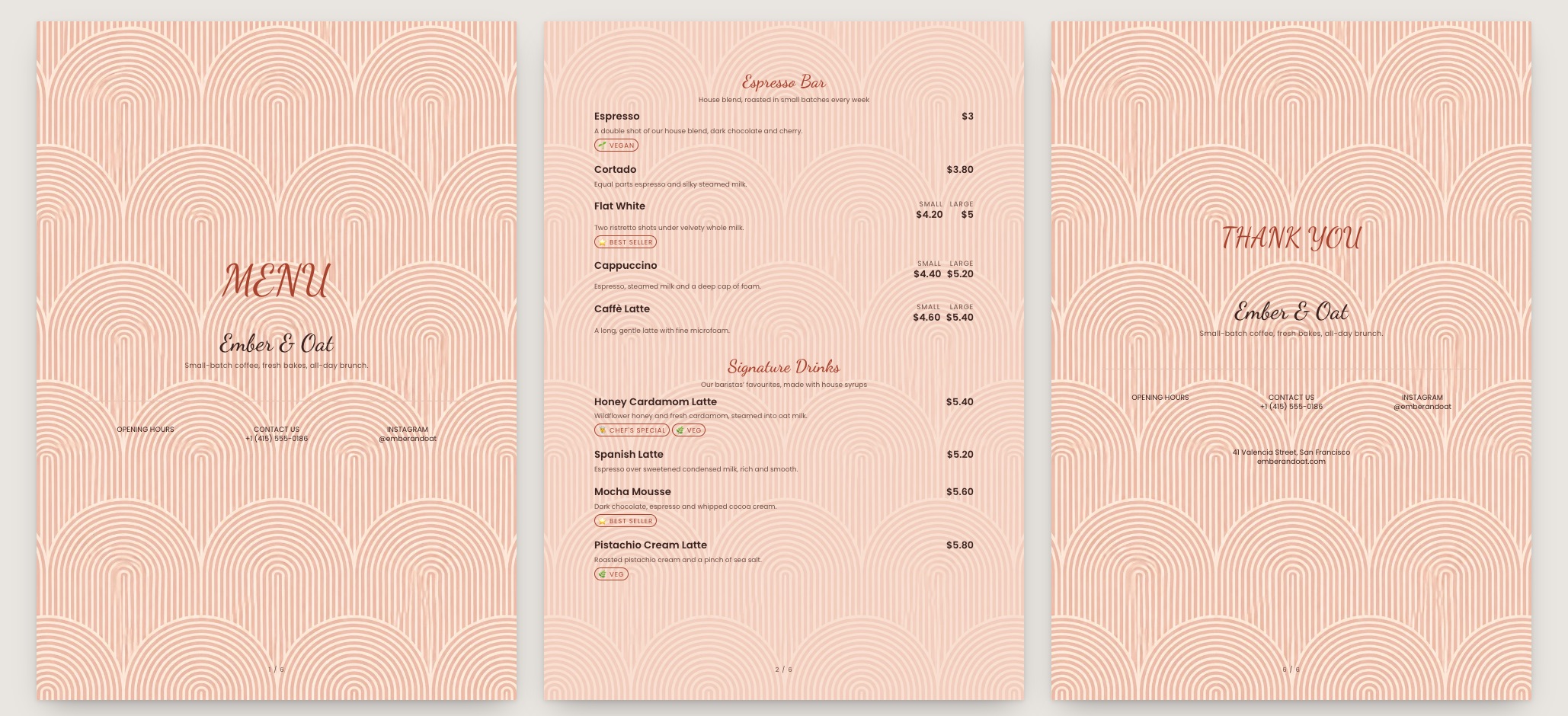
A latte is one line with four decisions attached: size, milk, single or double, hot or iced. Squeeze that into a restaurant template and you get a wall of near-identical rows. Cafe templates give options their own treatment.
Things a general restaurant template has no concept of.
Regular and large, oat, almond and A2 — priced as modifiers, not as six separate lattes.
Brunch until noon, all-day after, last orders on the espresso machine at nine.
Origin, roast level and tasting notes for the guests who care, tucked away from the ones who do not.
Toggle the last croissant off the menu without deleting it — it comes back tomorrow.
The tall counter board and the QR menu are generated from the same list.
Coffee-and-a-bake combos, priced and shown at the moment someone is choosing a drink.
Start from a design built for a drinks-heavy list rather than a three-course card.
Enter each drink once and attach its sizes and milks as priced options.
Tell us when brunch ends and when the kitchen closes. Sections appear and disappear on their own.
Export a tall board for behind the counter and QR tents for the tables.
Espresso, then milk drinks by strength, then filter, then cold. Guests scanning a coffee list are looking for a familiar landmark — usually cappuccino or flat white — and they navigate outwards from it. Alphabetical drinks lists slow everyone down.
A latte listed three times for three sizes makes a menu look twice as long as it is. One line with “+ ₹40 large, + ₹30 oat” reads faster and makes the upgrade feel small, which is exactly the point.
Photos of a flat white all look the same, and a bad one makes good coffee look thin. Spend your photography on the bakes and brunch plates, which is also where the margin sits.
The fastest way to annoy a queue is a board price that disagrees with the QR menu. Generating both from the same item list removes the possibility entirely — see the cafe menu guide for the full setup.
Yes. Each drink is entered once, with sizes and milk alternatives attached as priced options rather than as separate menu lines.
Yes. Set a time window on any section and it appears and disappears automatically — brunch until noon is the most common setup.
Yes. Tall board layouts export alongside the standard A4 and A5 sizes, all from the same item list.
Add an evening section with its own time window, or run a second menu on the same QR code that switches at your licence hour.
Yes, in two taps from your phone. The item greys out for guests and comes back when you restock it.
You can start free. The Free plan includes 5 digital menu templates; Starter unlocks 50+ menu and print templates, and Growth and Pro unlock all 100+ templates.
Sixteen collections, all editable, all free to start from.
Fine dining to casual, ready to edit
See templatesDrinks-first layouts and day parts
You are hereEspresso boards, sizes and milk options
See templatesCounter lists, boxes and daily bakes
See templatesCocktails, pours, tabs and late hours
See templatesSizes, crusts and build-your-own toppings
See templatesCombos, value boards and quick ordering
See templatesShort menus that read from two metres away
See templatesRoom service, lounge, breakfast and banquets
See templatesDelivery-first layouts for multiple brands
See templatesThalis, tandoor, spice levels and Jain marks
See templatesTasting menus, courses and wine pairings
See templatesPatisserie, gelato and dessert-only lists
See templatesEgg builds, all-day brunch and clock rules
See templatesJuices, teas, mocktails and cold cabinets
See templatesCollection, packing notes and family packs
See templatesThe full guide to running a cafe menu, from day parts to counter boards.
Read moreCounter layouts for bakes, boxes and whole-cake pricing.
Read moreThe full template gallery across every style of dining room.
Read moreCustomize a cafe menu template online, publish it as a QR menu and download a print-ready PDF.
Read moreStart from a cafe template and publish to phone, counter board and print at once.
No credit card required · Set up in 5 minutes
See how much you can save on restaurant menu printing.
The price you pay your local print shop (design + printing). Typical rate: about ₹600 per menu.