Restaurant food menu design
Starters, mains and desserts in a fixed order. Clear sections matter more than decoration once you pass 40 dishes.
Restaurant menu templatesChoose a template, add your dishes and publish. MenuFly turns one menu into a mobile QR menu and a print-ready PDF.
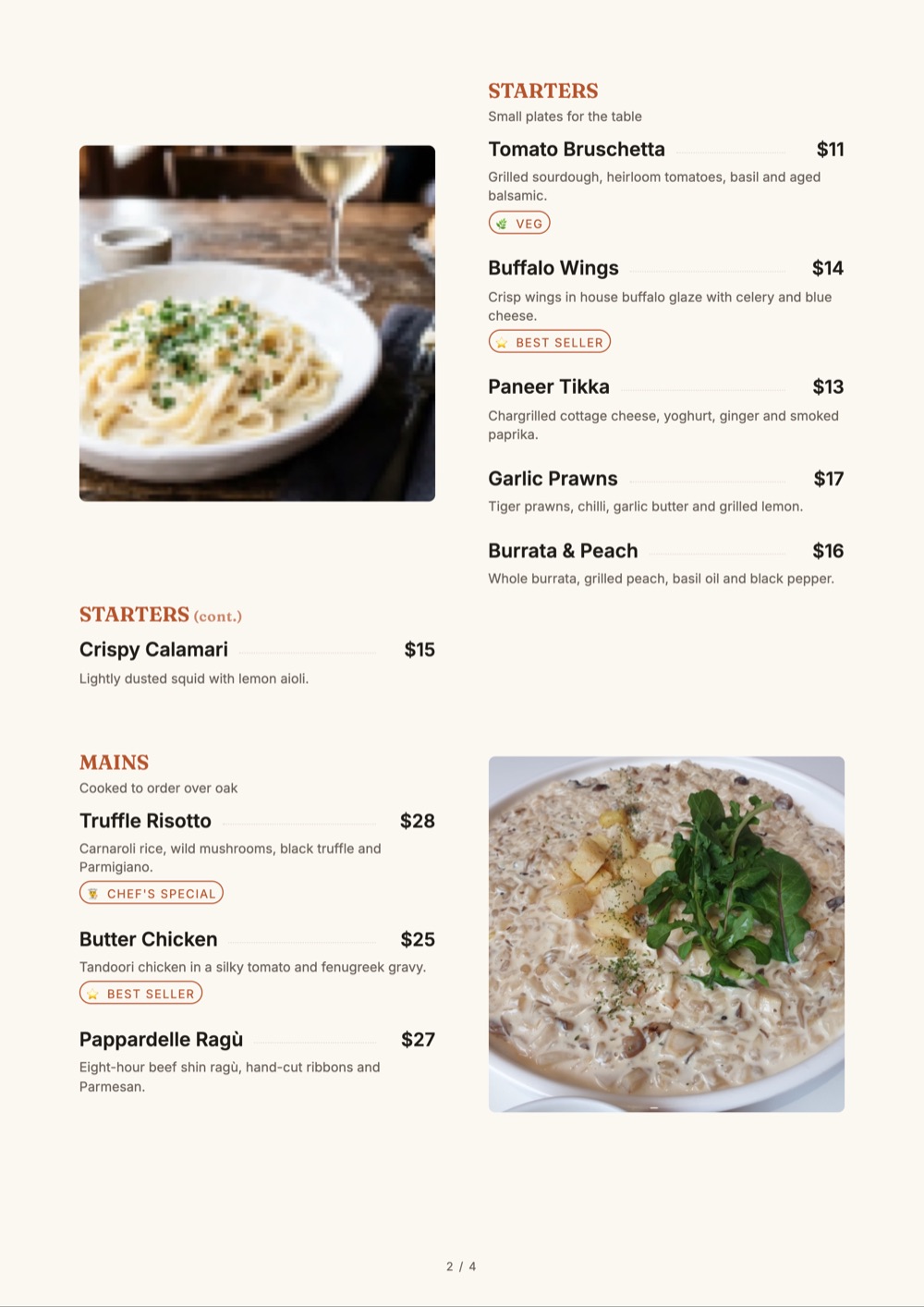
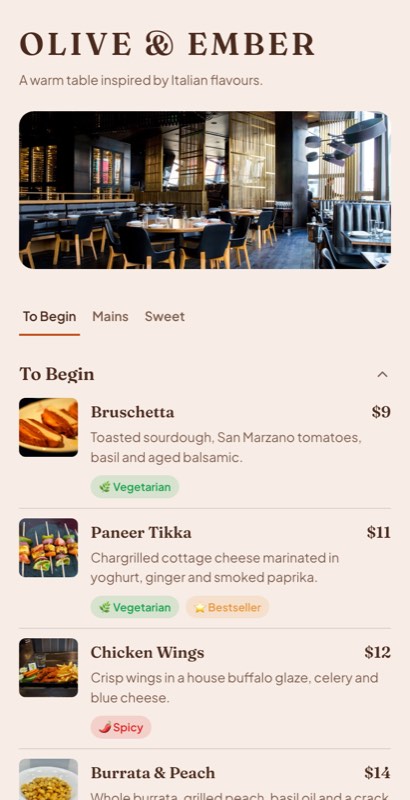
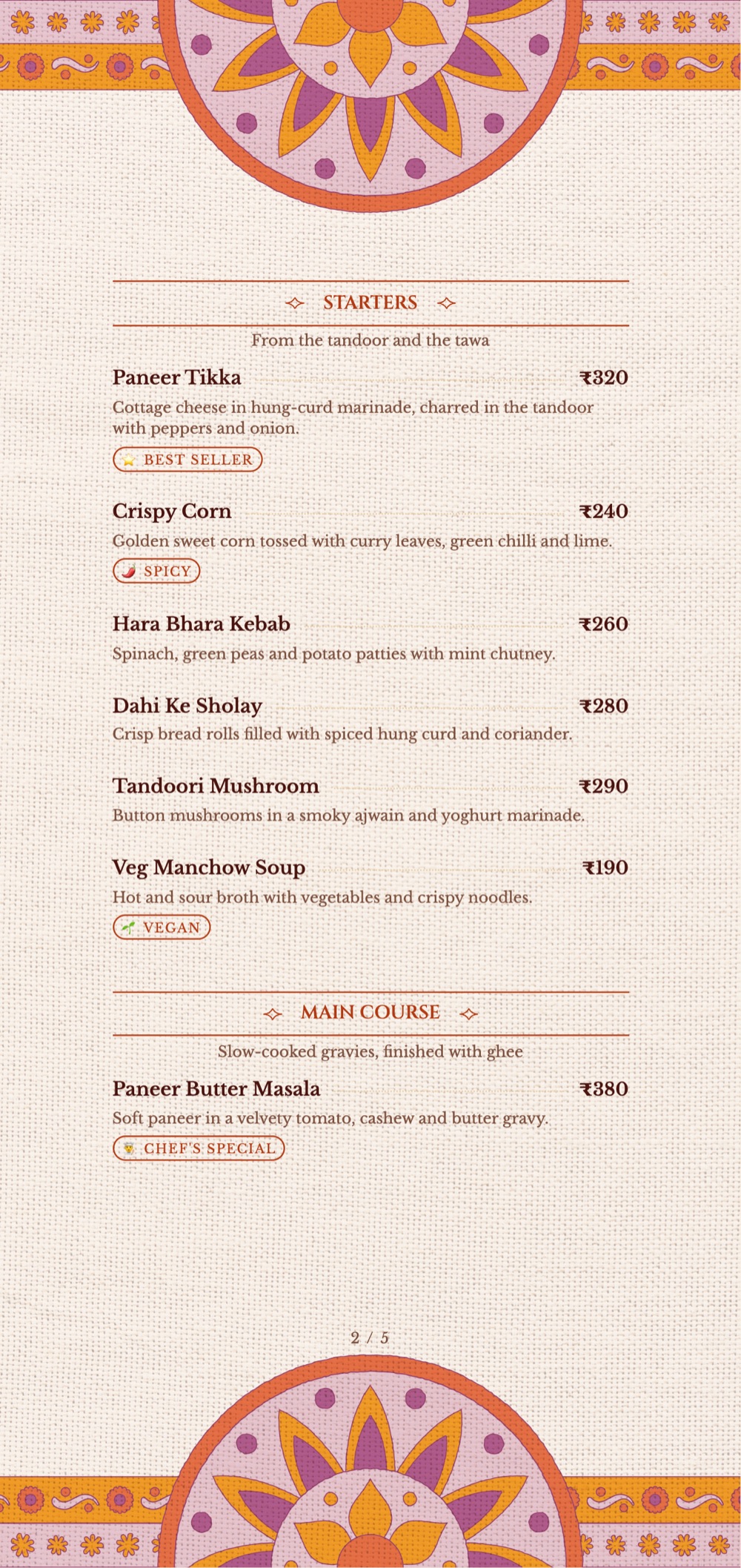
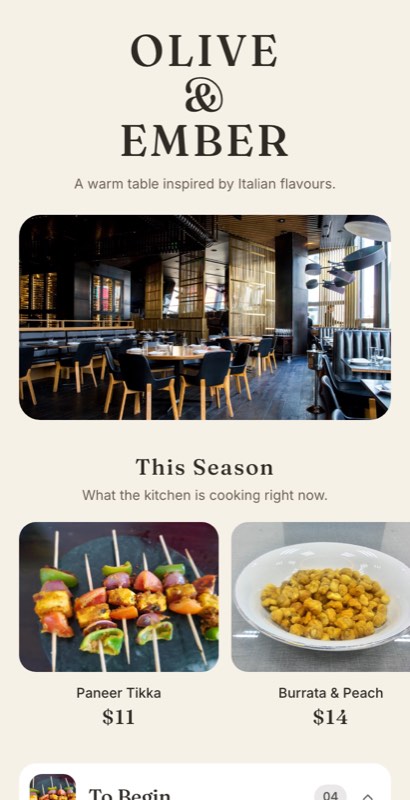
Start from a layout built for the way your guests order.
Starters, mains and desserts in a fixed order. Clear sections matter more than decoration once you pass 40 dishes.
Restaurant menu templates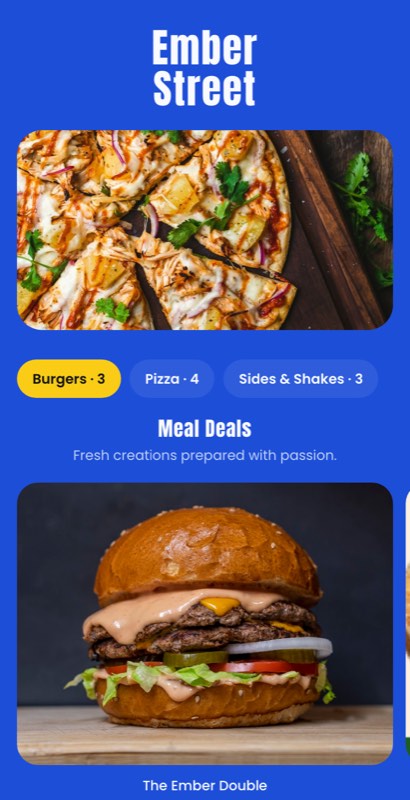
Combos first, singles below, add-ons attached to the item. Guests in a queue scan; they don’t read.
Fast food menu templates
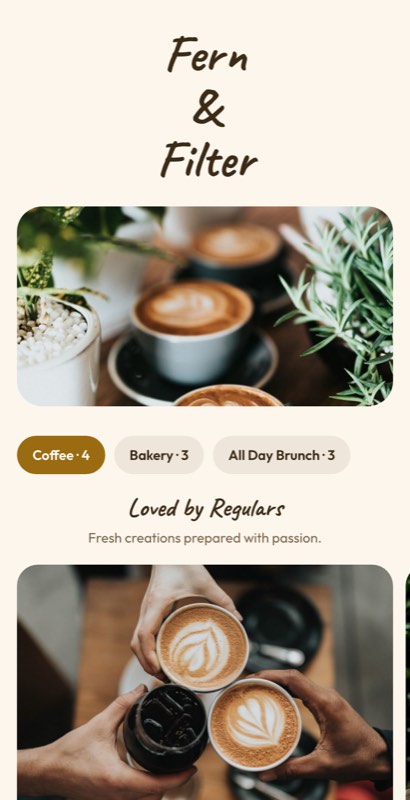
Drinks lead, food follows. Show sizes and milk options once per section, not on every line.
Café menu templates
Long menus with thalis, tandoor and gravies. Veg and non-veg marks, spice levels and Jain options need a clear system.
Indian restaurant menu templates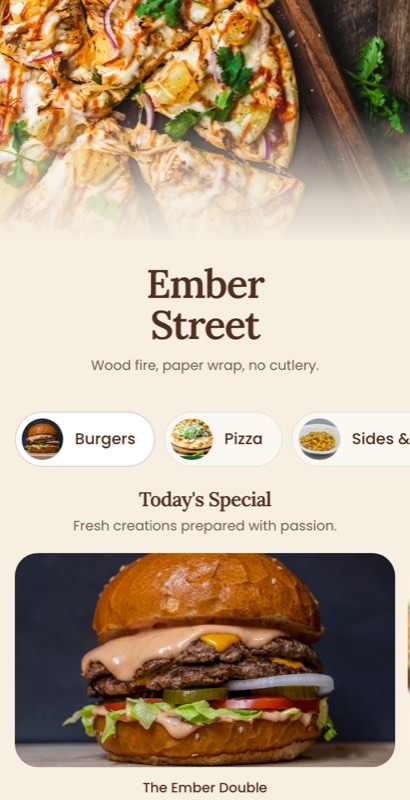
Sizes as columns, crusts and toppings as options. One price grid beats twelve repeated lines.
Pizza menu templates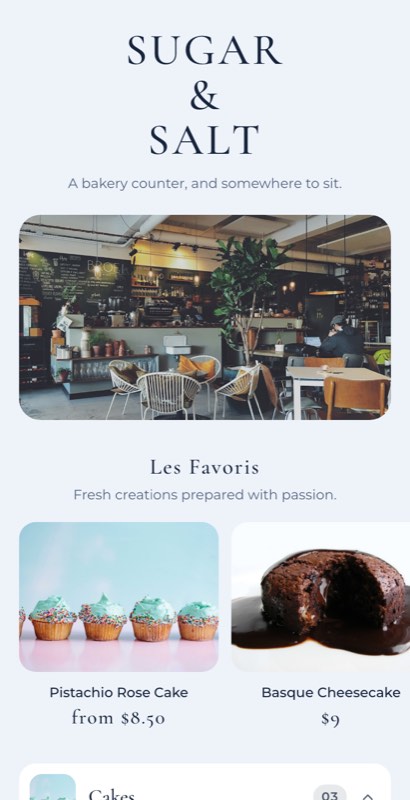
Photo-led, because guests choose cakes with their eyes. Mark eggless and contains-nuts clearly.
Bakery templates Dessert templates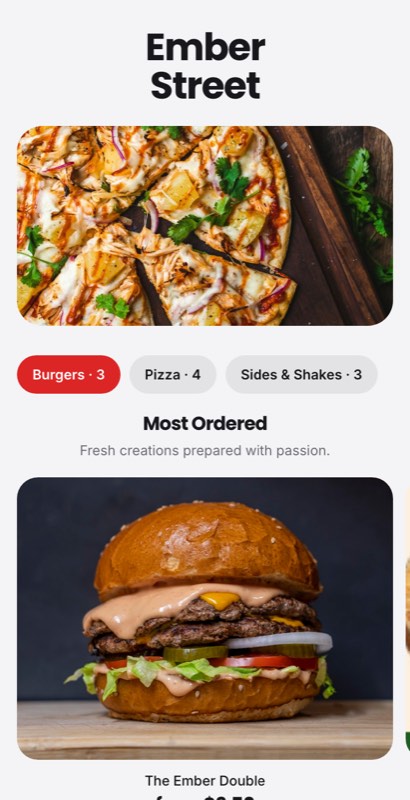
Delivery-first layouts with family packs, portion sizes and packing notes. Many cloud kitchens run several brands, so each menu needs its own look.
Cloud kitchen templates Takeaway templatesEight approaches, shown with real MenuFly templates.
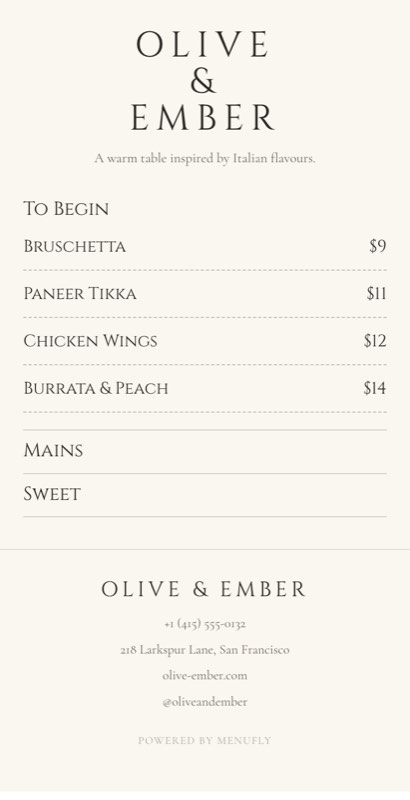
White space and one typeface. Suits short menus and confident kitchens.
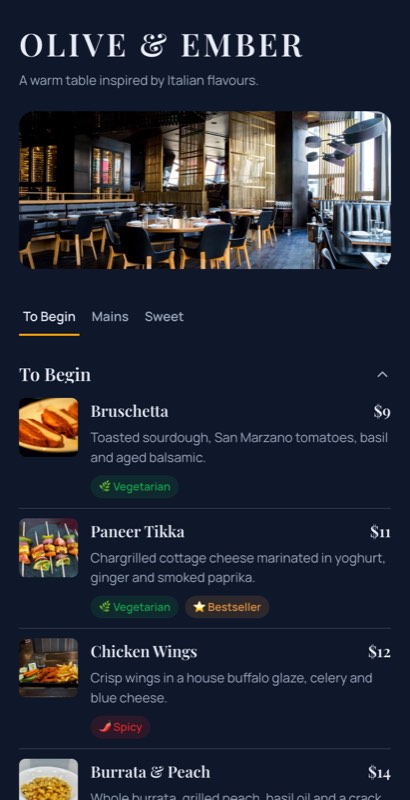
Dark background, small dish photos, tabbed sections. Reads well on phones at night.
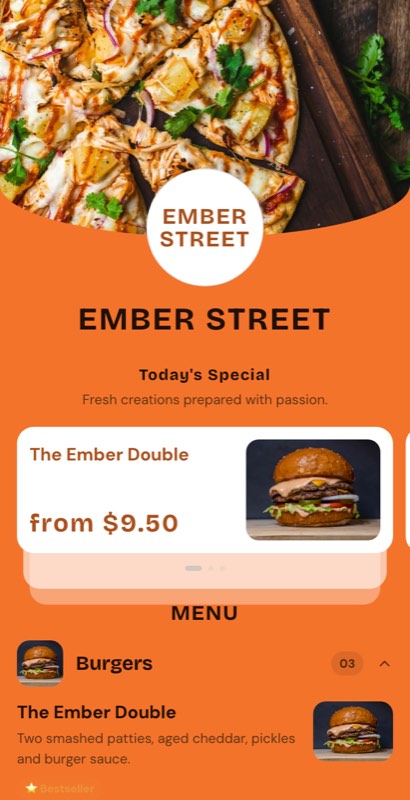
Big photos on the few dishes you want to sell. Photos on every line just add noise.
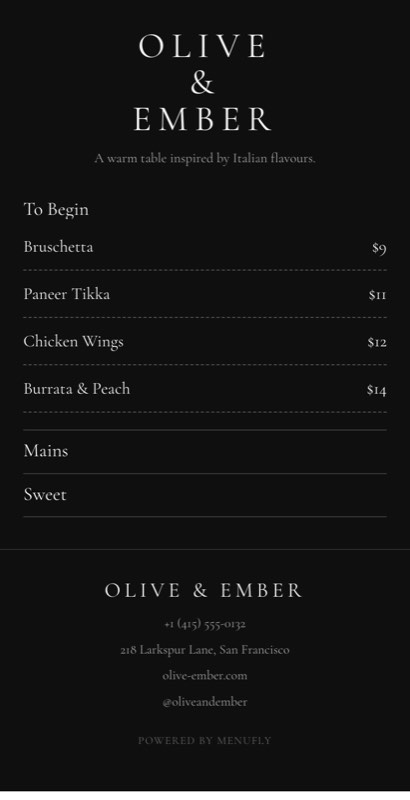
Black, serif, few words. Let the space suggest the price.
Traditional borders, tandoor and gravy sections, and clear veg marks.
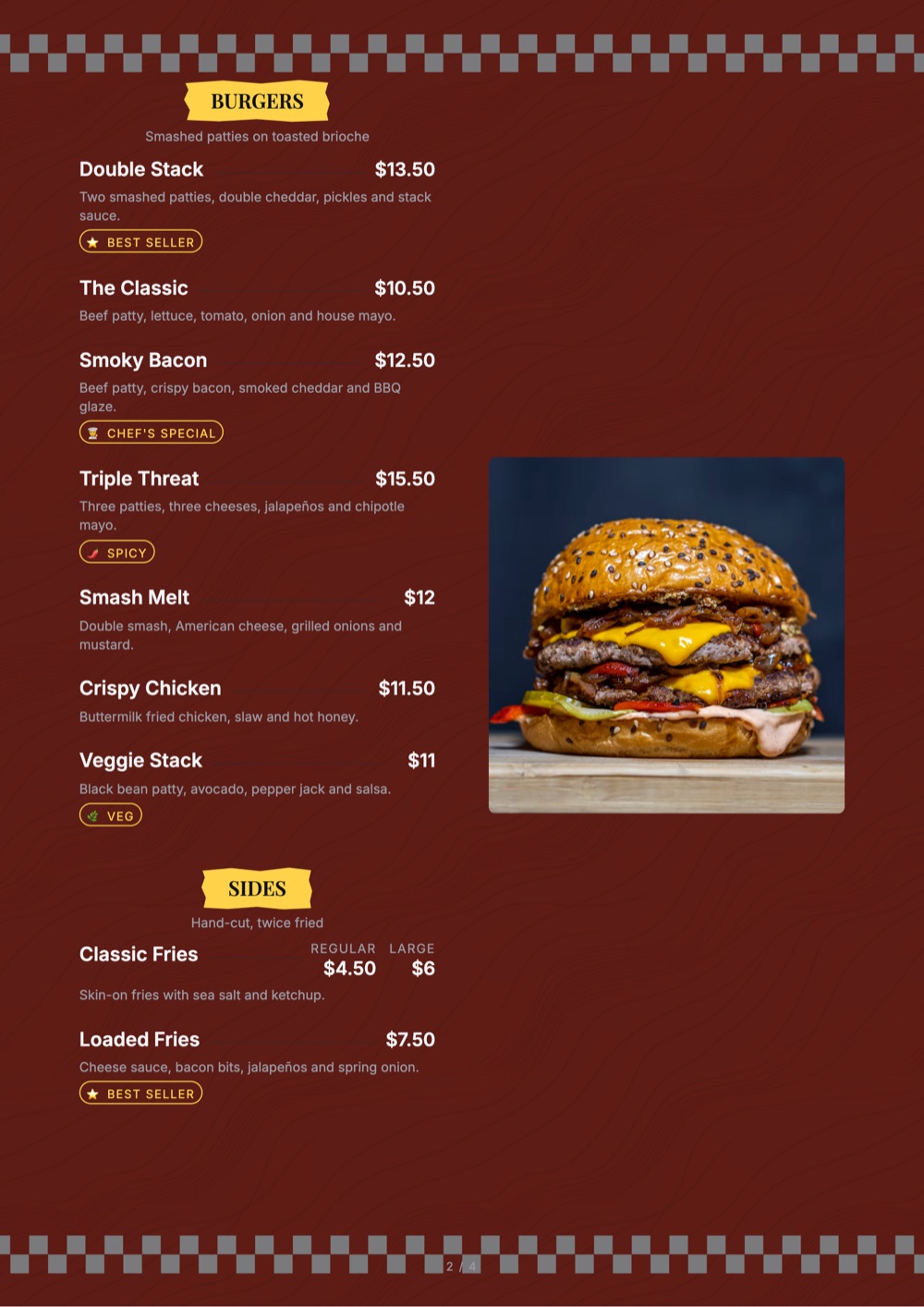
Three type sizes, prices in one column, readable from the queue.
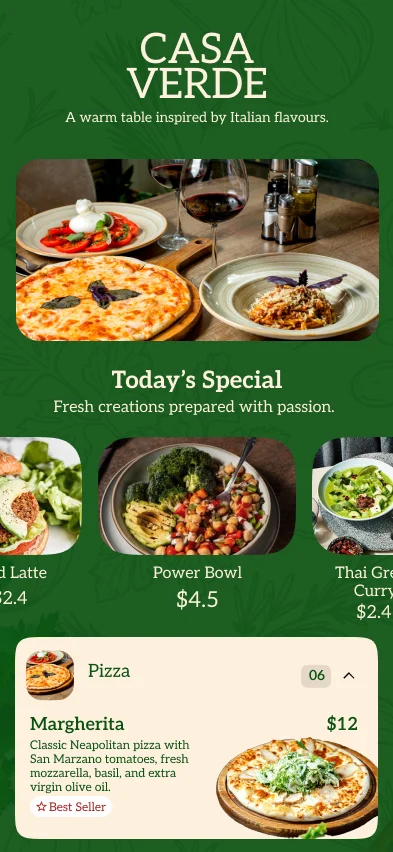
Designed for one thumb: tappable categories, short descriptions, big prices.
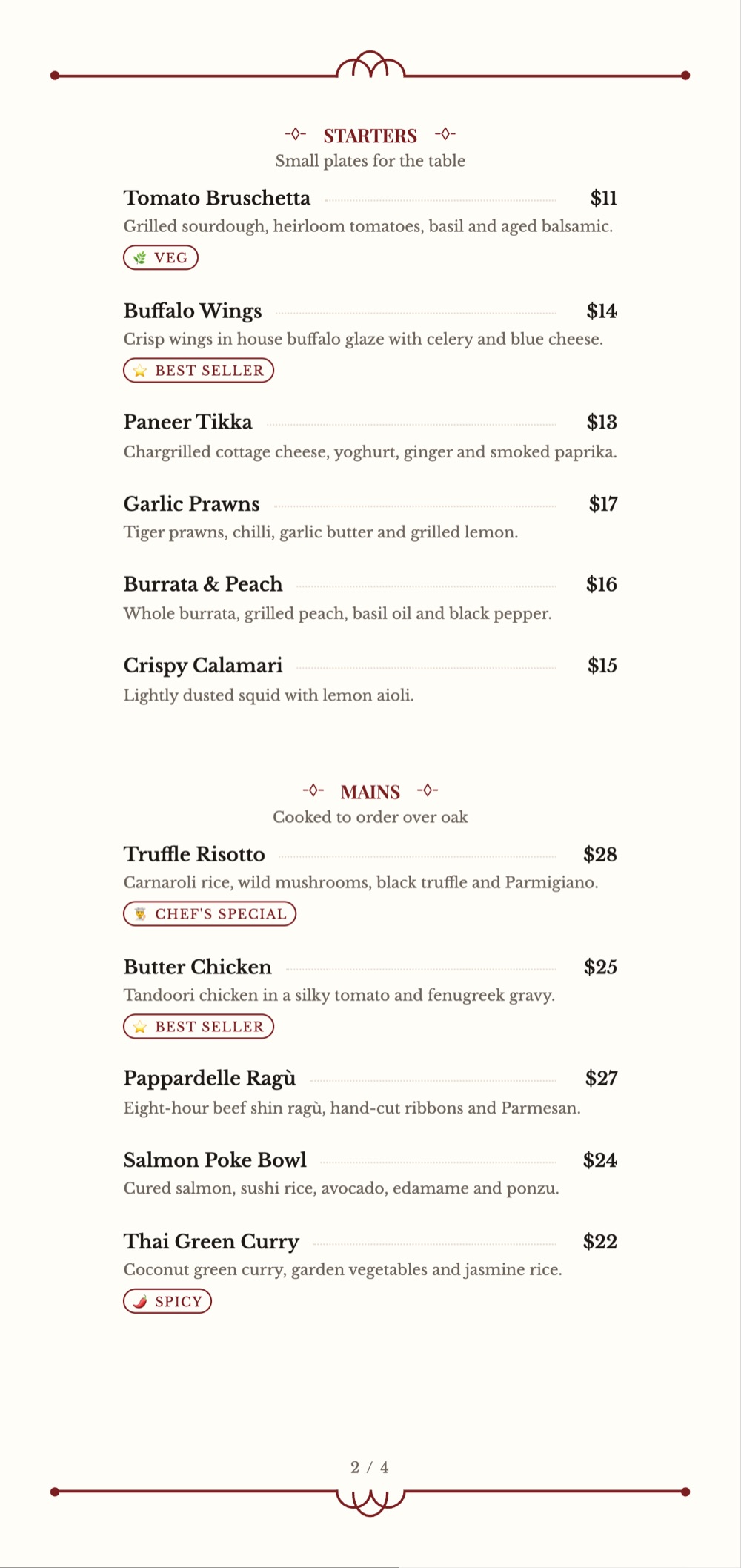
Safe margins and a size your printer stocks. A tall 5.2 × 11 in card fits narrow tables.
Nine decisions, and the trade-off behind each one.
Order sections the way guests eat. More than 7–8 items in a section? Split it, or the bottom half goes unread.
One display font for headings, one plain font for dishes. Decorative scripts look good and read slowly.
Test the template with your longest name. “Paneer Butter Masala with Garlic Naan” breaks layouts built for “Dal”.
Same format everywhere: ₹249, not 249/- on one page and Rs. 249 on another. State portions (6 pcs, serves 2).
Three good photos beat thirty average ones. Put them on dishes you want to sell more of.
Use your logo colour as an accent, not a background. Dark text on a light page is still easiest to read.
Most guests open the QR menu on a small screen. Keep descriptions to one line in the list view.
Leave safe margins, check images at print size, and proof one copy before you order 50.
A wrong “gluten-free” label is worse than none. Only mark what your kitchen has checked.
Want the psychology behind pricing and dish placement? Read our menu engineering and layout guide.
Add allergen information and tags to each menu item, so guests can spot what suits them before they ask.
You verify, MenuFly displays. MenuFly does not detect allergens or certify a dish as allergen-free. Your team is responsible for checking ingredients, preparation and cross-contact before publishing any claim.
Every item has two description fields: a one-line summary that keeps the menu scannable, and a detailed description for guests who want the full story.
Smoky paneer cubes marinated in Indian spices.
Paneer cubes marinated in yogurt, ginger, garlic and aromatic spices, grilled until lightly charred and served with mint chutney.
You write both. Keep the short one under about 10 words so long dish lists don’t overcrowd the page.
Spicy sprouted-moth curry with farsan and pav.
Black lentils slow-cooked with butter and cream.
Add dish names and descriptions in a local language alongside a common language such as English, on the same menu item.
You enter both versions. MenuFly does not translate automatically, so have a fluent speaker check spelling, and preview how your template shows both before publishing.
Set a time window on a category. Guests see breakfast in the morning and dinner at night, without anyone editing the menu.
Before you rely on it: check your time zone and service hours, then open the QR menu at a few times of day to confirm what guests see.
Print is separate. Schedules change the digital menu only. A printed menu or PDF shows what you exported, so export a new PDF when you need one.
Pick a digital or print design close to your style.
Type them in or paste your current list.
One line for the list, more for the curious.
Only what your kitchen has verified.
Names and descriptions next to English.
Logo, colours, fonts and food images.
Time windows for breakfast, lunch or dinner.
Guests scan and the menu opens in their browser.
Check prices and margins before printing.
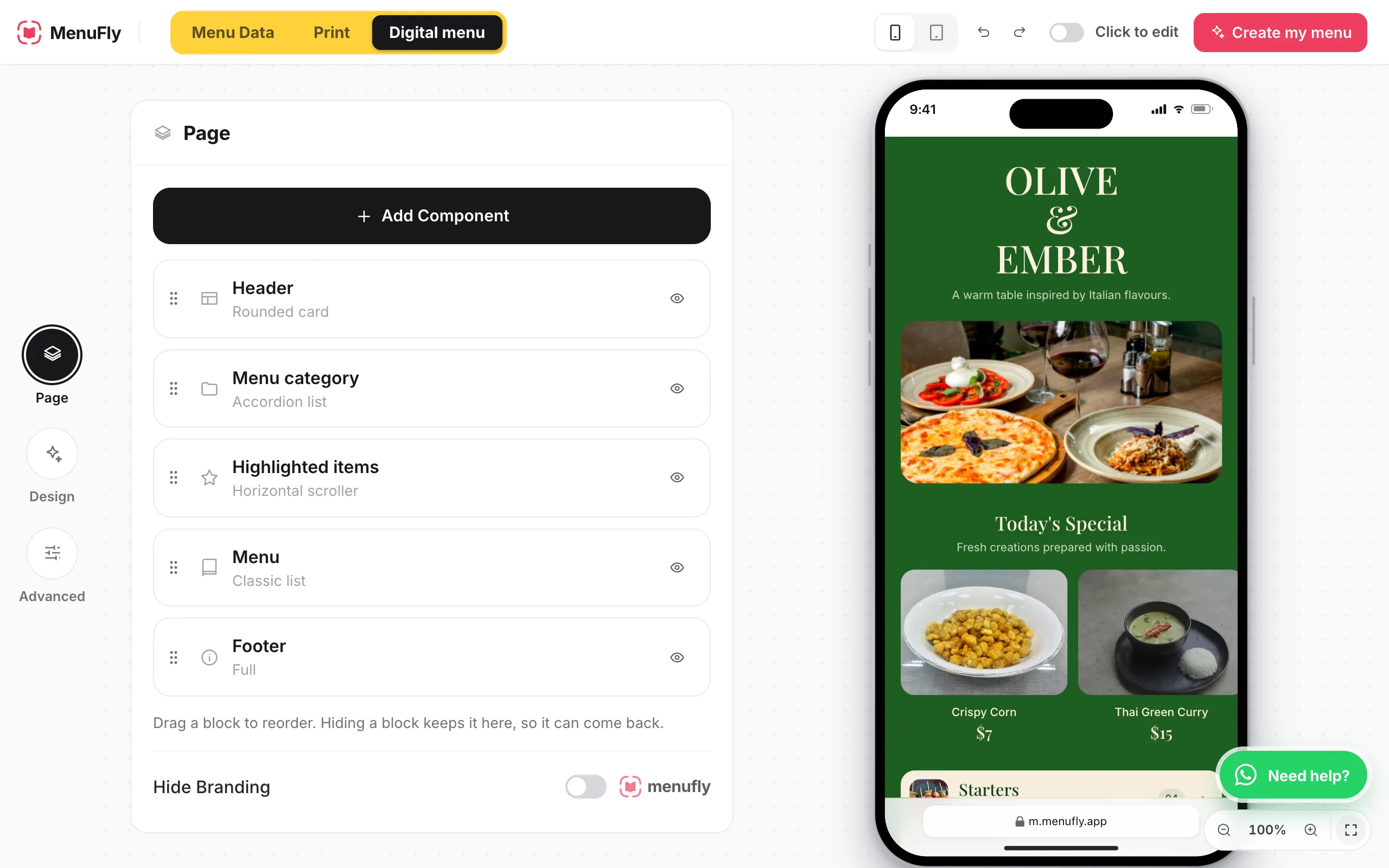
The menu maker opens with a sample menu. No sign-up needed to try it.
Same dishes, different jobs. MenuFly keeps the content in one place; each format still needs its own check.
Changed a price? The digital menu shows it once you publish. Printed copies don’t change, so export and print a fresh PDF when it matters.
No format suits every restaurant. Match it to your menu length and how guests order.
| Format | Strength | Suits |
|---|---|---|
| Single-page | Everything at a glance | Cafés, food trucks, menus under 30 items |
| Two-page or folded | Food one side, drinks the other | Casual dining, bistros |
| Multi-page | Room for long menus and photos | Indian, multi-cuisine and family restaurants |
| Booklet | Premium feel, durable binding | Fine dining, hotels, bars |
| Counter menu board | Readable from the queue | Fast food, QSR, juice bars |
| Digital QR menu | Update without reprinting | Any dine-in table, menus that change often |
| Takeaway menu | Compact, travels home with the order | Takeaway counters, cloud kitchens |
Food menu design is how a restaurant arranges its dishes, prices, descriptions, photos and branding so guests can choose quickly. It covers layout, typography and categories, and the format: a printed card, a menu board or a digital QR menu.
Open the MenuFly menu maker, choose a template, add categories, dishes and prices, then customise colours, fonts and photos. Publish it as a digital menu with a QR code, and export a PDF when you need printed copies.
MenuFly has template collections for restaurants, cafés, fast food, Indian restaurants, pizza, bakeries, cloud kitchens and more. Start with the full template collection. The Free plan includes 5 digital menu templates; Starter unlocks 50+ menu and print templates, and Growth and Pro include all 100+.
Yes. The Free plan is ₹0 forever: one menu with up to 50 items, a digital and QR menu, unlimited QR scans, 5 digital menu templates and a basic A4 PDF export, with MenuFly branding. Print templates and A5 PDFs start on Starter; Letter, booklet and print-ready PDF exports are on Growth. See pricing.
Your restaurant name and logo, clear categories, dish names, prices and short descriptions. Add portion sizes, veg or non-veg marks, allergen notes and spice levels where relevant, plus service hours and contact details on printed menus.
It depends on menu length and table space. A4 suits full restaurant menus, A5 suits cafés and short menus, and a tall 5.2 × 11 in card fits narrow tables. The MenuFly menu maker has A4, A5, A3, US Letter, 8 × 8 in and 5.2 × 11 in page sizes; which sizes you can export depends on your plan.
Use two fonts at most, keep prices in one consistent format, choose a few high-quality photos and leave space between sections. Test the layout with your longest dish name, then proofread every price.
Yes. In MenuFly the digital menu and the print design use the same menu content, so you update dishes and prices once. The digital menu changes when you publish; for printed copies, export a fresh PDF after changes and check it before printing.
Yes. Use a layout that puts combos above single items and attaches add-ons to the item. See fast food menu templates for counter and delivery designs.
Yes. You can add allergen information and tags such as veg, vegan, gluten-free, contains dairy, contains nuts and spicy to menu items. MenuFly doesn’t detect allergens; you are responsible for verifying ingredients, preparation and cross-contact before you publish.
Yes. MenuFly lets you add dish names and descriptions in a local language, such as Marathi or Hindi, alongside a common language like English. You write both versions; MenuFly doesn’t translate automatically.
Yes, on the digital menu. Set a time window on a category, such as breakfast from 7:00 to 11:00, and it shows on the QR menu during that window. Check your time zone and test at different times. Schedules don’t change printed menus or exported PDFs. See also breakfast menu templates.
Browse all 16 template collections side by side.
Read moreEgg builds, brunch and time windows for mornings.
Read morePricing, layout and menu engineering in depth.
Read morePage sizes and export options for printed menus.
Read moreChoose a template, organise your dishes, customise the design, publish the digital menu and export a print-ready PDF.
Free plan includes a QR menu and basic A4 PDF · No credit card required
See how much you can save on restaurant menu printing.
The price you pay your local print shop (design + printing). Typical rate: about ₹600 per menu.