On your guests’ phones
- ✓Updated when you save, without reprinting the QR code
- ✓Photos, descriptions and allergens for every dish
- ✓A fast web page, not a PDF guests have to zoom into
Write your carte once. Guests scan a QR code and read it on their phone, and you export a clean PDF for the printed menus on your tables. When a dish changes price, you update it online instead of redesigning the whole carte.
15+Built by a design team with 15+ years of experience in restaurant menus, print and branding.
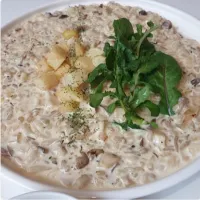
Crème de parmesan, champignons de Paris, persil plat
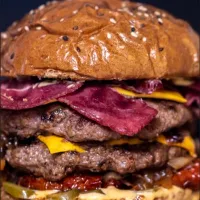
Bœuf charolais, cheddar affiné, oignons confits, frites
Légumes du marché, sauce chimichurri, boulgour aux herbes
Enter your dishes, descriptions and euro prices once in MenuFly. The online menu updates as soon as you save, and you export a new PDF whenever it is time to reprint.
Riz carnaroli, cèpes poêlés, parmesan 24 mois, huile de persil.
Copies you have already printed do not change by themselves: when prices change, export the new PDF and reprint when it suits you.
A carte changes more often than people think. Here is what MenuFly changes in practice.
“Butter has gone up again.”
Change the price of that dish in seconds. The QR code stays the same and guests see the right price.
“New dish on the ardoise today.”
Add it with a photo and a description, or feature it as the suggestion du jour at the top of the menu.
“No sea bream today, the supplier didn’t deliver.”
Mark the dish as sold out, so your servers don’t have to announce it at every table.
“Time for the autumn carte.”
Swap the seasonal dishes without starting again: the layout, categories and design stay in place.
“Guests want to see the menu on their phone.”
A QR code on the table opens your carte instantly, with no app and no download.
“I still want a beautiful printed carte.”
Export a polished PDF for print, with exactly the same carte as online.
“Our dish names are long.”
Long names and descriptions wrap cleanly and stay easy to read on a phone.
“I don’t have photos of my dishes yet.”
Start with MenuFly’s image library (Starter plan and up), then replace the pictures with your own photos.
For your guests it takes three steps. For you, it is a carte that is always up to date.

On a table stand, a sticker or the printed carte itself. The phone camera is all they need.
A light web page that reads without zooming. No app, no account.
Crème de parmesan, champignons de Paris, persil plat
Bœuf charolais, cheddar affiné, oignons confits, frites
Entrées, plats, desserts and the carte des vins, with photos, descriptions, allergens and prices in euros.
The demo menu shows prices in dollars; yours can show euros.
Pick a starting point, then replace the content with your dishes, prices and colours.
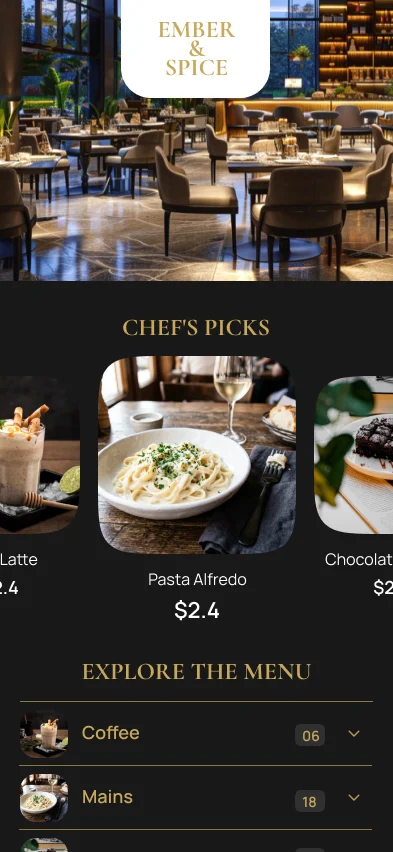
A dark background, gold serif headings and the chef’s picks up front. Made for an evening carte.
View template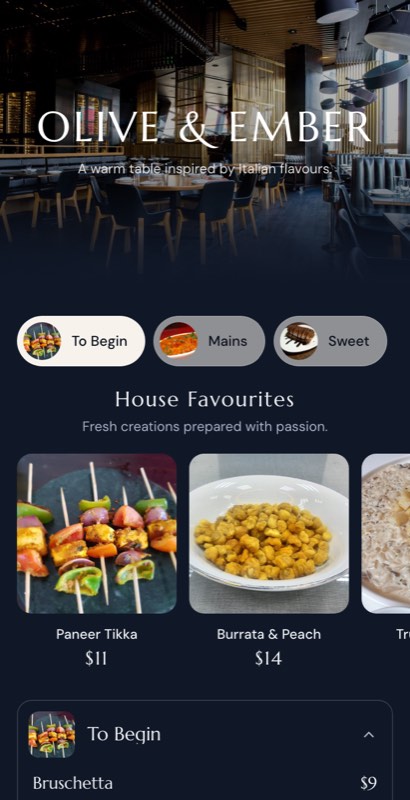
A full-screen photo cover, round photo category chips and a carousel of house favourites on midnight blue.
View template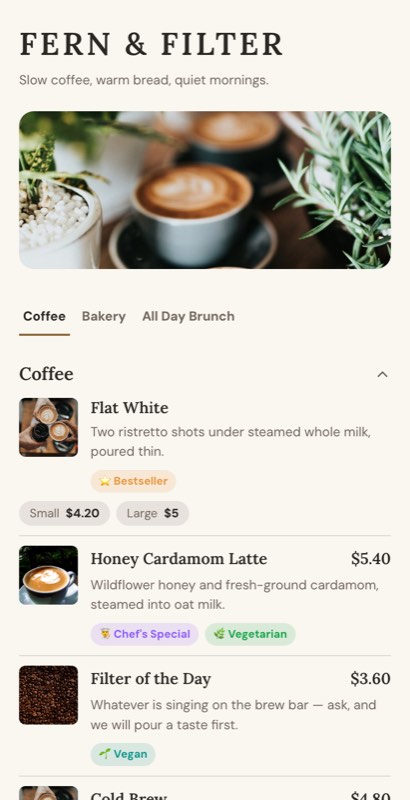
A warm neighbourhood café: a photo banner, category tabs and price rows that are easy to edit.
View template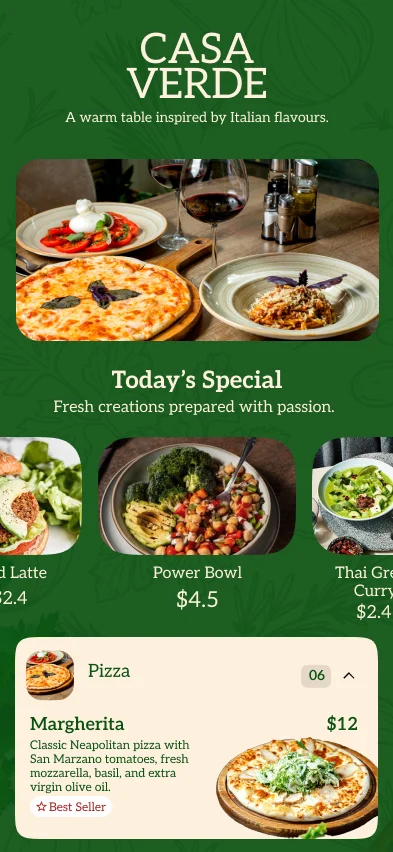
Forest green with a serif wordmark, a large hero dish photo and a generous pizza section.
View template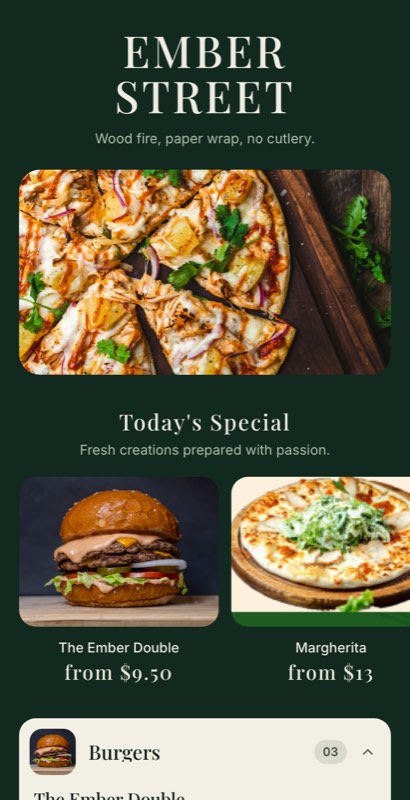
Wood-fired mood in dark, classic tones, designed around a pizza menu.
View template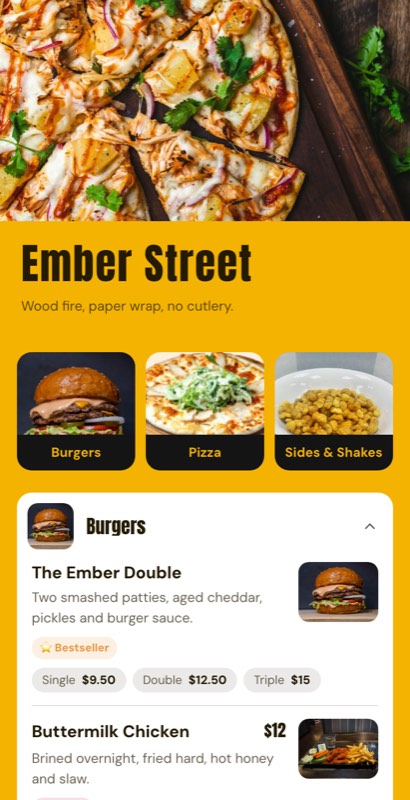
Bold colour blocks and strong type for a burger menu guests read at a glance.
View template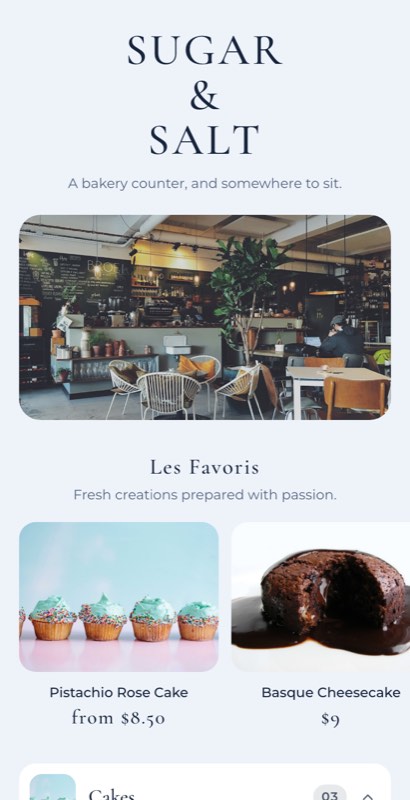
A refined style for viennoiseries, cakes and hot drinks.
View template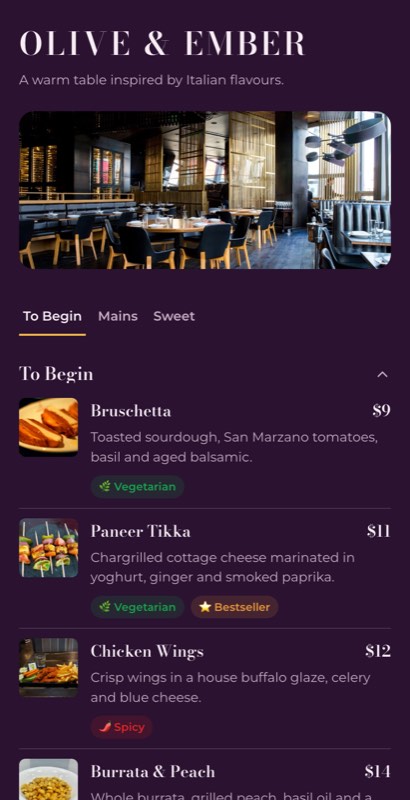
List-first layout, ideal for wine by the glass and by the bottle.
View template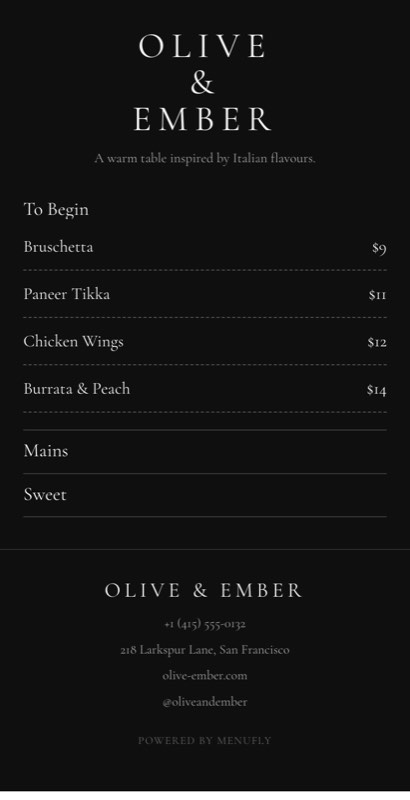
Black and minimal with light serif headings, for a hotel restaurant or lounge.
View templateTemplates open in the MenuFly editor with a sample menu in English and dollars. Replace the dishes, text and currency with your own.
A good menu is more than a list of dishes and prices. These are the details you control in MenuFly.
Your logo, colours and restaurant name at the top of the menu.
Guests move from entrées to desserts with one tap.
Even long dish names stay readable and neatly aligned on a phone.
One photo per dish, so guests are hungry before they order.
Several prices for one item: by the glass or by the bottle.
Clear markers for every diet.
Today’s dish at the top of the menu, changed every morning.
Show the allergens in each dish and answer questions before they are asked.
A short clip of a dish: a pizza leaving the oven, a sauce being poured.
Highlight the dishes your restaurant is known for.
Breakfast, lunch and dinner menus that switch by time of day.
Dish sold out? Mark it in one click.
Your logo in the centre of the QR code, for table stands and stickers.
A4 export included; A5, booklet and 300 DPI on paid plans.
Match the menu to your dining room and your brand.
Some features depend on your plan; the Starter and Growth labels mark the main ones. Full details are on the pricing page.
| What matters | Digital menu (QR code) | Printed carte |
|---|---|---|
| Changing a price | Edited online, visible straight away | Needs a new print run |
| Access | By QR code, on the guest’s own phone | At the table, passed from hand to hand |
| Photos and videos | A photo or video for every dish | A few photos, limited space |
| At the table | Practical and always up to date | The classic moment of opening the carte |
| Branding | Your colours and logo | Paper, finish and binding: something guests hold |
| Guests who prefer paper | Less suited | Ideal |
| Cost of an update | No reprint | A reprint for every significant change |
With MenuFly, you don’t have to choose between a digital menu and a professionally designed printed carte.
Many guests still like to hold a carte. MenuFly lays out the same content for print and exports it as a PDF.
Send the PDF to your usual printer or print it in-house. When the carte changes, simply export a new version.
No designer and no technical skills needed.
Name, logo and contact details. A free account is enough to start.
Entrées, plats, desserts, wines: name, description, price, photo and allergens.
Choose a template, your colours and the dishes to feature.
Print it on table stands, stickers or the carte itself.
Need a printed version? From the same menu, pick a print template and a size, then export the PDF.
Every kind of French restaurant works differently. Here is how MenuFly fits.
Plat du jour, formule déjeuner, the ardoise: change them every morning without rewriting the whole carte.
Restaurant menu templates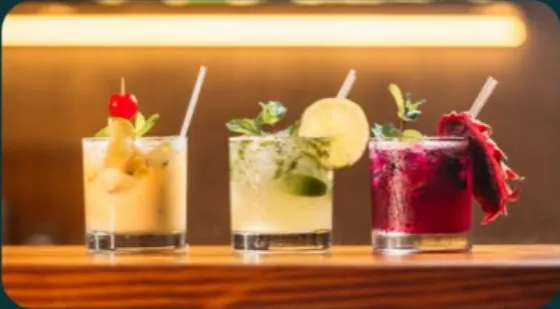
Beer on tap, wine by the glass and cocktails: several prices per drink and a menu that is easy to browse at the bar.
Bar menu templates
Hot drinks, pastries and weekend brunch, with short categories and photos that sell.
Café menu templatesViennoiseries, cakes and lunchtime formules: a menu for the counter and a QR code in the window.
Bakery menu templatesTasting menus, wine pairings and detailed descriptions in a calm layout that gives every dish room.
Fine dining templatesMenuFly is built by a design team that has spent more than 15 years creating menus, printed materials and branding for restaurants, and has designed and printed more than 2,000 menus. That experience is built into every template.
Where the dishes that matter go, how to group categories and how many dishes each section can hold.
Sizes and contrast chosen for reading at the table and on a phone.
Photo framing, where the price sits, and descriptions that sell without overdoing it.
Bleed, margins and sizes: PDFs that printers accept first time.
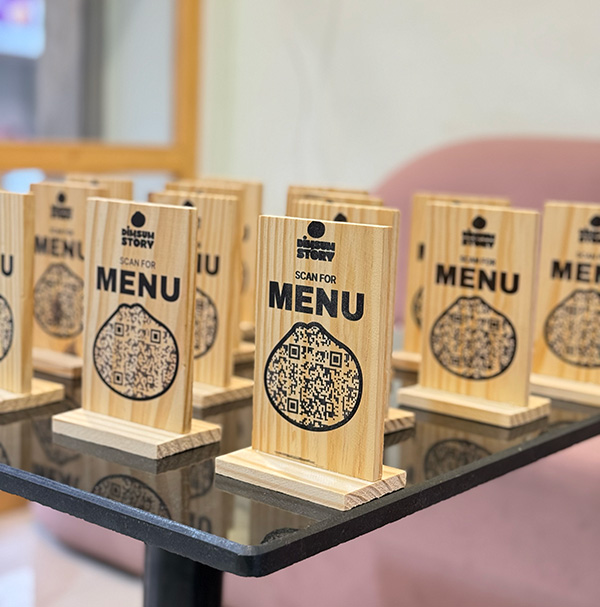
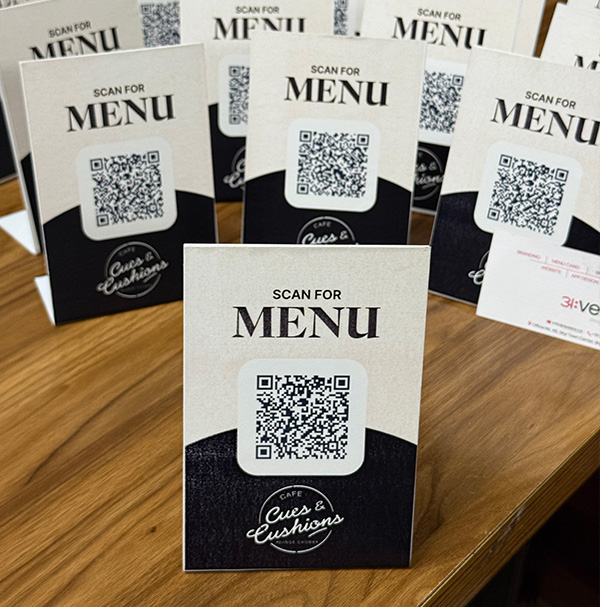
It is your menu as a web page: guests open it on their phone by scanning a QR code or following a link. Unlike a PDF, it fits the screen, shows photos and allergens, and updates as soon as you change a dish.
Create a free account, add your categories and dishes, choose a template and publish. MenuFly generates the QR code for your menu, ready to print on table stands, stickers or your printed carte.
Yes. The templates handle the layout: you enter the content and choose your colours. Everything works in the browser, with nothing to install.
Yes, as often as you need. The QR code does not change, so guests always see the latest version of your carte.
Yes, you choose the currency shown on your menu.
Yes, one photo per dish, and even a short video. No photos yet? Paid plans include a food image library you can use until you have your own.
Yes. An A4 PDF is included in the free plan. A5 is available from the Starter plan, and booklets and high-resolution 300 DPI export come with the Growth plan.
That is exactly the idea: one set of content, two formats. You update the online menu and export a new PDF when you want to reprint. Copies already printed do not change by themselves, of course.
Yes. It opens in the browser of any recent smartphone, iPhone or Android, with no app to download.
Yes. You type your dishes, descriptions and categories yourself, so your carte can be entirely in French, or in any other language. Each menu shows one language today: to offer an English version for visitors, create a second menu (the Growth plan includes three).
Not yet: the editor is in English. What your guests see (dish names, descriptions, categories) is the text you enter, so it can be in French.
Yes. The free plan lets you publish one menu with up to 50 dishes, unlimited QR scans and A4 PDF export, with no card needed. Paid plans add more dishes, templates and print sizes.
Digital menu, QR code menu, professional templates and a print-ready PDF, all from one carte you can change whenever you like.
Free plan · No card needed · Unlimited QR scans